




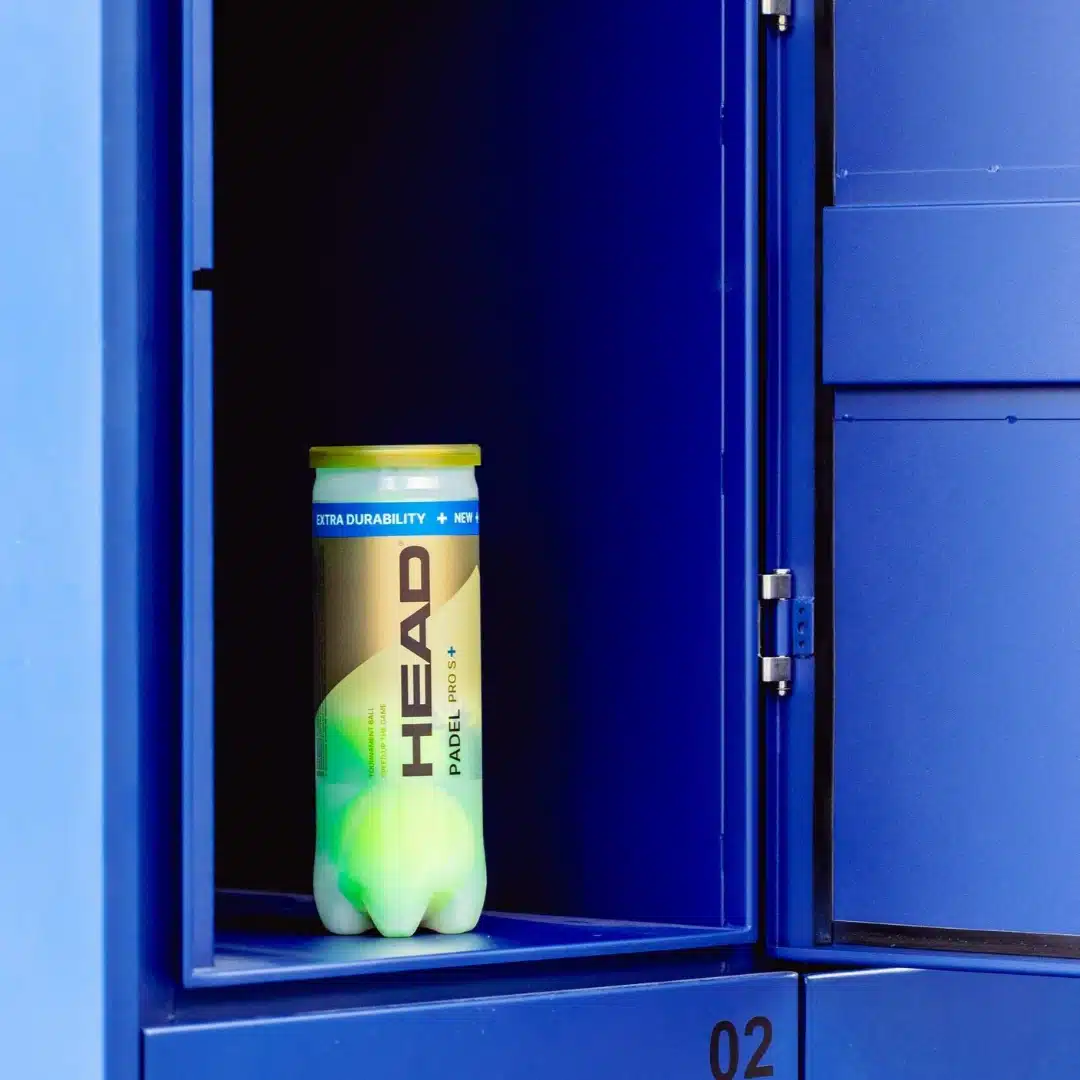
Smart Asset Locker Automation for Equipment Management
Manual equipment rental desks create delays, staffing pressure, and limited visibility over asset usage. As demand increases, these systems struggle to scale — leading to queues, errors, and lost equipment.
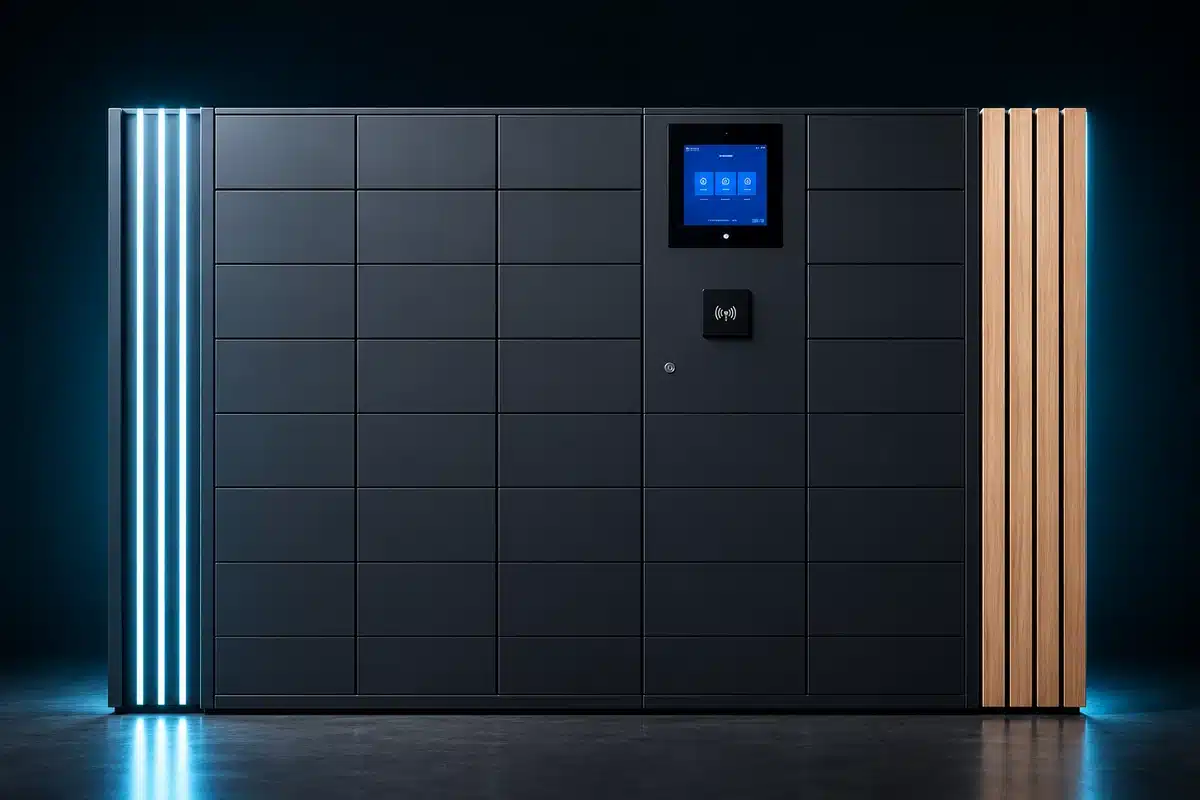
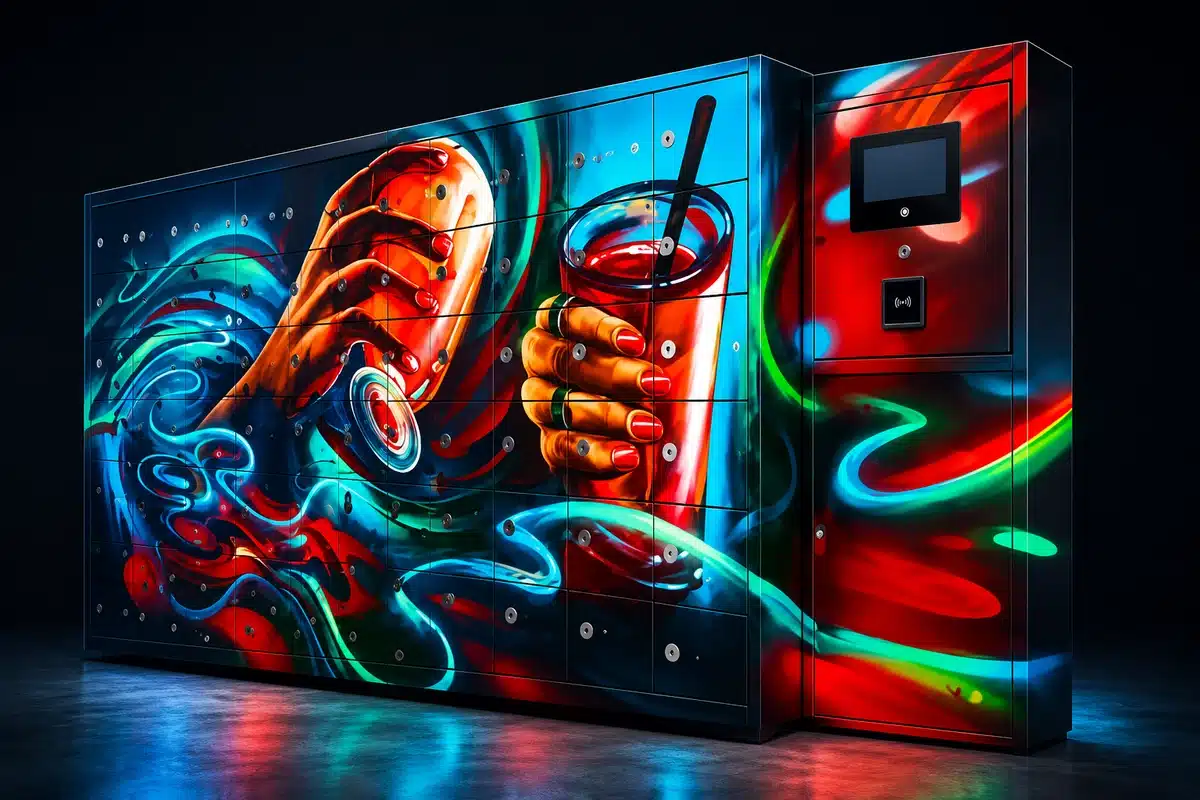
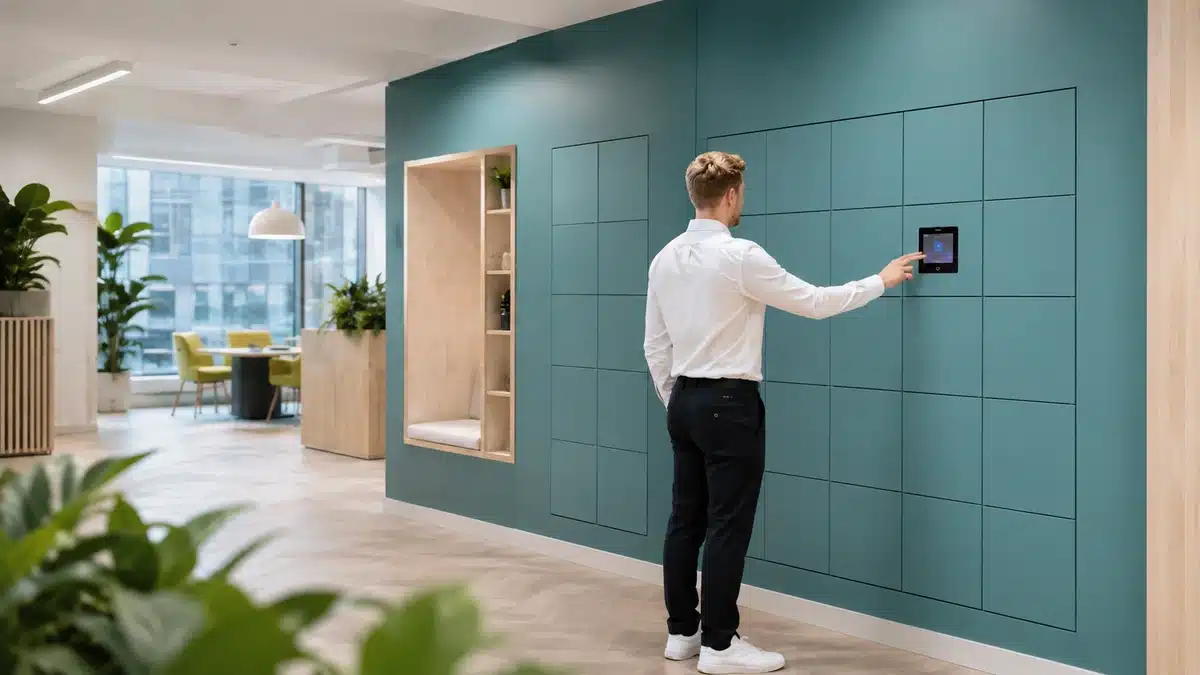
This video shows how smart locker systems automate equipment distribution, enabling fast, self-service access with full tracking and accountability. From rackets and tools to uniforms and devices, see how locker-based systems transform equipment handling into a controlled, scalable operation.
Equipment Rental Desk vs Locker-Based Systems — Quick Comparison
Equipment Rental Desk (Manual)
Locker-Based Systems (Automated)
Equipment Rental Desk vs Locker-Based Systems (Full Comparison)
Speed, queues, and operational efficiency
Staffing impact, tracking, and control
Scalability, access, and long-term performance
Equipment Rental Desk (Staff-Managed)
How Equipment Rental Desks Work
Typical Workflow
- Customer requests equipment
- Staff locate item
- Manual check-out process
- Return handled manually
Common Problems
- Queues during peak times
- Staff delays
- Misplaced equipment
- Lack of tracking
How Locker-Based Systems Work
Typical Workflow
- Item placed in locker
- User receives access code
- User collects independently
- Return tracked digitally
Key Benefits
- No staff required
- Instant access
- Automated tracking
Speed & Queue Impact
Rental Desk
- 30–90 sec per interaction
- Queues form at peak
- Staff become bottleneck
See how locker-based systems eliminate queues and maintain continuous flow during peak demand.
Locker System
- 5–10 sec access
- No queues
- Continuous flow
Staffing Requirements
Manual Model
- Staff required at all times
- High labour cost
- Training required
Locker Model
- Minimal oversight
- Automated transactions
- Reduced staffing cost
Equipment Tracking & Control
Rental Desk
- Manual logs or spreadsheets
- Limited visibility
- High risk of loss
Locker System
- Digital tracking
- Time-stamped usage
- User accountability
Availability & Access
Rental Desk
- Limited to staffed hours
- Delays during busy periods
Locker System
- 24/7 access
- No dependency on staff
Error & Loss Reduction
Manual Systems
- Items misplaced
- Incorrect handovers
- Disputes
Locker Systems
- Controlled access
- Clear audit trail
- Reduced disputes
User Experience
Rental Desk
- Waiting in line
- Dependent on staff
- Inconsistent service
Locker System
- Instant access
- Self-service
- Predictable experience
Real-World Example- Busy Leisure or Padel Facility
Rental Desk
- Players queue for equipment
- Staff manage requests
- Delays between sessions
Locker System
- Players collect equipment instantly
- No staff involvement
- Smooth session transitions
When to Use Each Model
Use Rental Desks If:
- Very low volume
- Limited equipment
- No automation capability
Use Locker Systems If:
- High usage environments
- Need for tracking
- Want to reduce staffing
- Require 24/7 access
The Strategic Difference
Rental desks rely on manual service points
Locker systems operate as automated infrastructure
Manual processes create dependency on staff
Automated systems enable self-service and control
This is the difference between managing equipment and truly controlling it
Final Verdict
Equipment rental desks:
- Simple but inefficient
Locker-based systems:
- Scalable, efficient, and controlled
For modern operations, locker systems are the clear upgrade –
turning equipment management into a streamlined, automated process.
Explore
asset locker systems
for secure, automated equipment storage and management.