







Why Device Availability Issues Break at Scale
Devices are critical to modern operations.
From laptops and tablets to scanners, radios, and specialist equipment — work depends on them being:
Available, accessible, and ready to use.
At small scale, this works.
At large scale, it breaks.
Teams begin to experience:
- Devices that are “in use” but cannot be found
- Equipment shortages despite high inventory
- Delays waiting for access
- Duplicate purchasing
The problem is not lack of devices. It’s lack of control.
What Are Device Availability Issues?
Device availability issues occur when:
- Devices exist within the organisation
- But users cannot access them when needed
This creates a gap between:
Inventory vs actual usable availability
Common environments affected:
- Corporate workplaces
- Hospitals and healthcare
- Warehousing and logistics
- Field service operations
- Education and shared IT environments
Why Device Availability Breaks at Scale
1. No Real-Time Visibility of Devices
Most organisations cannot answer:
- Where is the device right now?
- Who is using it?
- When will it be returned?
Without this:
- Devices appear “lost”
- Availability becomes unpredictable
- Teams waste time searching
If you can’t see your assets, you can’t use them efficiently.
2. Devices Are Stored in Unstructured Locations
Devices are often kept in:
- Drawers
- Lockable cupboards
- IT rooms
- Desks or shared spaces
At scale, this leads to:
- Devices being misplaced
- Inconsistent storage behaviour
- Time lost locating equipment
3. No Control Over Access
Without controlled access:
- Anyone can take a device
- Devices are not returned properly
- Usage is not tracked
This creates:
- Uncertainty over availability
- Increased loss and misuse
4. Shared Device Environments Create Conflict
In shared environments:
- Multiple users need the same devices
- Demand spikes at certain times
- No prioritisation or allocation
This results in:
- Teams waiting for devices
- Operational delays
- Frustration across departments
5. Manual Tracking Systems Fail
Spreadsheets and sign-out logs:
- Are not updated in real time
- Depend on user compliance
- Quickly become inaccurate
This leads to:
- Devices shown as available but missing
- Incorrect assumptions about inventory
- Poor planning
6. Charging and Readiness Are Not Managed
Even when devices are found:
- Batteries may be flat
- Devices may not be ready to use
This adds another layer of delay:
Availability is not just location — it’s readiness.
7. Demand Peaks Expose Weak Systems
During peak usage:
- Multiple users need devices simultaneously
- Availability gaps become critical
- Small inefficiencies multiply
Typical peak moments include:
- Shift changes
- Start of workdays
- High-demand operational periods

The Hidden Cost of Device Availability Issues
Productivity Loss
Increased Capital Spend
Operational Disruption
User Frustration
Why Traditional Fixes Fail
Buy More Devices
- Increases cost
- Does not fix availability
Improve Storage Areas
- Temporary improvement
- Breaks under real usage
Enforce Better Processes
- Depends on human behaviour
- Difficult to maintain at scale
Use Better Tracking Tools
- Improves visibility slightly
- Does not enforce control
The Core Problem: Availability Is Not System-Controlled
Device availability fails because:
There is no system controlling where devices are, who has them, and when they return.
At scale:
- Movement increases
- Users increase
- Complexity increases
Without control:
Availability becomes unpredictable.
The Scalable Solution: Controlled Device Access Systems
To solve availability issues, organisations need:
- Fixed storage locations
- Real-time tracking
- Controlled access
- Device readiness management
Smart Device Locker Systems
Smart lockers turn device availability into a controlled, automated system.
Defined device locations
- Every device has a fixed compartment
- No ambiguity
Real-time availability tracking
- Know exactly where each device is
- Know whether it is available
Secure, controlled access
- Only authorised users can take devices
- Full accountability
Automated logging
- Every interaction recorded
- No reliance on manual processes
Charging integration
- Devices stored and charged
- Always ready for use
Real Operational Impact
With smart device locker systems:
- Device availability becomes predictable
- Retrieval time is reduced
- Asset utilisation increases
- Duplicate purchasing decreases
- Operational efficiency improves
👉 See: /solutions/workplace-smart-lockers/
👉 Compare: /manual-security-handling-vs-automated-storage-systems/
👉 Explore: /integrations/
The Bottom Line: Device availability issues are not caused by lack of equipment.
They are caused by:
Lack of visibility, control, and system structure.
At scale:
- More devices
- More users
- More movement
Without control, availability breaks.
The solution is not more devices. It’s better systems.
How Smart Locker Equipment Access Control Works
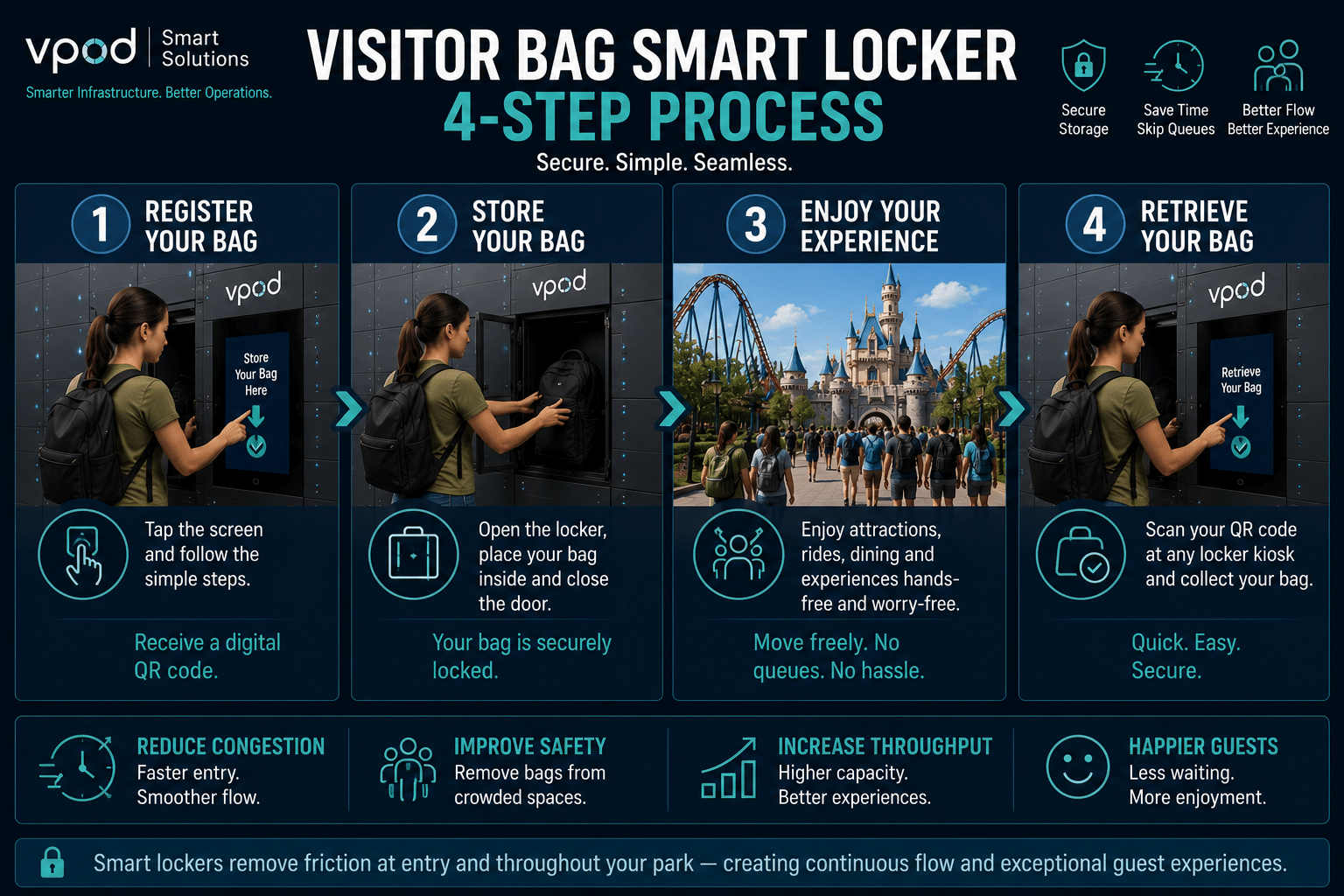
Traditional Asset Room Storage vs Smart Asset Locker Systems




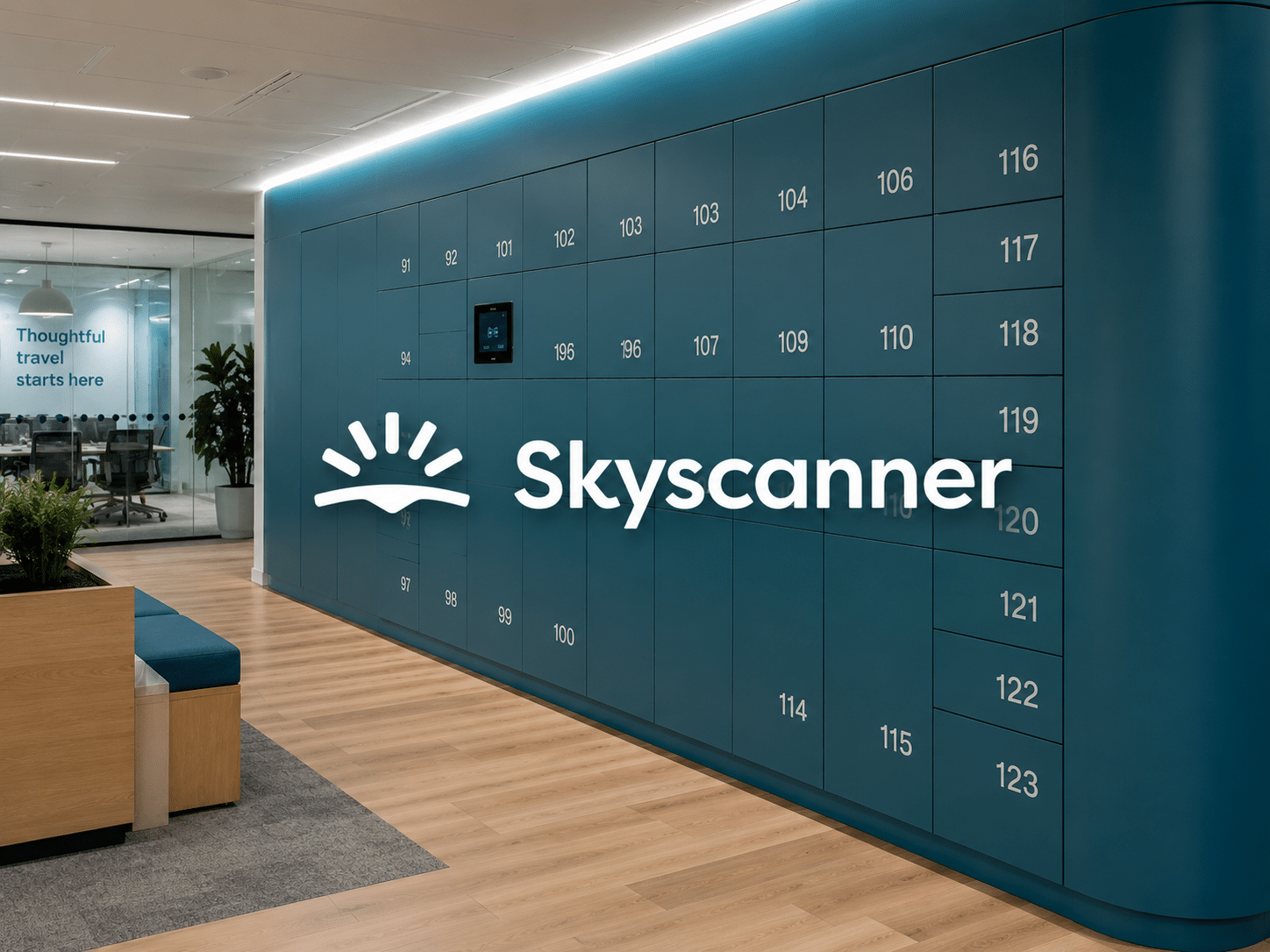
Case Study: Skyscanner
How Skyscanner Eliminated Unauthorised Equipment Access Across Multiple Sites
Skyscanner deployed Vpod smart lockers across its Edinburgh and Glasgow offices to replace uncontrolled, open-access storage. The system introduced verified, identity-based access control — eliminating unauthorised access, reducing administrative burden, and providing real-time visibility across all locations.
Results Include:
- Unauthorised equipment access eliminated
- Verified user access enforced at every locker
- Remote locker management across multiple sites
- Reduced administrative workload for workplace teams
- Improved space utilisation and equipment visibility
- Scalable access control aligned to hybrid working
Who Is most effected Asset / Device Availability?
IT Manager / Head of IT Operations / Facilities Manager / Workplace Manager
IT Manager / Head of IT Operations
Area of Responsibility
Managing the availability, allocation, security, and lifecycle of shared devices across the organisation.
Primary Goals
- Ensure devices are available when employees need them
- Improve utilisation of laptops, tablets, scanners, and mobile devices
- Reduce device loss and misuse
- Maintain accurate asset records
- Support hybrid and flexible working environments
Key Challenges
- Tracking devices across multiple users and locations
- Managing device check-in/check-out processes
- Ensuring devices are charged and ready for use
- Maintaining visibility of asset availability
- Reducing unnecessary device purchases
Pain Points
- Devices shown as available but cannot be found
- Constant requests for additional equipment
- Poor visibility of who has what device
- Manual tracking processes that become inaccurate
- Device shortages during peak demand periods
- Rising costs from duplicate purchases and lost equipment
Why They Buy Smart Device Lockers
To gain real-time visibility, automated tracking, controlled access, and higher utilisation of expensive devices.
Facilities Manager / Workplace Manager
Area of Responsibility
Managing workplace resources, shared equipment, employee services, and operational efficiency.
Primary Goals
- Ensure employees can access devices quickly
- Reduce workplace friction and delays
- Improve accountability for shared equipment
- Reduce manual administration
- Deliver a seamless employee experience
Key Challenges
- Managing shared devices across large teams
- Handling device shortages and availability complaints
- Tracking equipment movement
- Supporting flexible and hybrid working
- Maintaining organised storage areas
Pain Points
- Employees wasting time searching for devices
- Frequent complaints about unavailable equipment
- Lack of visibility over device locations
- Administrative burden of manual sign-out systems
- Devices left in desks, drawers, and meeting rooms
- Difficulty proving accountability when devices go missing
Why They Buy Smart Device Lockers
To eliminate device availability issues, automate administration, improve employee experience, and create a controlled self-service device management system.