








Connected workflows
Smart Locker Integrations
How access control, single sign-on and workplace platforms connect identity, intent and locker activity into one manageable journey.
Integration before technology
A smart locker integration should improve the complete user journey
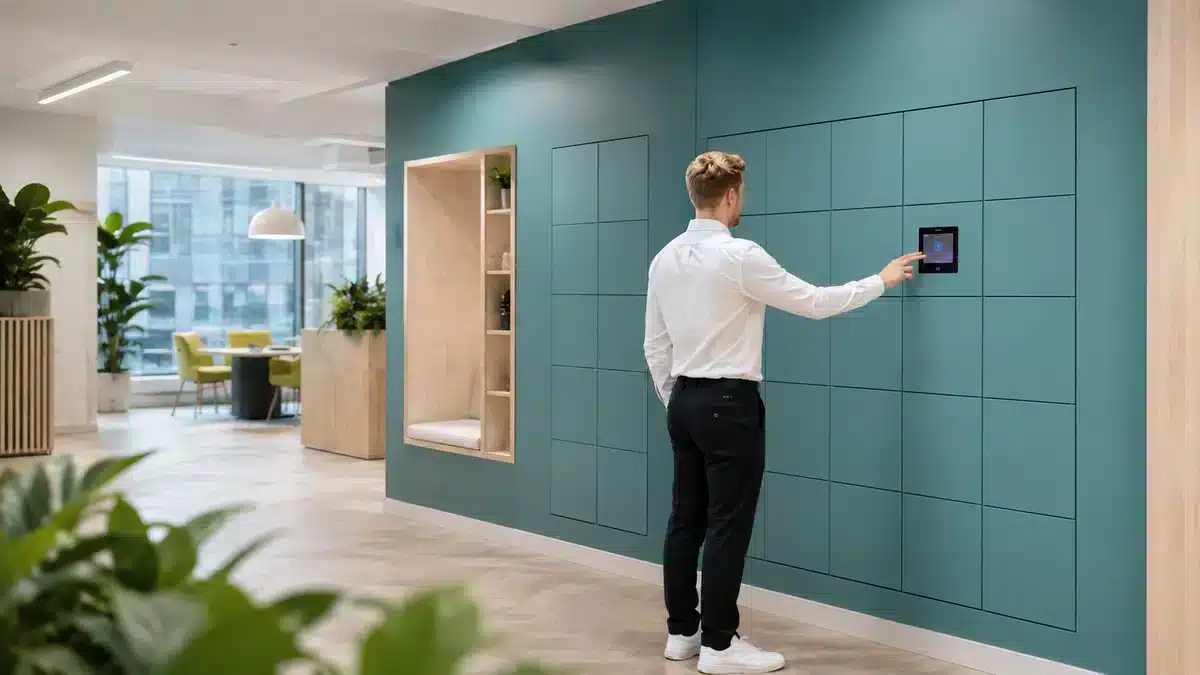
A smart locker can operate independently, but many organisations already hold the information needed to make each transaction simpler: employee identity, building permissions, workplace attendance, service requests, parcel events or visitor bookings.
An integration allows those systems to exchange the right data at the right time. The goal is not connection for its own sake. It is to remove duplicate registration, manual allocation and disconnected reporting while keeping operational responsibility clear.
Define the trigger, user, locker action, credential, status response and exception path before selecting APIs or middleware.
For the complete partner directory, visit the Vpod smart locker integrations hub.
Connected value
What changes when lockers connect to existing systems?
Familiar access
Employees and authorised users can reuse identities, badges or apps they already understand.
Automated allocation
Bookings, service requests or operational events can trigger the correct locker action.
Stronger governance
Locker permissions can follow existing joiner, mover, leaver and access policies.
Returned status
Completion, exceptions and utilisation data can inform the systems and teams around the workflow.
End-to-end integration
Follow the data through six operational stages
Exceptions
Agree what happens when identity fails, no suitable compartment is available, a collection is late or another platform is offline.
Governance
Define data ownership, retention, administrator roles, monitoring and support boundaries across every connected system.
Three different jobs
Access control, SSO and workplace platforms are not interchangeable
Access control
Primary job: connect a physical credential and permitted user to the locker.
Typical data: card identifier, access status, location and event.
Best fit: employees already using building badges or controlled credentials.
Explore access control →Identity and SSO
Primary job: authenticate users and align locker permissions with identity governance.
Typical data: user, group, role, lifecycle and sign-in context.
Best fit: enterprise estates needing central user administration.
Explore identity and SSO →Workplace platforms
Primary job: connect workplace intent—such as a booking or attendance event—to allocation.
Typical data: date, building, zone, booking, team and utilisation.
Best fit: hybrid workplaces coordinating desks, rooms and lockers.
Explore workplace platforms →From data to physical outcome
See where integration changes the experience
1 · Physical access
Access-control integrations reuse trusted credentials
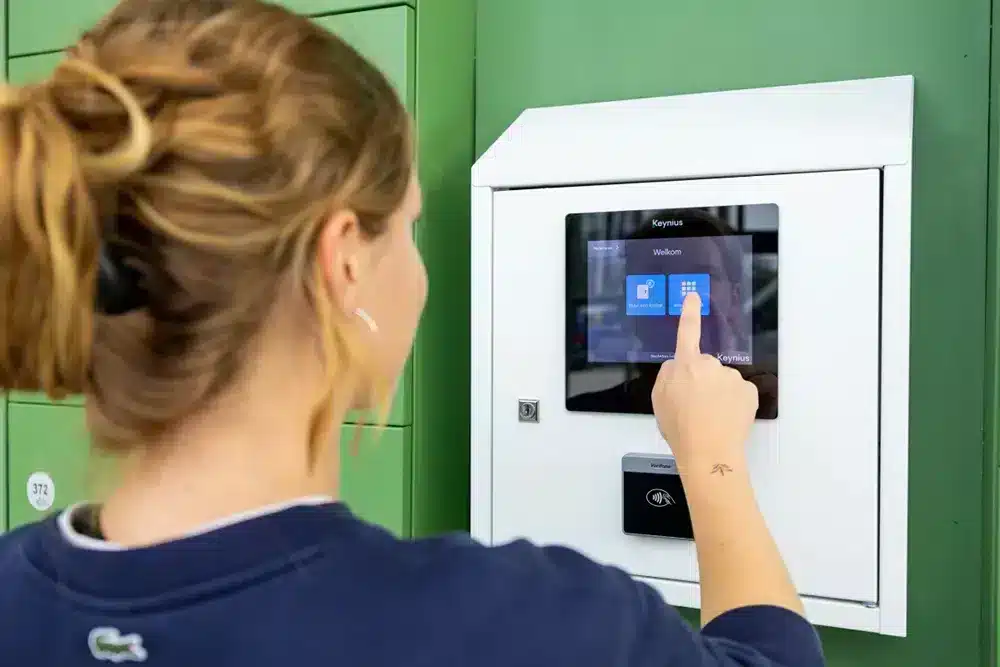
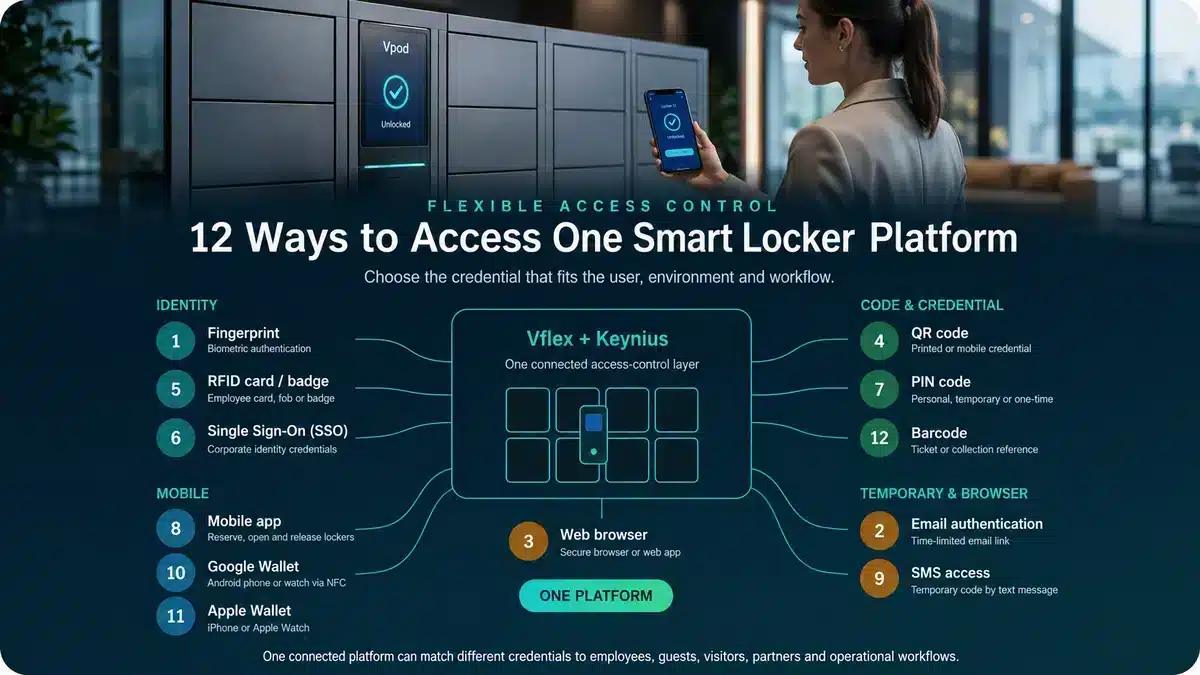
An access-control integration can allow a workplace badge or compatible credential to authenticate a user at the locker. This creates a familiar experience and can reduce the administration of separate locker cards.
The design must distinguish building access from locker permission. Entry to a site does not automatically mean a person should open every locker. Define which system decides eligibility, how credentials are mapped, when access expires and which events are retained.
2 · Digital identity
SSO connects locker access to identity governance
Single sign-on allows users to authenticate through an established enterprise identity environment. It can reduce separate passwords and align locker access with existing user groups and security policies.
The larger benefit is lifecycle control. Joiner, mover and leaver processes can inform whether a user remains eligible, which locations or workflows they can use and when permissions should be removed.
Document whether identity, locker software or another platform is authoritative for the user, entitlement, assignment and transaction status.
3 · Workplace orchestration
Turn workplace intent into an appropriate locker action
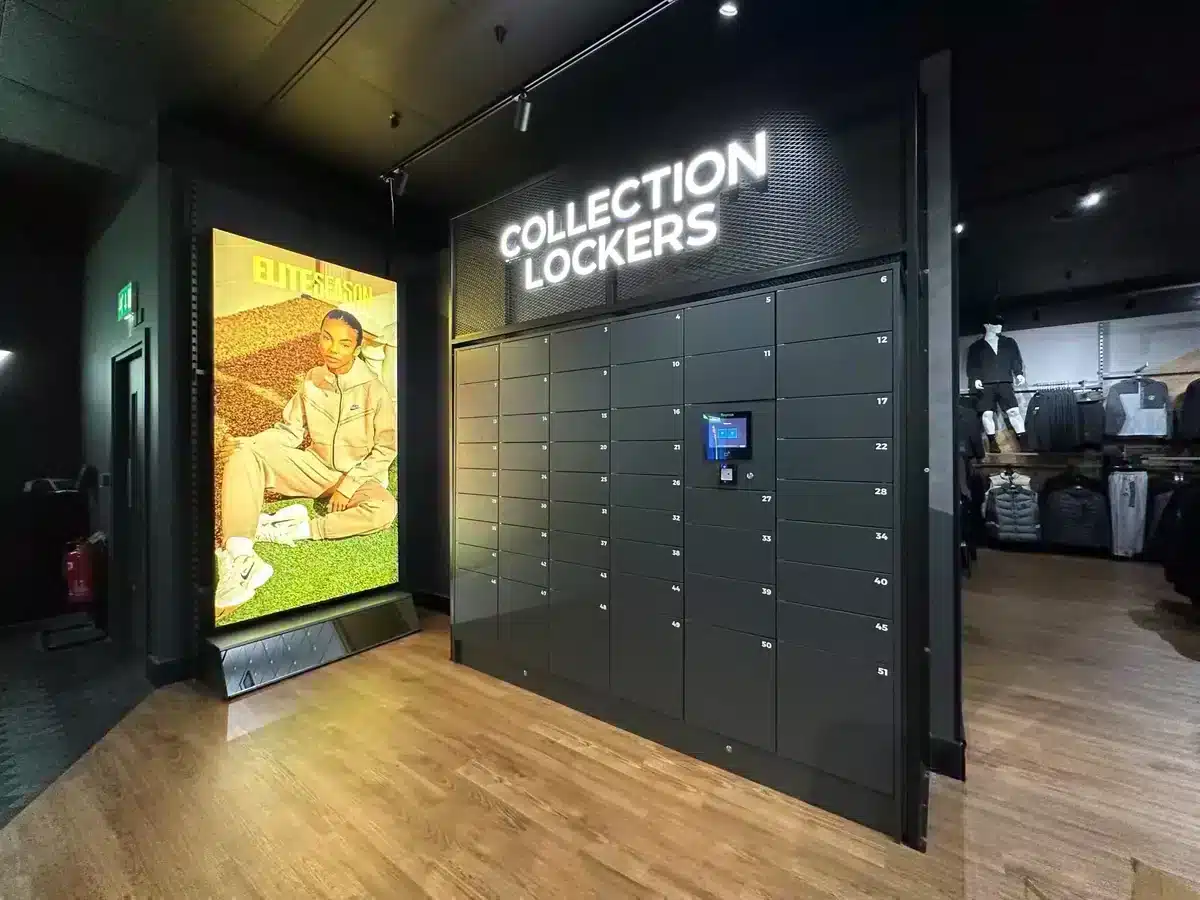
Workplace platforms can provide the context behind allocation: who is attending, which building or zone they booked, when they are expected and which team or accessibility rules apply. The locker platform can then allocate or release a suitable compartment and return status or utilisation information.
Watch the connected journey
Management controls and the user experience

Vflex Smart Lockers: How To Manage
See the management environment behind user access, allocation and locker administration.
Watch video →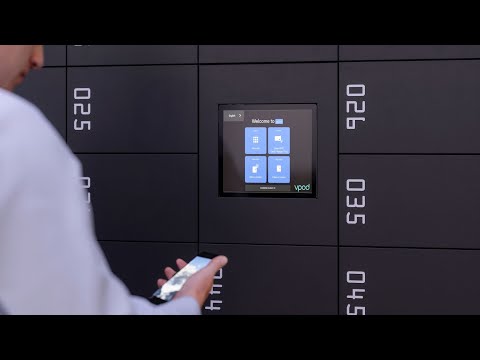
Vflex Smart Lockers: How To Use
See how the connected identity and allocation process becomes a simple locker interaction.
Watch video →Integration brief
Ten questions to resolve before technical design
- 1What event starts the journey?
Booking, sign-in, service request, delivery, payment or another trigger.
- 2Which system owns identity?
Define the authoritative user record and lifecycle.
- 3What determines eligibility?
Role, group, site, booking, item, payment or operational status.
- 4How is the locker selected?
Fixed, user-selected, dynamic or rules-based allocation.
- 5Which credential opens it?
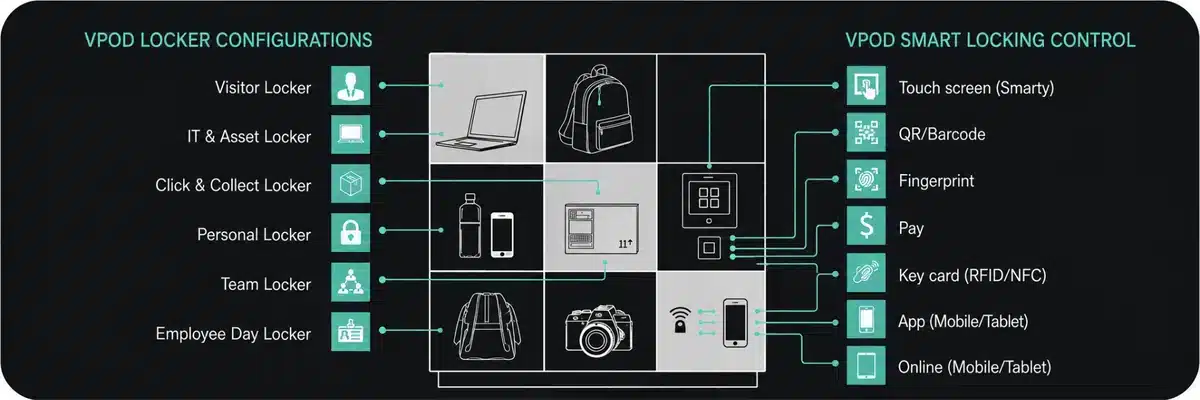
Badge, SSO, QR, PIN, mobile or another approved method.
- 6What data crosses the boundary?
List exact fields, purpose, direction and frequency.
- 7Which status must be returned?
Allocated, opened, collected, returned, overdue or failed.
- 8How are exceptions resolved?
Assign alerts, manual actions and ownership.
- 9How is the integration secured and monitored?
Cover authentication, encryption, logs and support.
- 10How will it be tested and accepted?
Test normal journeys, failures, recovery and reconciliation.
For a wider technical brief, use the smart locker integrations and API requirements guide.
Design the complete journey
Connect Vflex to the systems your users already trust.
Bring the trigger, users, credentials, workflow and status requirements to a Vpod integration specialist.