








Smart locker access guide
RFID, PIN, QR Code or Mobile App?
Compare the four most common smart locker access systems by convenience, security, administration and best-fit workflow.
The short answer
The best access method follows the user journey
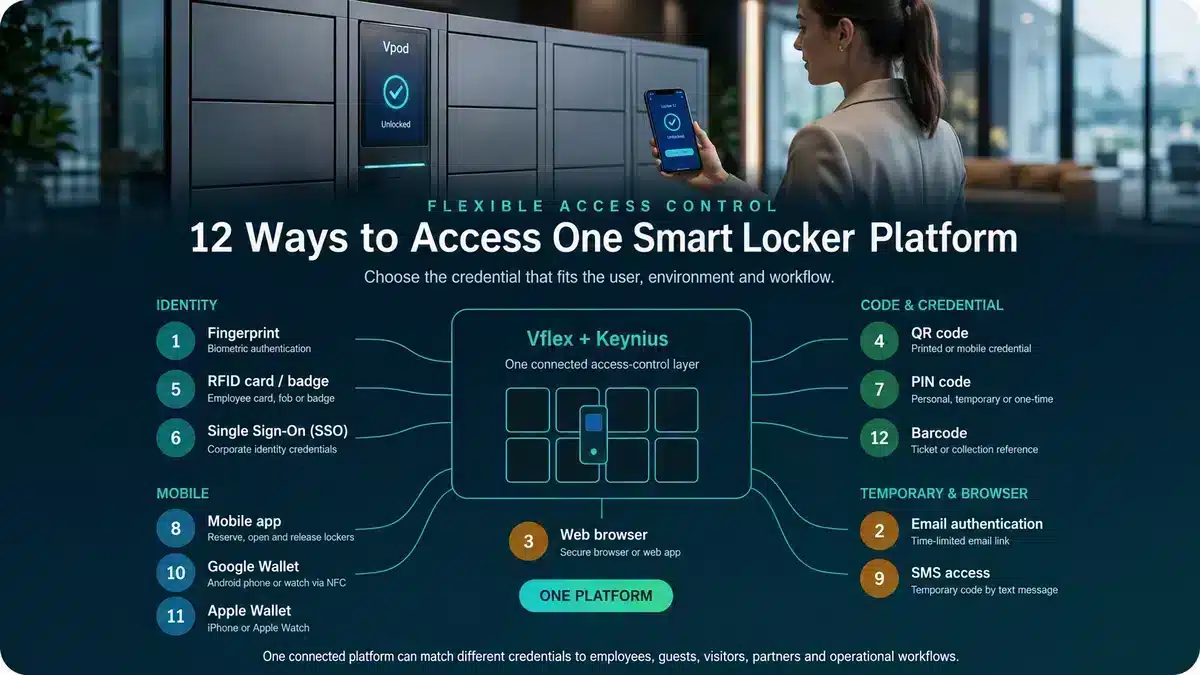
RFID is often the strongest fit for employees with an existing workplace badge. PIN provides simple access without issuing a physical credential. QR codes work well for visitors, parcels, retail collection and time-limited access. A mobile app can combine reservation, opening, release and notifications for regular smartphone users.
The choice should not begin with a reader or device. Define who the user is, how long access should last, what systems already identify them, the security requirement and what happens when their normal credential is unavailable.
Employees, visitors, couriers and customers may need different credentials while using the same connected platform.
Decision table
RFID vs PIN vs QR code vs mobile app
| Method | Best suited to | Main advantage | Important consideration |
|---|---|---|---|
| RFID card or badge | Employees, students and regular authorised users | Fast, familiar tap experience | Card lifecycle and access-control compatibility |
| PIN | Shared, temporary or low-friction access | No physical credential required | Code sharing, expiry and forgotten PIN processes |
| QR code | Visitors, parcels, retail and venue users | Easy time-limited digital distribution | Scanning conditions, screen quality and forwarding risk |
| Mobile app | Regular workplace, hospitality or service users | Can combine booking, access and notifications | App adoption, phone availability and support |
This is a general decision guide. Final suitability depends on identity, security, accessibility, environment and integration requirements.
01 · RFID card or badge
Best for fast access by known users
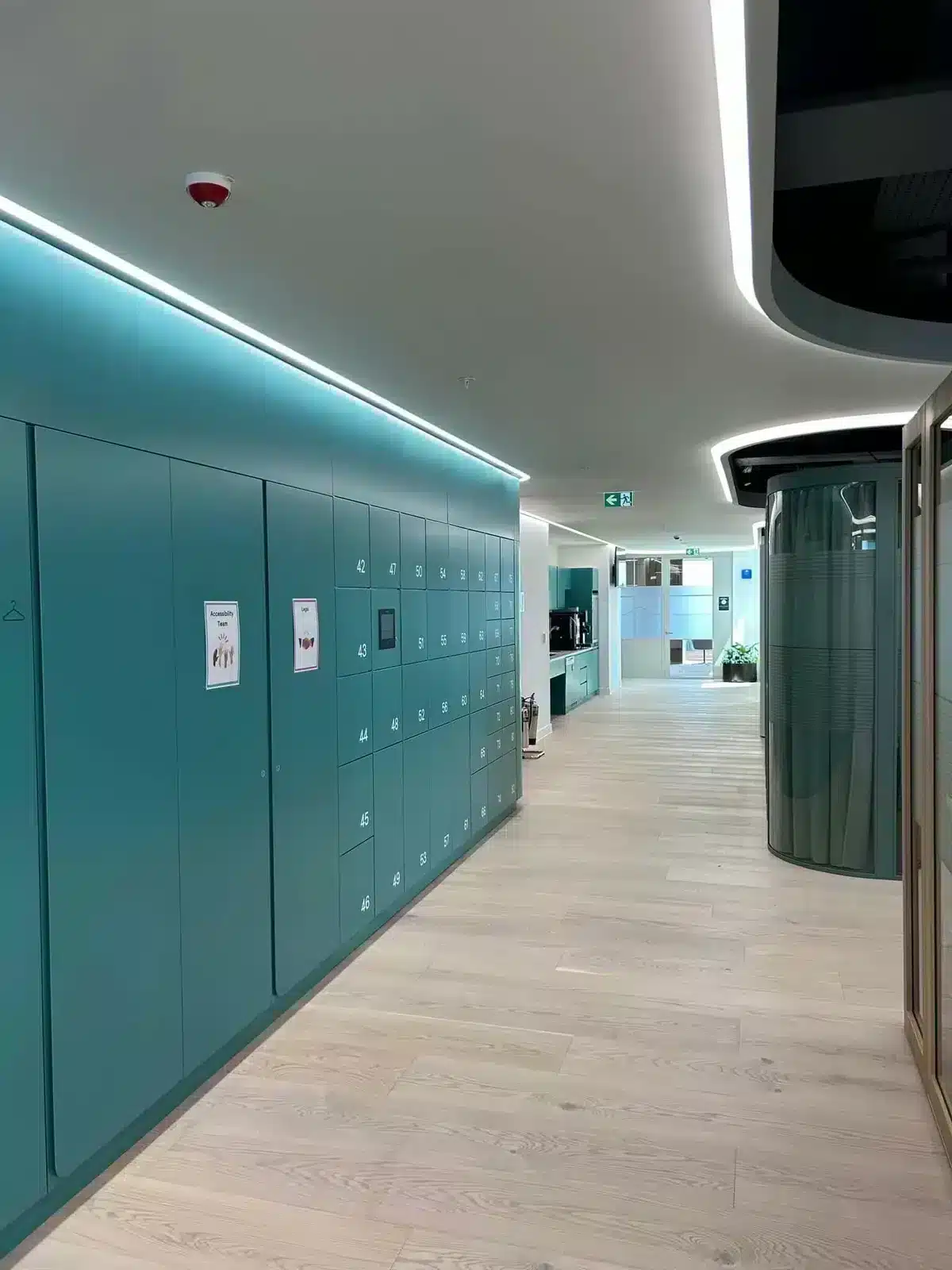
RFID is a natural choice when employees, students or members already carry a compatible workplace badge or fob. The user presents the credential to a reader; the system verifies permission and opens or allocates the appropriate locker.
RFID works well when:
- users attend regularly and already carry a badge;
- the organisation wants a fast, familiar interaction;
- locker permissions should align with access-control or identity processes;
- shared phones or phone restrictions make mobile access unsuitable.
Check before choosing RFID
Confirm reader and card compatibility, credential mapping, lost-card processes, joiner/mover/leaver handling and whether building access and locker permissions are governed separately.
02 · PIN code
Best for straightforward credential-free access
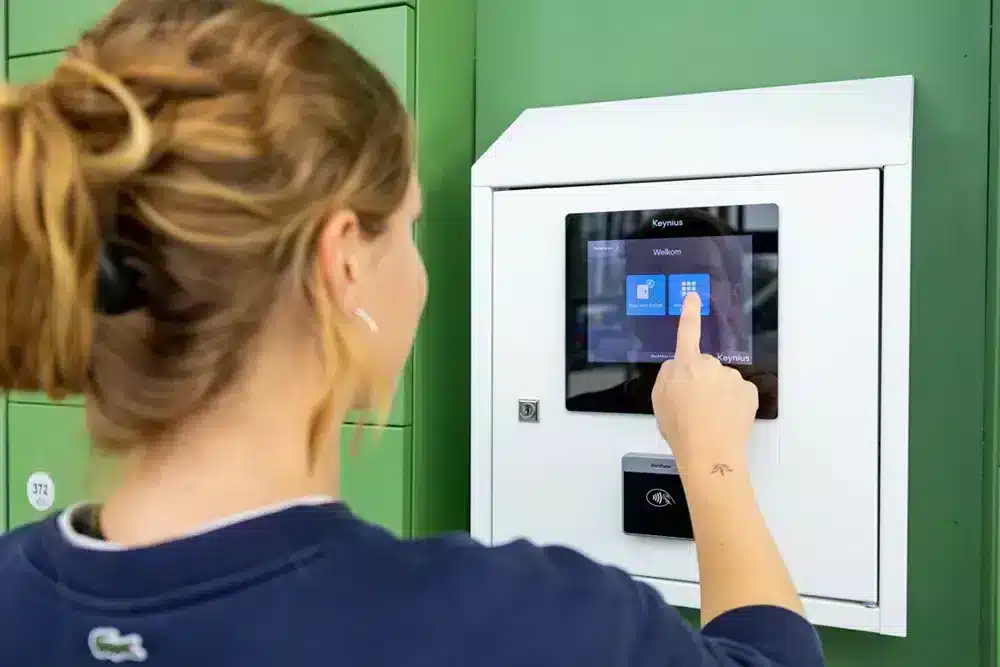
A PIN can be personal, temporary or single-use. It is entered at a keypad or touchscreen and can be linked to a named user, booking or transaction.
PIN access works well when:
- users should not install an app or carry a dedicated credential;
- temporary access needs a simple delivery method;
- the environment supports a clear, accessible input interface;
- codes can expire after use or after an agreed period.
Check before choosing PIN
Define code length, expiry, failed-attempt controls, forgotten-code recovery and how the organisation reduces sharing or observation of reusable codes.
03 · QR code
Best for visitors and transaction-led access
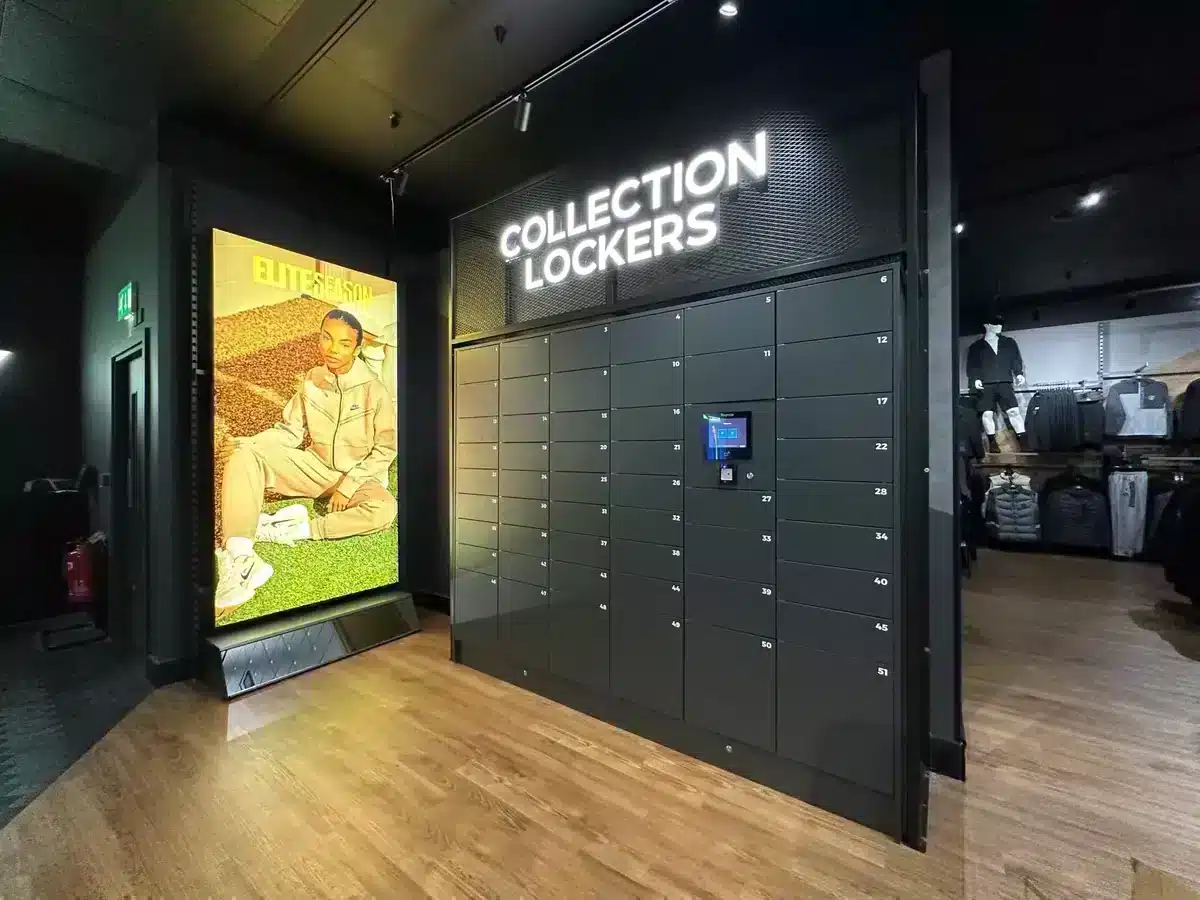
A QR code can be issued through email, SMS, a ticket, an order journey or another connected platform. The user presents the code at the locker, where it is validated against the intended transaction.
QR access works well when:
- users are temporary, external or not pre-enrolled;
- access is linked to a parcel, booking, order or event ticket;
- the credential should expire after collection or a time window;
- printed and mobile versions both need to be supported.
Check before choosing QR
Test screen brightness, damaged printouts, outdoor light, duplicate presentation, forwarding risk and the recovery path when a user cannot retrieve the code.
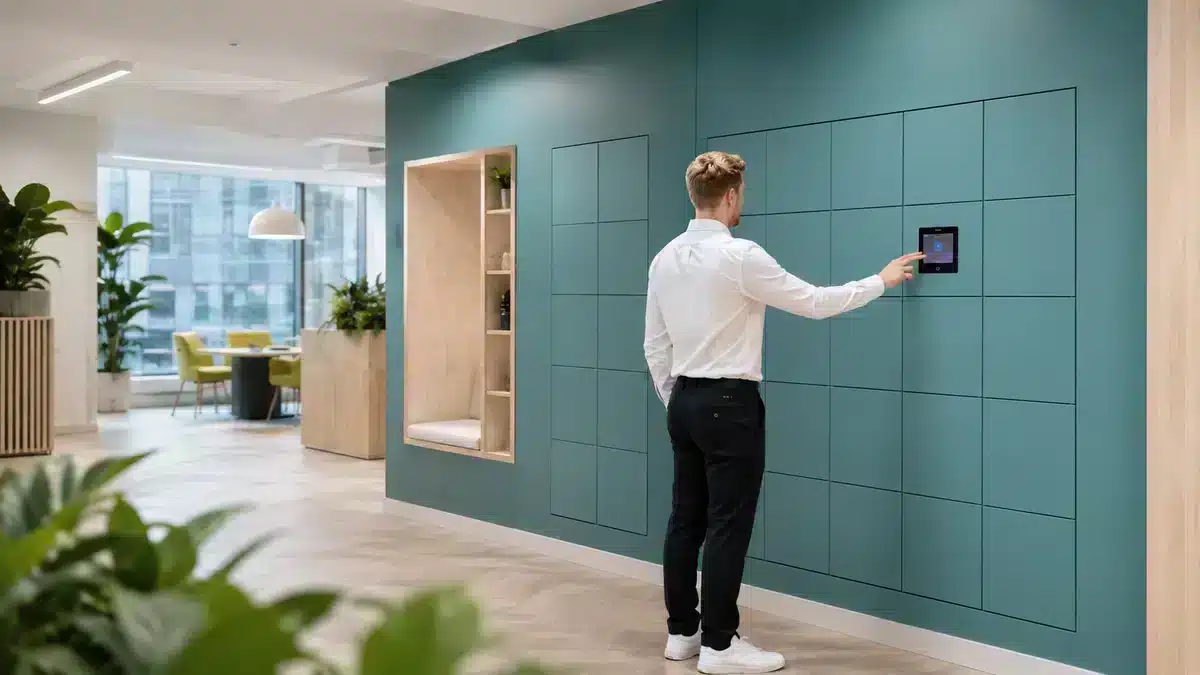
04 · Mobile app
Best for a richer regular-user journey
A mobile application can do more than open a door. Depending on the configuration, users may reserve, select, locate, open and release a locker while receiving reminders or transaction status.
Mobile access works well when:
- users interact regularly and gain value beyond door opening;
- booking or wayfinding forms part of the journey;
- the smartphone is an accepted workplace or customer channel;
- remote allocation and notifications improve convenience.
Check before choosing mobile
Consider app adoption, device compatibility, accessibility, battery or phone loss, mobile-data availability, authentication and support for users without a suitable device.
Mixed populations
Use different credentials on one connected platform
A single access method rarely suits every user. A workplace may use employee badges for staff, QR codes for visitors, PINs for contractors and mobile access for flexible locker reservations.
The software must keep the permission, allocation and audit model consistent even when the credential changes. Explore the Vpod smart locker integrations hub for identity and access-control connections.
Security and inclusion
Evaluate the whole access process—not only the credential
Identity assurance
How confidently does the credential establish the intended user or transaction?
Lifecycle control
How is access issued, changed, expired and revoked?
Accessibility
Can users reach, see, understand and operate the reader or interface?
Continuity
What happens when a badge, code, phone, reader or network is unavailable?
Privacy
Which personal data and events are stored, for how long and for what purpose?
Administration
Who resolves failed access, lost credentials and exceptional opening?
For a wider assessment, review smart locker security, data protection and access control.
Watch the user journey
See Vflex smart locker access in action
Watch how a digital credential, locker allocation and physical door interaction combine in a simple self-service journey.
Watch on YouTube
Selection framework
Eight questions that identify the best access method
- 1Who needs access?
Employees, visitors, couriers, customers or mixed populations.
- 2How long should access last?
Permanent, repeated, booked, temporary or single-use.
- 3How are users already identified?
Badge, enterprise identity, order, booking, ticket or mobile account.
- 4What is the security requirement?
Match assurance and controls to the contents and environment.
- 5What must work without a phone?
Plan for battery, device, signal and user-accessibility constraints.
- 6Which systems must connect?
Identity, access control, workplace, parcel, retail or payment.
- 7How will exceptions be resolved?
Lost cards, forgotten PINs, unreadable QR codes and locked phones.
- 8Can suppliers demonstrate the journey?
Test normal access, expiry, revocation, failure and recovery.
Choose around the workflow
Test RFID, PIN, QR and mobile access with Vflex.
Bring your users, environment, security and integration requirements to a Vpod specialist.