








Enterprise rollout guide
How to Plan a Multi-Site Smart Locker Rollout
A practical framework for turning a successful locker concept into a controlled enterprise programme—with common standards, local flexibility and measurable outcomes.
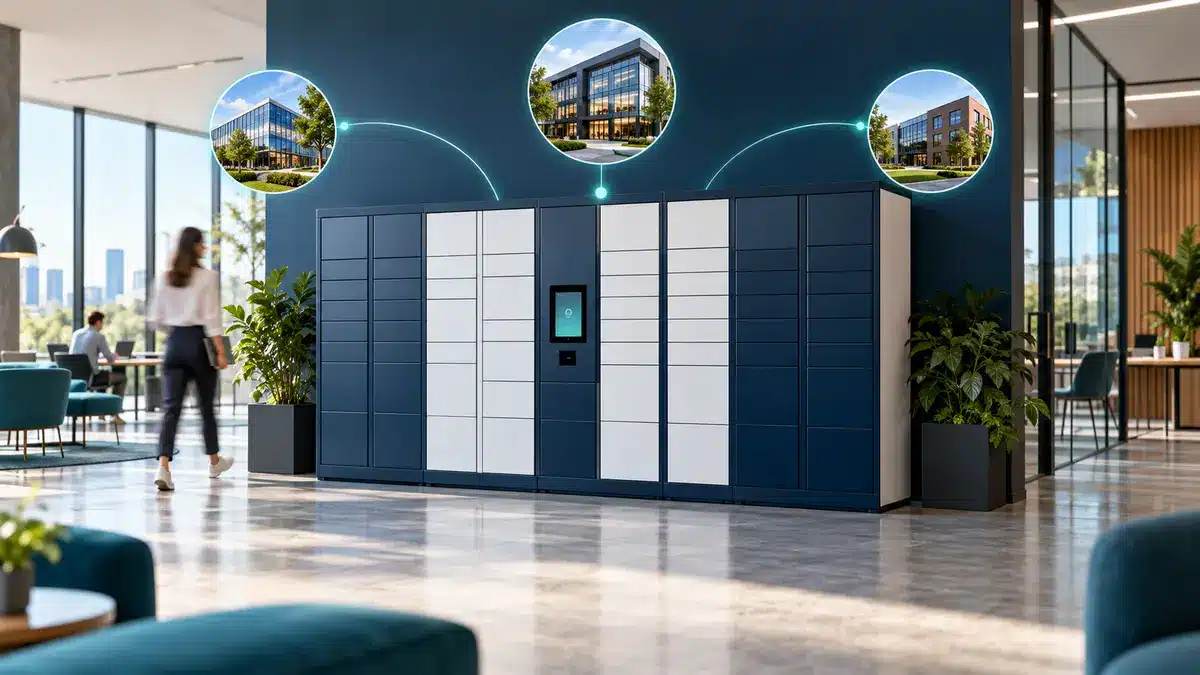
The planning principle
A multi-site rollout is an operating-model programme—not a furniture order
Enterprise smart locker systems combine physical compartments, electronic locking, credentials, cloud management, integrations, support processes and user behaviour. Replicating the cabinets is easy. Replicating a reliable service across different buildings, teams and countries is the harder task.
The strongest programmes begin with a common service definition: which journeys the lockers support, who owns each decision, which controls must remain consistent and where sites may adapt. Hardware quantities should follow that work—not lead it.
Define who deposits or stores an item, who retrieves it, how access is authorised, what evidence is recorded and what happens when the normal journey fails.
For the underlying platform, explore Vpod enterprise smart locker systems. For a procurement-ready requirement structure, use the enterprise smart locker specification guide.
Common failure patterns
Why a good single-site installation can fail at enterprise scale
No common workflow
Each site interprets allocation, access, support and exceptions differently.
Capacity based on headcount
Locker numbers ignore attendance patterns, transactions, peaks and item sizes.
Integration arrives late
Identity, access control, service management or workplace systems are treated as post-installation tasks.
The pilot proves too little
A friendly site tests normal use but not failure, support, accessibility or peak demand.
Local exceptions multiply
Uncontrolled variation creates different hardware, policies and support burdens across the estate.
No transition to operations
The project launches without owners for reporting, updates, access reviews and continuous improvement.
Before procurement
Define the enterprise outcome and the site-level service
Agree what the programme must improve before comparing locker configurations. A workplace rollout may target lower administration and better utilisation. An IT programme may prioritise 24/7 device collection, returns and chain of custody. A parcel or retail programme may focus on unattended handovers, throughput and first-time completion.
Set a measurable baseline
- manual transactions and staff time per site;
- current storage capacity, occupancy and unmet demand;
- collection, issue or return cycle time;
- lost keys, failed handovers and support incidents;
- space used by fixed or underutilised storage;
- service availability and user satisfaction.
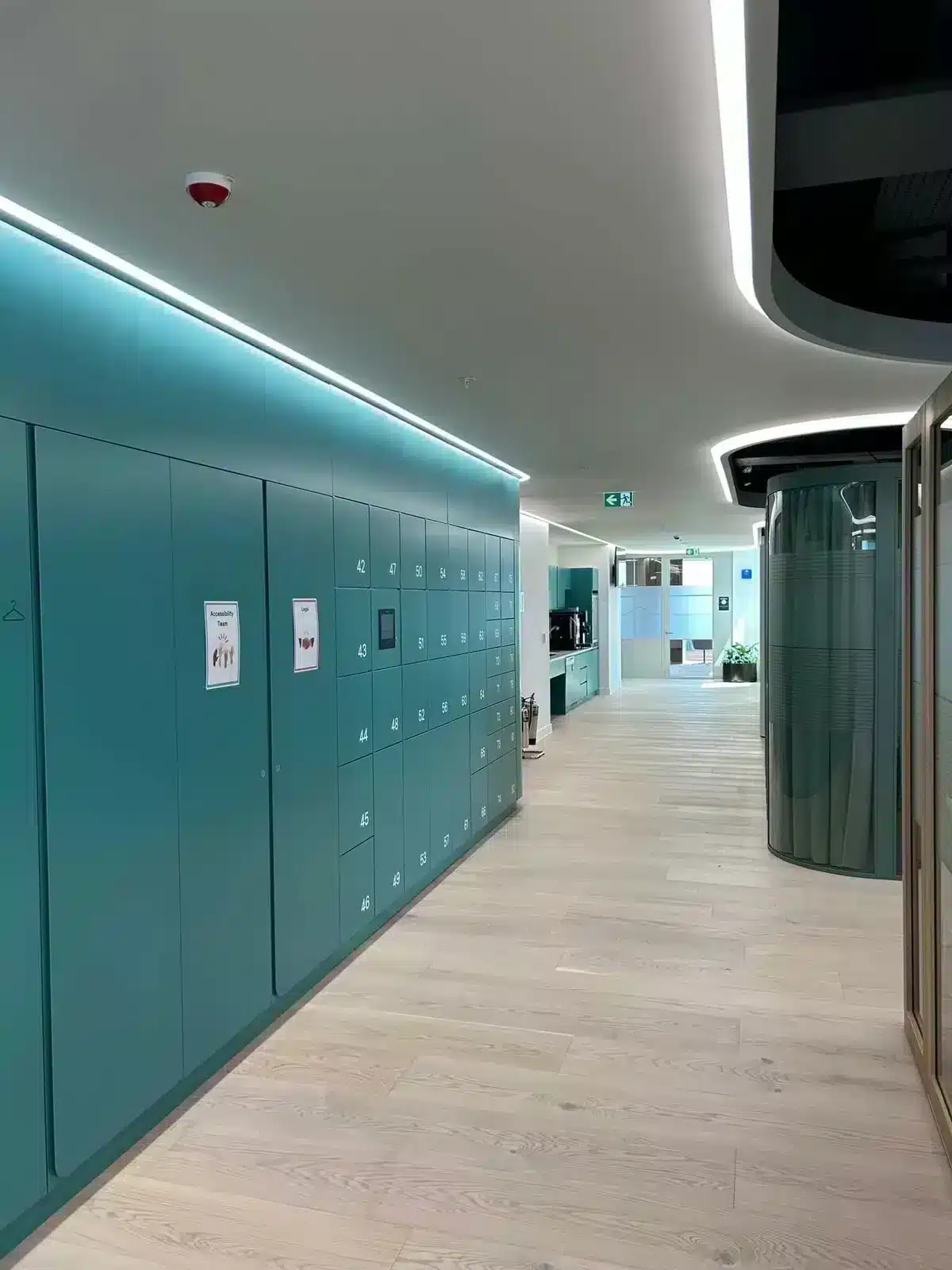
Programme architecture
An eight-stage framework for a controlled multi-site rollout
Discover
Map users, items, workflows, demand, constraints, systems, sites and stakeholders.
Standardise
Create the common service, technical baseline, data model, controls and support approach.
Survey
Validate location, dimensions, power, network, accessibility, delivery routes, fire strategy and finishes.
Configure
Set compartment mix, access methods, allocation rules, notifications, reporting and integrations.
Pilot
Test end-to-end journeys, exceptions, support, adoption and acceptance criteria in live conditions.
Deploy in waves
Group sites by readiness and repeat a controlled survey, build, install, test and launch sequence.
Accept and stabilise
Verify requirements, reconcile defects, support early users and confirm operational ownership.
Optimise
Use demand, occupancy, exceptions and support data to tune capacity, policy and future waves.
Core versus local
Standardise the control model; localise the environment
Keep common
- user and administrator roles;
- event and reporting definitions;
- security and retention rules;
- integration architecture;
- support, escalation and change control;
- acceptance-test method.
Allow controlled variation
- compartment mix and capacity;
- cabinet dimensions and finishes;
- language and notification content;
- local credential or building-system requirements;
- delivery and installation constraints;
- site operating hours and support contacts.
A design authority should approve exceptions against clear criteria. Otherwise every site becomes a bespoke system and the programme loses the economies, governance and supportability that make enterprise scale valuable.
Pilot for learning
Choose a representative pilot—not simply the easiest site
A useful pilot contains enough complexity to expose the decisions that matter later. It should represent meaningful user groups, realistic peak demand, the intended identity or access integration, support handoffs and at least one difficult exception.
Normal journeys
Allocation, authentication, deposit, collection, return, release and reassignment.
Exceptions
Lost credentials, full capacity, overdue items, network loss, power failure and administrator override.
Adoption
Completion rate, transaction time, support demand, accessibility and user understanding.
Gate the rollout
Proceed only when critical requirements pass and remaining issues have owners and deadlines.
The pilot should finish with an updated standard design, rollout playbook, acceptance script, training material and support knowledge base.
Connected enterprise architecture
Design identity, integration and data before deployment waves begin
Identity and access
Define employee, visitor, contractor, courier and administrator credentials. Align joiner, mover and leaver processes with locker permissions.
Locker management
Set tenant, site, zone, locker, role and reporting structures so the estate can be managed centrally without confusing local ownership.
Integrations
Confirm systems of record, authentication, data exchange, failure behaviour, monitoring, ownership and support boundaries.
Security and privacy
Apply least privilege, named administration, protected communications, appropriate retention and auditable change.
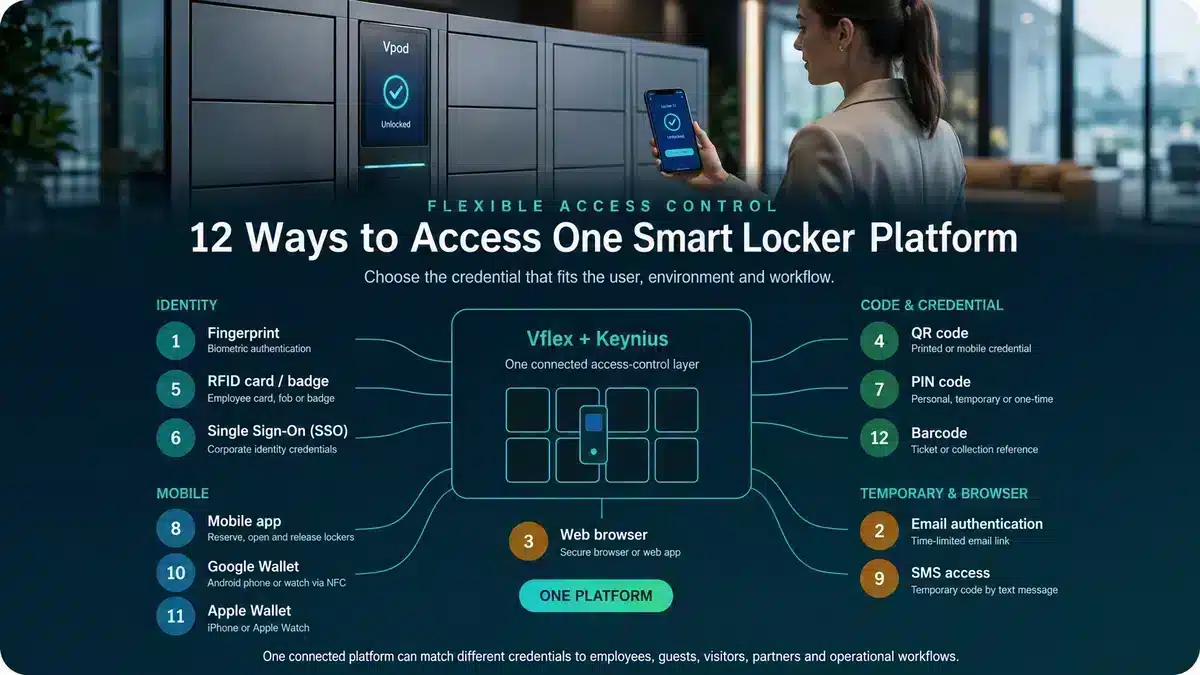
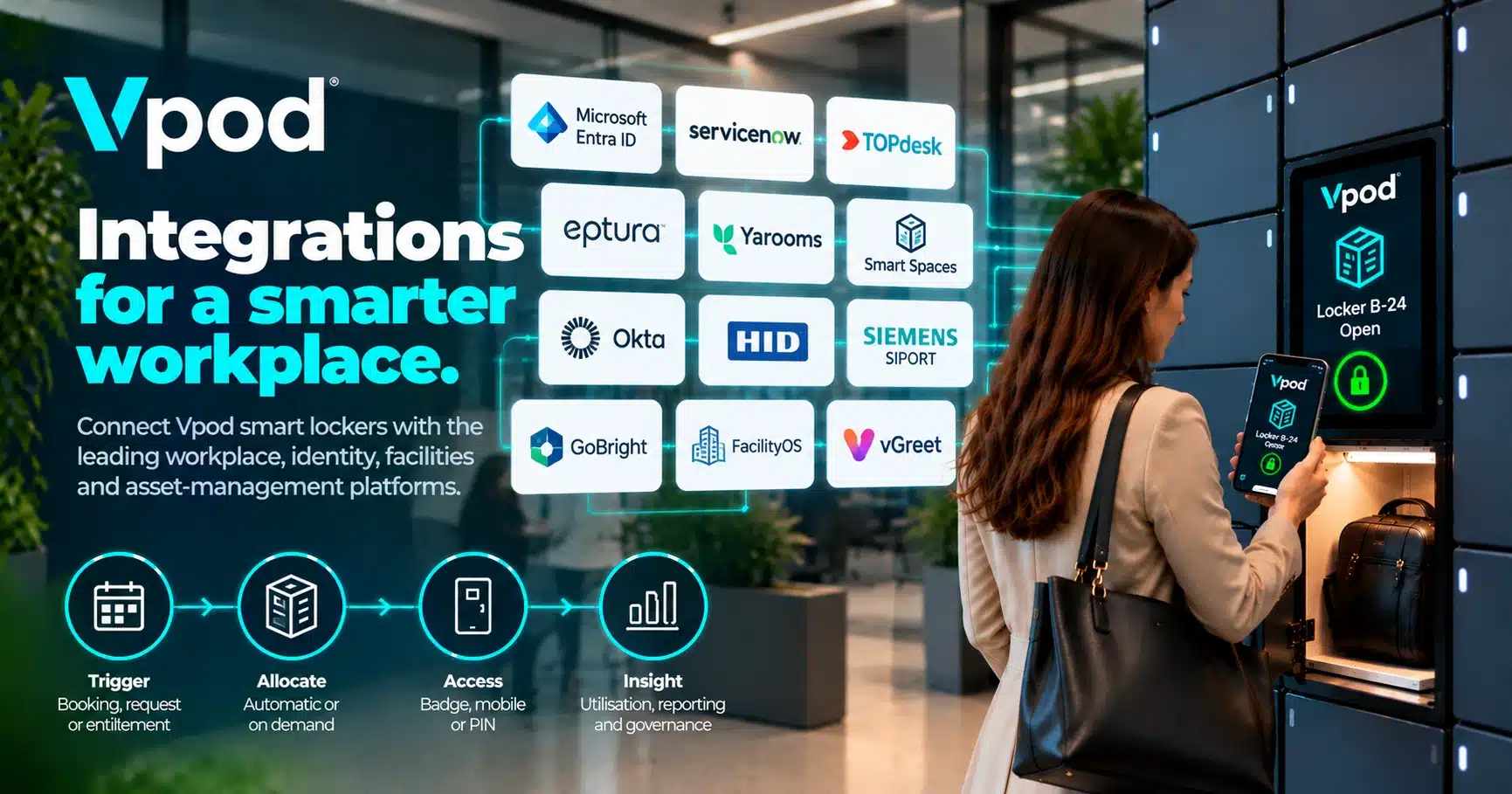
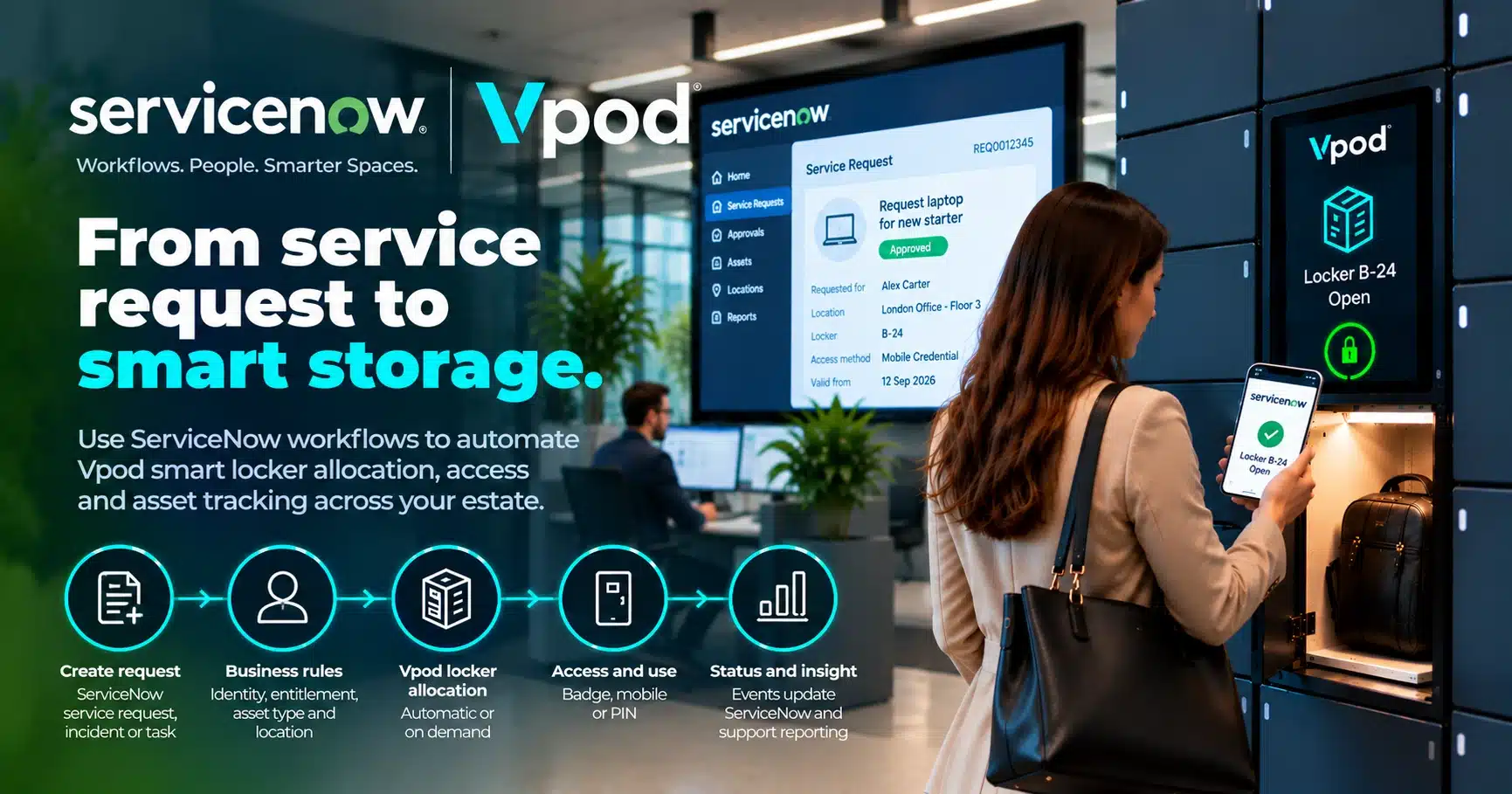
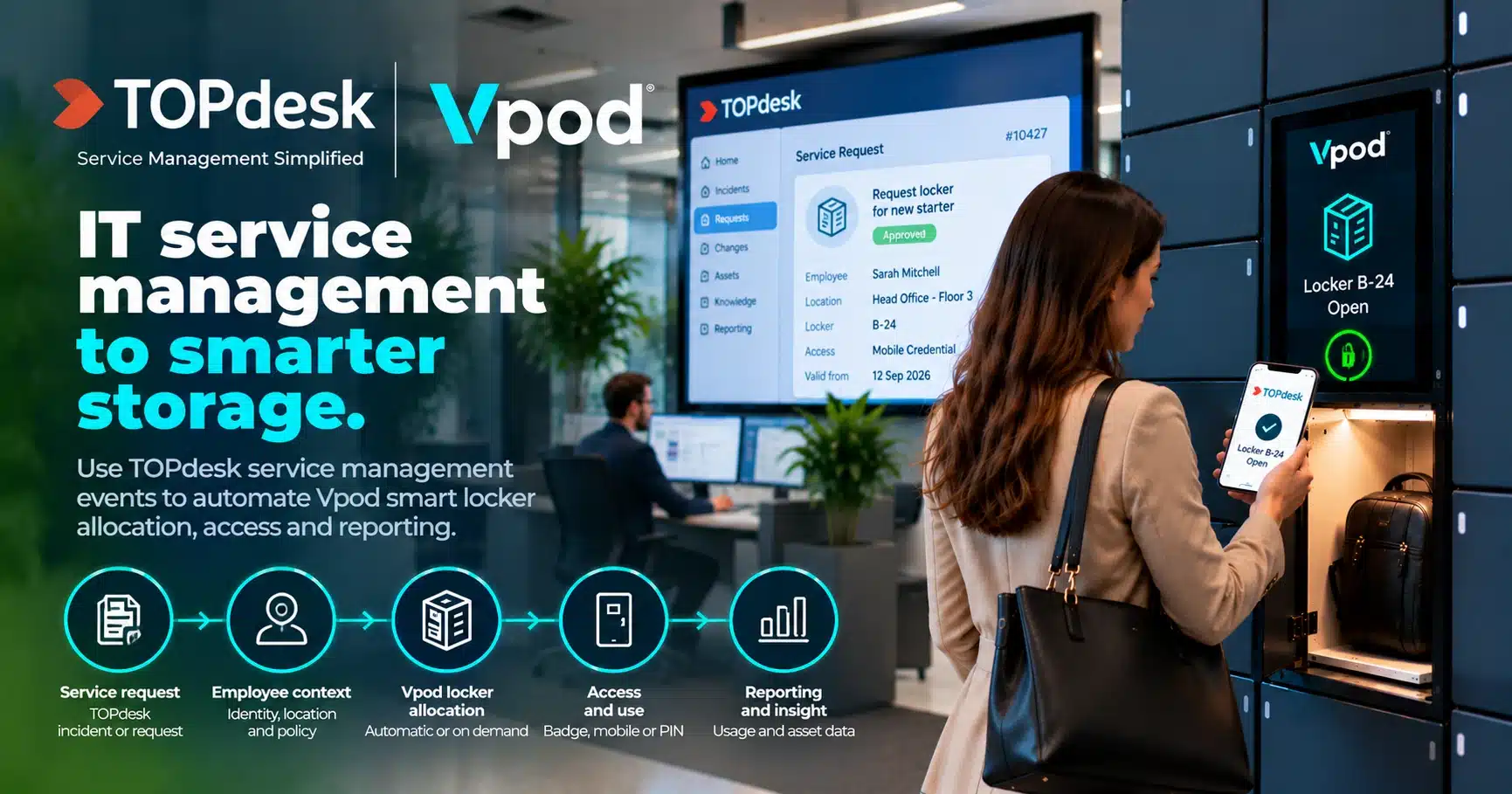
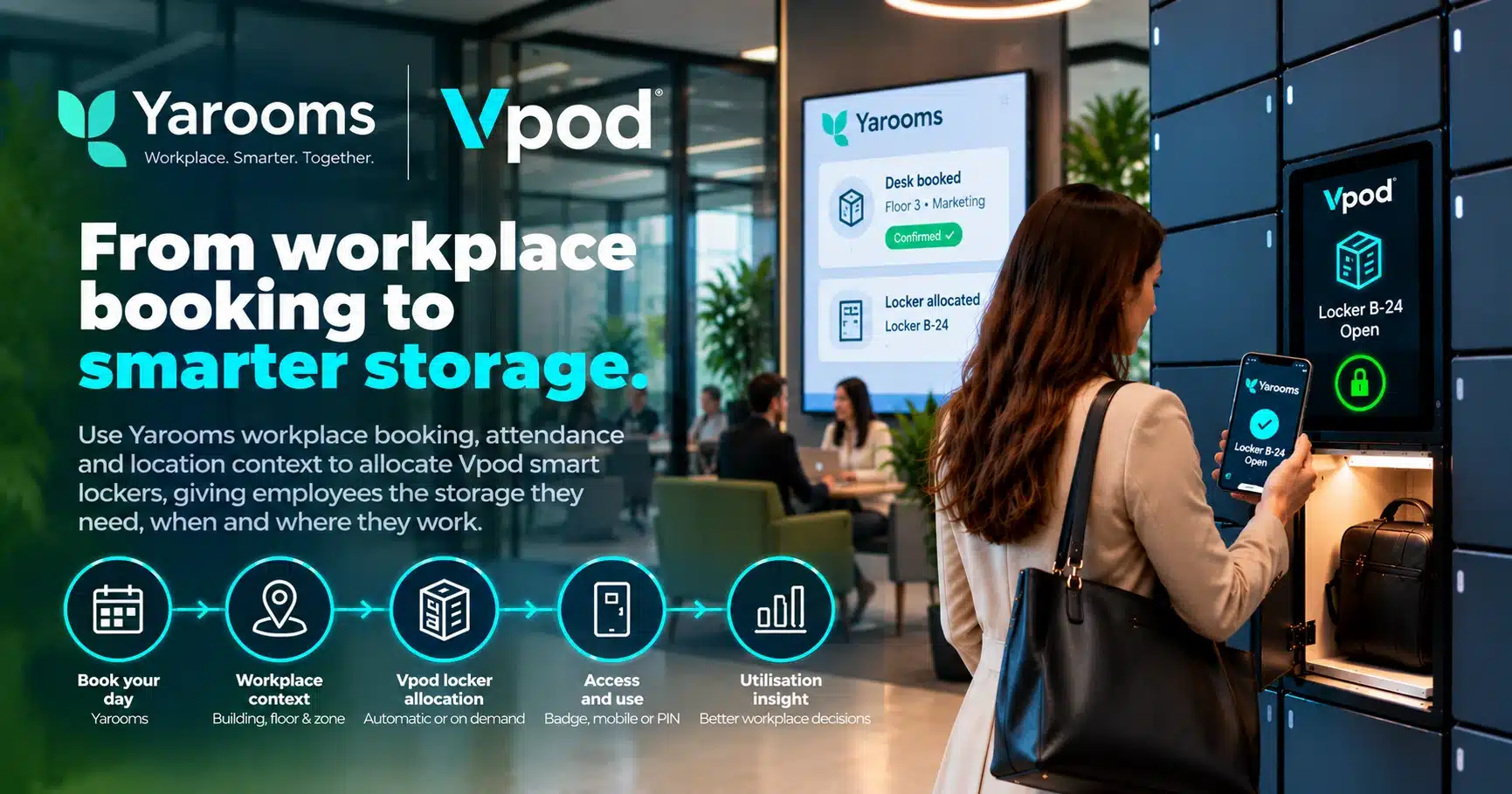
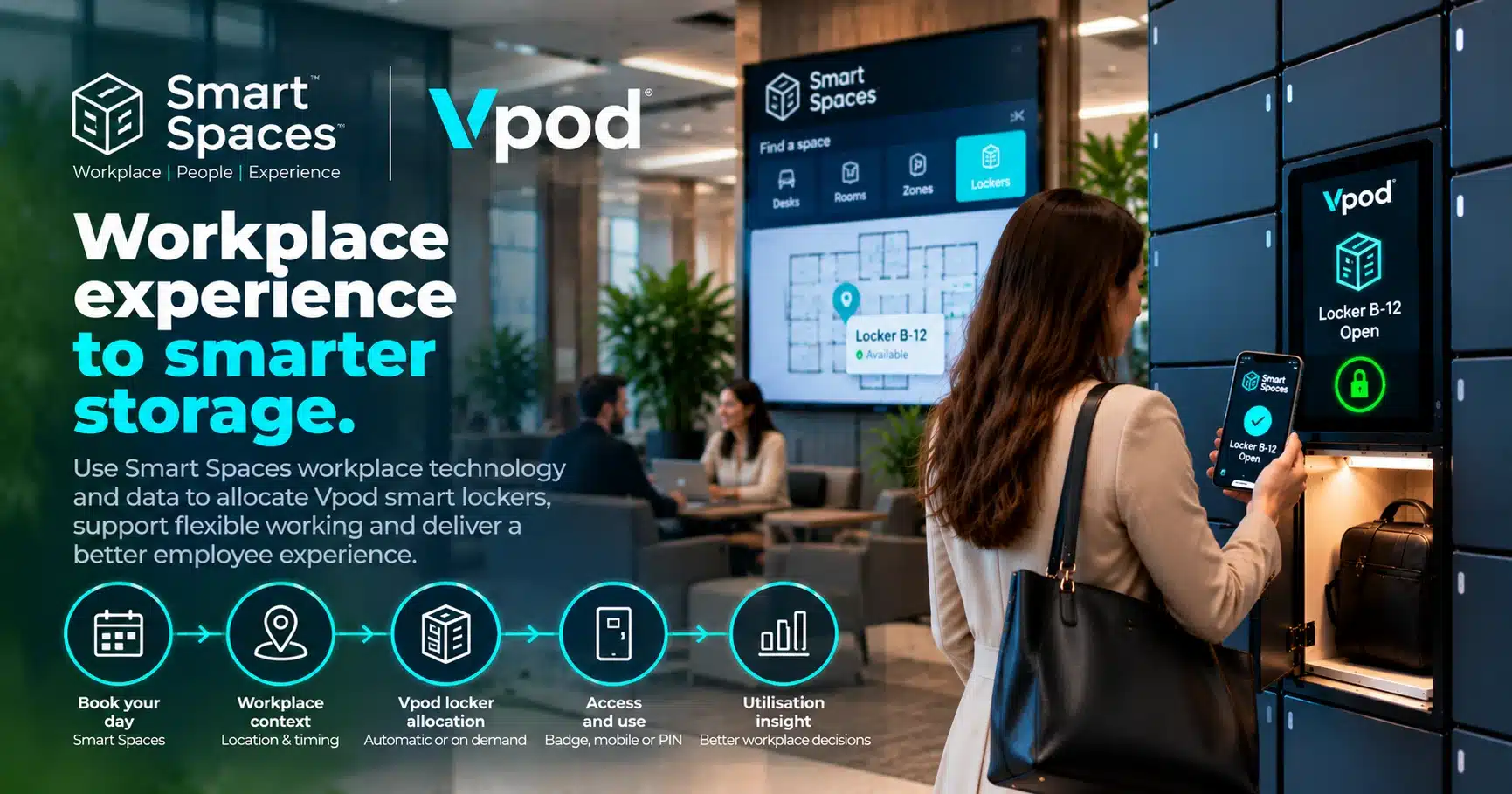
Review the Vpod smart locker integrations hub when planning connections to identity, access-control, workplace, facilities, IT service-management, payment or venue platforms.
Ownership after launch
Create one programme with clear central and local responsibilities
| Role | Central responsibility | Local responsibility |
|---|---|---|
| Programme owner | Outcome, roadmap, budget and rollout gates | Site readiness and escalation |
| IT and security | Architecture, identity, integrations and security baseline | Network implementation and local technical validation |
| Facilities/workplace | Service standard, space principles and policy | Location, access, site operations and user communications |
| Supplier | Design standard, platform, reporting, deployment method and support | Survey, installation, commissioning and defect resolution |
| Service desk | Knowledge, triage model and escalation route | User support and incident evidence |
Include a formal handover from project delivery to business-as-usual operations. Confirm dashboard owners, access reviews, software updates, maintenance, reporting cadence, incident response and the approval process for future configuration changes.
Evidence at scale
What established multi-site programmes demonstrate
9
countries15
sites27
locker walls874
doorsA global FMCG programme expanded from personal storage into IT asset distribution, returns and hybrid workplace services. The value came from consistent central administration and auditable self-service combined with site-level adaptation. Read the global FMCG case study.
Skyscanner provides a different proof point: centrally managed workplace lockers across London, Edinburgh and Glasgow, with flexible allocation and remote management supporting a consistent hybrid-workplace experience. Read the Skyscanner case study.
Watch the case study
See a multi-site workplace programme in practice
The video shows how connected lockers can become part of a wider enterprise workplace and IT service model.
Watch on YouTube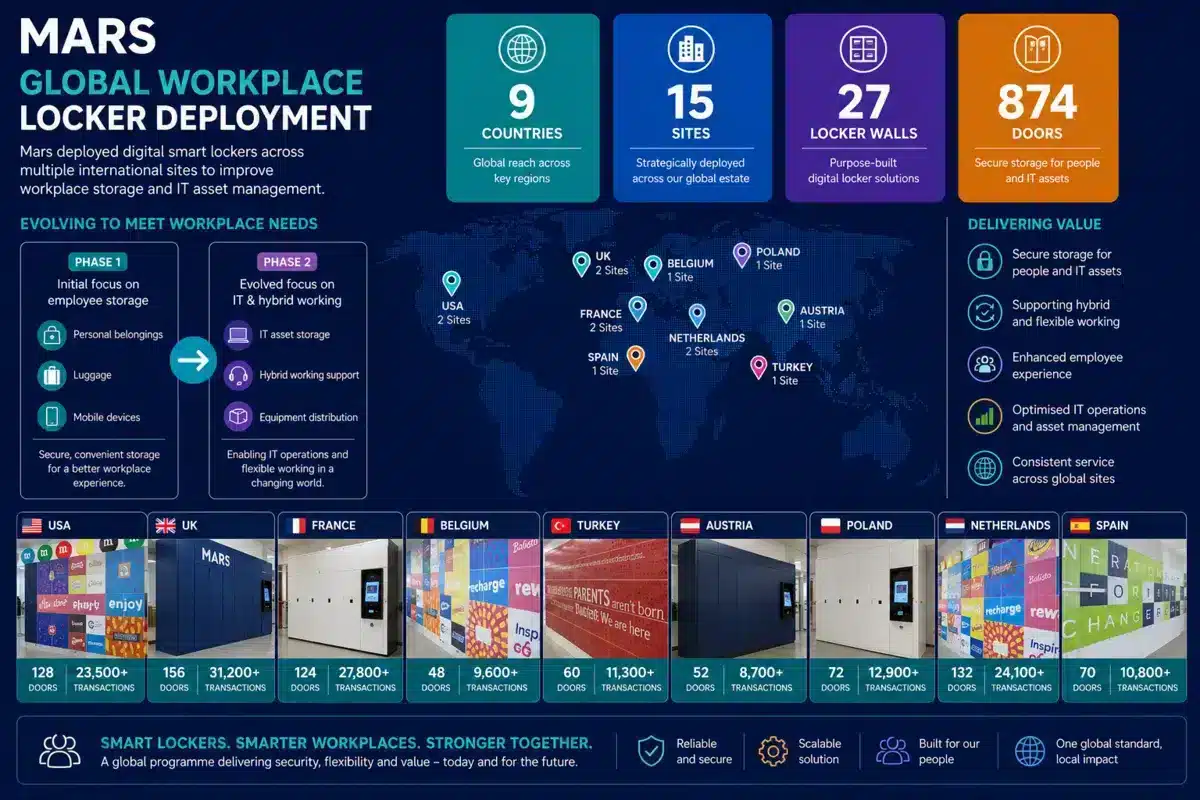
Executive checklist
Fifteen decisions to make before approving rollout
- 1
Outcome: What measurable operational result justifies the programme?
- 2
Scope: Which workflows, users, items and locations are included?
- 3
Ownership: Who is accountable centrally and at each site?
- 4
Demand: What volume, concurrency and peak profile must each site support?
- 5
Standard: Which hardware, software, security and service elements are mandatory?
- 6
Variation: Which local differences are permitted and who approves them?
- 7
Access: Which credentials and permissions apply to each user group?
- 8
Integration: Which systems connect, what data moves and who supports failures?
- 9
Sites: Are space, power, network, delivery, accessibility and fire constraints known?
- 10
Pilot: Does the pilot test representative complexity and exceptions?
- 11
Acceptance: What objective evidence is required before each site goes live?
- 12
Adoption: How will users, administrators and support teams be prepared?
- 13
Support: How are incidents triaged, escalated and resolved across time zones?
- 14
Measurement: Which utilisation, service and outcome metrics will be reviewed?
- 15
Optimisation: How will evidence change policy, capacity and later rollout waves?
Frequently asked questions
Multi-site smart locker rollout FAQs
1. What is a multi-site smart locker system?
A multi-site smart locker system connects lockers across several offices, buildings or regions through a shared management platform. Organisations can apply common operating rules, manage users and permissions, monitor utilisation and review activity across the complete estate.
2. How should we plan a multi-site smart locker rollout?
Begin by defining the users, workflows, storage requirements, access methods and integrations required at each location. Establish a standard system design, identify legitimate site variations and test the proposed approach through a representative pilot before wider deployment.
3. Should every site use the same locker configuration?
Not necessarily. The underlying technology, governance and reporting standards should normally remain consistent, but compartment sizes, finishes, quantities and workflows can be adapted to local requirements.
4. How do we calculate how many lockers each location needs?
Review the number of eligible users, workplace attendance patterns, storage duration, expected peak demand and the proposed allocation model. Dynamic allocation can reduce the number of compartments required compared with permanently assigning one locker to every user.
5. What systems can enterprise smart lockers integrate with?
Enterprise smart lockers can connect with identity providers, access-control systems, workplace applications, booking platforms and IT service-management tools. Explore the Vpod smart locker integrations hub for relevant options.
6. Which locker access method is best for multiple sites?
The best method usually aligns with credentials employees already use, such as an RFID workplace badge, mobile application, PIN, QR code or digital wallet. Alternative credentials may be needed for visitors, contractors or continuity procedures.
7. How long does a multi-site smart locker rollout take?
The programme length depends on the number of locations, site readiness, cabinet configuration, manufacturing requirements, integrations and installation schedule. A phased rollout normally includes discovery, design, pilot deployment, evaluation, site preparation and controlled implementation waves.
8. How can disruption during the rollout be reduced?
Complete surveys and technical checks before installation, confirm network and power requirements, coordinate delivery access and provide clear user communications. A repeatable site-readiness checklist and defined acceptance process reduce avoidable disruption.
9. How are smart lockers managed across different locations?
A central management platform can provide estate-wide visibility while allowing authorised local teams to manage appropriate operational tasks. Role-based permissions, agreed support procedures and audit trails help maintain control.
10. What should be measured after deployment?
Measure adoption, compartment utilisation, peak demand, failed access attempts, overdue items, support requests and system availability. These insights show where capacity, workflows or user communications need to be adjusted.
11. How should a smart locker pilot be structured?
Choose a site that represents the wider estate and includes realistic users, workflows and integration requirements. Define success measures before launch and use the findings to refine the standard design and rollout playbook.
12. How do we start planning an enterprise rollout?
Document the business outcomes, locations, user groups, storage workflows, access credentials, integration requirements and target timescale. Explore Vpod enterprise smart locker systems or book a demo to discuss the appropriate rollout strategy.
The rollout test
Can every site deliver one recognisable service?
A well-planned rollout does not force every building to look identical. It creates a consistent service, control model and support experience while allowing capacity, physical design and selected workflows to fit local demand.
That is the difference between installing lockers at several sites and building an enterprise smart locker system that can scale.
Plan the programme
Turn your estate, workflows and systems into a rollout plan.
Share your sites, users, demand, access methods, integrations and target outcomes with Vpod.