Global leaders in Smart Lockers & Smart Experiences
We design and deliver integrated systems for streamlined check-ins, secure storage, and enhanced visitor management. Our trusted partner network and focus on sustainability, data security, and customer success drives us to provide the most effective and user-friendly solutions.
Vflex Smart Lockers, Powered by Keynius, are a state-of-the-art product with quality in-house manufacturing, intelligent design, and a cloud-based platform that can support multiple locker workflows in one smart locker wall.
Vflex Smart Lockers, Powered by Keynius, are a state-of-the-art product with quality in-house manufacturing, intelligent design, and a cloud-based platform that can support multiple locker workflows in one smart locker wall.
Vflex Smart Lockers, Powered by Keynius, are a state-of-the-art product with quality in-house manufacturing, intelligent design, and a cloud-based platform that can support multiple locker workflows in one smart locker wall.
Vflex Smart Lockers, Powered by Keynius, are a state-of-the-art product with quality in-house manufacturing, intelligent design, and a cloud-based platform that can support multiple locker workflows in one smart locker wall.
Global leaders in Smart Lockers & Smart Experiences
We design and deliver integrated systems for streamlined check-ins, secure storage, and enhanced visitor management. Our trusted partner network and focus on sustainability, data security, and customer success drives us to provide the most effective and user-friendly solutions.
Global leaders in Smart Lockers & Smart Experiences
We design and deliver integrated systems for streamlined check-ins, secure storage, and enhanced visitor management. Our trusted partner network and focus on sustainability, data security, and customer success drives us to provide the most effective and user-friendly solutions.
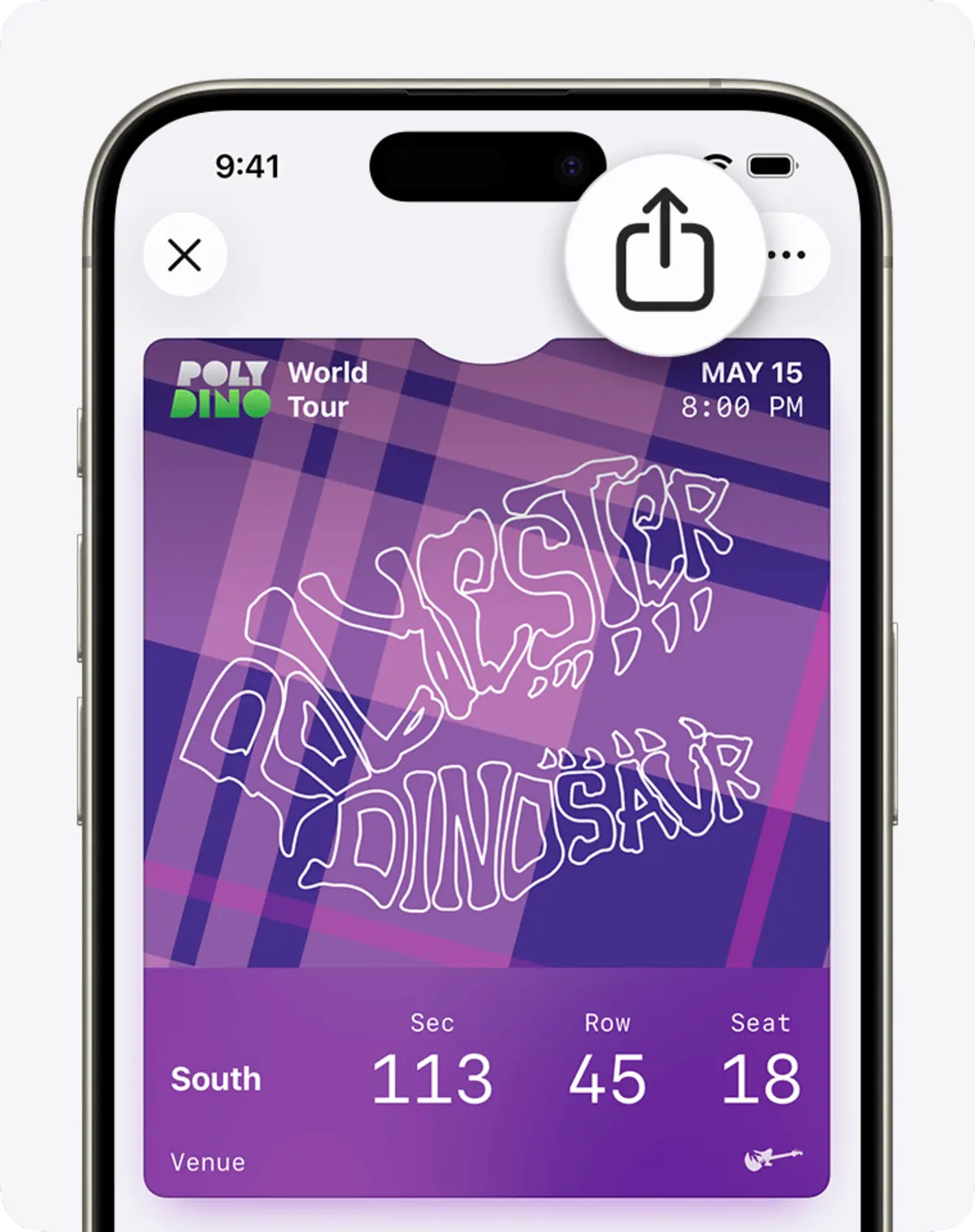
Carry locker access on the device people already use.
An approved office day, venue booking or temporary access need could issue an agreed digital pass. The user presents that pass, opens the right Vpod locker and loses access automatically when the entitlement expires or is revoked.
The solution design must therefore choose the right route and confirm device, reader, issuer, entitlement and regional requirements. A visual pass, a barcode or QR presentation, an NFC credential and an app-based contactless experience are not interchangeable.
This page does not claim that Apple Wallet supplies identity verification, payment approval or locker entitlement. These remain separate decisions that could support workplace lockers, venue storage or high-volume event lockers.
APPROVED NEEDLondon HQ · Desk 4.1814 September · 08:30–18:00
DIGITAL PASSWorkday storage · activeIssued to the approved user and device
LOCKERLocker B-24 readyPresent agreed pass at Level 4 reader
LIFECYCLEAccess ends at 18:00Earlier revocation remains possible
Keep three decisions separate
A pass can carry an entitlement; it does not create one by itself.
£
Payment
Confirms whether money was authorised. It does not prove the person or select a locker.
●
Identity
Confirms who the user is under the agreed source and assurance rules.
▦
Access
Defines which locker can open, where, when and for how long.
The visual access journey
From “Pass ready” to “Locker B-24 opened”.
This realistic example is illustrative and is not evidence of deployed Apple Wallet–Vpod functionality.
The employee’s London office day and Desk 4.18 booking create the storage need.
●
02 · CHECK
Confirm user and eligibility
The agreed identity source confirms who can receive storage and for which site and time.
▣
03 · ISSUE
Create pass and entitlement
The pass is issued and a separate rule allocates Locker B-24 until 18:00.
⌁
04 · PRESENT
Show or tap the device
The user presents the agreed pass using the supported device and reader journey.
▦
05 · USE
Open, store and release
The reader accepts the valid entitlement and the user operates the assigned locker.
✓
06 · CLOSE
Return the event and end access
Opening or release is recorded as agreed, then access expires or is revoked.
!
Exceptions and changed circumstances
If the booking changes, the pass is missing, the phone is unavailable, the reader cannot validate it, the locker faults or the user moves site, give staff a safe fallback and prevent access from remaining active accidentally.
◎
Governance across sites
Define issuer ownership, pass templates, identity source, reader estate, expiry, revocation, privacy, lost-device handling, accessibility, support and reporting for every workplace or venue.
Names, dates, desks, passes and lockers are illustrative. Apple capability, programme eligibility, pass type, presentation method, compatible devices and readers, identity source, data direction and Vpod delivery scope must be confirmed during solution design.
Who owns each decision
Simple for the user, governed behind the scenes.
IT
Own architecture, pass issuance, device support, integration monitoring and fallback.
Co-op Live: let guests control the storage journey.
The Co-op Live best-practice video shows the operational value of removing the staffed cloakroom queue. It is not evidence of an Apple Wallet integration.
Define the booking, visit or approval that creates the need.
Identity
Confirm who issues the pass and how recipient eligibility is established.
Presentation
Select the supported pass type, barcode, QR, NFC or other agreed method.
Locker action
Define allocation, opening, reopening, return and timeout behaviour.
Lifecycle
Set expiry, revocation, changed-booking and lost-device handling.
Evidence
Agree which pass, reader and locker events return to which owner.
Integration availability, supported triggers, data direction and delivery scope must be confirmed during solution design. Exact behaviour depends on Apple programme eligibility, the selected Wallet or contactless capability, compatible devices and readers, the issuer, identity source and Vpod configuration. This page does not claim a native connector, Apple approval, universal device compatibility, certification, commercial relationship, customer deployment or functionality beyond the confirmed project scope.
Start with one real access journey
Show us who needs which locker, where and for how long.
Bring the trigger, identity source, pass route, reader estate, expiry rules, fallback, audit needs and site differences.