








Security explained
Smart Locker Security: Data, Credentials and Audit Trails
Are smart lockers secure? They can strengthen access control and accountability—but security depends on the complete physical, digital and operational design.
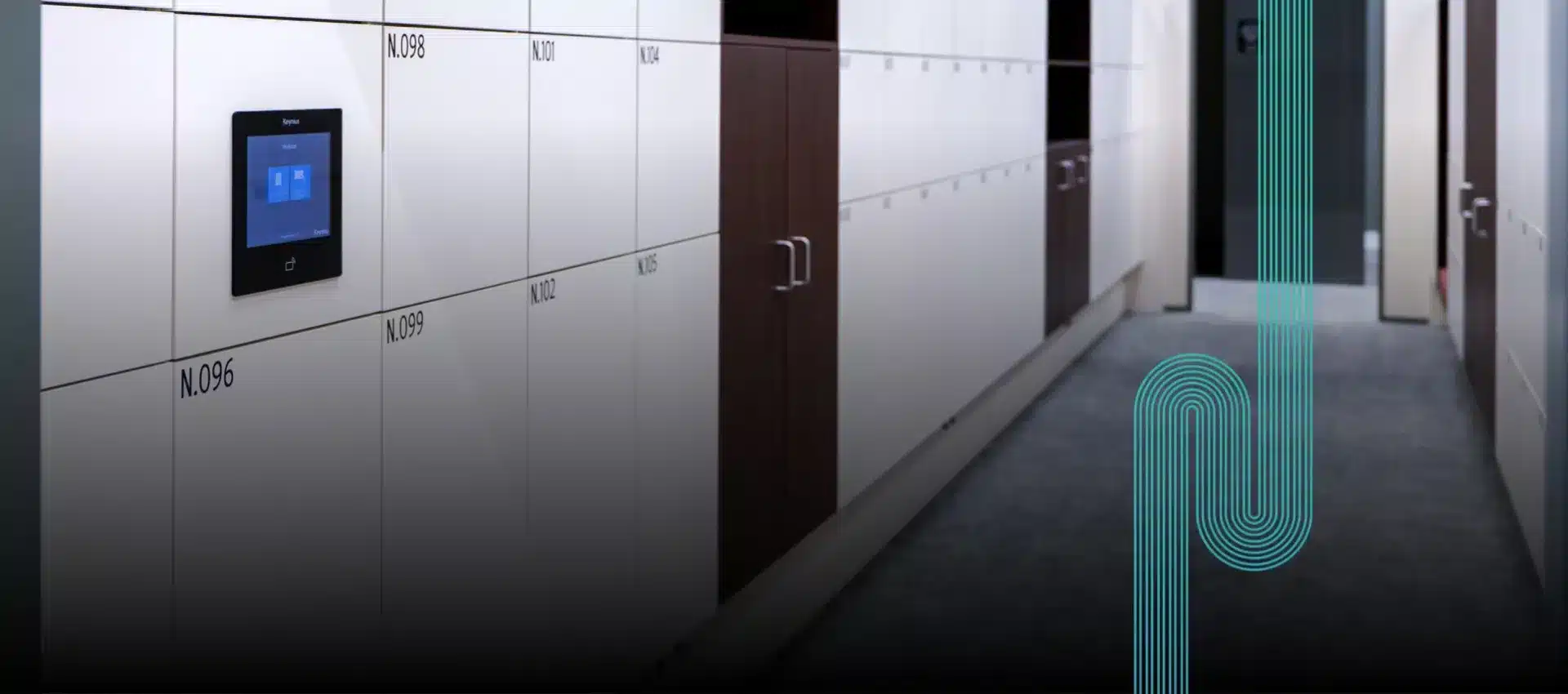
The short answer
Smart lockers can be secure when every layer is controlled
Smart lockers can improve security by replacing unmanaged keys and informal handovers with verified credentials, defined permissions and recorded events. A user authenticates, the system checks whether access is allowed, and the relevant compartment opens. Where configured, the event can be logged for administration and investigation.
That does not make every connected locker automatically secure. The outcome depends on the cabinet and lock, the strength and lifecycle of credentials, administrator access, platform configuration, network protection, data handling and the organisation’s response when something fails.
The supplier, customer, IT team, facilities team and system administrators each control different parts of the environment.
For the detailed procurement and compliance framework, use Vpod’s pillar guide to smart locker security, data protection and access control.
Defence in depth
Five layers determine whether a smart locker is secure
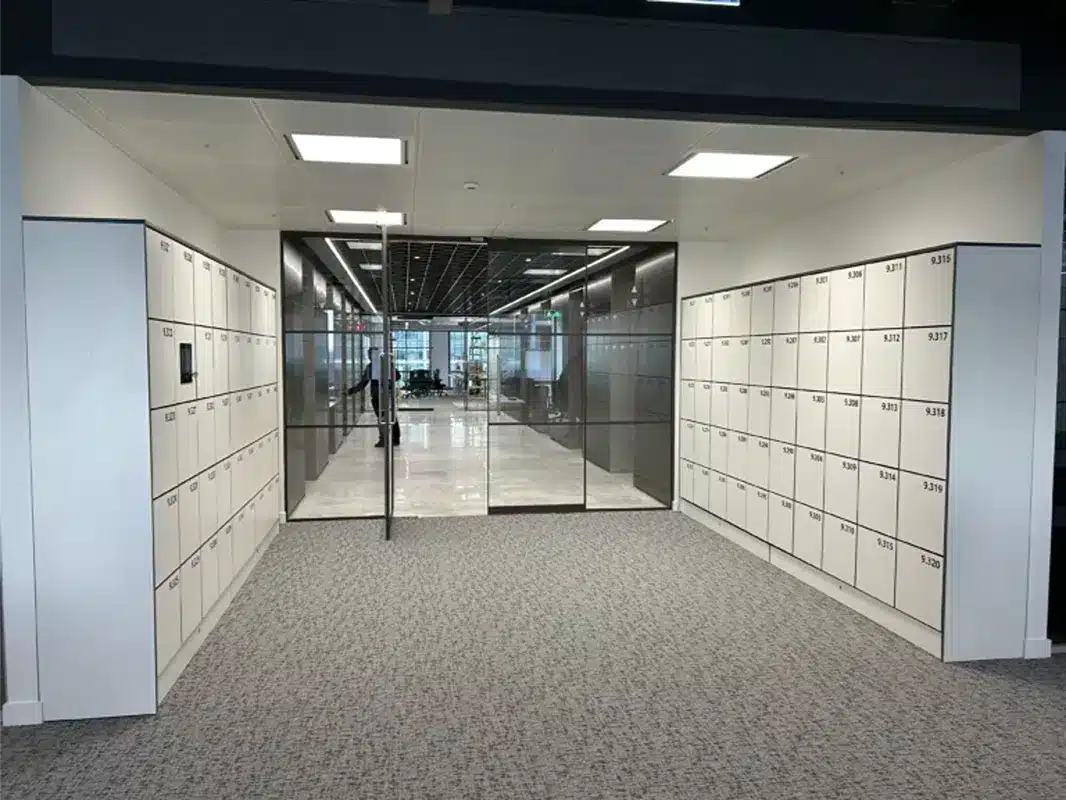
Physical protection
Cabinet construction, hinges, fixings, locks, location and resistance appropriate to the stored contents.
User credentials
How identity is verified, how long access lasts and how lost or copied credentials are revoked.
Administration
Named accounts, role-based permissions, strong authentication and controlled overrides.
Platform and data
Secure configuration, protected communications, minimised data and managed retention.
Operations
Monitoring, incident response, maintenance access, continuity procedures and periodic review.
Layer 1 · Physical controls
Match the locker construction to the risk
A locker used for everyday personal storage has a different risk profile from one holding laptops, medication, tools or high-value equipment. Start by defining what is stored, who can approach the locker wall and the impact of forced or unauthorised access.
- select cabinet materials and door construction for the environment;
- review hinges, fixings, gaps, lock behaviour and override mechanisms;
- position lockers where lighting, supervision or surveillance is appropriate;
- restrict access to maintenance panels, controllers and power supplies;
- test forced-door, jammed-door and abandoned-item procedures.
For accountable equipment workflows, explore Vpod smart asset lockers.

Layer 2 · Identity and access
Choose credentials by assurance need—not convenience alone
Smart lockers can support different credentials for employees, visitors, contractors, customers and administrators. The correct method depends on how confidently the organisation must identify the user, how long access should remain valid and what happens when the credential is unavailable.
| Credential | Useful for | Security questions |
|---|---|---|
| Enterprise badge or RFID | Known employees and regular authorised users | How quickly are lost cards and leavers removed? Are locker rights separated from building access? |
| QR code or barcode | Visitors, parcels, retail and time-limited transactions | Is the credential unique, expiring and protected against replay or forwarding? |
| PIN | Temporary or simple self-service access | What length, retry limit, expiry and reset process applies? |
| Mobile app or wallet | Repeat users and phone-led journeys | How is the device enrolled, the credential revoked and the account recovered? |
| Administrator override | Support, emergencies and maintenance | Who can override, with what approval, verification, logging and review? |

Layer 3 · Data protection
A locker event can become personal data
An access event, assignment, collection record or administrator action may identify an individual. Organisations should map this information before deciding which fields to collect, who can view reports and how long records should be retained.
Purpose
Document why each data item is needed and the appropriate lawful basis.
Minimisation
Collect only identifiers and event details required for the workflow.
Transparency
Explain what is collected, why, who receives it and how long it is kept.
Retention
Set defensible periods and verify deletion, anonymisation and backup handling.
Governance
Define controller, processor, subprocessor and international-transfer responsibilities.
Risk assessment
Screen the processing early and complete a DPIA where the proposed use may create high risk.
This article provides operational guidance, not legal advice. Privacy decisions should be reviewed with the organisation’s data-protection specialists.
Layer 4 · Auditability
Audit trails should answer five practical questions
Which user, administrator, service or integration initiated the action?
Was a locker assigned, opened, released, overridden or reconfigured?
Which site, locker wall, compartment or account was affected?
What timestamp and sequence apply to the event?
Did the action succeed, fail or require an exception?
Logs should be protected from inappropriate alteration, available only to authorised roles and retained for a documented operational or legal need. A long retention period is not automatically safer if the data has no continuing purpose.

Layer 5 · Resilience
Plan failure without weakening access control
Lost credential
Revoke access quickly, verify the user and provide a controlled alternative.
Network outage
Define permitted offline actions, cached credentials, reconciliation and time limits.
Power or hardware failure
Document safe override, authorisation, logging, repair and protection of contents.
Suspected breach
Set routes for containment, evidence preservation, assessment and notification.
Software vulnerability
Require reporting, supported versions, patch processes and customer communication.
Service recovery
Define backups, dependencies, recovery objectives and restored-data checks.
Buyer checklist
Ten security questions to ask a smart locker supplier
-
1
What does the system protect?
Define contents, identities, events, reports and administrator functions.
-
2
How are users authenticated?
Understand credential strength, issue, expiry, loss and revocation.
-
3
How are administrators controlled?
Check named accounts, strong authentication, least privilege and access reviews.
-
4
Which actions are logged?
Confirm user events, overrides, configuration changes, exports and failed attempts.
-
5
Which personal data is processed?
Map fields, purposes, locations, recipients, retention and deletion.
-
6
How are integrations protected?
Review authentication, permissions, secrets, validation, monitoring and safe failure.
-
7
What happens offline?
Test network loss, power failure and recovery without bypassing control.
-
8
How are vulnerabilities handled?
Request reporting routes, patch expectations and supported-version policies.
-
9
What evidence is available?
Ask for architecture, control matrices, assurance scope and relevant test summaries.
-
10
Who owns each control?
Allocate supplier, customer, IT, facilities, security and privacy responsibilities.
Use the enterprise smart locker specification guide to translate these questions into a structured requirement.
See the access journey
Watch a Vflex user authenticate and access a locker
The video demonstrates the user interaction. Security assurance still requires review of the credential lifecycle, permissions, platform controls, logs and operational procedures behind that interaction.
Watch on YouTube
The verdict
Smart lockers are as secure as their complete control environment
Digital credentials, permissions and event records can improve control and accountability. The strongest deployments combine appropriate physical construction with managed identities, restricted administration, proportionate data use, protected audit trails and tested incident procedures.
Avoid one-word answers. Ask which controls apply, how they are configured, what evidence supports them and who remains responsible throughout the system lifecycle.
Move from claims to controls
Scope security around your users, data and operational risk.
Bring Vpod your workflows, identity sources, stored items, sites and assurance requirements.