








The control layer behind connected lockers
Smart Locker Software Explained
How allocation, digital access, live status and reporting turn a locker wall into manageable operational infrastructure.
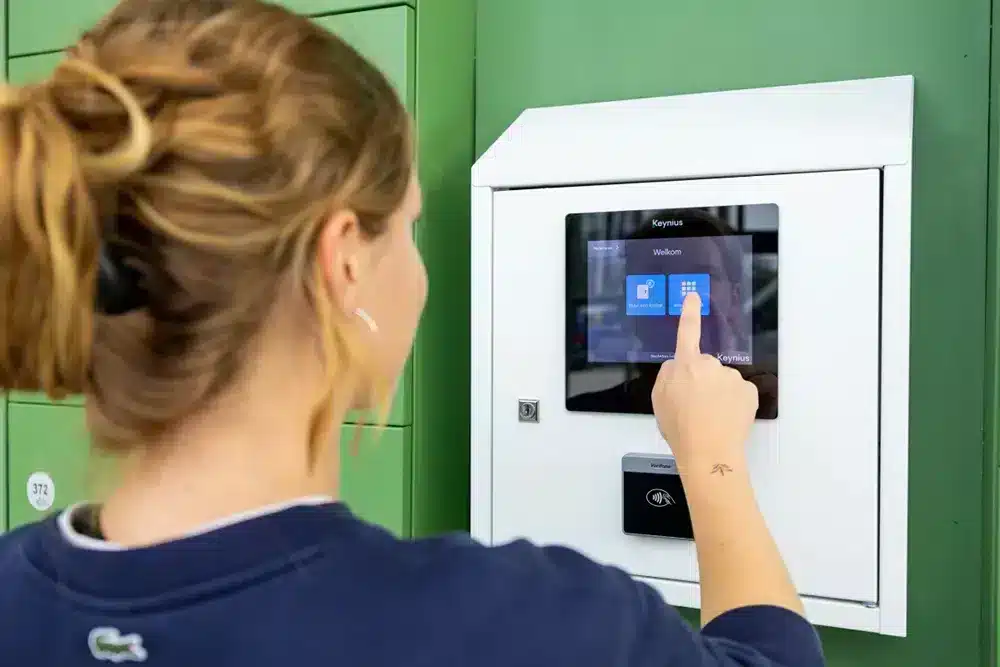
Software before screens
Smart locker software coordinates the complete transaction
Smart locker software is the cloud-based control layer that connects users, electronic locks, compartment availability and operational rules. It determines who can use a locker, which compartment they receive, how they authenticate, what happens next and which events are recorded.
The cabinet provides secure storage, but the software creates the managed service. In a Vpod smart locker system, Vflex provides configurable locker hardware while Keynius supports the connected management environment.
Smart locker software converts a physical locker interaction into a controlled, visible and auditable workflow.
The control layer
What does smart locker software control?
Users and permissions
Define who can access lockers, their role, permitted locations and the period for which access remains valid.
Allocation rules
Assign a fixed locker, offer a choice, allocate the next suitable door or trigger a workflow from another system.
Authentication
Match credentials such as PIN, QR, RFID, mobile, SSO or wallet access to each user journey.
Events and exceptions
Record openings, collections and returns while helping administrators resolve overdue, occupied or unavailable lockers.
Reporting
Provide visibility of occupancy, activity, utilisation and operational performance across one site or a wider estate.
Integrations
Exchange identity, booking, access, asset, parcel, payment or status data with connected platforms.
A connected transaction
How the software manages a locker journey
The exact sequence changes by workflow. A workplace day locker, an IT asset return and a parcel collection can use the same core platform with different rules.
Vflex management video
See smart locker management in action
Watch how authorised administrators manage Vflex smart lockers through the connected software environment, including the controls behind everyday user journeys.
Watch on YouTube
1 · Allocation
Give the right locker to the right user
Allocation software decides which locker a person or transaction can use. The model should reflect the operating requirement rather than forcing every user into the same process.
- Fixed allocation: one named user retains the same locker.
- Flexible allocation: a user selects or receives an available locker when needed.
- Dynamic allocation: the platform assigns a compartment using availability, size, location or workflow rules.
- Triggered allocation: another platform initiates the transaction, such as an IT service request, workplace booking or parcel event.
Rules can also cover time limits, automatic release, accessible compartments, team areas and different door sizes. Compare these choices in the locker allocation guide.
2 · Access
Control who can open which door—and when
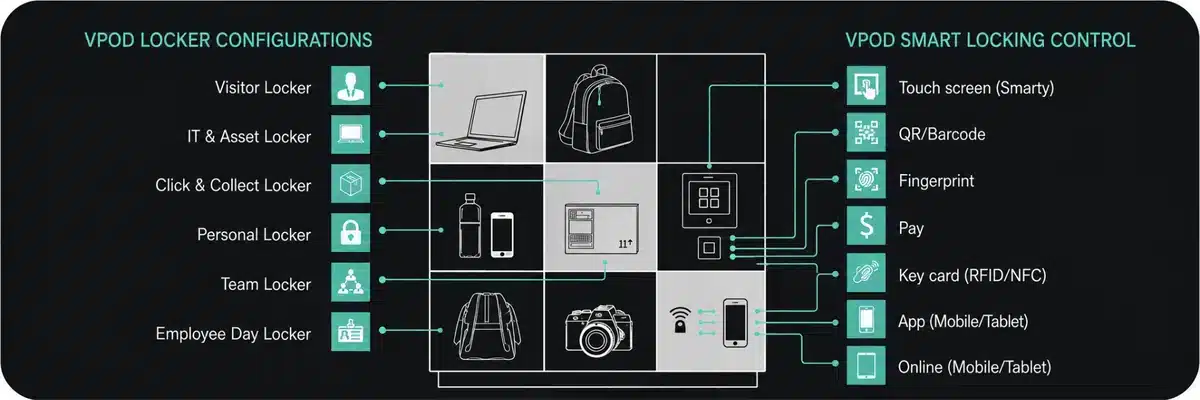
Access is more than replacing a key. The software links a recognised user or transaction to a specific permission and locker.
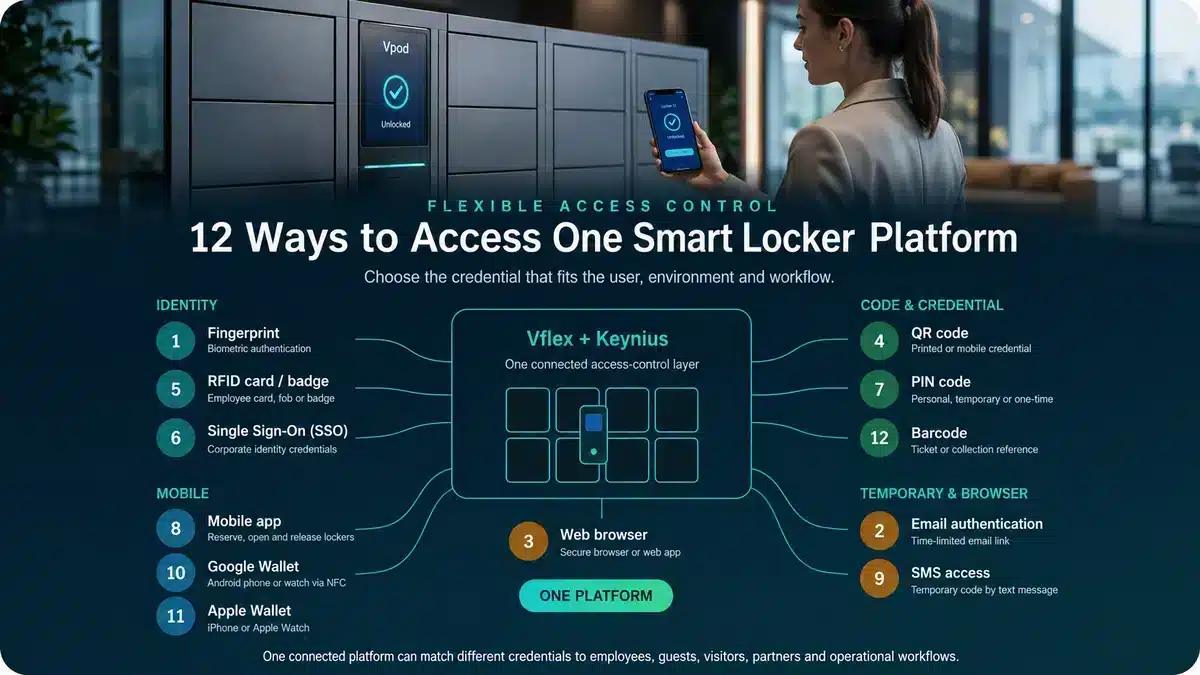
Employees may use an existing RFID badge or corporate identity. Visitors can receive a temporary QR code, PIN, email or SMS credential. Venue, hospitality and retail journeys may use a barcode, mobile app or digital wallet.
Administrators should be able to issue, expire and revoke permissions, define time windows, restrict sites and review relevant access events. Explore the Vpod integration hub for identity, access-control and operational connections.
3 · Reporting
Turn locker activity into operational visibility
Reporting helps an organisation understand what is happening across the locker estate. The required data depends on the workflow, so buyers should define the decisions that reports need to support before selecting fields or dashboards.
Live status
Available, occupied, reserved, overdue, offline or requiring attention.
Utilisation
Usage by site, bank, compartment, period, team or transaction type.
Audit history
Relevant allocation, authentication, opening, collection, return and administrator events.
Exceptions
Uncollected items, overdue assignments, failed access and unresolved operational actions.
Estate reporting
Comparable performance across buildings, regions and countries from a connected administration layer.
Exports and connections
Data made available to authorised teams or connected systems in the required format.
Confirm what each status or metric means, when it updates, how long data is retained and which administrator roles can access it.
Operational evidence
Software value appears in the operating result
For Skyscanner, Vpod reports that self-service allocation and centralised management contributed to 90% less locker administration and 70% better utilisation. Results depend on the workflow and deployment, but they show why the software layer matters.
Explore smart locker case studies →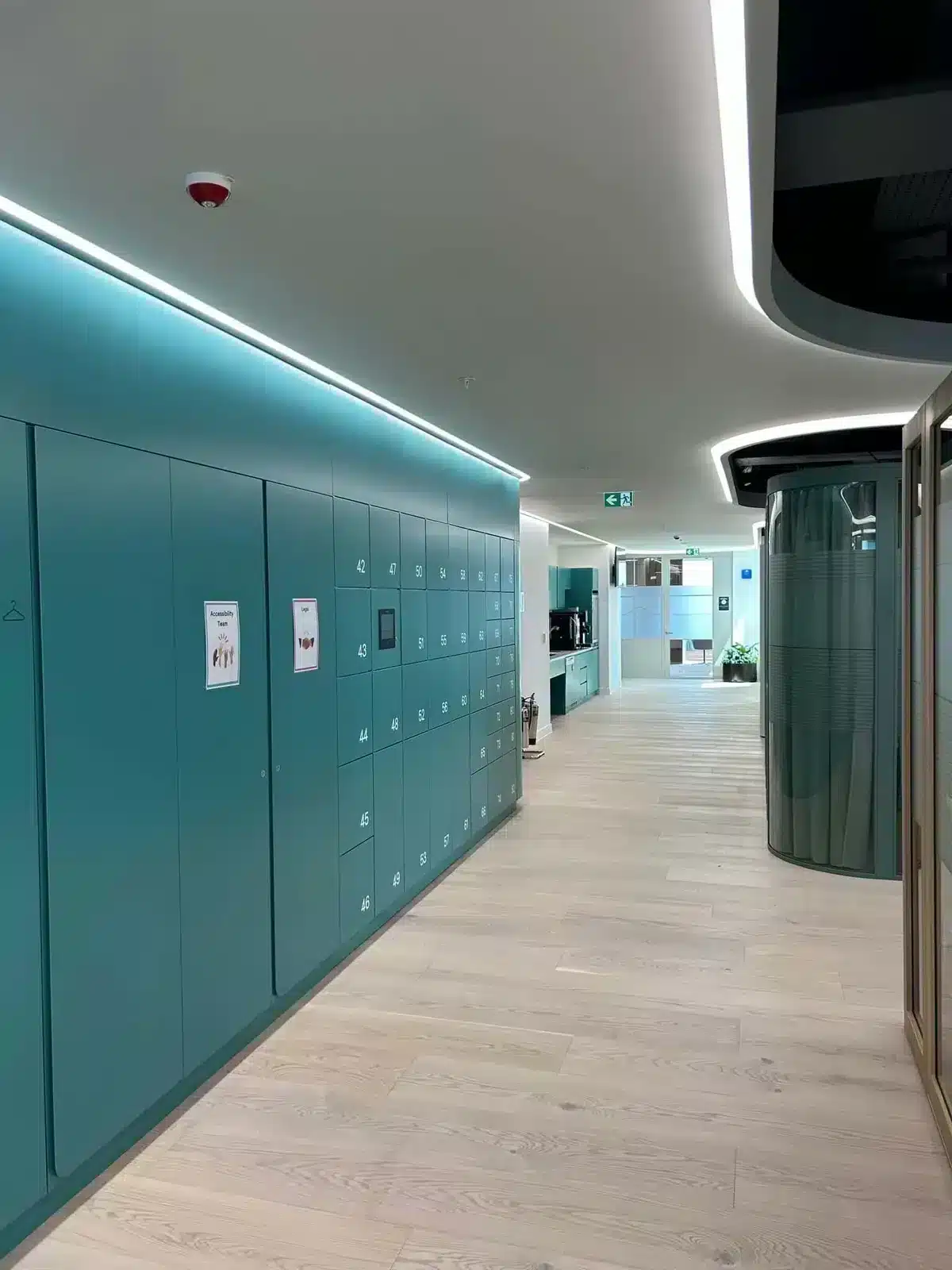
Connected operations
Integrations extend the locker workflow
Locker software does not need to operate as an isolated application. An integration can allow another system to create a request, confirm identity, provide context, trigger allocation or receive completion status.
Identity and SSO
Synchronise approved users, groups and identity lifecycle events.
Access control
Reuse an existing badge or building credential where supported.
Workplace and facilities
Connect locker allocation with attendance, booking or space-management journeys.
IT and assets
Link issue, return or swap workflows to service and asset-management processes.
Parcel and retail
Trigger notifications, collections, returns and status updates.
Payments and tickets
Support configured rental, venue, hospitality or unattended payment journeys.
One software layer · different outcomes
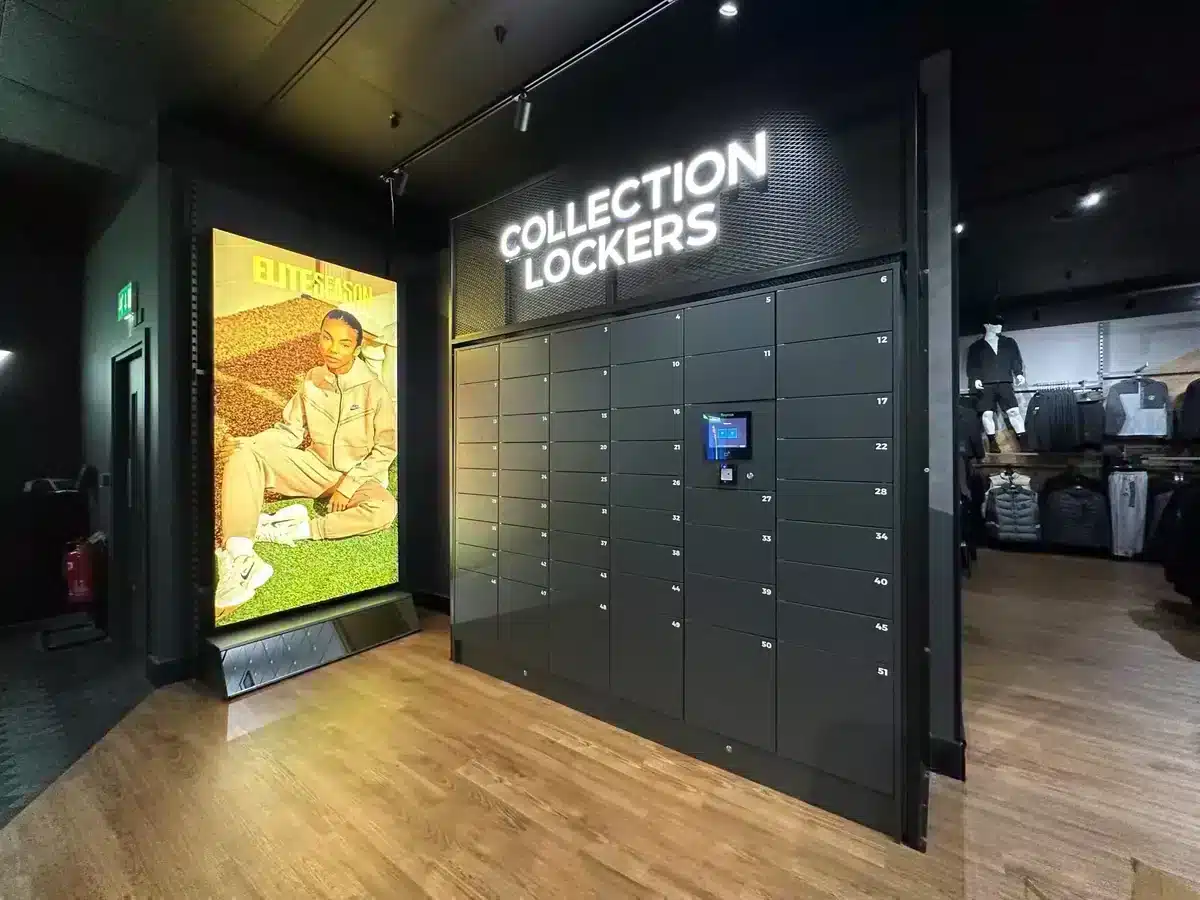
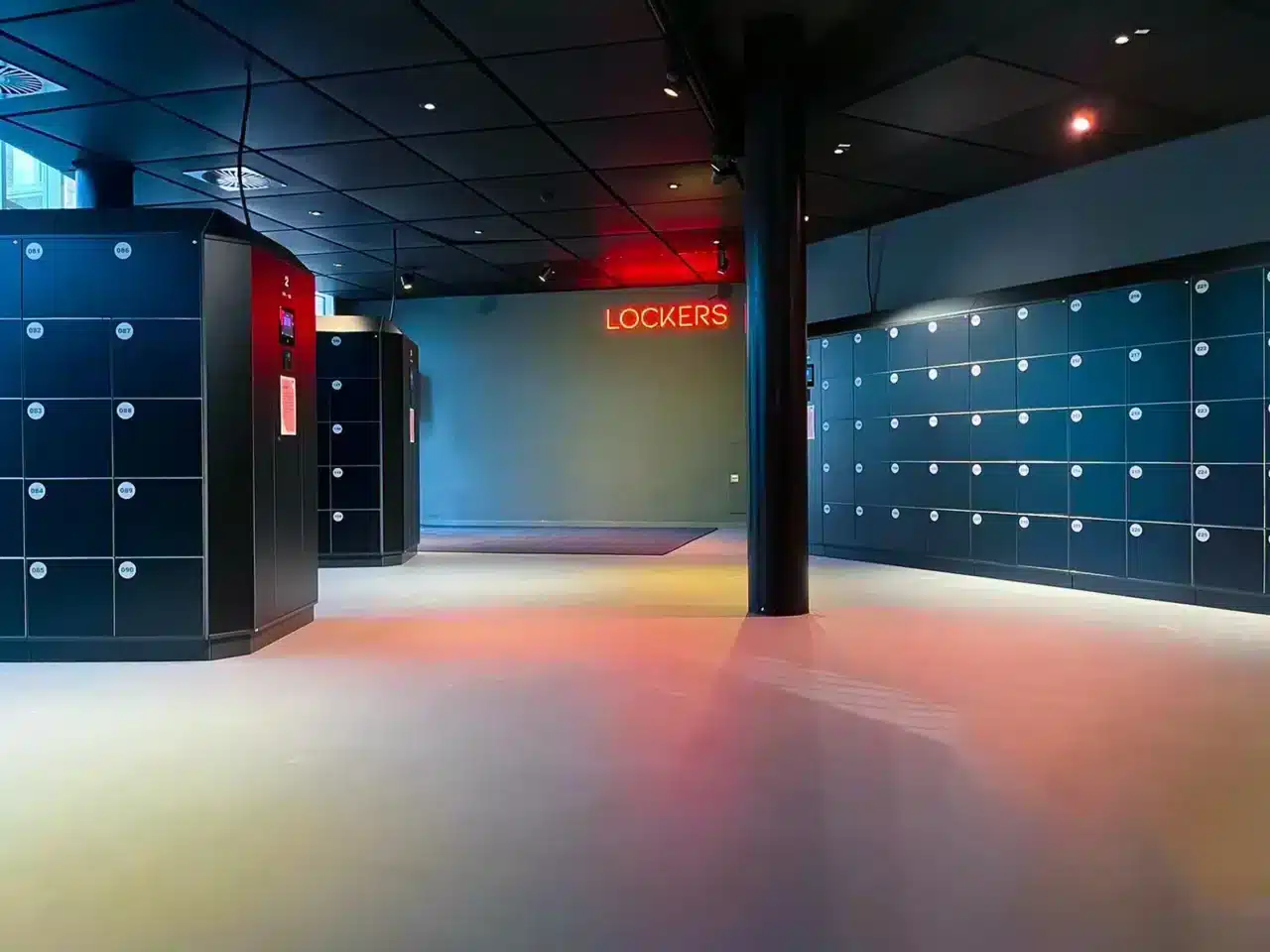
Connected workflows across workplace, retail and venues
Buyer checklist
Seven software questions to answer before selecting a system
- 1Which user journeys must the software run?
Document normal transactions and exceptions for every user group.
- 2Which allocation rules are required?
Define fixed, flexible, dynamic, triggered and time-limited use.
- 3How will each user authenticate?
Match credentials to identity, security, duration and environment.
- 4What must administrators control?
Specify roles, permissions, remote actions and multi-site responsibilities.
- 5Which events and reports are needed?
Start with operational decisions, audit needs and performance measures.
- 6Which systems must connect?
Identify triggers, exchanged data, ownership and error handling.
- 7What happens during failure or contract exit?
Confirm continuity, recovery, export, retention and deletion arrangements.
Use the enterprise smart locker specification guide to turn these answers into a structured requirement.
Configure the complete workflow
See Vflex and Keynius software working together.
Bring your users, allocation rules, access methods, reporting needs and connected systems to a Vpod specialist.