








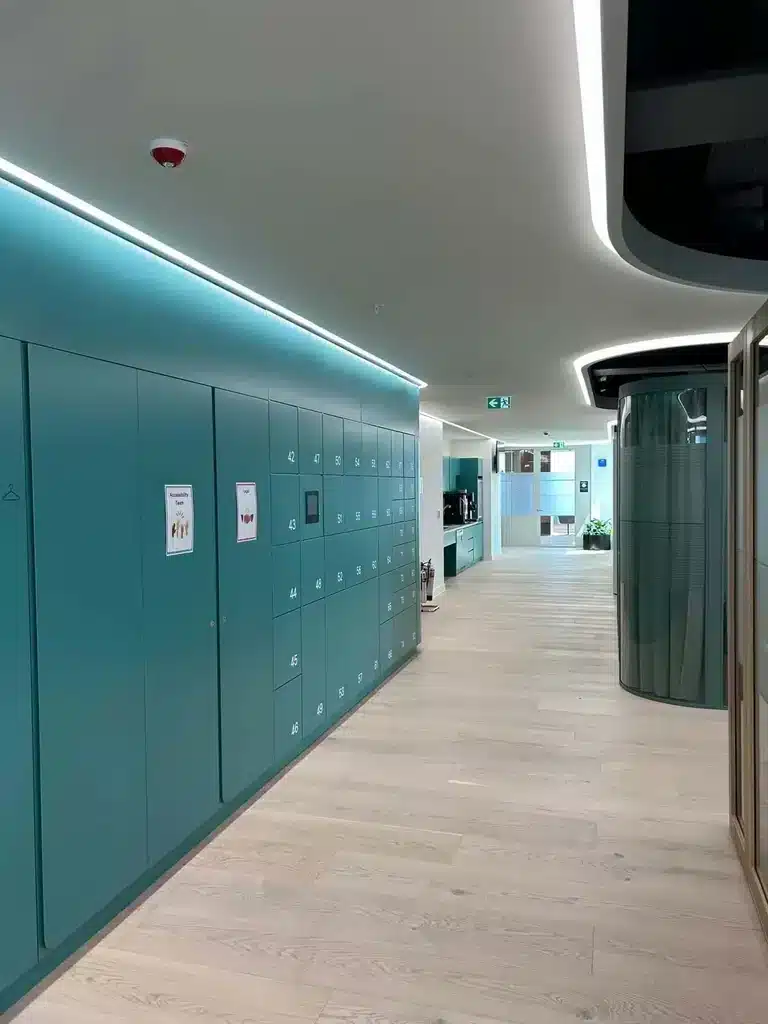
Executive summary
What should a UK buyer look for in a smart locker system?
A strong smart locker system must fit the process it is intended to automate. Buyers should assess the user journey, peak capacity, cabinet construction, electronic locks, access credentials, management software, integrations, security, installation, support and whole-life cost as one connected system.
Do not begin with the number of doors or the appearance of the cabinet. Begin with the operational outcome, then specify the hardware, software and services required to deliver it.
Step 1
Define the workflow before selecting the locker
Document the complete journey from the event that creates demand through to collection, return or release. Include exceptions such as expired reservations, uncollected items, failed credentials, doors left open and administrator overrides.
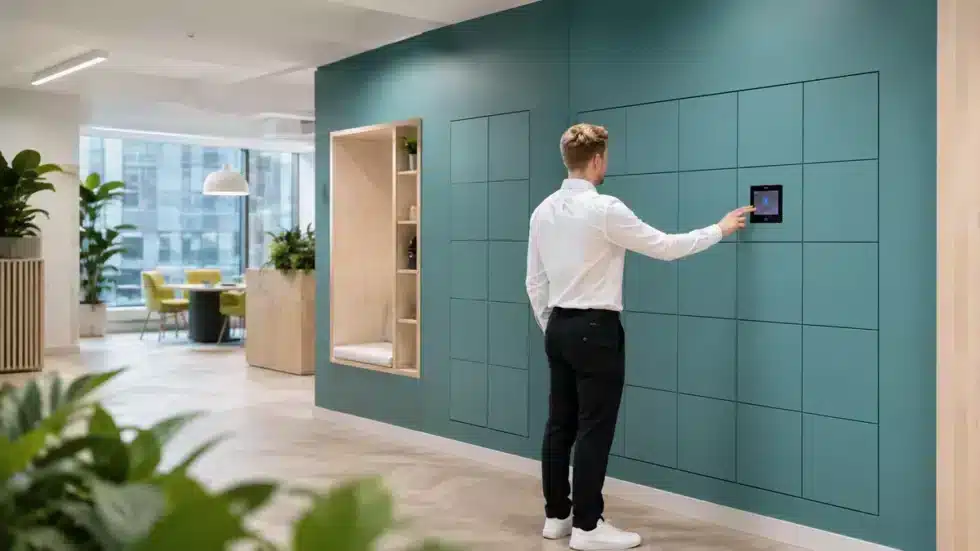
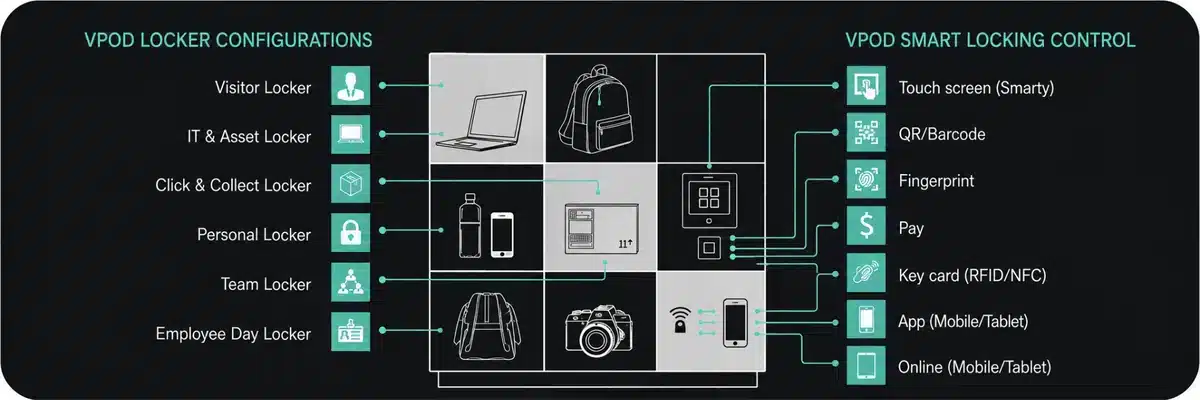
Compare the main applications through Vpod’s smart locker solutions, including workplace lockers, asset lockers, parcel lockers and venue lockers.
Step 2
Calculate capacity from peak demand
The number of people is not automatically the number of lockers required. Model attendance, concurrency, storage duration, compartment size and the level of spare capacity needed to maintain availability.
- Number and type of users
- Peak simultaneous demand
- Fixed, flexible or dynamic allocation
- Small, medium and large compartment mix
- Accessibility and specialist storage needs
- Growth, resilience and out-of-service allowance
Step 3
Choose an access method that fits each user
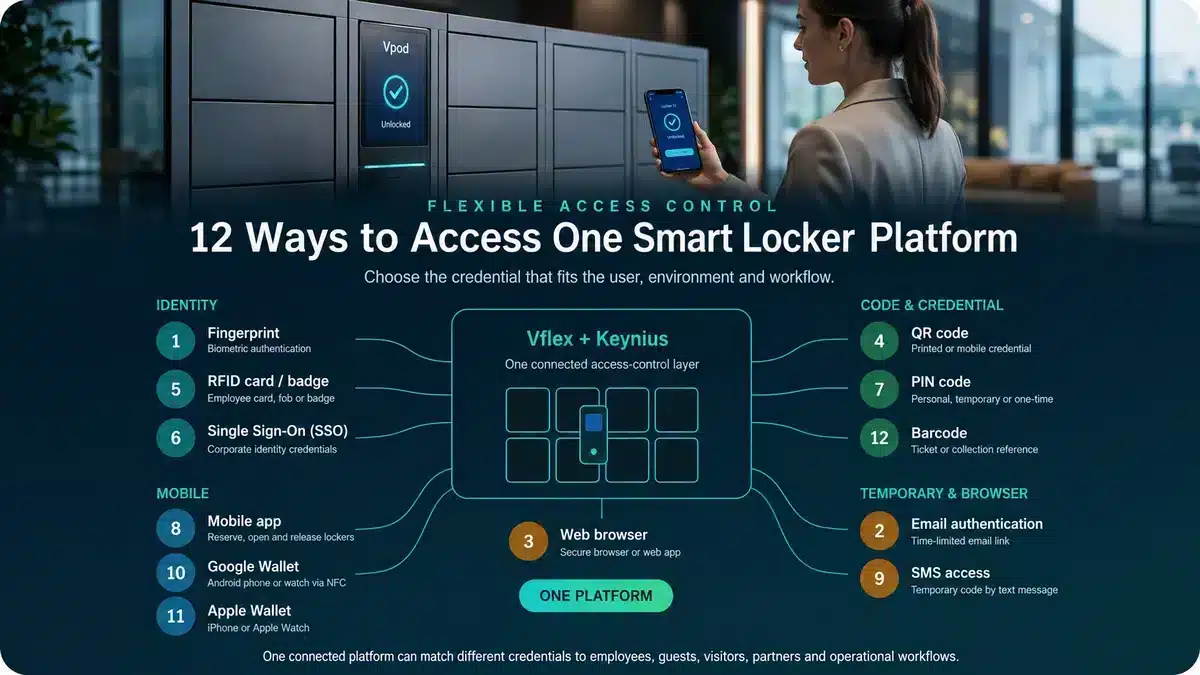
| Credential | Best suited to | Buyer question |
|---|---|---|
| RFID card or badge | Employees, students and regular users | Can the existing building credential be reused? |
| QR or barcode | Visitors, collections and temporary access | How is the credential issued and expired? |
| PIN | Guests and simple short-term journeys | Is it one-time, personal or reusable? |
| Mobile app | Repeat users and reservable storage | Is an app appropriate for every user group? |
| SSO or digital identity | Enterprise and multi-site estates | How are joiners, movers and leavers handled? |
| Wallet or payment | Venues, hospitality and paid storage | Can access and transaction status remain connected? |
Step 4
Assess the management software—not only the doors
Administration
Users, roles, permissions, assignments, remote actions and multi-site control.
Operations
Availability, live locker states, alerts, exceptions and maintenance visibility.
Reporting
Occupancy, utilisation, transactions, audit history and downloadable evidence.
Configuration
Workflows, access rules, notifications, languages, branding and payment options.
Ask suppliers to demonstrate the administrator journey using your scenario. A polished user interface is useful, but the decisive test is whether the software can manage the real operating rules and exceptions.
Step 5
Map integrations and data ownership
Determine which system initiates the journey, which is the source of identity, which controls access and where status must be returned. Cover API availability, authentication, support responsibilities, error handling and future upgrades.
Step 6
Evaluate physical, digital and operational security together
Physical
Cabinet construction, hinges, electronic locks, emergency access, placement and monitoring.
Digital
Encryption, platform security, identity controls, administrator roles, data retention and updates.
Operational
Overrides, incident ownership, lost credentials, abandoned contents, support and business continuity.
Step 7
Compare whole-life cost and measurable return
Smart locker pricing depends on cabinet construction, door count and size mix, electronic locks, terminals, software, integrations, installation, connectivity, support and the complexity of the operating model.
Upfront
- Design and cabinetry
- Locks, controllers and terminals
- Integration and configuration
- Delivery and installation
Ongoing
- Software and connectivity
- Support and maintenance
- Payment fees where applicable
- Moves, changes and expansion
Value
- Reduced administration
- Improved space utilisation
- Faster self-service handovers
- Revenue where storage is paid
Step 8
Compare suppliers on evidence, not claims
| Area | Evidence to request |
|---|---|
| Relevant experience | Comparable live deployments, references and quantified outcomes |
| System fit | A demonstration of your workflow, including exceptions |
| Integration | Technical architecture, ownership, testing and support model |
| Security | Documented controls, certifications and responsibilities |
| Delivery | Survey, manufacture, installation, commissioning and training plan |
| Support | Service scope, response commitments, escalation and spare-part provision |
| Commercials | Transparent whole-life pricing and assumptions |
Review Vpod’s smart locker case studies for workplace, asset, hospitality and venue deployments, then use the enterprise specification guide to turn requirements into a comparable supplier brief.
See Vpod systems in operation
Watch Vflex smart lockers in action
See how the Vflex platform supports multiple smart-locker workflows, then use the wider Vpod video library alongside a live workflow demonstration during supplier evaluation.
 Vflex multi-purpose smart lockers
Procurement checklist
Smart locker buyer’s checklist
Ready to scope the system?
Bring Vpod your workflow, users, site and integration requirements.
We will help translate them into a practical smart locker configuration and deployment plan.