Identity
Recognise the employee through the agreed enterprise identity source.


We design and deliver integrated systems for streamlined check-ins, secure storage, and enhanced visitor management. Our trusted partner network and focus on sustainability, data security, and customer success drives us to provide the most effective and user-friendly solutions.







We design and deliver integrated systems for streamlined check-ins, secure storage, and enhanced visitor management. Our trusted partner network and focus on sustainability, data security, and customer success drives us to provide the most effective and user-friendly solutions.
We design and deliver integrated systems for streamlined check-ins, secure storage, and enhanced visitor management. Our trusted partner network and focus on sustainability, data security, and customer success drives us to provide the most effective and user-friendly solutions.
Vpod combines Vflex smart lockers, cloud locker management software and enterprise integrations so identity, attendance, access and allocation can operate as one joined-up workplace service.
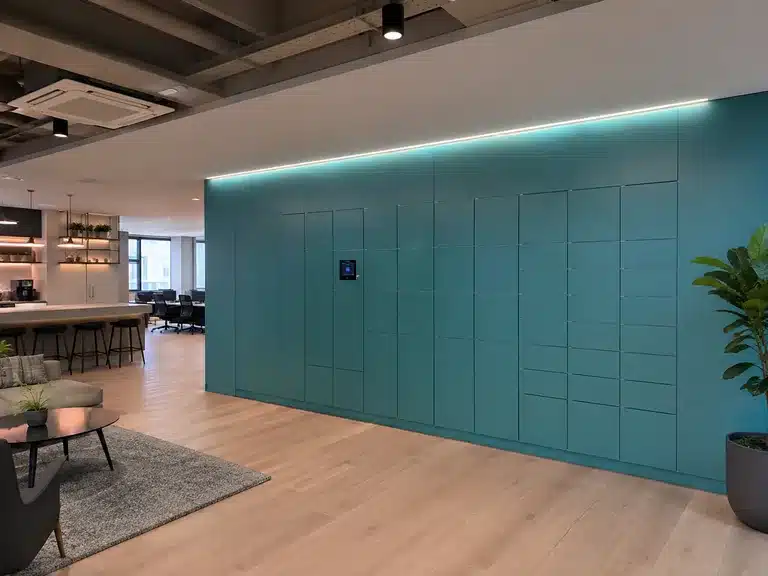
A modern workplace locker service needs to know who the employee is, whether they are eligible, where they are working, which capacity is available and when that capacity should be released. Vflex smart lockers powered by Keynius provide the physical and cloud control layer; Vpod integration design connects that layer to the systems around the workplace.
Use the system that already owns each decision, then let the locker workflow turn those decisions into a simple physical outcome.
Recognise the employee through the agreed enterprise identity source.
Use booking, attendance, building, team or neighbourhood context where configured.
Apply capacity, entitlement and allocation rules to select the right locker.
Use an approved badge, mobile credential, PIN, QR or SSO journey.
Open, store, return and release capacity according to the workplace policy.
Return agreed status, occupancy, exception and utilisation events.
The objective is not another isolated locker app. It is a governed workplace journey in which each platform keeps ownership of the decision it already makes best.
Use approved identity, group and lifecycle context to inform locker eligibility for joiners, movers and leavers.
See the Entra ID workflowExtend governed workforce identity and policy decisions into workplace storage and controlled equipment access.
See the Okta workflowReuse an agreed employee card or mobile credential while keeping locker entitlement as a separate governed decision.
See the HID workflowCarry office-day, desk and attendance context into storage allocation so locker capacity is ready when the employee arrives.
See the YAROOMS journeyAlign booking and workplace context with dynamic locker allocation, access and agreed utilisation events.
See the Eptura journeyUse booking, arrival, location and building context from platforms such as Smart Spaces and other agreed workplace systems.
Explore all integration pathwaysSupport permanently assigned lockers, bookable/flexible use or rules-led allocation according to workplace policy.
Place storage near the employee’s desk neighbourhood, floor, team area or agreed arrival point where suitable context is available.
Manage connected sites through one cloud environment and use occupancy and activity evidence to improve capacity planning.
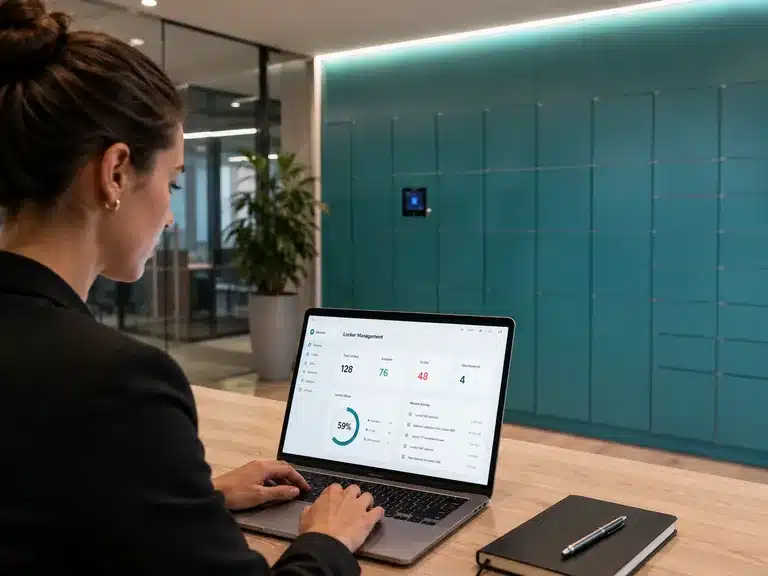
Locker permissions should not become a second employee directory to maintain. A scoped integration can use agreed lifecycle and entitlement signals so physical storage follows the employee’s current role, site and status.
Create eligibility only when the agreed identity and group checks are satisfied.
Update locker policy when role, site, department or workplace entitlement changes.
Remove locker eligibility through the agreed deprovisioning route and preserve the audit outcome.
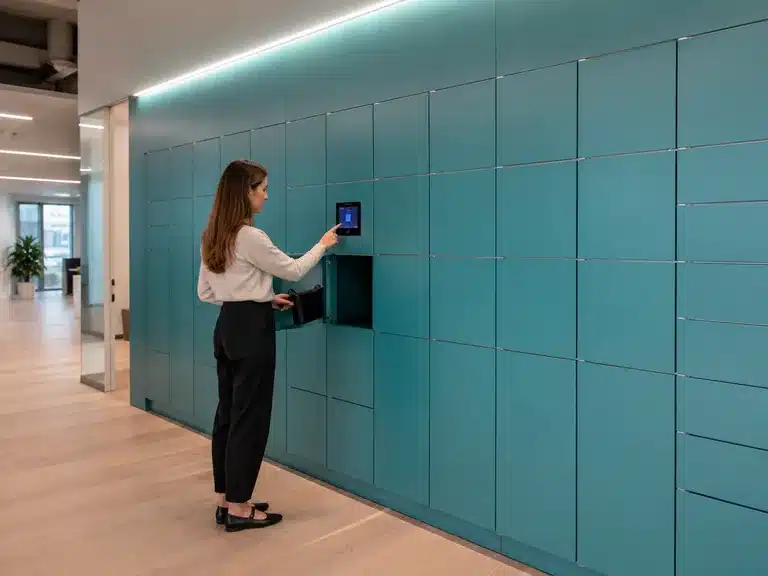
Flexible allocation and remote management helped the workplace team reduce locker administration and improve utilisation.
Explore Vpod workplace deployments, smart locker workflows and integration-led use cases in the Vpod Smart Solutions video library and YouTube channel.
 ▶
▶
Reduce daily allocation, key handling, abandoned-item chasing and capacity guesswork.
Keep user eligibility aligned to trusted identity, access and lifecycle controls.
Define credential, permission and exception rules around a controlled physical access journey.
Use utilisation evidence to make better decisions about locker capacity and workplace space.
Bring your workplace journey, identity model, access-control method, allocation policy and estate structure. Vpod will define the operational handoffs, exceptions and integration scope required.
Integration availability, supported triggers, data direction and delivery scope are confirmed during solution design.