







VPOD FIELD GUIDE · WORKPLACE DESIGN
Smart Locker Accessibility: Designing an Inclusive User Journey
Accessible smart lockers are designed around the whole experience: getting to the locker, understanding the interface, using a suitable credential, reaching the right compartment and getting help when something goes wrong.
Discuss accessibility requirementsA design guide for procurement, workplace, design and facilities teams. Project requirements and applicable standards should be reviewed for each site.
THE SHORT ANSWER
Accessibility is a system decision—not a low door
One low compartment does not make a locker installation accessible. Inclusion depends on how a person finds and approaches the locker, reaches and understands its controls, proves their entitlement, opens the assigned door, handles the item and gets help. The right configuration depends on the people, building, storage workflow and support model.
That means accessibility needs to be specified across physical layout, interface, credential choice, allocation rules and exception handling. Vpod’s smart locker platform can support different workflows and authentication methods, but the specific hardware, software settings and integration must be confirmed for the project. Nothing in this guide is a claim of automatic regulatory compliance.
01 / START WITH THE PERSON
Map the complete locker journey
Walk the route from arrival to a completed transaction. A barrier at any step can make an otherwise capable locker difficult or impossible to use.
- 01FindLocate the locker and understand where to go.
- 02ApproachReach the terminal with clear circulation space.
- 03IdentifyRecognise the correct locker bank and door.
- 04AuthenticateUse a credential that works for the person.
- 05OpenOperate the door, handle and latch.
- 06UsePlace or retrieve the item safely.
- 07ConfirmUnderstand the result and next step.
- 08Get helpFind support when the normal path fails.
Map the steps with users who have different mobility, vision, hearing, dexterity, cognitive and language needs. Watch the task rather than asking only whether someone thinks it will work. Record the exact point of friction, the workaround used and whether that workaround preserves privacy and independence.
02 / PHYSICAL ENVIRONMENT
Design for approach, reach and movement
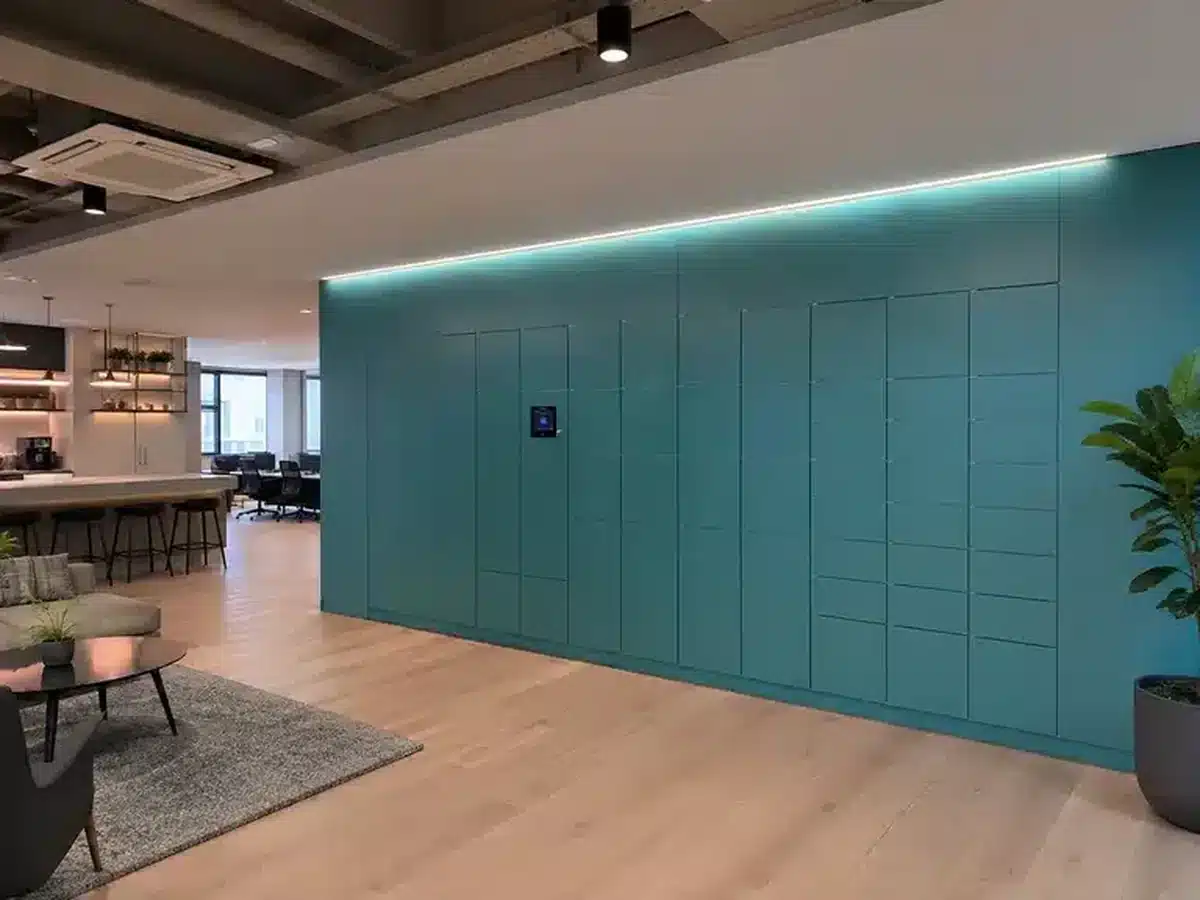
The locker wall, terminal and the space around them form one environment. Review it in the actual location, with doors open and people moving through the area—not only on a drawing.
Confirm a clear approach route and enough manoeuvring space for expected mobility aids. Check circulation pinch points, nearby furniture, queues, floor transitions and door swing. Consider whether a person can approach the controls without blocking the route or being pushed into a conflict with passers-by.
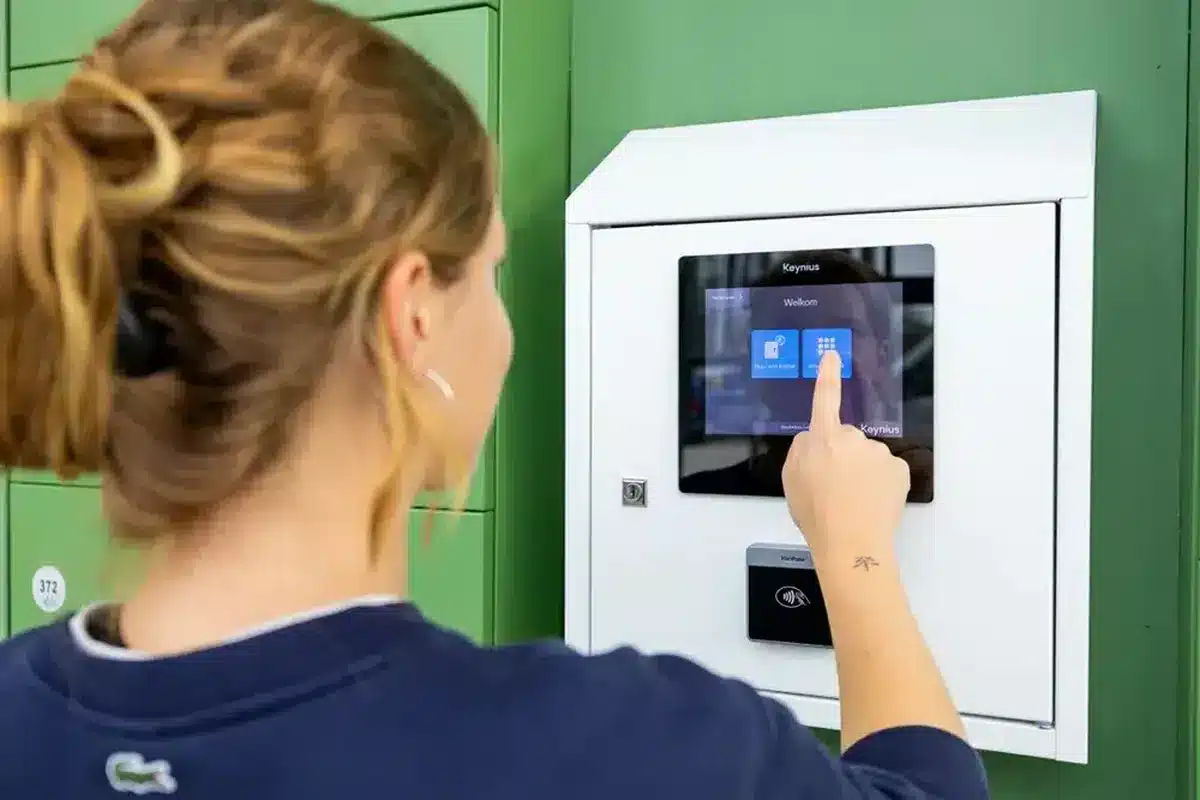
Terminal placement and control position influence who can use the system independently. Ask users to reach, see and operate the configured reader and screen from realistic positions. Include handle grip, door weight, latch action and the force needed to open and close each compartment. A reachable reader does not solve a door that cannot be operated.
03 / DIGITAL INTERACTION
Make the interface clear, calm and recoverable
Review the real production journey, including every screen, prompt, timeout and error. Accessibility cannot be assessed from a product brochure or a single happy-path demo.
Readable at the point of use
Check text size, spacing, contrast, glare and screen angle in installed lighting. Keep labels concise and language direct.
Easy to understand
Give one clear action at a time. Do not use colour alone to signal a selected option, warning or successful result.
Easy to operate
Test touch targets with people who have varied dexterity, reach and vision. Allow enough time to read and complete each step.
Safe to correct
Explain what happened after an error and how to continue. Avoid dead ends that require a staff member for routine correction.
Where configured, consider audio or alternative prompts and the availability of more than one language. Check whether users can adjust or extend time where needed, and what happens if a transaction is interrupted. Confirm that the screen and physical locker identify the same door. A clear confirmation should say what has opened, what the user should do next and how to finish.
04 / ACCESS CHOICE
Offer credentials that fit different people
No single credential suits every user group. Choose a primary path for the workflow, then agree an equivalent alternative for people who cannot use it.
| Credential | Accessibility questions | Plan an alternative |
|---|---|---|
| RFID badge | Can the user present a badge without precise alignment or grip? Is the reader easy to locate? | Provide a configured PIN, web or staff-assisted option where appropriate. |
| PIN | Can the keypad or screen be seen and operated? Is the code entry private and manageable? | Offer a credential that avoids visual or dexterity barriers. |
| QR code | Can the user obtain, see and position the code? Does access depend on a personal phone? | Provide an accessible non-phone route for people without a compatible device. |
| Mobile or wallet | Is the app, phone, data connection and setup suitable for every user? Can people use their preferred assistive settings? | Keep a supported badge, PIN or assisted route available where configured. |
| Web or assisted access | Can users navigate the web journey and request support discreetly? | Set clear staff permissions, identity checks and a private support process. |
These are design questions, not guarantees that every access mode is available in every Vpod configuration. Confirm exact reader hardware, user journey, platform setup, identity policy and fallback route during technical discovery. Vpod’s smart locker overview describes configurable access methods; the access-method guide covers credential selection in more detail.
05 / ALLOCATION RULES
Make accessible capacity usable—not theoretical
Even a well-designed locker wall can exclude someone if the allocation logic repeatedly assigns a compartment they cannot reach or use. Agree rules before go-live and verify what the live system actually does.
Depending on the operating model, allocation may need to prioritise a reachable compartment, reserve some capacity, allow a longer transaction or make a support override possible. Any reservation rule needs ownership: who can use the capacity, how it is released, and how the team prevents it from being silently consumed by general demand?
06 / COGNITIVE & SENSORY NEEDS
Make each step predictable
Consistent language and interaction patterns reduce the effort required to learn the system. Use the same words for the same actions in screens, signs and support instructions. Identify locker banks and doors with visible labels that can be matched to the on-screen instruction.
Give confirmation after allocation, access and completion. Explain errors without blame and offer a next step. Avoid unnecessary countdowns, flashing prompts or instructions that rely on colour, sound or memory alone. Consider screen brightness, reflections, nearby noise, competing signage and whether the interaction can be paused or restarted.
07 / EXCEPTIONS & SUPPORT
Design for the moment the normal path breaks
Accessible service depends on what happens when the user cannot follow the standard transaction.
- Lost or unavailable credentialAgree identity checks and a usable alternative; do not assume every user has a smartphone.
- Network or service interruptionConfirm the configured behaviour and what users can do. Never promise universal offline access.
- Door or allocation faultShow a clear message and a support route that works at the locker location.
- Emergency or administrator accessDefine authorised roles, identity checks, event logging and privacy safeguards.
- Assistance requestProvide more than one way to get help, with ownership and expected response agreed.
- Privacy during supportEnable help without unnecessarily exposing the person’s belongings, identity or access details.
Document the standard route and the fallback route together. A staff override may solve an immediate problem, but it should not become the only way that a particular group can use the service. Track exception reasons after launch to identify recurring barriers that the design can remove.
08 / BUYER’S ACCEPTANCE TEST
Ask suppliers to demonstrate it
Use the questions below in procurement and acceptance testing. Request the proposed configuration, not a generic product demonstration.
- Can a user approach, manoeuvre and reach the configured terminal in the proposed location?
- Can intended users independently identify the allocated compartment and operate its door?
- Can users complete the configured screen flow with readable instructions and sufficient time?
- Which credential alternatives are available, and how are they provisioned and supported?
- Can allocation rules direct eligible users to agreed compartments or locker banks?
- What does the system do after an interrupted task, unavailable network or door fault?
- How can a user request help without revealing private information to others nearby?
- Can staff demonstrate approved overrides, logs and role-based support?
- Have representative users tested the final site layout and production configuration?
- Who owns ongoing feedback, issue resolution and review after deployment?
09 / TEST IN THE REAL ENVIRONMENT
Include users before rollout—and after configuration
Test early with representative users, including people with mobility, visual, hearing, dexterity, cognitive and language needs. Agree informed participation and privacy. Start with realistic tasks: receive an allocation, locate the locker, authenticate, open and close a door, retrieve an item and recover from a deliberately introduced problem.
Record whether each person completed the task independently, where they hesitated, what support they needed and what changes would improve the experience. Repeat the test in the live environment after screens, credentials, allocation rules, signage and network dependencies have been configured. A prototype result does not prove the installed service works the same way.
WORKPLACE CONTEXT
Real deployments show different journeys
These Vpod examples demonstrate workplace, visitor and multi-floor operating contexts. Their published case studies do not document accessibility assessments, so they should not be treated as proof of accessible design.
 HYBRID WORKPLACE · 3 UK LOCATIONSSkyscannerFlexible employee storage managed across three UK offices.Read the case study ↗
 WORKPLACE · LOCKERS + VISITOR JOURNEYADPAssigned day lockers and a central visitor journey across workplace floors.Explore Vpod case studies ↗
 VISITORS · WORKPLACE STORAGESodexoConnected visitor reception and workplace storage at One Southampton Row.Explore the Sodexo partnership ↗
WATCH THE STANDARD JOURNEY
Observe the interaction. Then test for barriers.
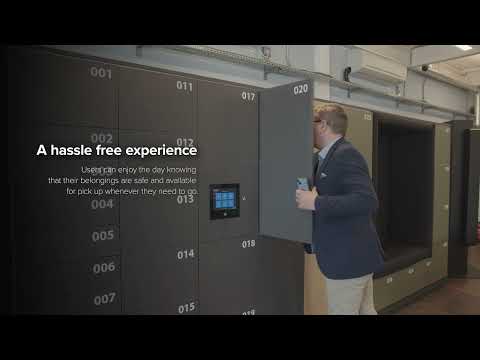
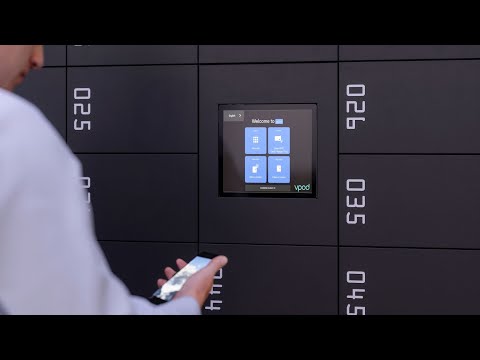
These videos show general Vpod smart locker journeys. They are not accessibility-certification or accessible-design demonstrations.
KEEP PLANNING