







VPOD FIELD GUIDE · ENTERPRISE OPERATIONS
POST-GO-LIVE OWNERSHIP
Smart Locker Maintenance and Support: What Buyers Should Ask
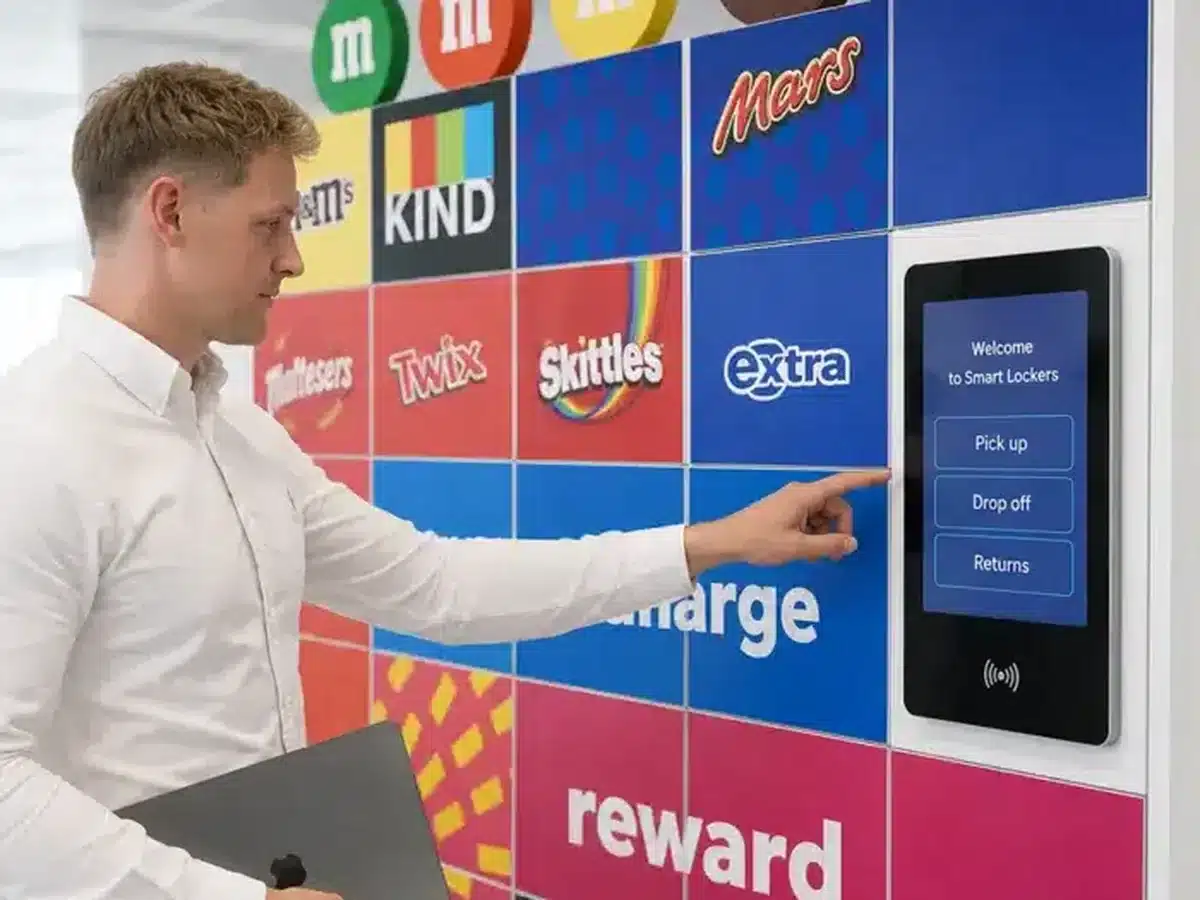
A smart locker service depends on more than cabinets and locks. Buyers should agree how hardware, controllers, terminals, software, connectivity and integrations will be monitored, maintained and supported after go-live.
THE SHORT ANSWER
Buy an operating service, not just a hardware warranty.
Smart locker maintenance should account for the complete configured service: cabinetry, doors and hinges; electronic locks and sensors; terminals, readers and controllers; software and configuration; connectivity; and any integrations that support the user journey. Each layer can have a different owner, service window and failure mode.
Before procurement, define what is included, how incidents are classified, which response and resolution targets apply, and what the customer, Vpod and integration partners each own. Ask suppliers to demonstrate monitoring, escalation, emergency access and recovery against realistic scenarios. Exact support coverage, service levels and offline behaviour must be confirmed in the project agreement; they are not identical across deployments.
Procurement testFor every component and dependency, name an owner, a support route, the evidence available during a fault and the next action if the first response does not resolve it.
01 / DEFINE THE SERVICE BOUNDARY
What needs maintenance in a smart locker service?
Draw the boundary around the working service, not around the cabinet alone. A door may be mechanically sound while an access reader, local controller, user permission or integration is stopping the task.
Cabinetry and moving parts
Doors, hinges, handles, frames, feet, vents, seals and finishes. Include alignment, wear, impact damage, cleaning access and any environment-specific requirements.
Electronic locks and sensors
Lock actuation, door-state feedback, latches, cabling and reader connections. Establish how a stuck or repeatedly failing door is isolated, secured and returned to service.
Terminal, reader and controller
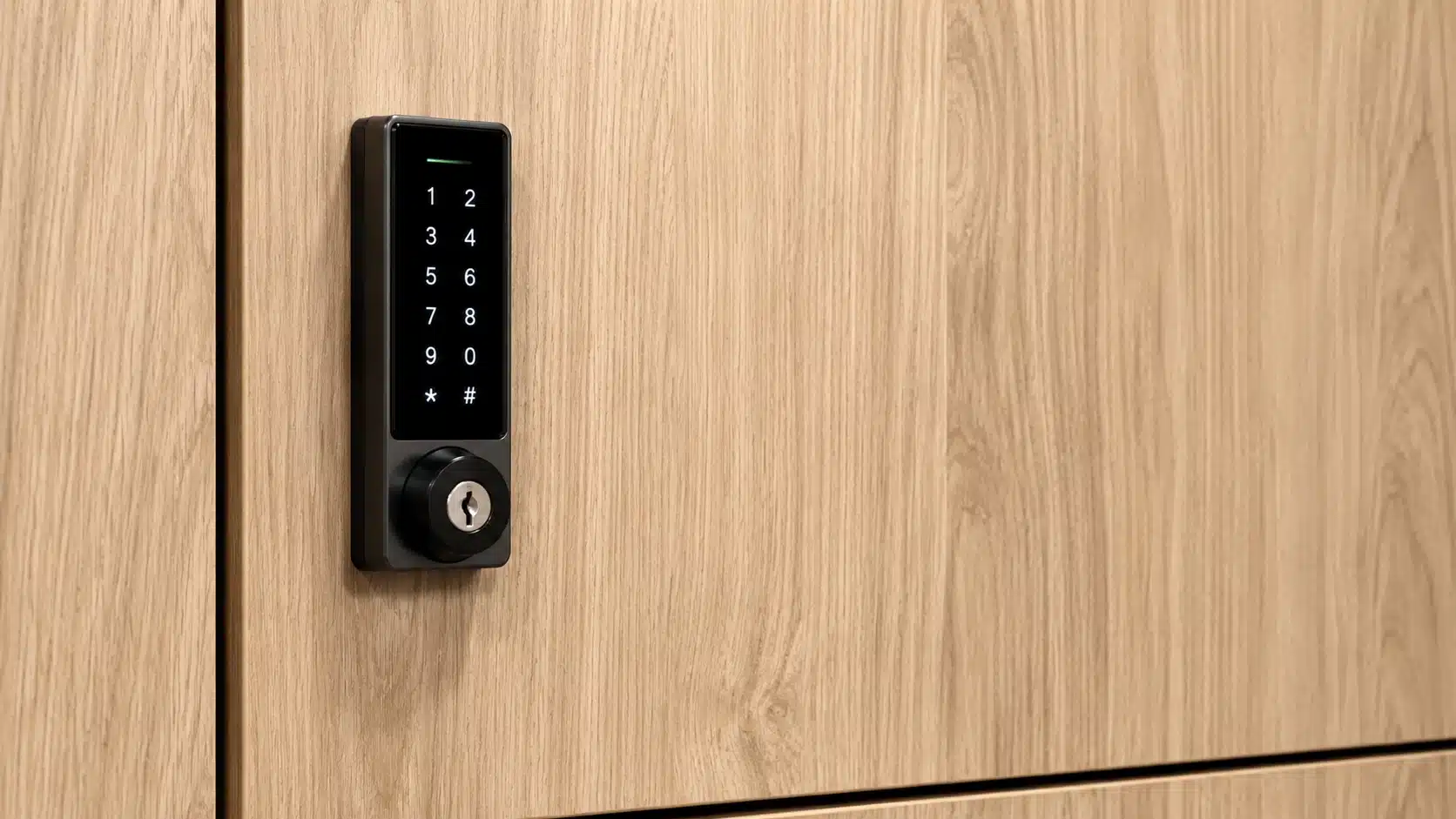
Touchscreens, badge or QR readers, local control components, power supplies and cabinet-to-controller connections. Clarify which parts are replaceable and what stock is held.
Software and configuration
Application availability, permissions, allocation rules, user records, settings, reports and platform updates. Decide who approves changes and how they are tested and recorded.
Connectivity, integrations and people
Network paths, identity or workplace connections, APIs, notifications, administrator training and user support. A fault may sit outside the locker supplier’s technical boundary, so joint triage matters.
02 / LOWER AVOIDABLE DOWNTIME
Preventative maintenance versus reactive repair
A support model should combine planned care with a clear response when something fails. Preventative work helps spot wear and drift; it does not remove the need for incident response, parts or on-site capability.
For a focused look at why conventional locker upkeep can become expensive, see Vpod’s locker maintenance cost guide. This article goes further into the enterprise support model, software dependencies, service levels and lifecycle ownership.
BEFORE A FAILURE
Preventative and proactive
- Routine checks of doors, hinges, locks, readers and visible damage
- Cleaning and adjustment against the manufacturer’s guidance
- Review of system health, capacity signals and repeat fault patterns where monitoring is configured
- Planned software and firmware maintenance with release notes and change control
- Parts planning based on estate size, use intensity and replacement lead times
- Trend review to identify recurring failures and improvement actions
SUPPORT
MODEL
WHEN AN ISSUE OCCURS
Reactive and restorative
- Incident logging with site, locker bank, door and user impact recorded
- Severity-based triage, ownership and communication updates
- Remote diagnosis where available and approved
- Safe workaround or temporary isolation if a compartment cannot be used
- Replacement parts and on-site repair when remote action is insufficient
- Service restoration, event reconciliation and a documented closure
The right mix depends on duty cycle, environment, access criticality, geography and the agreed service contract.
03 / MAKE THE PROMISE TESTABLE
Define a support model people can actually use
“Responsive support” is not a service level. Put the operating details into the procurement response and contract, then test that users and administrators can find the route when an incident happens.
When can someone reach support?
Document support hours, holiday coverage, time zones, languages if relevant, and whether critical public-facing or out-of-hours deployments have a different arrangement.
02 — PRIORITYHow is impact classified?
Agree severity definitions in practical terms: one door affected, a bank unavailable, a site-wide service interruption, safety or security risk, or an integration failure that blocks a core workflow.
03 — TARGETSWhat does “response” mean?
Separate acknowledgement, triage, work-around, restoration and final resolution targets. State the clock start, pause conditions, customer dependencies and update frequency.
Which diagnostics and administrative actions can be performed remotely, by whom, and with what approval and audit trail?
Who dispatches a technician, what geography is covered, how are arrival targets defined, and what access or induction is required?
Which spares are stocked, where, by whom and for how long? What happens when a component is obsolete or has a long lead time?
Who owns the incident when an issue crosses Vpod, customer IT, facilities, software or integration-partner boundaries?
| Agreement item | What to define | Evidence to request |
|---|---|---|
| Support hours | Normal, extended and emergency windows; holidays; out-of-hours call route. | Published support schedule and contact test. |
| Severity levels | Impact criteria, who assigns severity, and when it can be changed. | Example incident classifications for site, bank and single-door faults. |
| Response and resolution | Separate acknowledgement, triage, workaround, restoration and resolution targets. | Sample SLA wording, clock rules, update cadence and exclusions. |
| Remote and field support | Permitted remote actions, dispatch rules, geographic coverage and site access needs. | Escalation flow and field-service coverage map. |
| Third parties | Network, identity, cloud, software and API ownership; joint incident handling. | Named service contacts, support boundaries and handoff process. |
04 / READ THE COMMERCIAL TERMS
A warranty is not the same as an operating support service.
Warranty, subscription, maintenance, support and integration terms solve different problems. Compare them as separate commitments and check how they fit together.
05 / TURN SIGNALS INTO ACTION
Ask what administrators can monitor and audit
Monitoring is useful when it helps a named team decide what to do. Ask suppliers to show which signals are actually available in the proposed configuration, how long they are retained, who can see them and how they trigger an action.
Review availabilityCheck whether the reporting view covers a single site, a whole estate or both.
Separate event typesDistinguish hardware faults from user errors, policy denials and integration failures.
Protect the recordAgree roles, retention, access controls and privacy handling for logs.
Use trends carefullyRepeated failure counts can help prioritise investigation; they do not prove a root cause by themselves.
06 / MULTI-SITE GOVERNANCE
One estate. Clear local ownership.
Multi-site support works when a central team can see consistent service information while local contacts know what to do on the ground. Standardise the incident route and reporting categories, then allow site-specific differences where they are justified.
Set role-based administrator access, approved configuration changes and a named owner for user communications. Agree a spare strategy across locations: which components are common, where stock is held, how parts move between sites and who authorises replenishment. Include service reviews that look at recurring incidents, availability, planned work, open risks and improvement actions.
See the multi-site rollout guideOWNERStandards · reporting · change
07 / PLAN FOR THE EXCEPTION
Continuity and emergency access need a demonstration.
Do not infer service behaviour from a product label or a typical deployment. Ask the supplier to show what the proposed configuration does and record the agreed safe process for each failure scenario.
Which doors, terminals or controllers stop operating? Is a local supply backup included? What is the safe manual or emergency opening procedure?
Can existing users continue with cached permissions? Can new assignments or integrations run? Which events queue for reconciliation? Confirm by workflow and configuration.
How does a user report a stuck or insecure door? Who attends, how are contents protected, and how is the compartment marked unavailable?
Who authorises an override, who communicates to users, how is access recorded, and who reconciles activity after restoration?
Make it testable. Put continuity scenarios into acceptance and service exercises. Record the result, the fallback owner, the user message and the conditions for returning to normal operation.
08 / LOOK BEYOND YEAR ONE
Plan for the full locker lifecycle
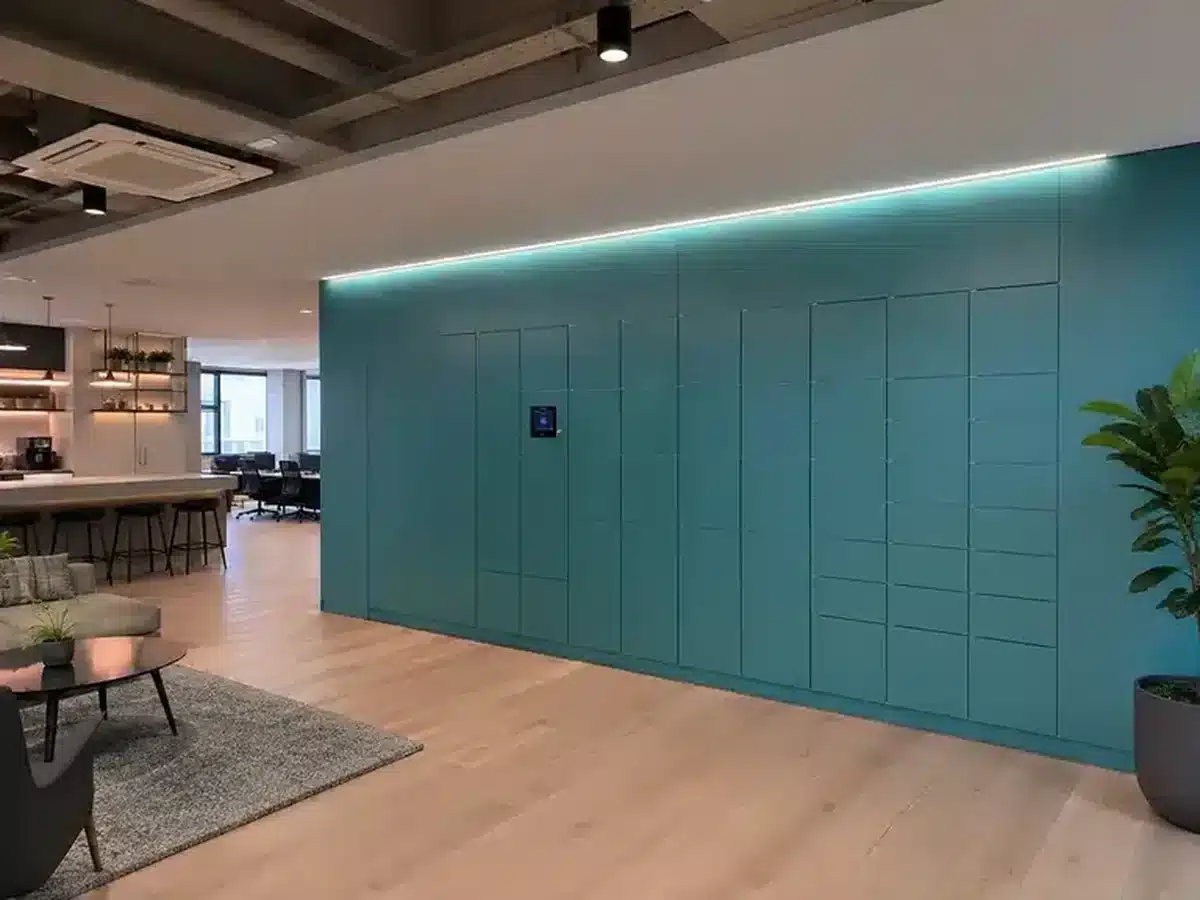
Support should cover change as well as fault response. Review the system when the estate expands, workflows change, software evolves or components approach end of life.
09 / TAKE THIS INTO PROCUREMENT
12 questions to test a maintenance and support offer
Ask for evidence in the proposal, demo or service schedule. Replace general assurances with named owners, measurable targets and a scenario the supplier can walk through.
- 01Which hardware, software and integration components are included in the support boundary?
- 02Who is the first contact for an end user, site administrator and enterprise service desk?
- 03What are the support hours and how do critical out-of-hours incidents enter the queue?
- 04How are severity levels defined, assigned and changed during an incident?
- 05What are the separate acknowledgement, triage, workaround, restoration and resolution targets?
- 06Which diagnostics and remote actions are available, approved and recorded?
- 07When is an on-site visit dispatched, which locations are covered and what are the arrival targets?
- 08Which routine inspections, cleaning, adjustment and preventive tasks are included?
- 09Which replacement parts are stocked, by whom, where and for how long?
- 10How are power, network, identity, cloud and API dependencies jointly investigated?
- 11What happens during power, connectivity, controller, door or integration failure—and who can authorise emergency access?
- 12How are updates, estate changes, component obsolescence, service reviews and end-of-life handled?
For each answer, record the contract reference, evidence owner, open dependency and acceptance test. Confirm final responsibilities and service levels per project.
FIELD EVIDENCE / DIFFERENT OPERATING CONTEXTS
Look at service outcomes in real deployments
These case studies illustrate operational context and deployment scale. They are not statements of a universal maintenance SLA; use them to frame questions about your own service requirements.
 GLOBAL WORKPLACEExplore the Mars case study ↗
Mars
Use the Mars deployment to ask how operational ownership, user support and change governance scale across locations and evolving workplace workflows.
 HYBRID WORKPLACERead the Skyscanner case study ↗
Skyscanner
Vpod reports reduced administration and improved utilisation across three UK locations, useful prompts for estate-wide visibility and consistent support processes.
 HIGH-VOLUME VENUEExplore CrowdStor and Ziggo Dome ↗
Ziggo Dome
High-throughput visitor storage highlights the value of clear fault handling, availability monitoring and support around peak event periods.
 LEISURE / DAILY USERead the Healthclub Jordaan case ↗
Healthclub Jordaan
The 188-locker deployment replaced coin-operated storage. Vpod describes durable hinges, moisture-resistant materials and fewer day-to-day locker issues.
WATCH / Vpod SMART SOLUTIONS
See what the management software can show.
The video supports a conversation about availability, occupancy and user activity. Ask Vpod to show the same views in the proposed configuration and explain what can generate an alert, who receives it and how it becomes a service action.
Watch Smart Locker Management Software Explained Browse the Vpod Smart Solutions channel ↗ SMART LOCKER MANAGEMENT SOFTWARE EXPLAINED
READY TO SET THE SERVICE BOUNDARY?
Agree support before the first fault.
Bring your sites, workflows, required service windows, integration map and draft escalation model. Vpod can help your team define the technical discovery questions for a supportable deployment.