


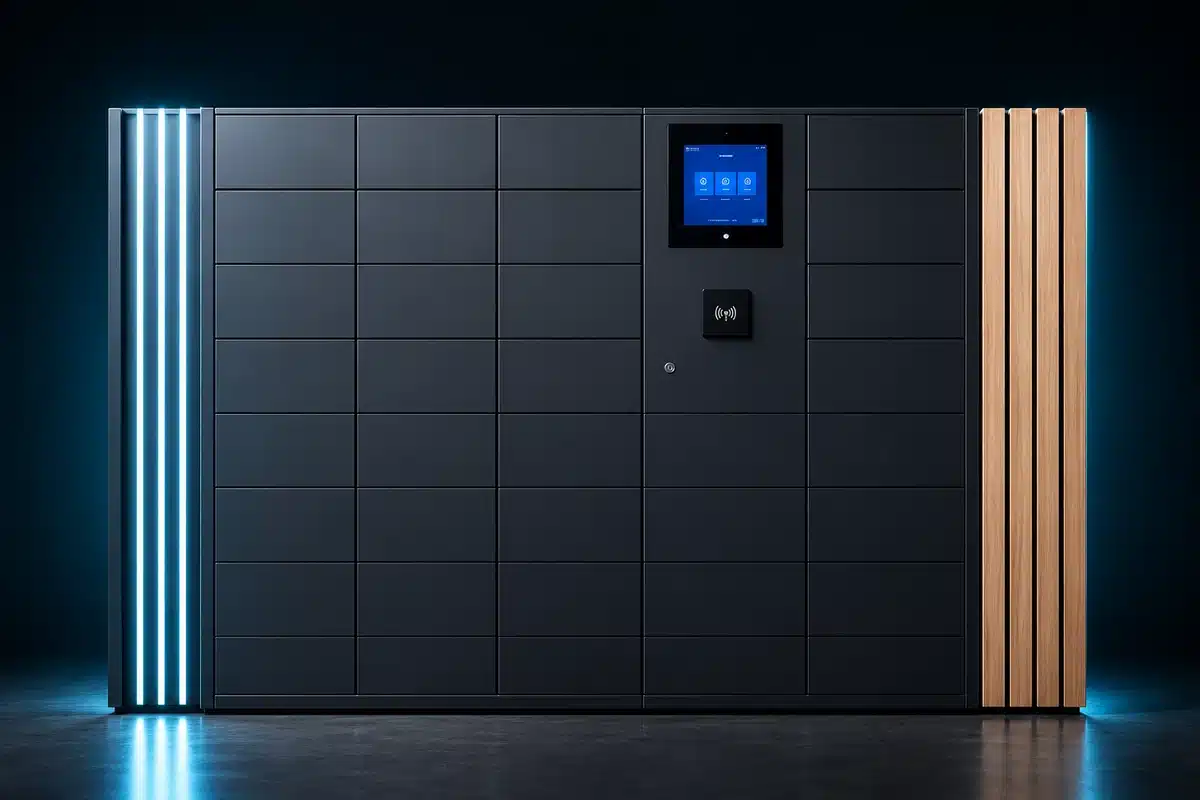



UK Asset Locker Buyer’s Guide
A practical framework for specifying, comparing and procuring asset locker systems in the UK—from what you control and how assets are issued or returned, through identity, charging, software, integrations, installation, cost and supplier evaluation.
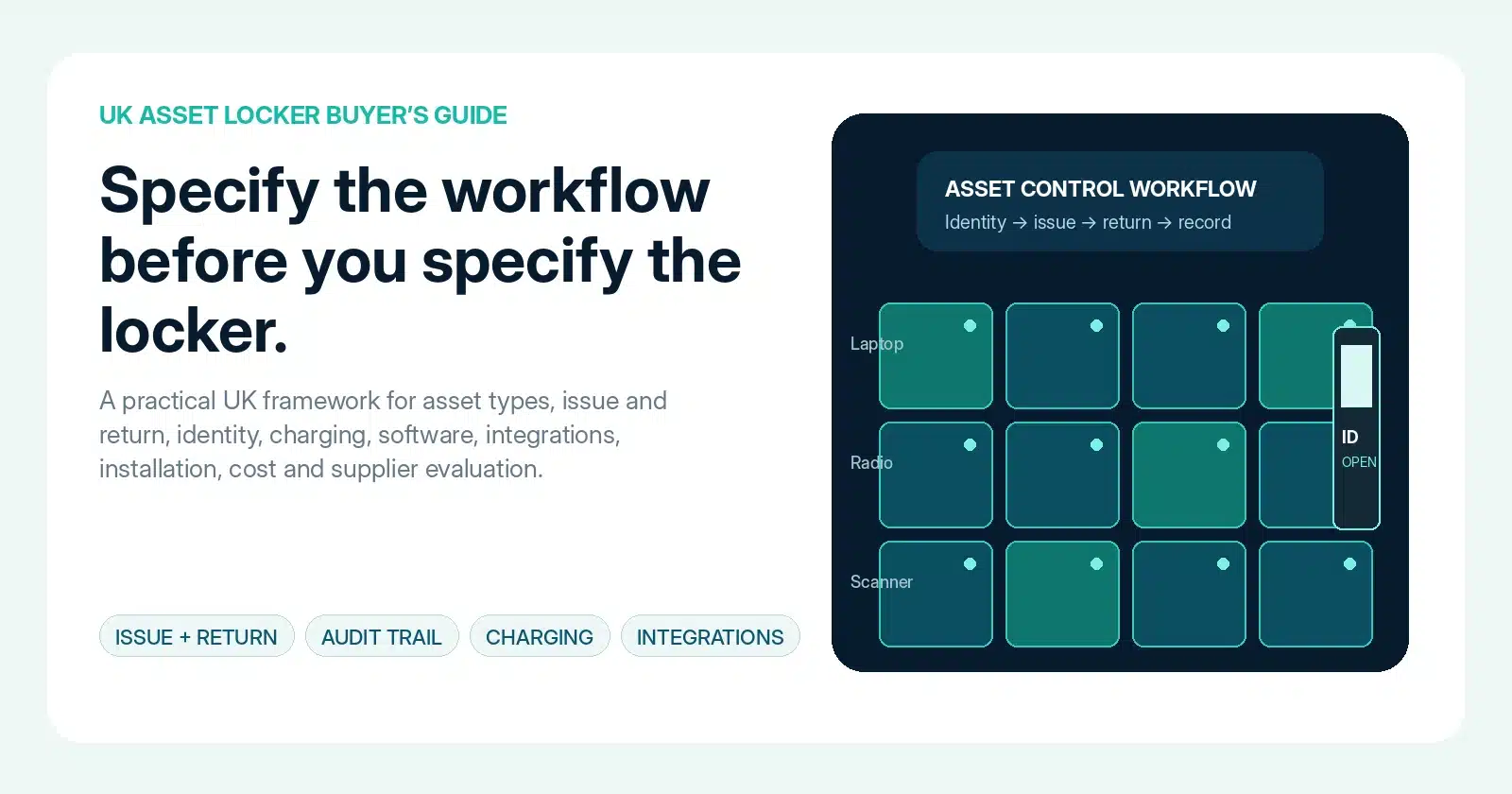
What should a UK buyer look for in an asset locker system?
A strong asset locker specification starts with the operating process. Define the assets, authorised users, issue and return rules, charging requirement, overdue handling, audit evidence, integration points and service model before deciding how many doors to buy.
What is being controlled?
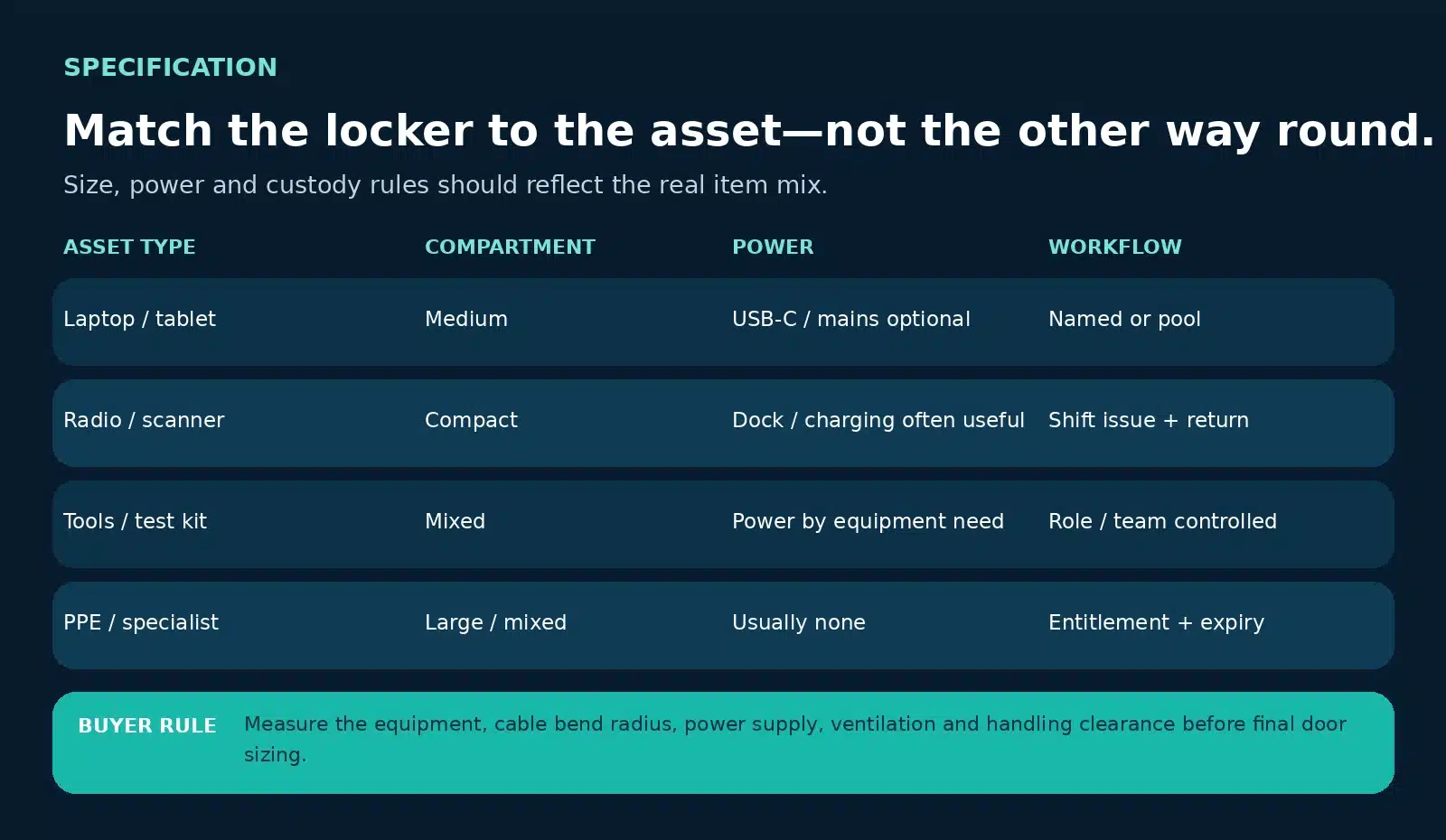
Laptops, radios, scanners, tools, test equipment, keys, PPE or specialist devices all create different sizing, power and custody requirements.
How does custody change?
Shared pool, named handover, break/fix replacement and asset recovery need different release and return logic.
Who is allowed access?
Identity, entitlement, role, location and service approval should determine the physical action at the locker.
What evidence must remain?
Agree which issue, collection, return, timeout and exception events must be visible to IT, operations, facilities or audit teams.
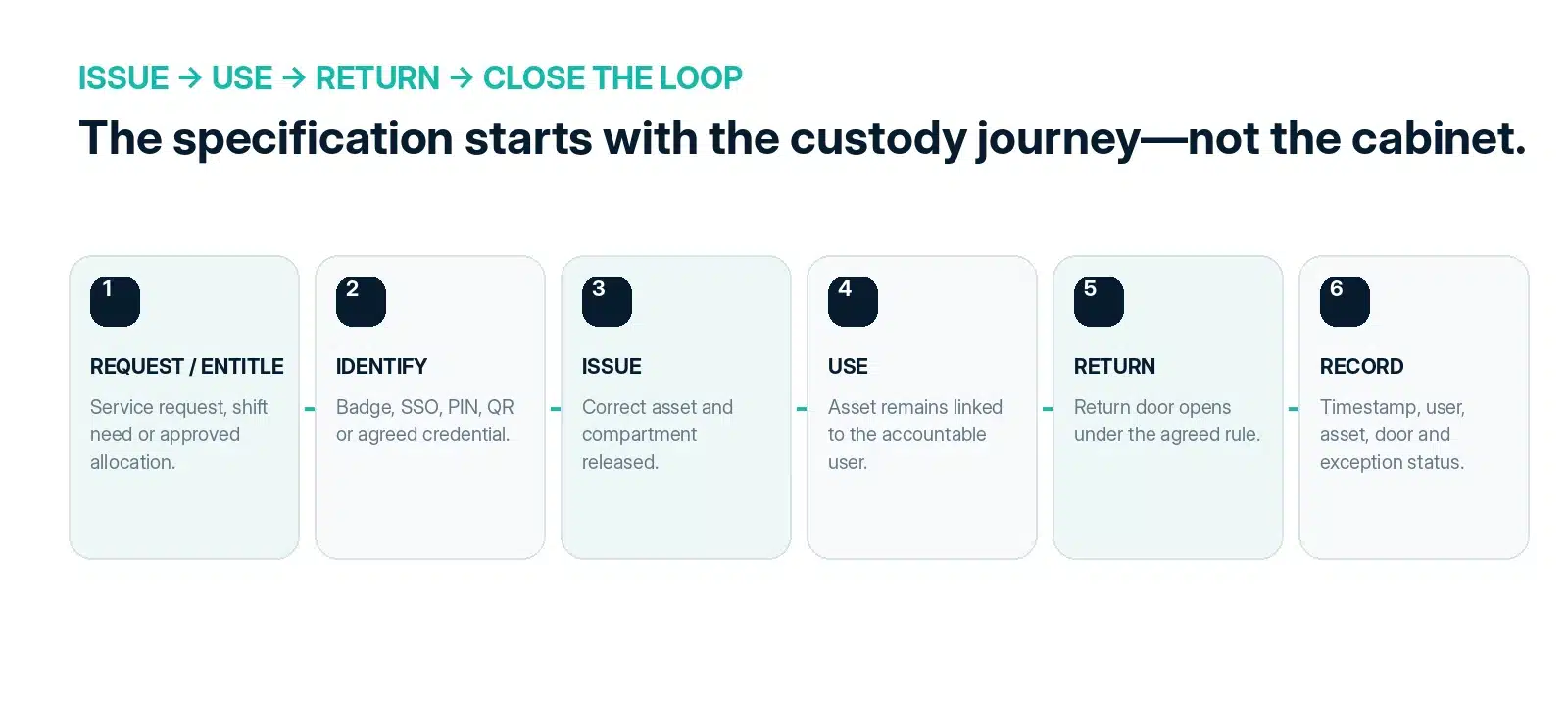
Design the custody workflow before the cabinet.
The key buying question is not “how many lockers?” but “what must happen from approved need to accountable return?” Vpod’s live asset-locker guidance uses four common patterns: shared equipment pool, named device handover, break/fix replacement and asset recovery.
| Workflow | What to specify |
|---|---|
| Shared pool | Eligibility, available-item selection, return deadline, condition and exception rules. |
| Named handover | Recipient, exact asset, assigned door, collection window and no-show process. |
| Break/fix | Service approval, prepared replacement, notification, collection and failed-return handling. |
| Asset recovery | Return entitlement, chain of custody, quarantine or onward processing after deposit. |
Make the user decision as strong as the door lock.
Electronic asset lockers are only as controlled as the entitlement behind them. Define the authoritative user source, the access method and what happens when somebody joins, changes role, changes site, loses a credential or leaves.
Authoritative identity
Decide whether eligibility comes from the service workflow, enterprise identity, local administration or a designed combination. For identity-led designs, review Vpod’s Microsoft Entra ID pathway.
Credential
Choose an agreed route such as RFID/badge, PIN, QR, mobile or another supported authentication method. Define fallback and lost-credential rules.
Entitlement
Specify which team, role, location, request type or approval grants access—and when that entitlement expires or must be revoked.
Measure the asset, cable and handling clearance.
Asset locker systems UK buyers compare should be configured around the real equipment mix. Door count alone is not a specification.
Power is an operational requirement—not a tick-box feature.
Where laptops, radios, scanners or other rechargeable equipment must leave the locker ready for use, include charging in the specification. Confirm compatible connectors, supply, cable management, electrical loading, heat, ventilation and maintenance access.
Connector
USB-C, mains adapter, dock or equipment-specific charging.
Power load
Calculate simultaneous charging demand rather than assuming every door needs the same supply.
Thermal design
Check ventilation and manufacturer requirements for the device being stored.
Serviceability
Ensure failed chargers and cables can be accessed without disrupting the full locker bank.
Specify the evidence and the exception path together.
A digital audit trail is useful only when the organisation has decided which events matter, who reviews them and what action follows a missed return.
Minimum custody record
Overdue policy
Vpod’s asset locker solution positions time-stamped digital activity, central visibility and searchable transaction histories as key controls for replacing manual logs and weak audit evidence.
Connect the service record to the physical handover.
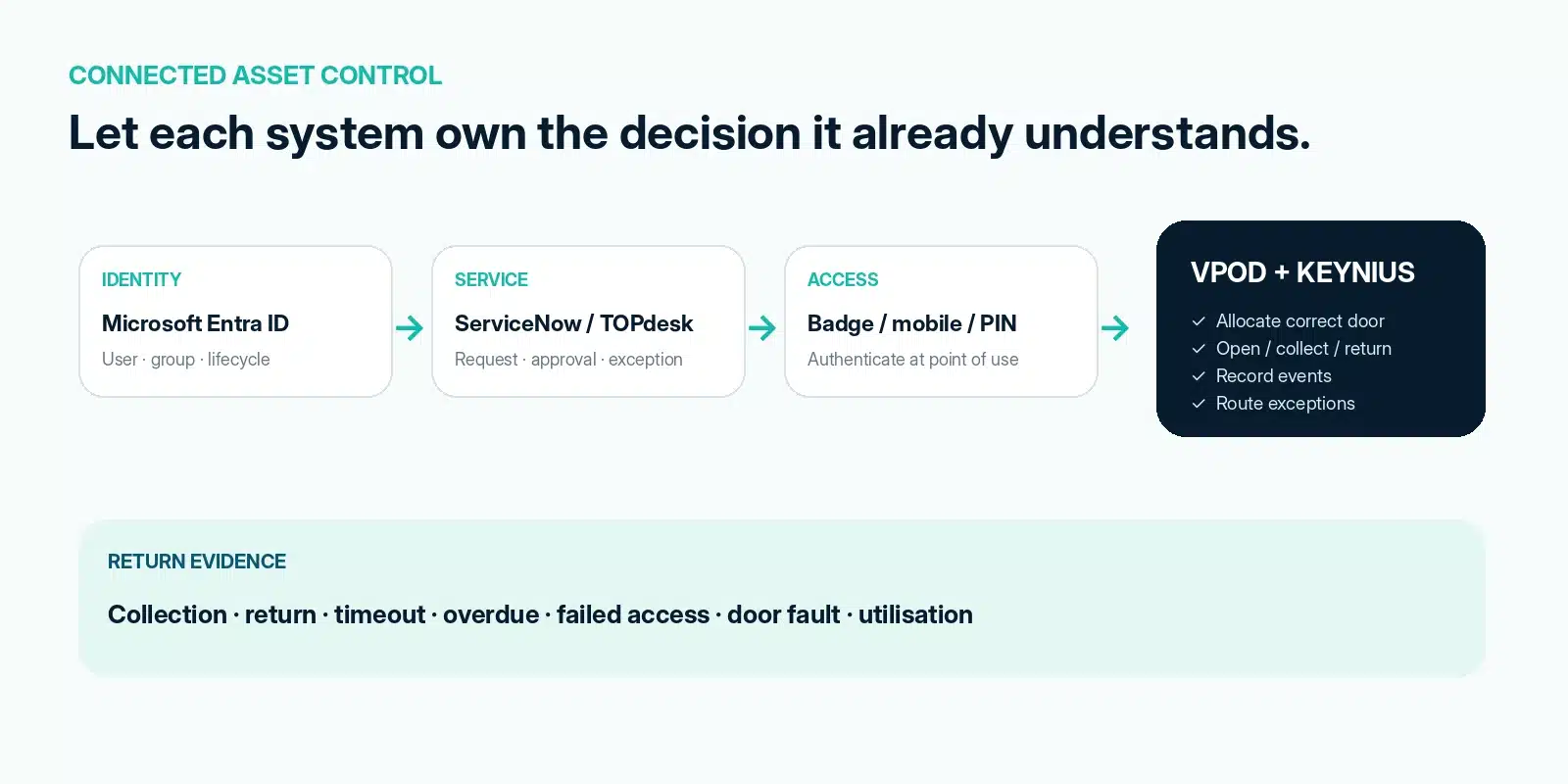
The cleanest architecture lets each system own the decision it already understands: identity confirms the person, service management owns the request and exception, and the locker platform controls the physical issue or return.
ServiceNow
Request or incident → approval → asset allocation → collection or return → agreed custody event back to the service record.
TOPdesk
Request → approval → issue or return → status update → exception ticket → audit evidence.
Microsoft Entra ID
Identity, group, role and lifecycle context can inform who is eligible for which asset workflow.
Integration Hub
Map the wider trigger → decide → act → report architecture across workplace, service, identity and access systems.
Buy the control layer—not only the cabinet.
For multi-site or high-value asset workflows, software determines how consistently the estate can operate. Evaluate user and permission management, door status, allocation rules, audit search, exceptions, reporting, alerts and support access.
Users + permissions
Role, location, team, request and time-window controls.
Asset workflow
Issue, return, swap, recovery, quarantine and exception states.
Operations
Door status, availability, faults, remote support and multi-site oversight.
Reporting
Transaction history, utilisation, overdue items and evidence for audit or improvement.
Plan the physical and digital deployment as one workstream.
Survey
Confirm dimensions, floor/wall conditions, power, data, access route, loading, fire strategy and accessibility constraints.
Configure + integrate
Complete locker layout, door mix, power, identity, workflow, notifications, exception rules and system interfaces.
Install + commission
Physical installation, electrical/data connection, testing, user acceptance, administrator training and go-live support.
Compare whole-life cost—not a single price per door.
There is no useful universal UK asset locker price because the system cost changes with compartment mix, charging, access method, software scope, integrations, site conditions and service model. A credible supplier should separate these cost drivers clearly.
Capital / deployment cost drivers
What typically changes the implementation price.
Whole-life operating cost
What should be evaluated beyond the initial purchase.
Use Vpod’s ROI tools and a supplier-specific quotation to model your actual requirement. Avoid using an indicative door price as a substitute for a defined specification.
Compare suppliers on operating fit, evidence and delivery capability.
Asset locker suppliers should be evaluated as system providers—not simply cabinet vendors. Score the physical product, management software, integration capability, implementation discipline and support model together.
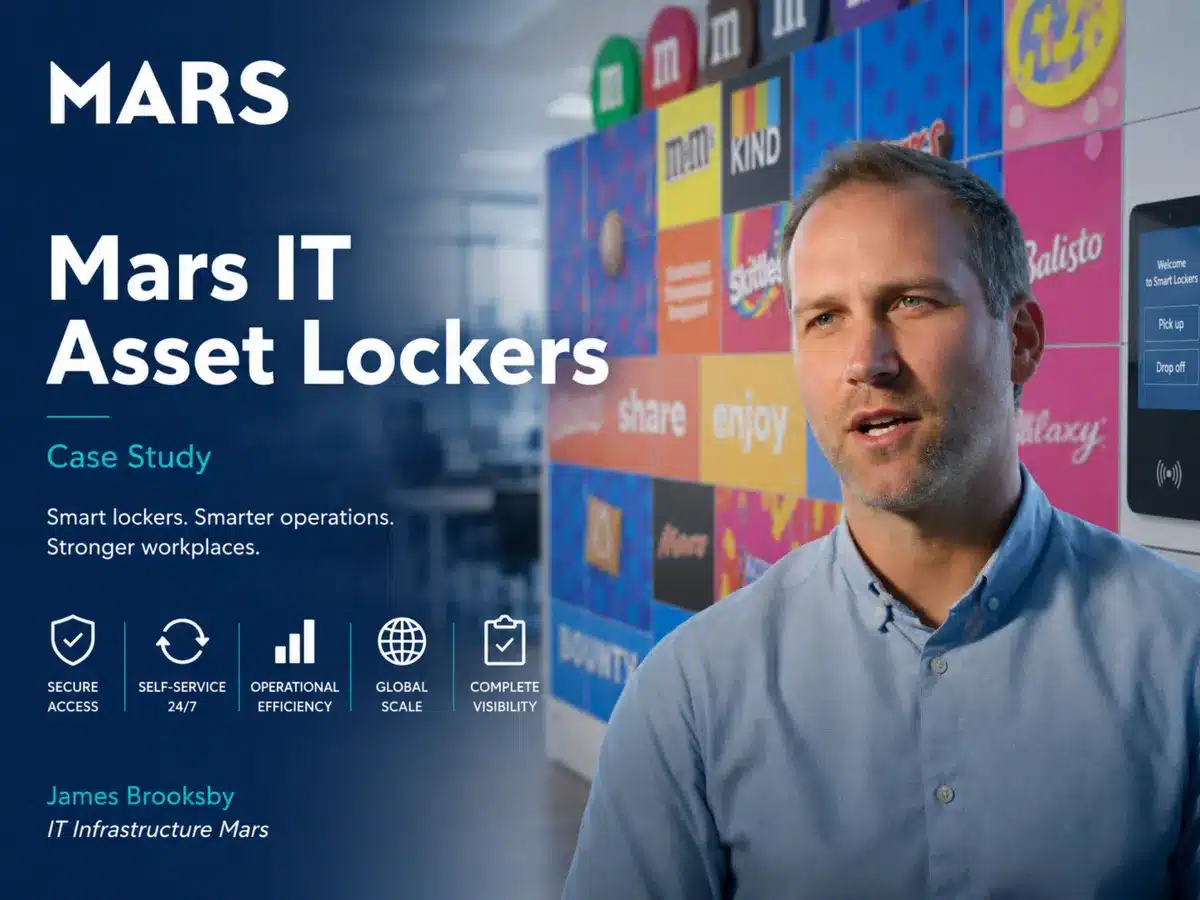
Mars: asset lockers operating at enterprise scale.
Vpod’s global FMCG case study describes a programme supporting IT asset distribution, emergency laptop replacement, returns and workplace storage across nine countries and 15 sites.
For more workplace, asset and smart-locker workflow content, visit Vpod Smart Solutions on YouTube.
Take this specification into supplier conversations.
Operating requirement
Digital + delivery requirement
Turn the guide into a Vpod asset locker specification.
Bring your asset list, current handover process, site constraints and systems. Vpod can map the hardware, software, integrations and deployment approach.