Select
Choose site, size, location and duration.


We design and deliver integrated systems for streamlined check-ins, secure storage, and enhanced visitor management. Our trusted partner network and focus on sustainability, data security, and customer success drives us to provide the most effective and user-friendly solutions.







We design and deliver integrated systems for streamlined check-ins, secure storage, and enhanced visitor management. Our trusted partner network and focus on sustainability, data security, and customer success drives us to provide the most effective and user-friendly solutions.
We design and deliver integrated systems for streamlined check-ins, secure storage, and enhanced visitor management. Our trusted partner network and focus on sustainability, data security, and customer success drives us to provide the most effective and user-friendly solutions.
Connect every step of a paid or complimentary locker session: select → pay/book → credential → store → access → expiry/extension → release.
Learn how software, physical lockers, payment systems and venue platforms can work as one accountable guest journey.
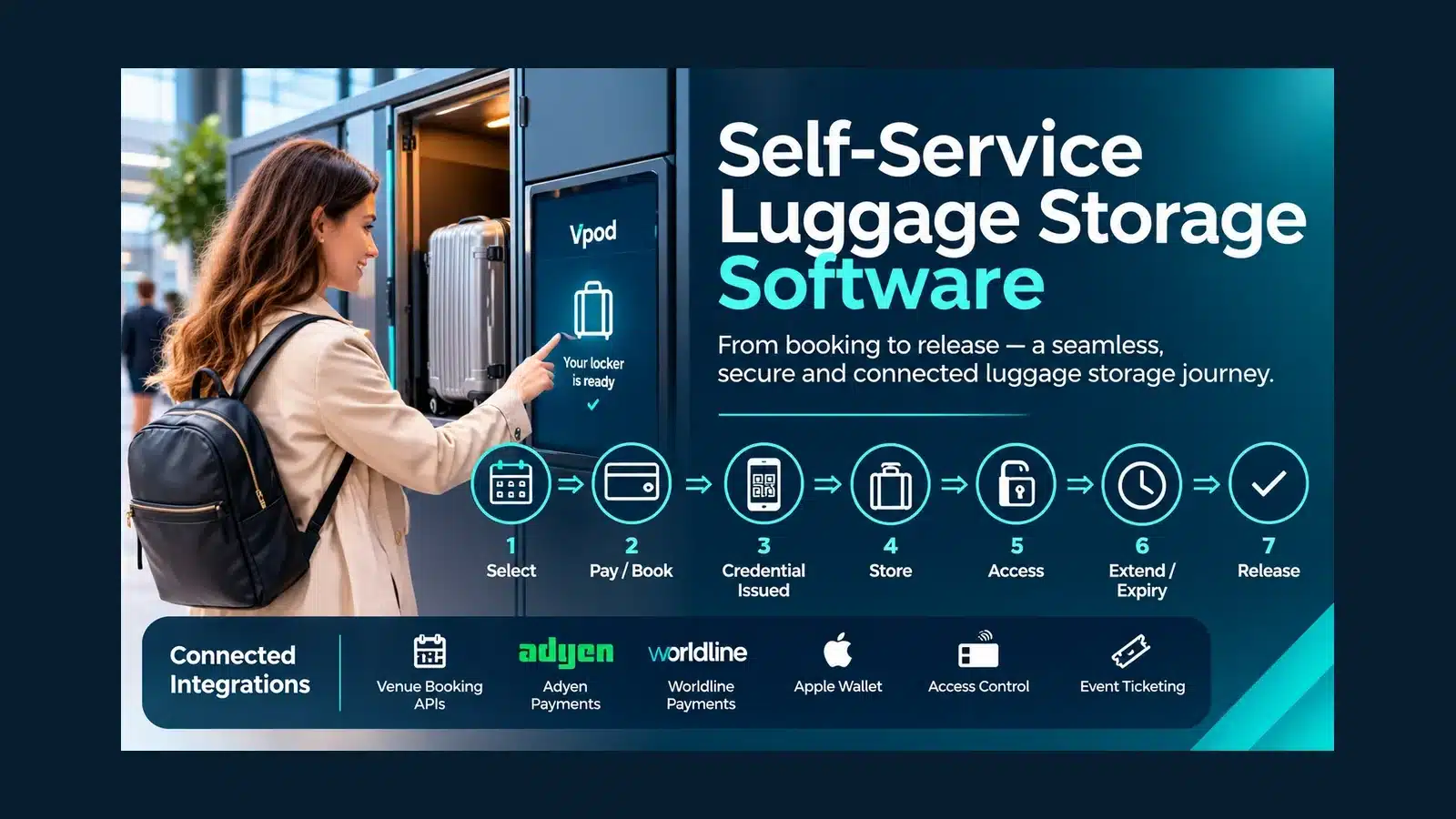
Software is the operational layer between the guest, the locker and any booking or payment platform. Each step needs a clear owner, a reliable result and an exception route.
Choose site, size, location and duration.
Confirm payment or complimentary entitlement.
Issue an agreed PIN, QR or other access route.
Allocate, open, load and close the door.
Permit controlled re-entry where configured.
Extend, notify or escalate under local policy.
Collect, close the session and free the door.
Vpod's Vflex lockers are powered by Keynius. The management layer supports configured allocation, credentials, locker activity, administration and reporting across connected locker estates.
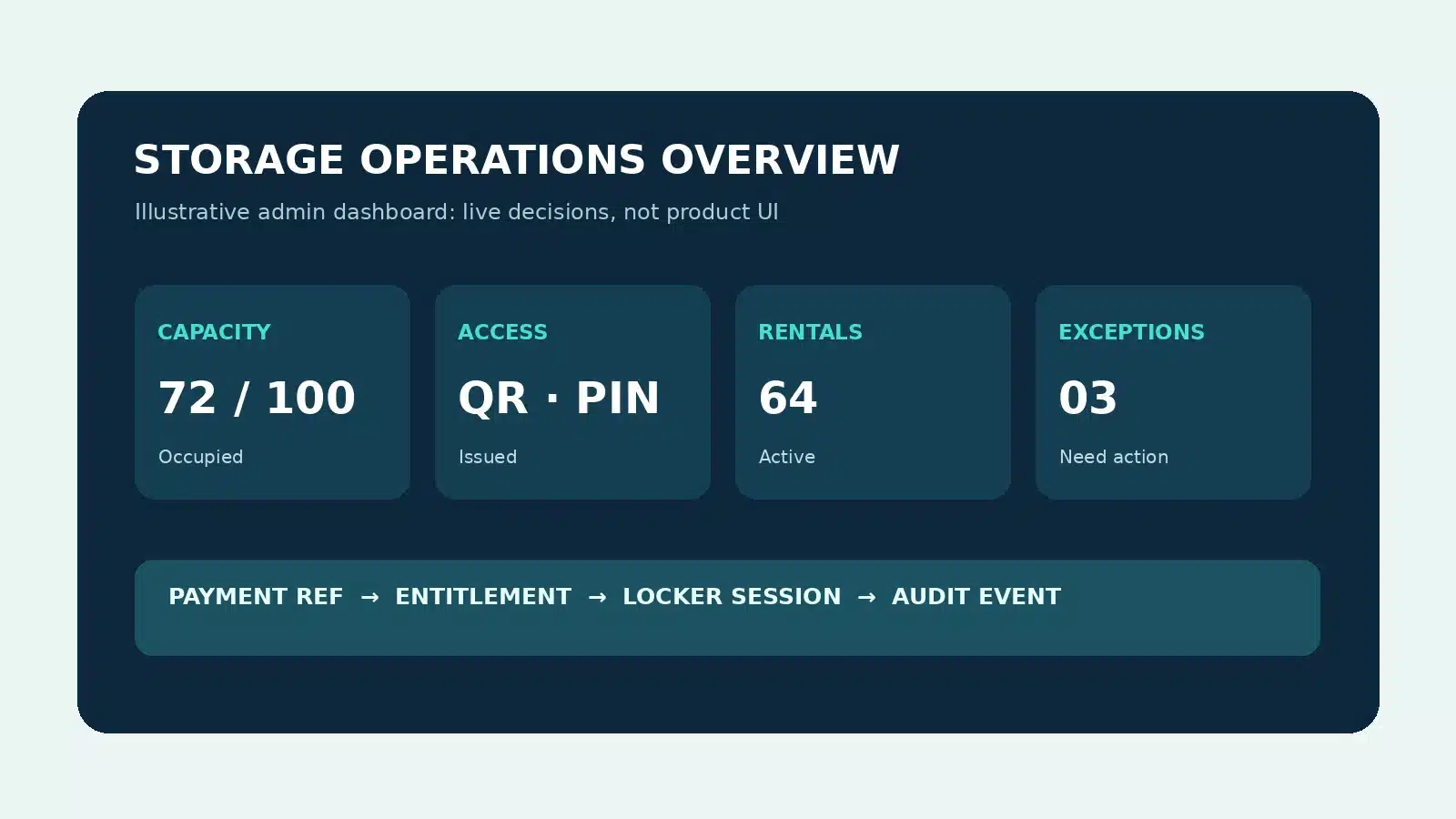
The entitlement to use a locker may come from an existing guest relationship, a payment at the locker or a storage add-on purchased with a venue ticket. The workflow must distinguish a successful payment from a successful allocation.
Issue a time-limited entitlement through the agreed guest, reception or booking route without taking a separate locker payment.
Present capacity and price, authorise payment, then create the locker session and access credential. Define declined, refund and duplicate-event responses.
Offer storage as a booking add-on, transmit the confirmed entitlement and make the chosen locker or zone available on arrival.
Map the software owning each trigger, payment decision, credential and operational result before selecting integration methods. These links describe design pathways; availability is subject to confirmation.
Locker add-on → booking confirmation → entitlement → arrival access → usage reporting.
View venue booking pathway →Payment authorisation → eligibility for locker allocation → refunds and reconciliation rules.
View Adyen pathway →Contactless transaction outcome → timed entitlement → exceptions and finance reporting.
View Worldline pathway →Pass issuance, validity and presentation must be linked to approved locker entitlement and expiry rules.
View Apple Wallet pathway →Decide when an existing credential should identify a user, authorise access or record a door event.
Explore identity and access partners →Connect the trigger, decision, physical locker action and reporting into one governed service.
Explore integrated partners →Unattended storage only works when operators can resolve real-world interruptions without losing the booking, payment or custody record.
Agree support ownership, response times, refunds and escalation policy before go-live.
Use these deployments to understand the venue and hotel experience. They do not establish that any particular third-party payment connector was used.
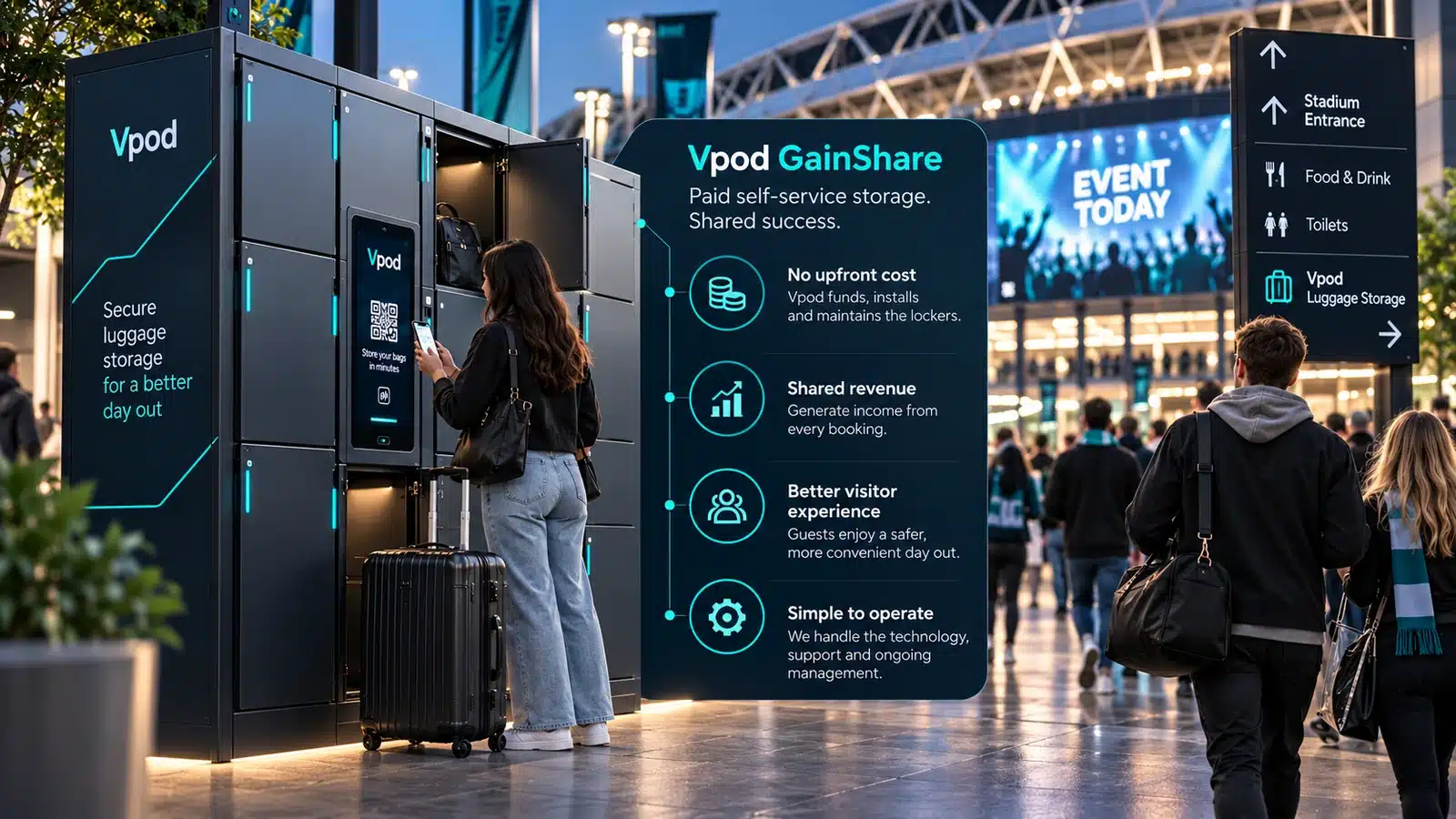
Explore how a high-footfall venue can move visitors away from staffed cloakroom queues and into a digital storage journey.
Read the Co-op Live case study →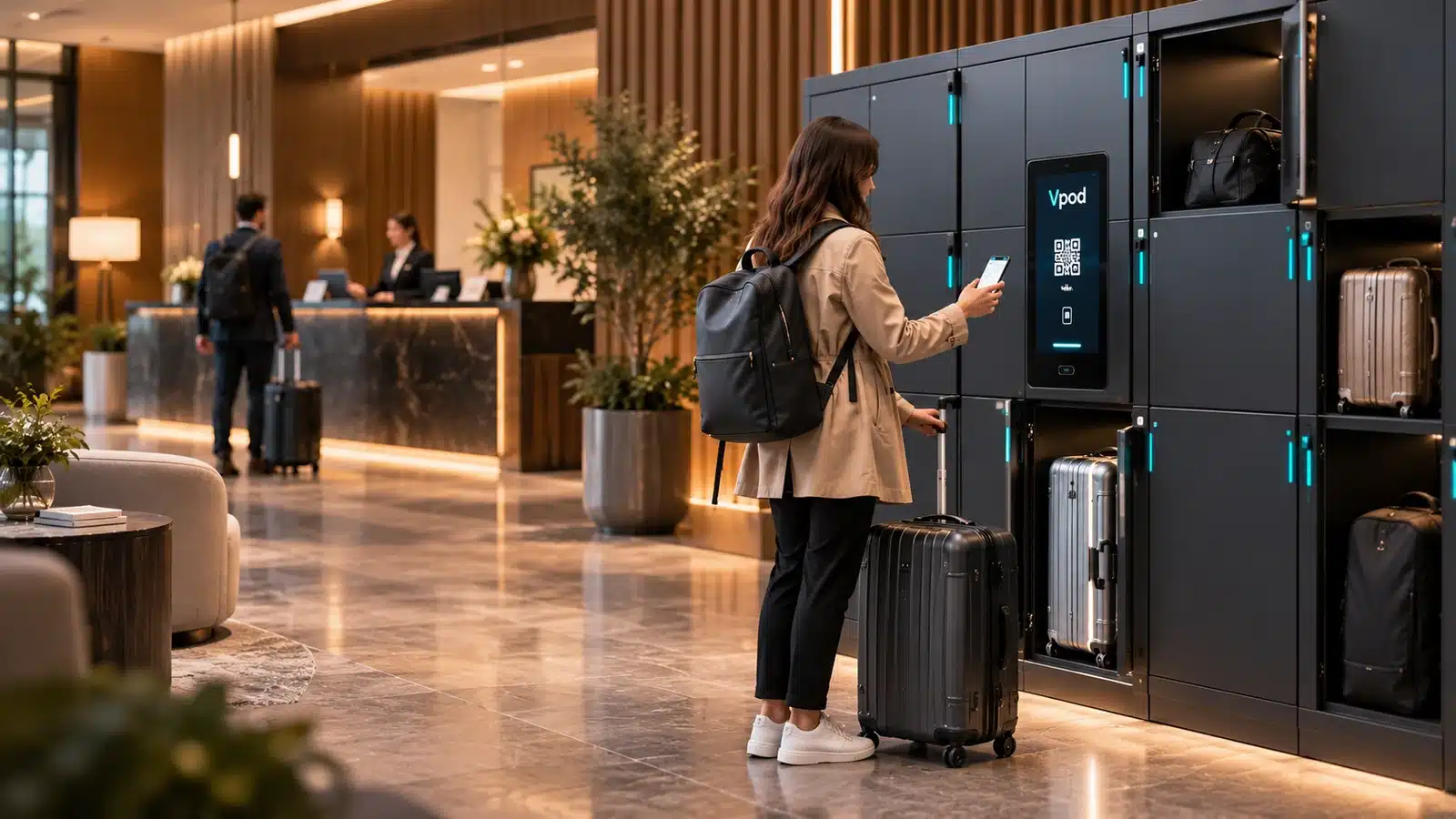
A hospitality reference for making luggage storage easier around check-in and departure, supported by Vpod-connected lockers.
Read the Ibis Geneva case study →Vpod's published Co-op Live content demonstrates the guest experience and venue operations context. Open the case study to access the video, or browse Vpod's official video library.
No embedded player is used, avoiding a broken iframe in WordPress previews.
Use this checklist when discussing a self-service luggage storage system with Vpod or a venue technology team.
Define locker sizes, location, peak capacity, tariffs, tax, free use and cancellation rules.
Specify QR, PIN, supported wallet or approved existing credential; define re-entry and expiry.
Decide which system owns authorisation, allocation, refunds, fault handling and reporting.
For locker sizes and quantities, see the capacity and bag-size planning guide. For the broader purchase decision, see the UK luggage locker buyer's guide.
Bring your booking flow, site plan, payment model, access choice and common exceptions. Vpod can help scope the physical locker and software workflow together.