








Smart locker buyer guide
Wired vs Wireless Smart Locker Systems
Compare power, connectivity, installation, maintenance and resilience before deciding how your smart locker estate should connect.
The short answer
Choose the architecture around the operating environment
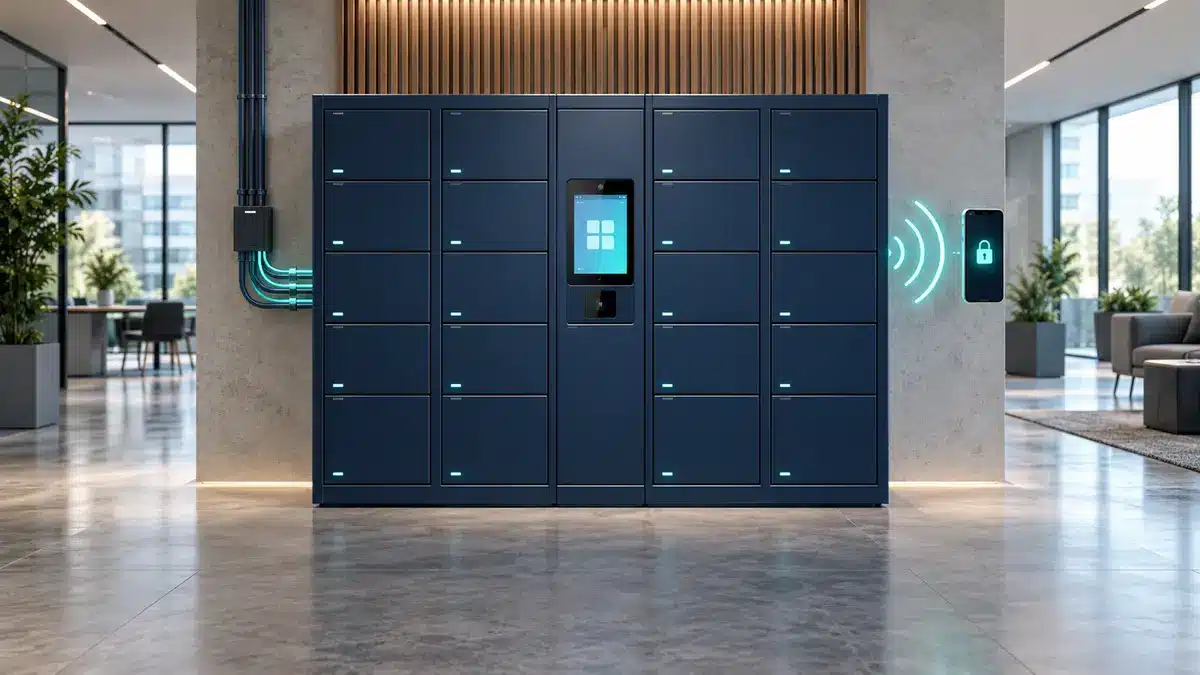
Wired smart locker systems are usually the stronger fit for permanent, high-use installations where predictable power, stable connectivity and central control matter. Wireless components can reduce some cabling and help in locations where routing new data cables is difficult, but batteries, signal conditions, gateways and replacement cycles become part of the operational plan.
Many enterprise deployments are not purely wired or wireless. A practical design may use mains power for the controller, wired connections to the locker doors, secure Wi-Fi or cellular service for cloud communication, and wireless credentials such as RFID, NFC or mobile access for users.
Ask how it receives power, how each lock communicates, how the system reaches the cloud and how users authenticate.
Start with the terminology
“Wired or wireless” can describe four different layers
Power
Mains electricity, low-voltage distribution, battery power or a combination.
Door control
How locks, sensors, lights and controllers exchange signals inside the locker wall.
Network
Ethernet, secure Wi-Fi, cellular connectivity or another approved route to the management platform.
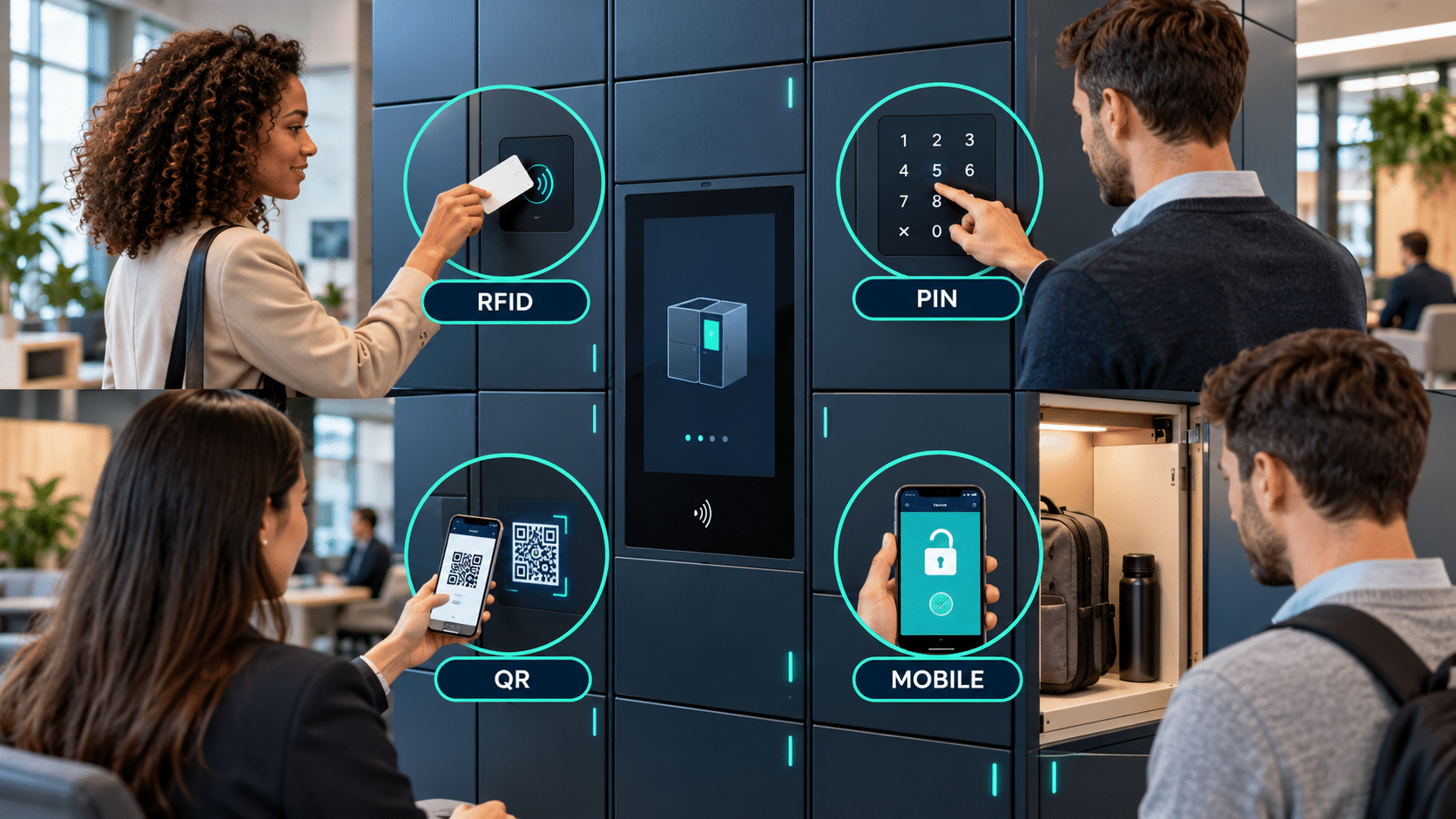
User access
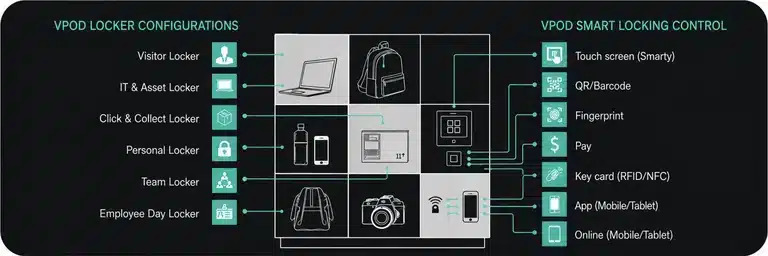
PIN, QR code, RFID badge, mobile app, wallet or another credential.
A wireless user credential does not make the whole locker system wireless. An RFID badge may be presented contactlessly while the reader, controller and electronic locks remain powered and connected through fixed infrastructure.
At-a-glance comparison
Wired vs wireless smart lockers
| Decision factor | Wired architecture | Wireless architecture |
|---|---|---|
| Best fit | Permanent, high-use and business-critical locker estates | Sites where new cabling is constrained or the installation may change |
| Power | Continuous power where specified | May use batteries for some devices; gateways or controllers can still require power |
| Connectivity | Predictable physical connections with planned cable routes | Dependent on signal coverage, interference and network policy |
| Installation | More site preparation and cable coordination may be required | Can reduce some data cabling, subject to power and gateway requirements |
| Maintenance | Inspect connectors, controllers, power supplies and network equipment | Add battery health, radio performance and gateway management |
| Resilience | Can provide stable operation when designed with appropriate local continuity | Requires defined responses to battery, signal and gateway failure |
| Reconfiguration | Changes may require cable or controller work | Some components may be easier to reposition or extend |
| Whole-life cost | Higher installation work can be offset by predictable long-term operation | Lower initial cabling does not remove battery, support and replacement costs |
The exact design varies by manufacturer and configuration. Confirm the power, networking, offline behaviour and maintenance model during technical scoping.
Wired systems
Predictable infrastructure for permanent deployments
A wired architecture connects key components through planned physical infrastructure. Depending on the design, this can include mains or low-voltage power, cabling between controllers and locks, and Ethernet for the network connection.
Advantages of wired smart lockers
- consistent power without routine battery replacement for connected components;
- stable communication in busy or radio-congested environments;
- a clear infrastructure route for permanent, multi-bank installations;
- strong suitability for high-frequency workflows and central monitoring;
- easier alignment with structured cabling and enterprise network standards.
Potential limitations
Cable routes, power outlets, containment, fire stopping and network ports need to be planned. Retrofitting listed buildings, finished interiors or temporary spaces may add work, while later relocation can require electrical and network changes.
Wireless systems
Flexible connectivity where cabling is constrained
Wireless architecture can refer to battery-powered locks, radio links between components, Wi-Fi or cellular backhaul, or contactless user credentials. These elements can be useful where new cable routes are difficult, a deployment is smaller, or the layout needs greater flexibility.
Advantages of wireless smart lockers
- less data cabling for compatible components;
- potentially faster deployment in suitable prepared locations;
- more flexibility when layouts are likely to change;
- useful connectivity options where fixed network ports are unavailable;
- support for mobile and contactless user journeys.
Potential limitations
Wireless does not mean infrastructure-free. Signal surveys, approved network access, gateways, security configuration and power for shared components may still be required. Battery performance varies with usage and environment, so monitoring and replacement must be planned.
The practical middle ground
A hybrid architecture is often the strongest answer
Rather than forcing every layer into one category, a hybrid design chooses the most appropriate connection for each job.
Supports the controller, screen, readers and high-use operation.
Connects electronic locks and status components within the locker wall.
Uses the approved network route for management and reporting.
Enables RFID, NFC, mobile or wallet-based access where configured.
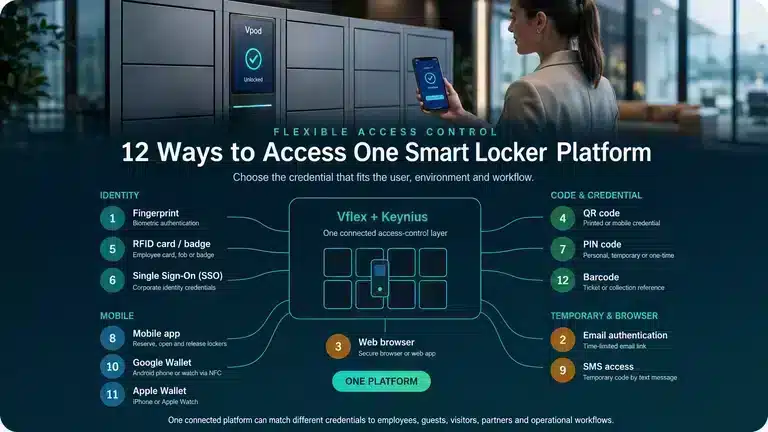
Vflex smart lockers powered by Keynius can support configurable access methods and cloud management across different workflows. The final architecture should be agreed from a site survey, network policy and operational requirement. Explore Vpod smart locker systems and the integration ecosystem.
Site readiness
Assess the building before selecting the connection model
Power availability
Confirm supply locations, loading, isolation, cable containment and responsibility for enabling works.
Network policy
Involve IT and security teams early to approve Ethernet, Wi-Fi, cellular or segmented connectivity.
Signal conditions
Survey coverage, interference, building materials and equipment that could affect wireless performance.
Operating intensity
Estimate daily openings, peak demand and whether downtime would interrupt a critical workflow.
Physical environment
Account for indoor or outdoor use, moisture, temperature, public access and impact risk.
Service access
Provide safe routes for maintenance, controller access, battery work and component replacement.
For a wider deployment plan, use the enterprise smart locker implementation checklist and specification guide.
Connected user experience
Infrastructure should disappear from the user journey
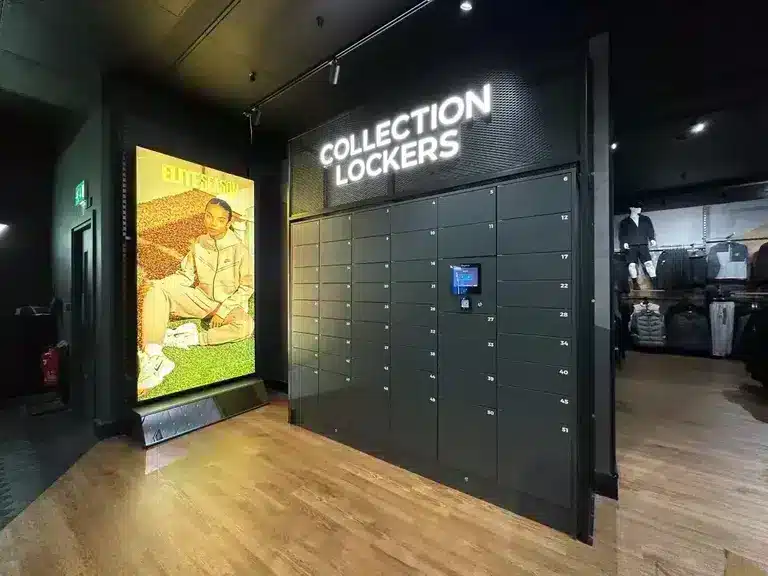
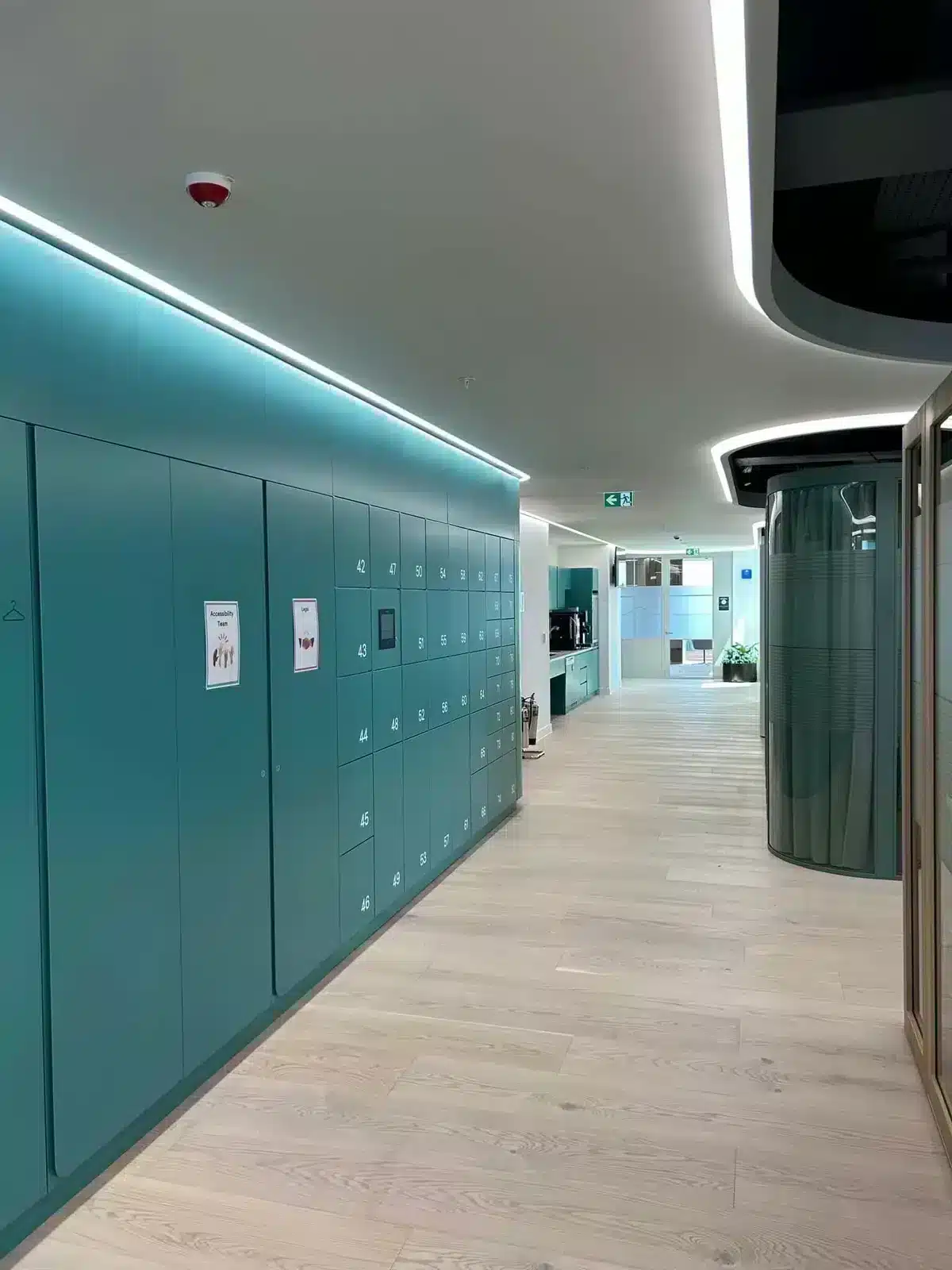
Whether the system uses Ethernet, Wi-Fi or a hybrid architecture behind the scenes, the user should receive a simple and consistent experience: authenticate, open the correct compartment, collect or return the item and complete the transaction.
Watch the Vflex user journey
Buyer checklist
Ten questions to decide between wired, wireless and hybrid
- 1Is this a permanent or temporary installation?
Expected lifespan and relocation plans change the value of fixed infrastructure.
- 2Which components require continuous power?
List controllers, screens, readers, locks, lighting, charging and payment hardware.
- 3How frequently will each locker be used?
High transaction volumes affect battery life, component selection and support needs.
- 4What network methods will IT approve?
Confirm security, segmentation, credentials, monitoring and change control.
- 5What happens during a network outage?
Define permitted offline actions, synchronisation and administrator procedures.
- 6What happens during a power failure?
Agree continuity, mechanical override and controlled-access procedures.
- 7Who owns batteries and preventive maintenance?
Set monitoring, replacement, stock and disposal responsibilities.
- 8Could the layout change?
Consider expansion, reconfiguration and the cost of moving infrastructure.
- 9Which user credentials are required?
Separate the access-method decision from the underlying power and network design.
- 10What is the whole-life cost?
Compare enabling works, hardware, licences, batteries, support, downtime and future changes.
Final recommendation
Specify outcomes first, then choose the connection architecture
For a permanent, high-use or operationally important estate, a wired or hybrid approach will often provide the most predictable foundation. Wireless elements can add flexibility where infrastructure is restricted, but they must be designed with the same attention to security, maintenance and continuity.
The best specification may be mains powered, wired at the door level, connected to the cloud through the site’s approved network and accessed by users through wireless credentials.
Plan the complete deployment
Bring your floorplan, network constraints and workflow to Vpod.
Vpod can help translate site conditions into a practical Vflex configuration and implementation plan.