Global leaders in Smart Lockers & Smart Experiences
We design and deliver integrated systems for streamlined check-ins, secure storage, and enhanced visitor management. Our trusted partner network and focus on sustainability, data security, and customer success drives us to provide the most effective and user-friendly solutions.
Vflex Smart Lockers, Powered by Keynius, are a state-of-the-art product with quality in-house manufacturing, intelligent design, and a cloud-based platform that can support multiple locker workflows in one smart locker wall.
Vflex Smart Lockers, Powered by Keynius, are a state-of-the-art product with quality in-house manufacturing, intelligent design, and a cloud-based platform that can support multiple locker workflows in one smart locker wall.
Vflex Smart Lockers, Powered by Keynius, are a state-of-the-art product with quality in-house manufacturing, intelligent design, and a cloud-based platform that can support multiple locker workflows in one smart locker wall.
Vflex Smart Lockers, Powered by Keynius, are a state-of-the-art product with quality in-house manufacturing, intelligent design, and a cloud-based platform that can support multiple locker workflows in one smart locker wall.
Global leaders in Smart Lockers & Smart Experiences
We design and deliver integrated systems for streamlined check-ins, secure storage, and enhanced visitor management. Our trusted partner network and focus on sustainability, data security, and customer success drives us to provide the most effective and user-friendly solutions.
Global leaders in Smart Lockers & Smart Experiences
We design and deliver integrated systems for streamlined check-ins, secure storage, and enhanced visitor management. Our trusted partner network and focus on sustainability, data security, and customer success drives us to provide the most effective and user-friendly solutions.
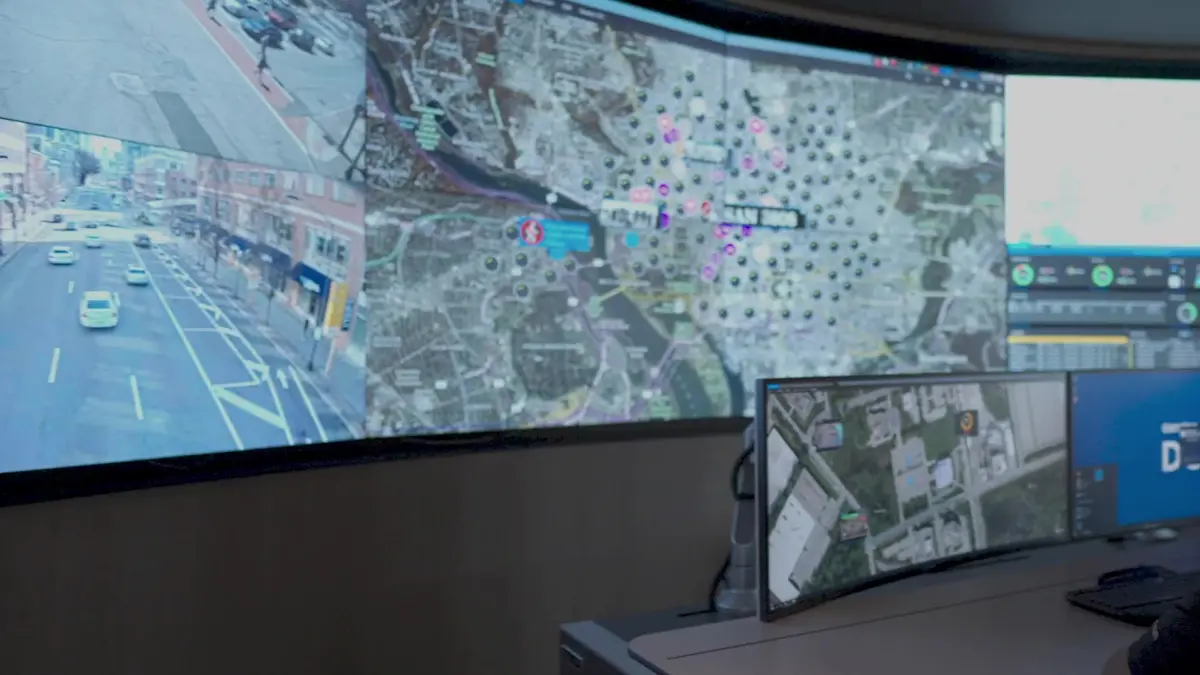
An agreed Genetec security context could help decide who may open a Vpod locker, when and why—then return the agreed activity or exception so teams can investigate without piecing together separate records.
EVENTLocker A-17 opened10:42 · collection recorded
EXCEPTIONReturn overdueRoute to IT asset owner
Make the security outcome concrete
One person. One permitted action. One event teams can interpret.
The user simply presents an agreed credential and opens the assigned door. Behind that action, Security needs enough context to distinguish a valid handover from a denial, an expired permission or unusual activity.
♙
Known person and purpose
Identity, site, time and task explain why access should be granted.
▥
Clear physical result
The agreed record identifies the locker, action, time and outcome.
The governed locker journey
From approved equipment collection to evidence a security team can use.
This example shows an employee collecting a laptop at London HQ. It is illustrative and not evidence of deployed functionality.
GENETEC · ILLUSTRATIVE SECURITY CONTEXT
♙
PERSON AUTHORISEDAlex Morgan · EmployeeLondon HQ · Floor 3 · 12 Sep · 09:00–16:00
→
VPOD SMART LOCKER
▦
ASSET READYLocker A-17 allocatedLaptop LT-204 · collection before 16:00
▤
01 · NEED
Start with a permitted task
An approved employee, visitor or contractor needs storage or a specific item.
⌖
02 · CHECK
Check person, place and time
Identity status, site, zone, purpose and time window inform the decision.
✓
03 · ASSIGN
Assign the locker action
The agreed rule selects the compartment, item, collection or return action.
◈
04 · CREDENTIAL
Confirm the person
The user presents the agreed card, mobile credential, token or other supported method.
↔
05 · HANDOVER
Collect or return the item
Only the assigned door and permitted action become available to the user.
▥
06 · EVIDENCE
Return the agreed event
Access, denial, collection, return or timeout details can inform monitoring and investigation.
!
Exceptions and changed circumstances
If a credential is denied, permission expires, a door is forced, the item is missing or collection is missed, keep the locker secure and route the issue to Security, IT or Facilities.
◎
Governance across every site
Keep core identity, permission and evidence rules consistent while documenting local zones, operating hours, response teams, retention needs and emergency procedures.
Illustrative workflow only. Names, credentials, assets, sites and lockers are examples. Supported Genetec products, versions, interfaces, triggers, data direction and returned events must be confirmed during solution design.
What each team owns
Central security context with clear operational responsibility.
Security Directors
Define approval, denial, revocation, exception, investigation and emergency-access rules.
Confirm every boundary before connecting security and lockers.
Genetec environment
Identify the exact Security Center and Synergis versions, modules and architecture.
Identity context
Confirm the source for employee, visitor, contractor, site, role and expiry status.
Locker permission
Define the asset, zone, compartment, action and time-window rules.
Events returned
Choose which access, denial, collection, return, fault and timeout events go where.
Investigation
Set evidence ownership, correlation, retention and access responsibilities.
Sites and exceptions
Document local differences, response teams, monitoring and emergency operation.
Integration availability, supported triggers, data direction and delivery scope must be confirmed during solution design. Exact behaviour depends on the agreed Genetec, Vpod and smart-locker configuration. This page does not claim a native connector, universal credential compatibility, certification, commercial relationship, customer deployment or functionality beyond the confirmed project scope.
Start with one real security journey
Show us how an authorised person receives an item today.
Bring the Genetec architecture, credential types, identity source, locker and asset rules, required evidence, site differences and common exceptions.