








The short answer
What is a smart locker system?
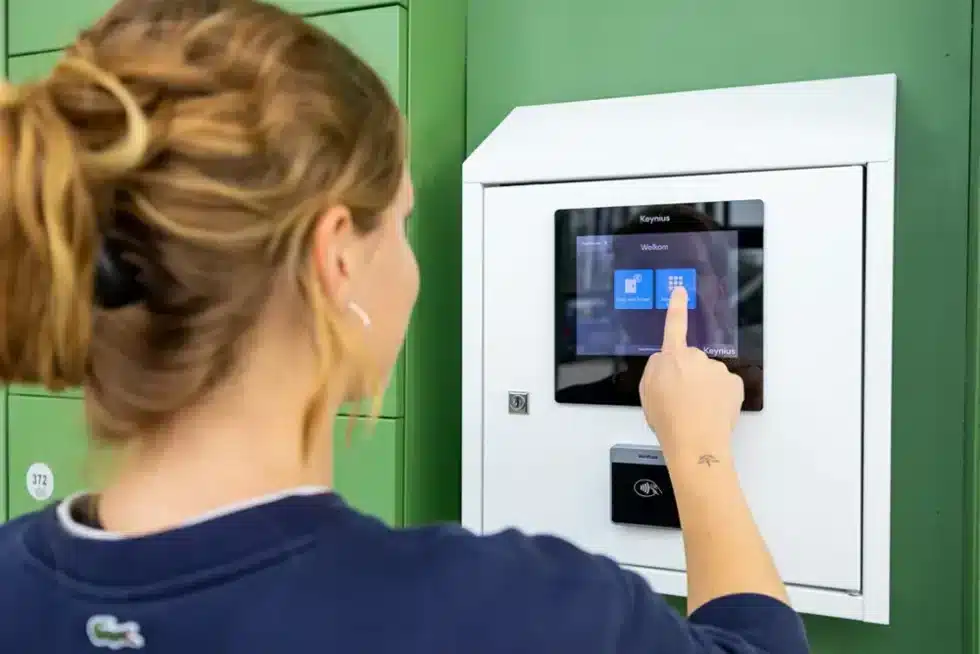
A smart locker is a secure compartment controlled by an electronic lock and connected to management software. Unlike a traditional keyed locker, it can identify a user, apply access rules, allocate a compartment, send notifications and create an audit trail.
The important word is system. The locker cabinet is only the physical layer. A complete smart locker system brings together hardware, software, identity, connectivity and an operational workflow.
Smart lockers turn storage and handover tasks into secure, trackable self-service journeys.
Connected infrastructure
The five parts of a smart locker system
01 + 02
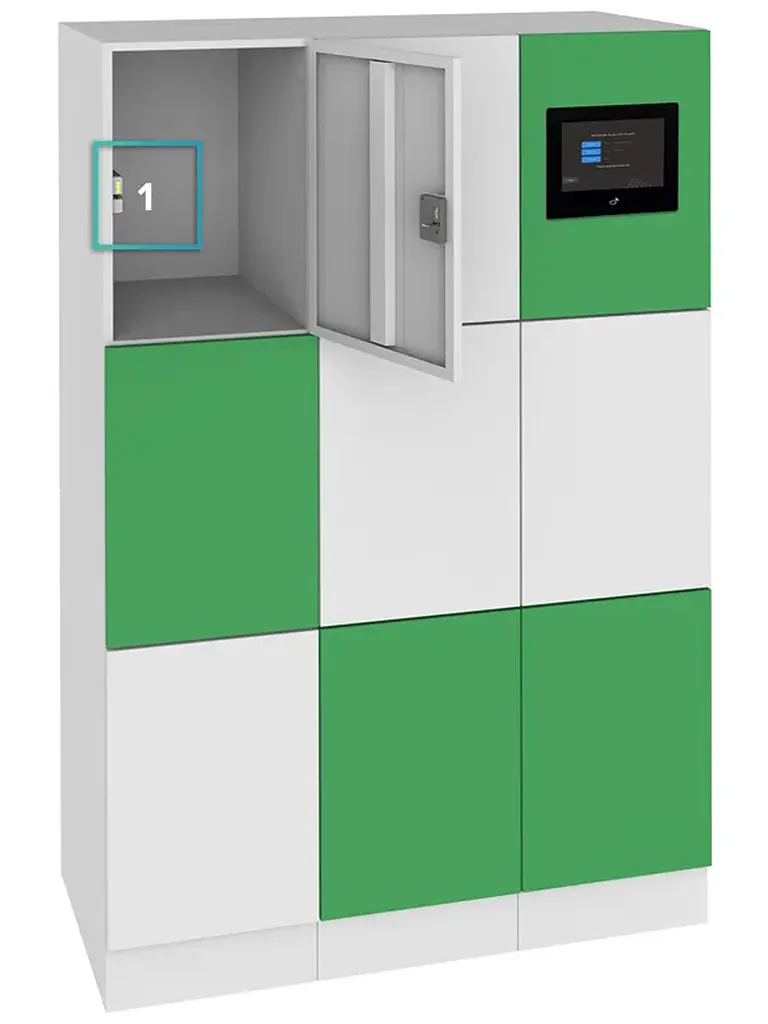
Locker hardware and electronic locking
Configurable cabinets, compartment sizes and individually controlled doors are designed around the items, users and physical environment. Electronic locks provide managed opening, status feedback and an override route.
03
User authentication
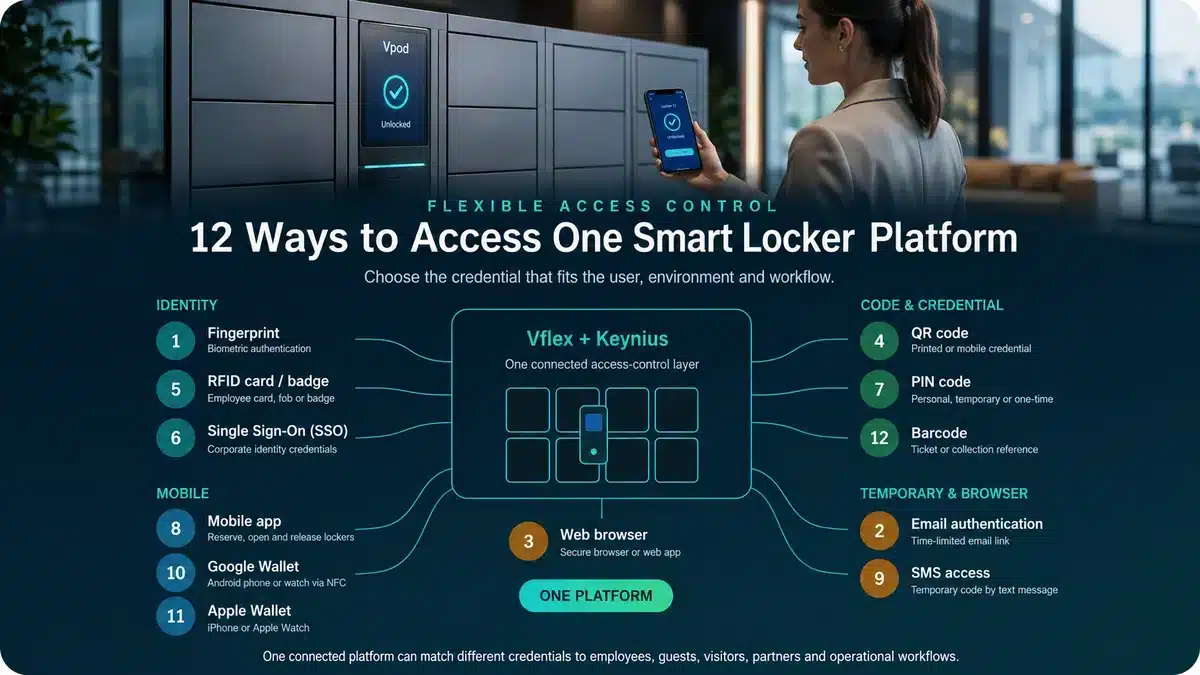
PIN, QR code, RFID badge, mobile app, barcode, wallet or single sign-on identifies the authorised user and starts the correct workflow.
04 + 05
Cloud software and integrations
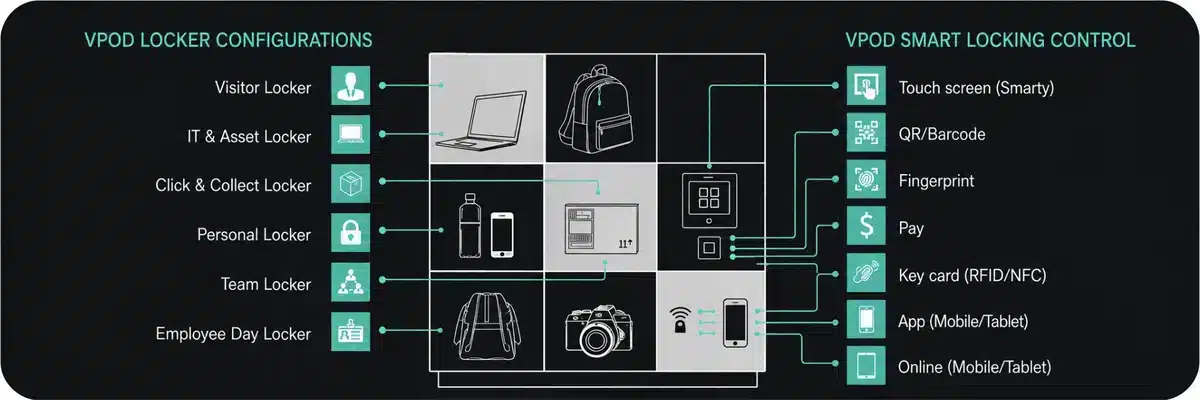
Administrators manage assignments, permissions, occupancy and reports centrally while identity, workplace, ITSM, payment or booking systems exchange the data required by the operation.
The operational journey
How does a smart locker system work?
The exact journey changes by application, but most smart locker workflows follow six connected stages.
- 01
Request or trigger
A person requests storage, a parcel arrives, an employee needs an asset or a booking system creates an entitlement.
- 02
Check context and eligibility
The software confirms identity, permissions, location, item size, availability and any relevant business rules.
- 03
Allocate and open
A suitable compartment is assigned. The door opens immediately or is reserved for a later collection.
- 04
Authenticate
The authorised user presents the configured credential: for example a badge, QR code, PIN or mobile device.
- 05
Store, collect or return
The user completes the self-service task and closes the door. The locker state updates automatically.
- 06
Record and report
The platform records the event and returns status information to administrators or connected systems.
Exception rules can flag an overdue asset, occupied compartment, failed collection or door left open so the correct team can respond.
Identity and access
How do users open a smart locker?
The right access method depends on who is using the locker, how long they need access and which systems are already in place.
| Access method | How it works | Typical use |
|---|---|---|
| RFID card or badge | The user presents an existing workplace or building credential. | Workplaces, education, healthcare |
| QR code or barcode | A temporary digital or printed credential is scanned. | Venues, hospitality, retail, parcels |
| PIN | A personal or time-limited number is entered at the locker. | Guests, leisure, public storage |
| Mobile app | The user reserves, opens or releases a locker on a phone. | Hybrid workplaces and regular users |
| Digital wallet | A phone or watch presents a stored access credential. | High-throughput and premium journeys |
| Single sign-on | Corporate identity controls access and lifecycle rules. | Enterprise and multi-site estates |
Vpod systems can connect with identity and access platforms including Microsoft Entra ID, Okta, HID and Siemens SIPORT.
One platform, different outcomes
What are smart lockers used for?
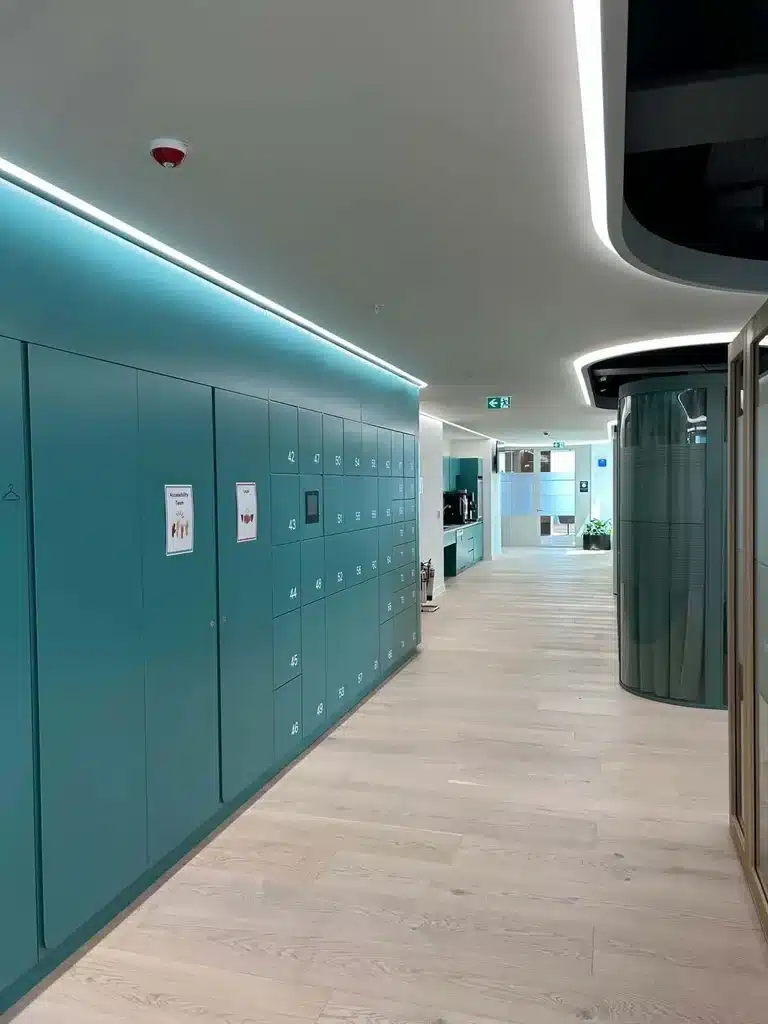
Workplace
Workplace storage
Fixed, flexible and day-use allocation for hybrid teams.
Explore workplace lockers →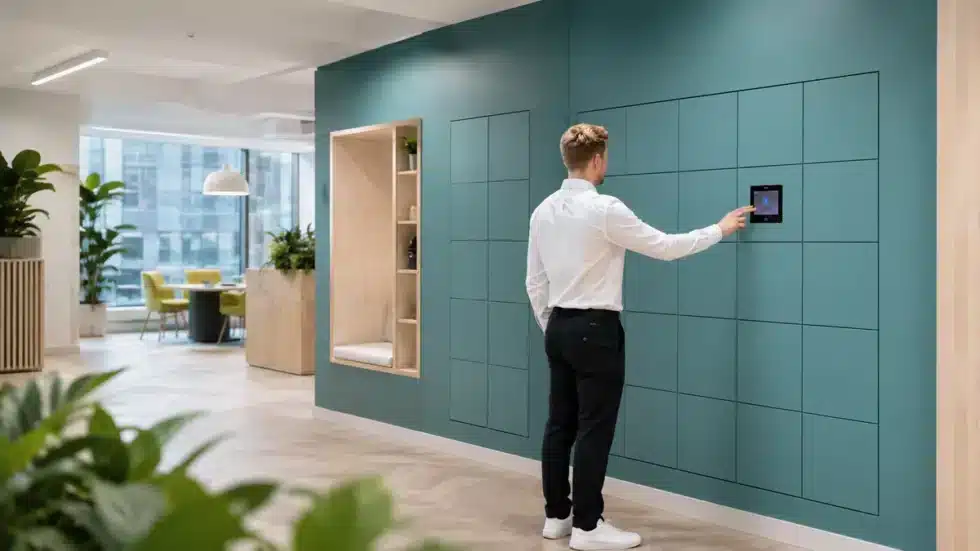
IT and equipment
IT asset management
Issue, return and exchange laptops, devices and equipment.
Explore asset lockers →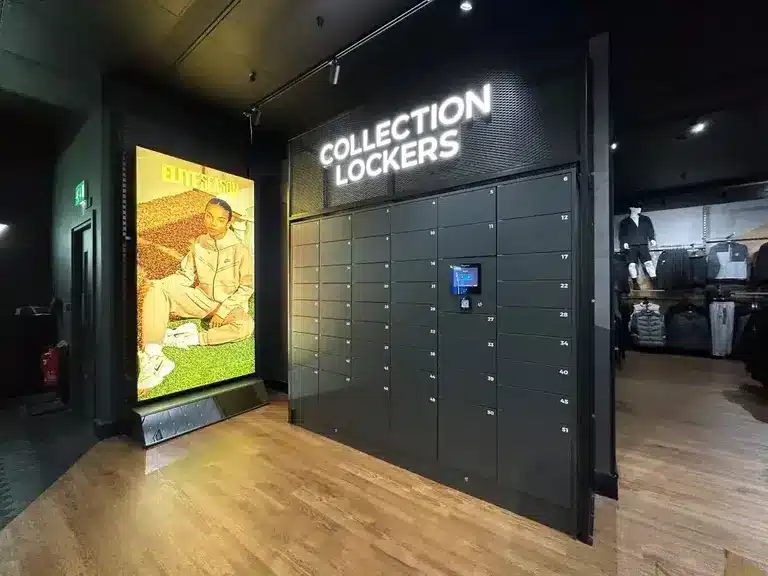
Deliveries and collection
Parcel management
Automate receipt, notification and secure collection.
Explore parcel lockers →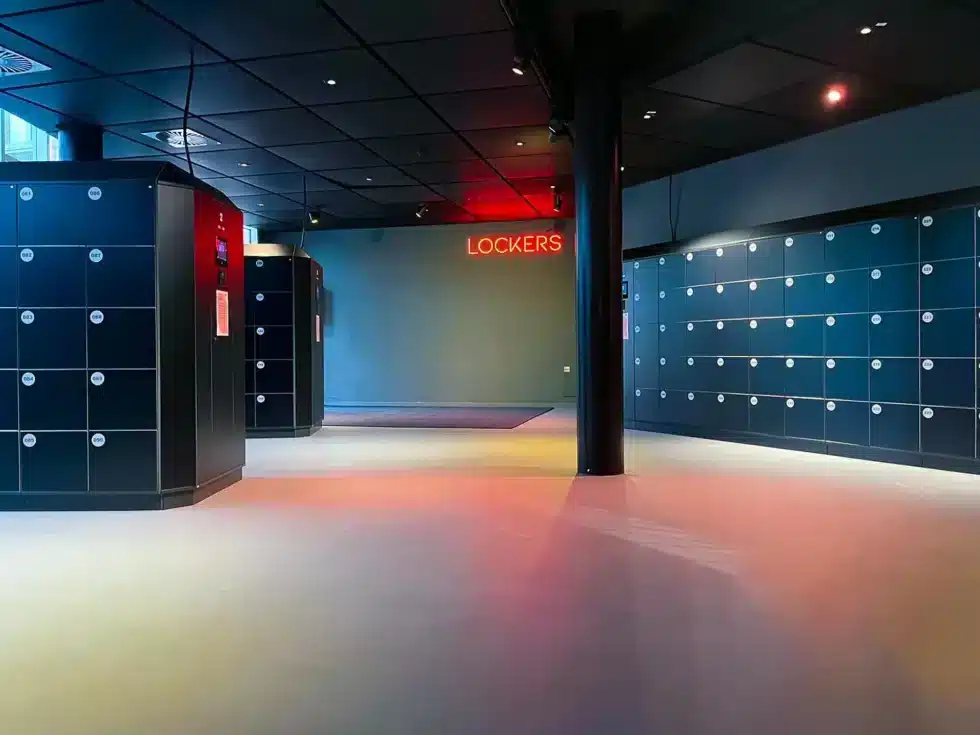
Venues and events
Venue storage
Provide fast self-service storage and reduce manual handling.
Explore venue lockers →Why organisations use them
What are the benefits of smart lockers?
- Reduce keys, paper logs and manual handovers
- Give users secure self-service access
- See availability and activity centrally
- Support flexible rather than permanently assigned storage
- Create traceable issue, return and collection events
- Manage consistent workflows across multiple sites
Start with the workflow
How should you choose a smart locker system?
Start with the operational task—not the cabinet. Define who uses the lockers, what they store, when access is required, how identity is verified and which information must return to other systems.
Five questions to answer
- What process are you automating?
- How many users and compartments are required at peak demand?
- Which access method is most appropriate?
- What must administrators monitor and report?
- Which identity, workplace or operational systems must connect?
For the full category, system options and deployment evidence, visit Vpod smart lockers and smart locker systems. You can also explore the integrations hub or review smart locker case studies.
Build the right workflow
Turn your storage process into a connected smart locker system.
Bring Vpod your users, site, security and integration requirements. We will help map the workflow and configuration.