








Enterprise smart locker infrastructure
Smart Lockers for Enterprise Workplaces and Operations
Vpod designs, manufactures and deploys cloud-managed smart locker systems for workplaces, IT asset management, parcels, retail collection, hospitality and venues. Vflex combines configurable locker hardware, Keynius locker management software, enterprise integrations and multi-site deployment support.
Secure, configurable smart locker infrastructure—built around your users, workflows and environment.
Deployed across more than 400 locations in 25+ countries.
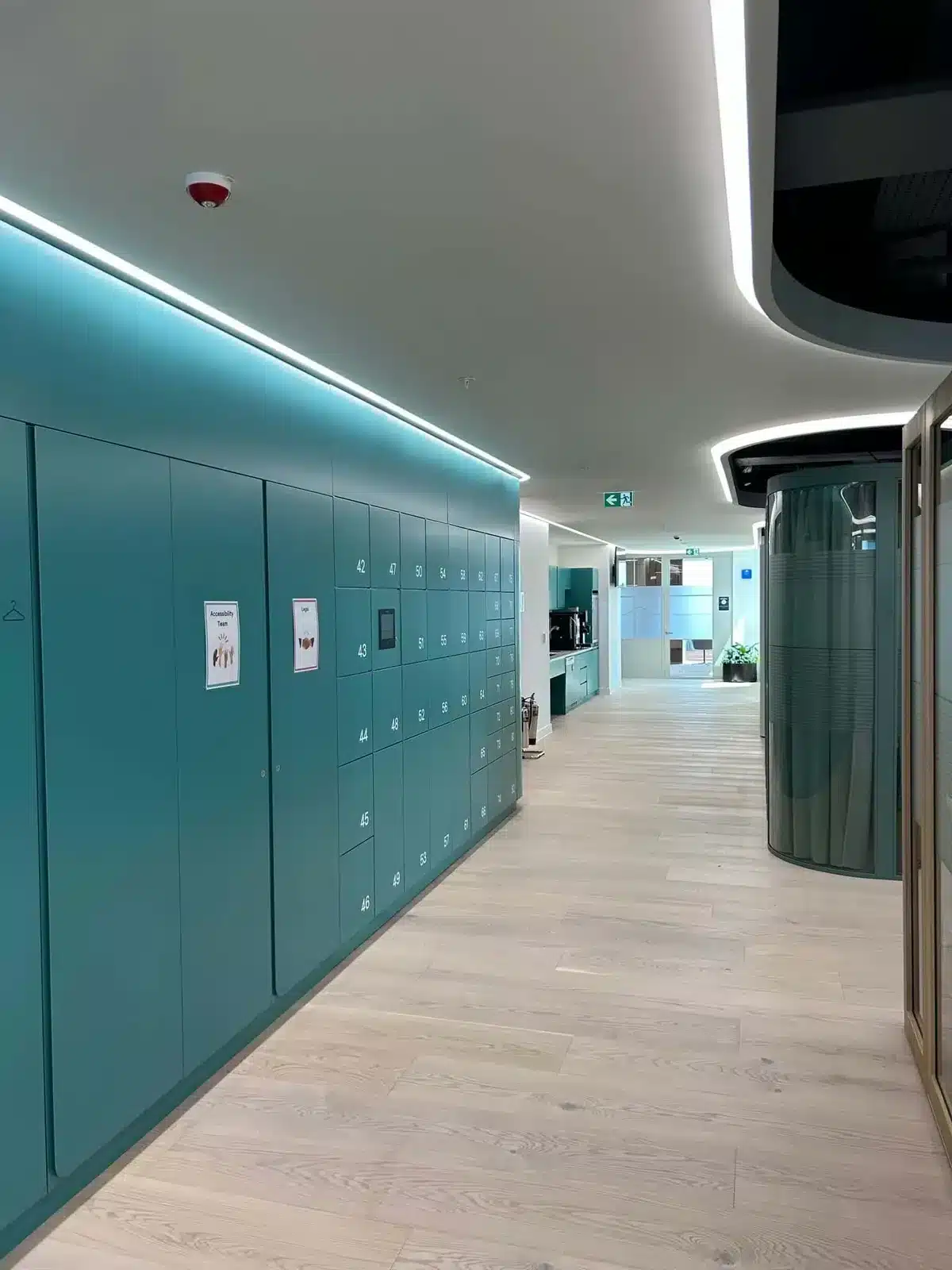
Smart locker category hub
Turn a locker wall into connected operational infrastructure.
Smart lockers combine electronically controlled compartments with cloud software so organizations can automate secure storage, issue, return and collection workflows. Instead of keys, paper logs and staffed handovers, users authenticate digitally while administrators control permissions, occupancy and activity centrally.
Vflex is the configurable hardware layer; Keynius provides the cloud management environment; Vpod brings the workflow design, integration and deployment support that connects the two to the operation.
One connected platform
Hardware, software and workflows working together.
Vflex is designed for environments where lockers operate as operational infrastructure rather than furniture: secure access, configurable workflows, central management and multi-site control.
Instant access
Users can access lockers using configured methods such as PIN, QR code, RFID or the Keynius app.
Cloud management
Manage users, assignments, occupancy, activity and reports through the connected software environment.
Auditability
Locker interactions can be recorded to improve traceability across storage, issue, return and collection workflows.
Configurable deployment
Combine different materials, compartment layouts, access methods and accessories around the required workflow.
Connected workflows
From request to secure collection—with every step visible.
Vpod smart locker workflows can automate parcel, IT asset, retail collection and luggage storage processes, reducing manual handling while improving self-service access and operational visibility.
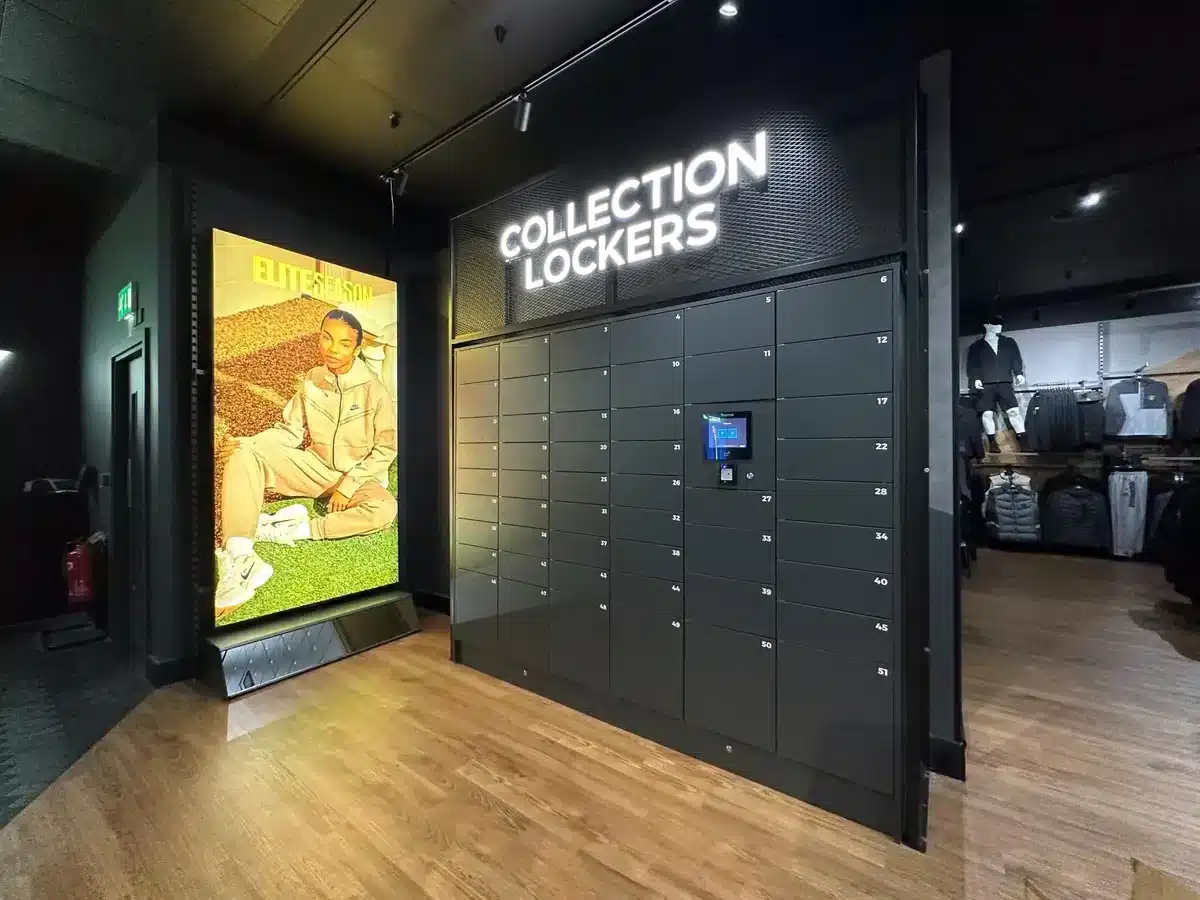
One smart locker platform. Multiple operational workflows.
Explore Vflex by solution.
The parent Vflex platform connects to specialist pages for the workflows and industries where smart lockers create operational value.
Operational evidence
One platform proposition, proven across different operating environments.
Vflex is easier to evaluate when the technology is connected to the workflow it supports. These customer and sector examples show the breadth of use cases behind the wider smart-locker proposition.
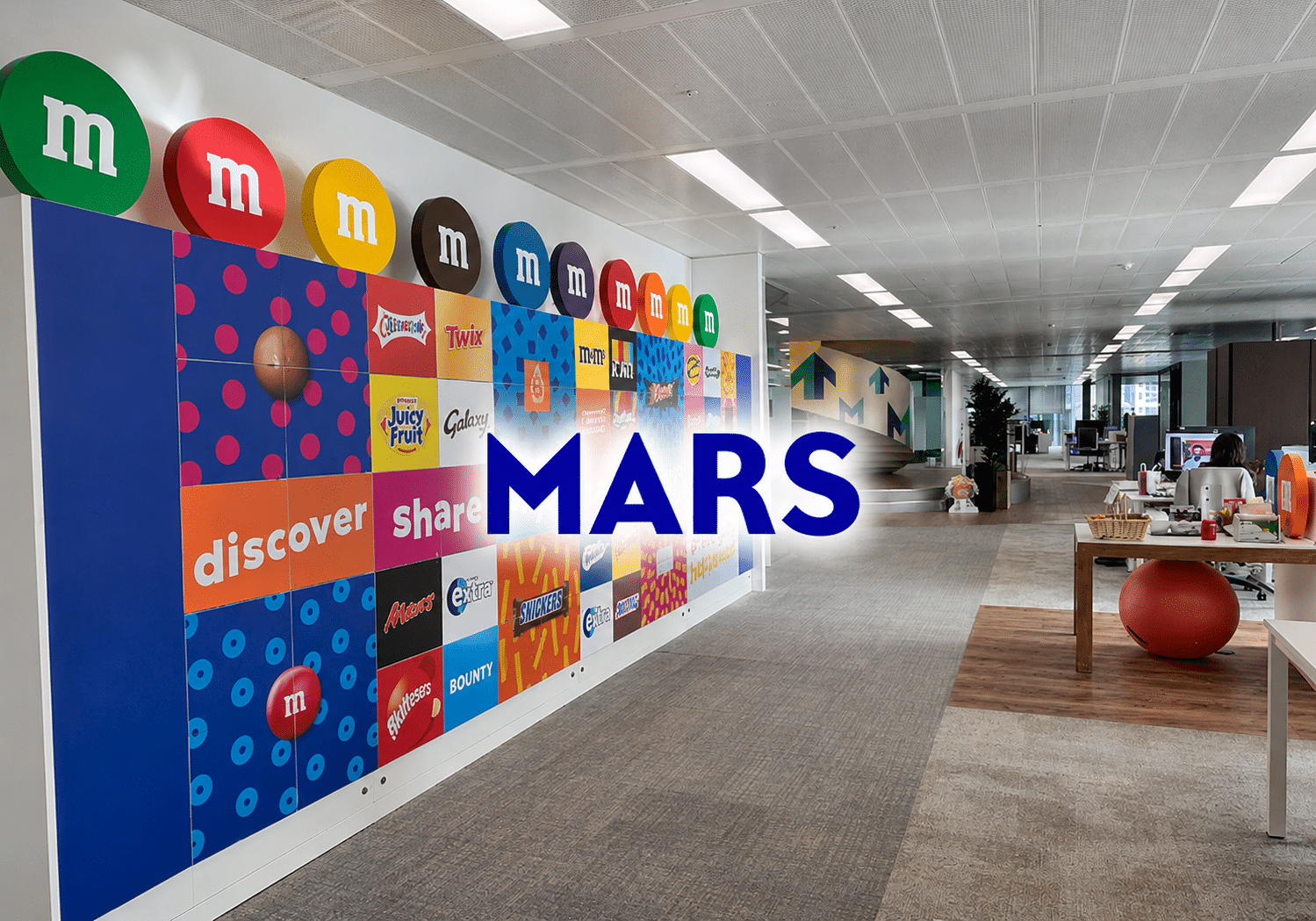
Workplace & IT assets
Mars
Two-phase deployment spanning employee storage and IT asset distribution and recovery, with centrally managed secure self-service access.
Read Mars case study →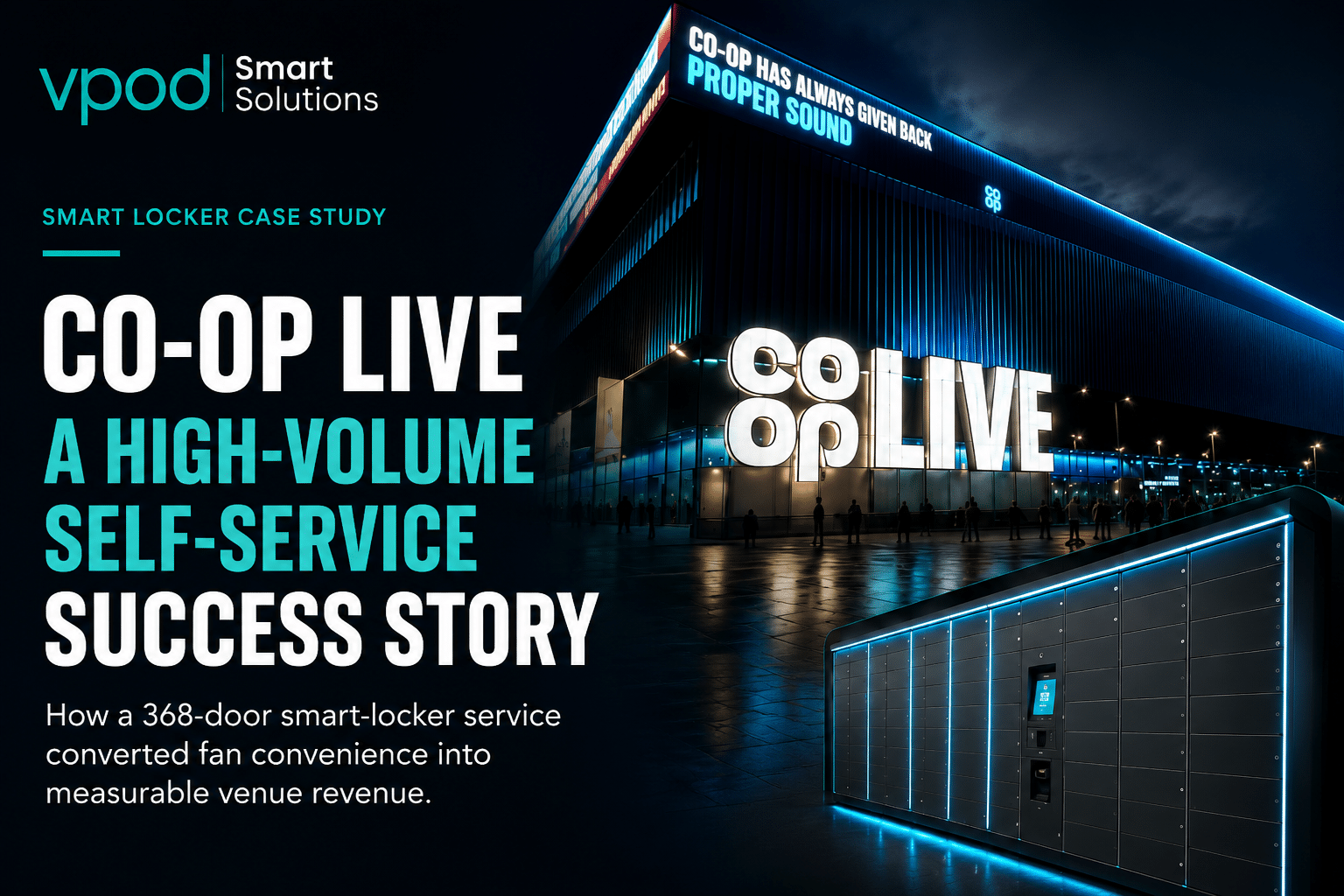
Venue operations
Co-op Live
Published case-study results report staff time dealing with belongings cut by 95%+ and customer satisfaction increasing by 20%.
Read Co-op Live case study →
Hospitality
Ibis Geneva
The expanded case study reports more than 380,000 locker uses, 58% average occupancy across 29 smart locker walls and approximately 6× return on investment after one year of operation.
Read expanded Ibis Geneva case study →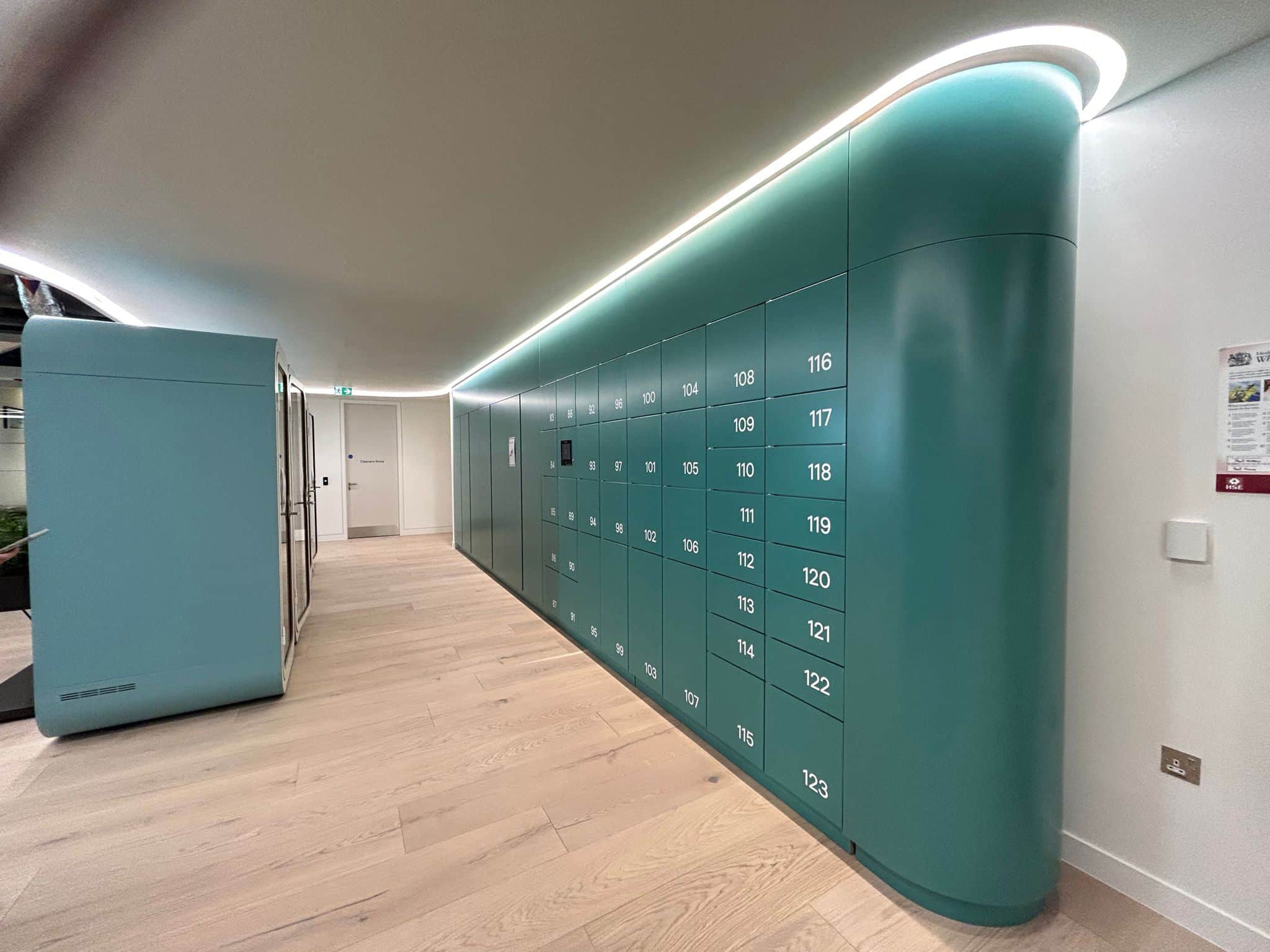
Hybrid workplace
Skyscanner
Published Vpod results connect self-service allocation and centralized management with lower locker administration and improved utilization.
Read Skyscanner case study →
Powered by Keynius
Manage the locker estate, not just the doors.
Keynius gives administrators the cloud control layer behind Vflex. Configure who can use a locker, how they authenticate, what workflow applies and what activity needs to be visible across one site or a wider estate.

One estate. Multiple workflows.
Configure access, allocation and visibility around the operation.
Vflex can support visitor, IT asset, click & collect, personal, team and employee-day locker workflows while Keynius provides the administrative control layer across the connected estate.
Explore locker management software →- Allocate lockers remotely and manage fixed or flexible assignments
- Support PIN, QR, RFID and Keynius app access where configured
- Monitor occupancy and locker activity centrally
- Review past and live reporting
- Manage payment and revenue workflows where configured
- Support multiple sites from a connected administration environment
- Connect locker workflows to wider operational systems through integrations
Buyer guide · access control
One Smart Locker Platform. Twelve Ways to Connect.
Choose the credential that fits the user, environment and workflow. Vflex smart lockers powered by Keynius can support multiple authentication methods within one connected access-control platform.

Why access choice matters
The access method should follow the workflow — not force the workflow to change.
Enterprise employees may prefer an existing badge or SSO, hotel and venue guests may need a temporary QR, PIN, email or SMS credential, and high-throughput or premium journeys can use mobile and wallet-based access. The right mix depends on user identity, security, duration of access and the systems already in place.
| # | Access method | How it works | Best-fit buyer use case |
|---|---|---|---|
| 1 | Fingerprint | Biometric fingerprint verifies an authorized individual. | Healthcare, laboratories, industrial and higher-security environments. |
| 2 | Email authentication | A temporary or time-limited access link is sent by email. | Visitors, hospitality, parcel collection and temporary users. |
| 3 | Web browser login | The user authenticates through a secure browser or web application. | Workplaces, universities, shared spaces and remote users. |
| 4 | QR code | A unique printed or mobile QR credential is scanned at the locker. | Hospitality, venues, retail collection, transport and visitor storage. |
| 5 | RFID card / badge | An existing employee card, fob or workplace badge is presented to a reader. | Corporate workplace, education, healthcare and factories. |
| 6 | Single Sign-On (SSO) | Existing corporate identity credentials authenticate the user. | Enterprise, government, universities and healthcare networks. |
| 7 | PIN code | A personal, temporary or one-time numeric code is entered. | Gyms, schools, public lockers and rental lockers. |
| 8 | Mobile app | A smartphone app can reserve, open, release and manage lockers. | Workplace, hospitality, retail, leisure and transit. |
| 9 | SMS access | A time-limited access code is sent to the user by text message. | Events, guests, deliveries, maintenance and temporary access. |
| 10 | Google Wallet | An Android phone or watch provides an NFC credential. | Hotels, transport, retail and high-throughput environments. |
| 11 | Apple Wallet | An iPhone or Apple Watch acts as the contactless credential. | Venues, events, premium hospitality and workplaces. |
| 12 | Barcode | A printed or digital barcode, ticket or collection reference is scanned. | Logistics, parcel handovers, retail collection, returns and rentals. |
Convenience
Give each user the access method that best fits their journey.
Security
Match stronger authentication to higher-risk or controlled workflows.
Operational efficiency
Reduce manual key, ticket and credential administration.
Integration ready
Connect access to identity, payment and operational systems where required.
Configurable by design
Create the right smart locker wall in four steps.
Vflex can be configured around the application, cabinet material, color scheme and the additional functionality required by the workflow.
Choose the application
Office, locker room, click & collect, parcel management, asset management, rental or vending.
Choose the material
Compact laminate (HPL), steel or wood (MFC), depending on the environment and design requirement.
Choose the colors
Select from a broad range of RAL color combinations across compatible steel, laminate and wood configurations.
Add functionality
Touch screens, payments, charging, ventilation, identification, side panels, sloping tops and other configured accessories.
Vflex model range
Choose the locker construction for the environment.
The Vflex Smart Locker Wall range includes six model variants across wood, compact laminate and steel constructions, including an outdoor configuration.

Model selection
One platform, multiple cabinet constructions.
The locker model can be selected to suit the location, moisture resistance, design language and operational use while retaining the Vflex smart locking and Keynius management approach.
Download Vflex brochure| Model | Material | Indoor / outdoor | Door thickness | Best-fit environment | Key differentiator |
|---|---|---|---|---|---|
| Luvio | Wood (MFC) | Indoor | 18 mm | Workplaces and interiors where furniture-style finishes matter. | 18 mm MFC carcass and doors for a warmer, furniture-led aesthetic. |
| Solid | Compact laminate (HPL) | Indoor | 12 mm | High-use indoor areas needing durable, moisture-resistant surfaces. | Compact laminate construction combines durability with moisture resistance. |
| Elite | Steel | Indoor | 1.0 mm | General-purpose commercial and workplace environments. | All-steel construction with 1.0 mm doors for a robust standard specification. |
| Elite Plus | Steel | Indoor | 1.5 mm | Higher-use indoor environments where a heavier door specification is preferred. | 1.5 mm steel doors provide a thicker door specification than Elite. |
| Rain | Outdoor steel | Outdoor | 1.0 mm | External or weather-exposed smart locker deployments. | Waterproof outdoor configuration designed for external use. |
| Vision | Steel + acrylic glass doors | Indoor | 1.5 mm | Controlled indoor environments where visual confirmation of contents is useful. | Acrylic-glass door panels provide visibility into each compartment. |
Material and door-thickness data reflect Vpod's current published Vflex specifications. Best-fit environment guidance is based on those published construction characteristics; final model suitability, configuration and lead time should be confirmed during technical scoping.
Smart locker options
Extend the locker wall with access, payment and charging functionality.
Accessories allow the physical locker wall to be configured around how users authenticate, pay, charge devices and interact with the system.
Cover TUX
Cover for the Smart Lock René with cabinet light plus USB-A and USB-C charging connections, with branding and coloring possibilities.
IP65 QR / barcode reader
Weather-resistant QR access hardware compatible with Keynius smart locking workflows and suitable for outdoor environments.
Smarty touch screen
Supports PIN and RFID access, administrator login, offline mode and configurable user scenarios through a Plug & Play terminal.
Contactless payment terminal
Supports secure unattended contactless transactions, remote updates and terminal management for configured rental or payment workflows.
Contactless + PIN terminal
All-in-one payment terminal option for unattended and outdoor environments requiring broader payment interaction.
Environmental options
Configured deployments can also include AC/DC charging, cooling or heating, ventilation, benches, side panels and sloping tops.

Lock components
Modular smart locking components designed around Vflex.
Smart Lock René
Plug & Play modular smart locking technology with electrical and mechanical override.
Cover Suit
Plug & Secure cover with branding and coloring possibilities.
Cover Tux
Plug & Secure cover with cabinet light and USB-A / USB-C charging connections.
Door Shackle Click
Self-aligning mechanism for standard locking operations, available for metal and non-metal lockers.
Door Shackle Bright(y)
LED locker-status indication with optional RFID control and a self-aligning mechanism.
Control, security and operations
Designed for easier administration and secure self-service.
Easy and intuitive
- Multiple authentication options
- Keynius app access
- Fixed and flexible user scenarios
Operational control
- Cloud software
- Keynius online control
- Past and live reporting
- Payment and revenue insight where configured
Security architecture
- GDPR-compliant system positioning
- End-to-end encryption
- Privacy and security by design
- ISO 27001 certification referenced by Vpod
- Microsoft Azure security environment referenced by Vpod
Buyer decision framework
Choose the right Vflex system by answering five operational questions.
Start with the workflow and environment, then select the cabinet, access method, software scenario and integrations. This keeps the buying decision focused on the outcome rather than individual components.
What are you automating?
Personal storage, IT assets, parcels, click and collect, luggage, rental, vending or another controlled handover process.
Where will it operate?
Indoor workplace, hospitality, leisure, retail, high-traffic venue or an outdoor environment requiring the Rain configuration.
How should users access it?
Choose the appropriate PIN, QR, RFID, app, touchscreen or payment interaction for the workflow and user population.
What needs to be managed?
Define assignments, occupancy, auditability, reporting, payments, multi-site control and administrator responsibilities in Keynius.
What must it connect to?
Identify identity, workplace, facilities, parcel, payment, access-control or other systems that need to exchange data with the locker workflow.
Need workflow design?
Map the user journey before selecting hardware.
Review how smart lockers work →Ready to scope?
Bring the workflow, site and integration requirements to Vpod.
Book a discovery session →Plan the complete deployment
Enterprise Smart Locker Buyer Guides
Planning an enterprise smart locker deployment involves more than choosing cabinets and access methods. Use these practical guides to compare costs, define capacity, assess security and integrations, and prepare a complete specification and implementation plan.
Start with the business case
Smart Lockers vs Traditional Lockers
Compare digital and key-operated lockers across user access, administration, security, flexibility and operational visibility.
Read the comparison → BudgetSmart Locker Costs and Pricing
Understand the hardware, software, installation, integration and support costs that influence smart locker pricing.
Explore costs → EvaluateSmart Locker ROI and Total Cost of Ownership
Evaluate whole-life costs, operational savings, space utilization and the potential payback from automation.
Assess the return →Define the requirement
How Many Smart Lockers Do You Need?
Calculate capacity using user numbers, attendance patterns, compartment sizes, peak demand and availability requirements.
Calculate capacity → AllocationFixed, Flexible and Dynamic Locker Allocation
Choose the right allocation model for permanent users, hybrid teams, shared assets and automated workflows.
Compare models → LocationIndoor vs Outdoor Smart Lockers
Compare materials, weather protection, power, connectivity, accessibility and location requirements.
Compare locations →Specify the system
Enterprise Smart Locker Specification Guide
Turn operational needs into a clear specification covering users, workflows, hardware, software, access and reporting.
Build the specification → SecuritySmart Locker Security, Data Protection and Access Control
Assess authentication, permissions, audit trails, personal data, administrator access and security responsibilities.
Review security → IntegrationsSmart Locker Integrations and API Requirements
Identify the identity, access-control, workplace, IT, parcel, payment and enterprise systems your lockers must connect to.
Plan integrations →Prepare for deployment
Enterprise Smart Locker Implementation Checklist
Plan stakeholder responsibilities, site readiness, configuration, testing, training, launch and ongoing performance management.
Build the right smart locker system
Translate the requirement into a practical Vflex configuration and deployment plan.
Bring together your workflow, users, capacity, location, security and integration requirements.
Book a Demo →Integrations
Connect the locker workflow to the systems around it.
Vflex can form the physical handover layer within a wider operational workflow. Integration requirements vary by application, but may include identity, access control, facilities, parcel management, payments, mobile credentials and other enterprise systems.
Explore Vpod integrations →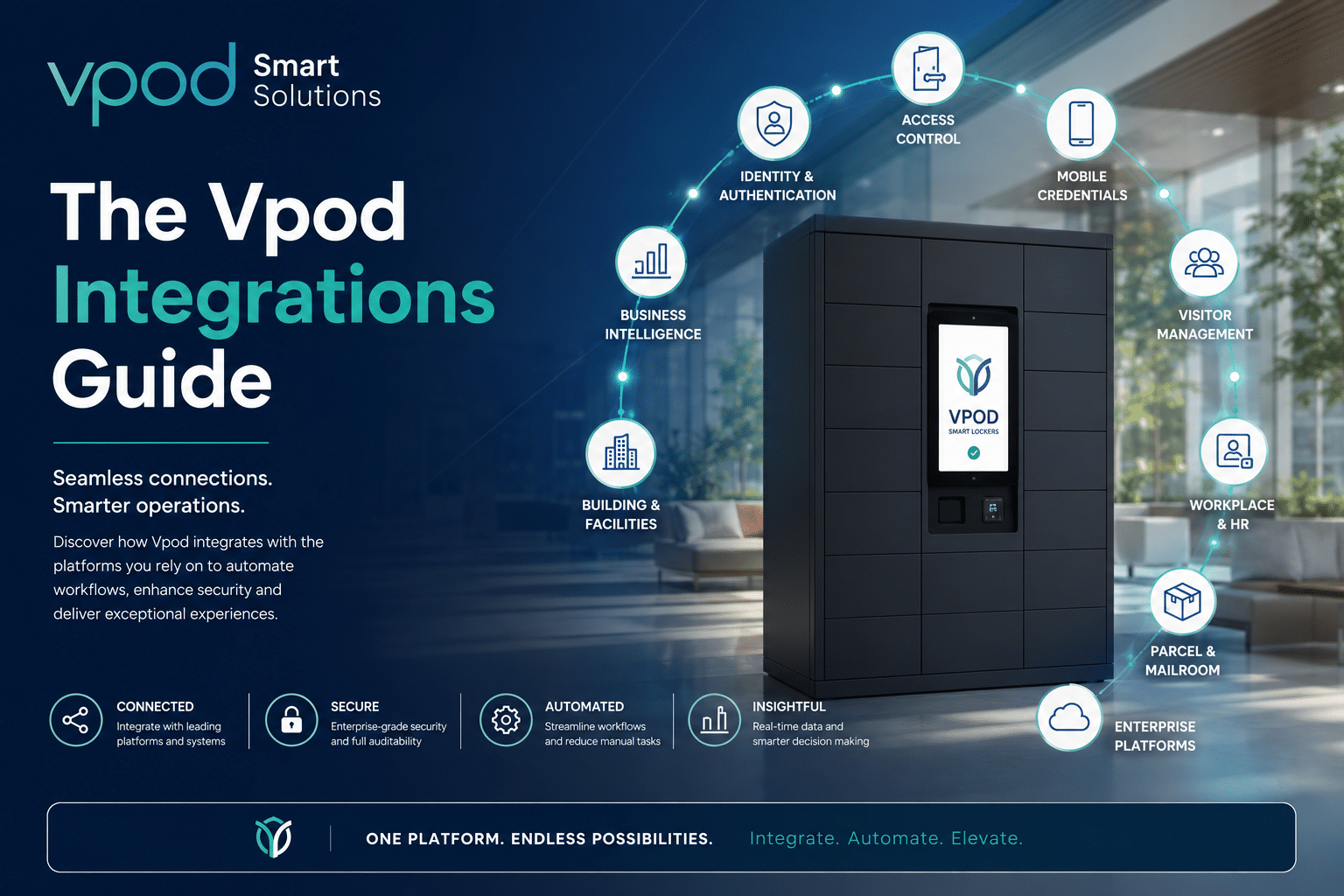
From requirement to deployment
Start with the workflow. Configure the Vflex system around it.
Bring Vpod the user journey, site constraints, access requirements and systems that need to connect. Then select the cabinet, software scenario, integrations and accessories that fit.