Power
The electrical supply for the selected terminal, controller and other powered components, including isolation and the route to the equipment.
Electrical readiness

We design and deliver integrated systems for streamlined check-ins, secure storage, and enhanced visitor management. Our trusted partner network and focus on sustainability, data security, and customer success drives us to provide the most effective and user-friendly solutions.







We design and deliver integrated systems for streamlined check-ins, secure storage, and enhanced visitor management. Our trusted partner network and focus on sustainability, data security, and customer success drives us to provide the most effective and user-friendly solutions.
We design and deliver integrated systems for streamlined check-ins, secure storage, and enhanced visitor management. Our trusted partner network and focus on sustainability, data security, and customer success drives us to provide the most effective and user-friendly solutions.
SMART LOCKER INFRASTRUCTURE GUIDE
A practical guide for IT, facilities and security teams preparing a connected locker installation. Confirm the system architecture, site network, access method and continuity plan before procurement—because requirements depend on the configured controller, cloud platform and integrations.
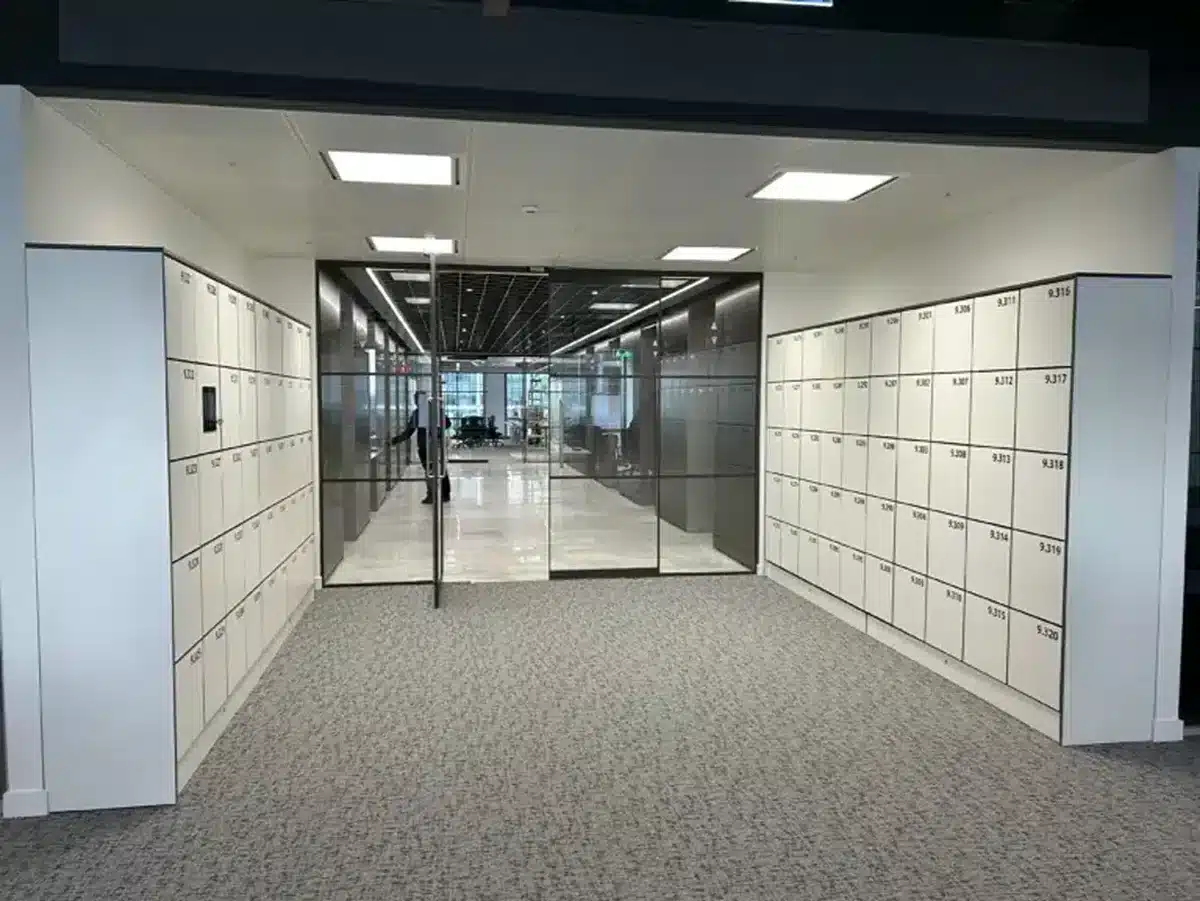
Requirements depend on the configured locker controller, cloud platform, user-access method, integrations and the continuity behaviour the organisation needs. A permanent, centrally managed workplace system may have different dependencies from a temporary parcel point or a reader-led installation. The final design should be agreed for the selected hardware, software version, location and operating model.
Before ordering, ask the supplier for a project-specific technical schedule. It should identify the power supply and isolation, the communications path between locker components, the external network connection, required network destinations and ports, identity and integration dependencies, and what users can do if a dependency is unavailable. Do not accept a generic statement such as “Wi-Fi required” as a complete infrastructure design.
Planning principle Record what must work, where each dependency sits, who owns it, how it will be secured and how it will be tested at acceptance.
Four different requirements are often collapsed into one conversation. Keep them separate in the specification so the site team can plan each one correctly.
The electrical supply for the selected terminal, controller and other powered components, including isolation and the route to the equipment.
Electrical readinessThe local connection between the control equipment and electronic locks or locker banks. The design may use internal wiring or another configured method.
Local system designThe IP path used by the configured platform or connected systems for management, updates, events, integrations and support.
Site network approvalThe method a user presents at the locker, such as a badge, PIN, QR code or mobile credential. It is not itself the system’s network connection.
Identity & access policy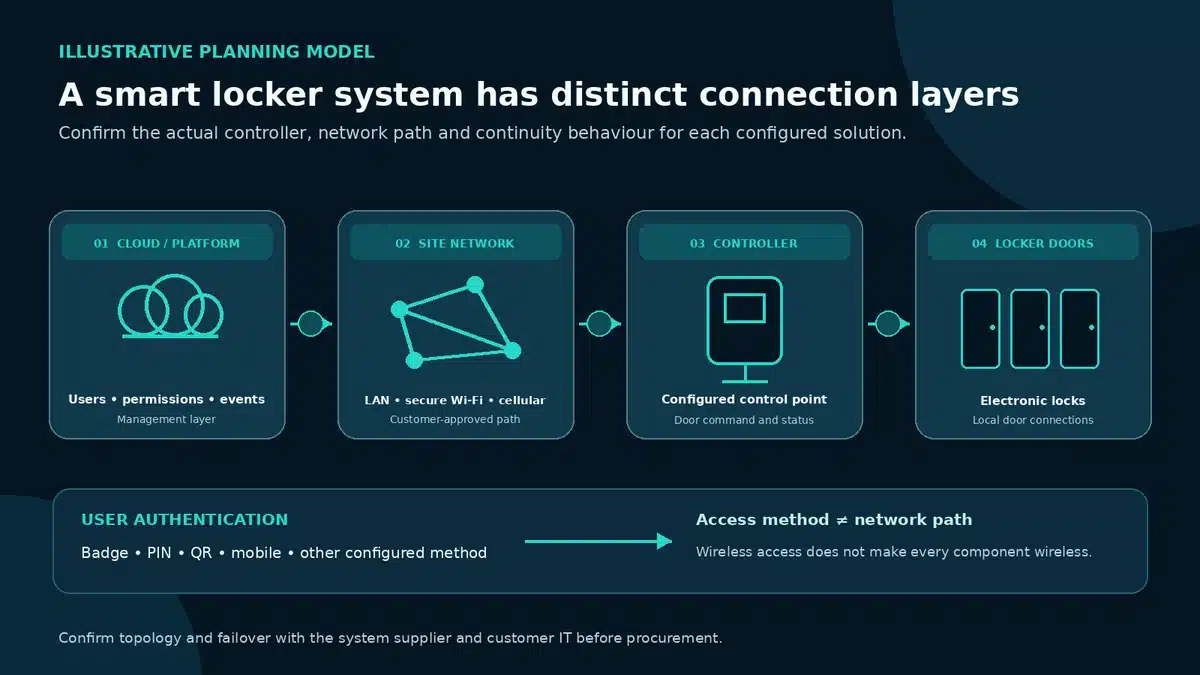
A QR code or badge may be presented locally while the broader system still depends on a controller, site network or cloud service. Likewise, a locker can use a wired site connection while offering users a mobile access journey. Specify each layer rather than inferring one from another.
Connectivity matters whenever the configured service must exchange information with a management platform or another system. It can support the following activities, although the exact design and timing vary by product configuration and workflow.
There is no universally best medium. Compare each option against site conditions, security policy, resilience expectations, construction constraints and who will operate the connection.
| Connection | Advantages | Limitations to plan | Often considered for |
|---|---|---|---|
| Ethernet | Stable, controlled and predictable when the route and switch configuration are approved. | Requires cabling, an available switch port, a suitable route and agreement on addressing, VLAN and support ownership. | Permanent enterprise installations and locations with managed structured cabling. |
| Secure Wi-Fi | Can make placement more flexible and reduce new data cabling in suitable locations. | Coverage, roaming, interference, authentication method, certificate lifecycle and local wireless policy need validation. | Offices and campuses with managed wireless infrastructure and an approved device onboarding process. |
| Cellular | Can provide a network path independent of the customer LAN and may help in temporary or difficult sites. | Signal quality, antenna position, data plan, carrier service, SIM ownership and support dependency require decisions. | Temporary, public or remote sites where customer LAN access is impractical and cellular use is approved. |
| Hybrid | Can add flexibility or resilience where the design supports a secondary path. | Introduces configuration, failover, monitoring, security and ownership decisions; a second connection is not automatic failover. | Critical or multi-site programmes with a defined availability target and tested recovery approach. |
Selection test: Which connection is approved, monitored and supportable at this location—and what is the expected behaviour when it fails?
Network approval cannot compensate for an incomplete installation plan. The site survey should identify the final locker position and the routes for power, data and local cabinet connections before any enabling work is scheduled.
Confirm where the approved supply will be provided, who installs and isolates it, and how it will reach the terminal, controller and any other powered devices included in the design. Ask the supplier to provide the load and connection details for the selected equipment. The electrical contractor should work from that approved schedule and the site’s electrical standards rather than from assumptions about a generic locker system.
Cabinet-to-cabinet routes also need attention. The layout may require internal or inter-bank connections, access for commissioning, a clear path for future maintenance, and an agreed method for protecting cables from damage. Confirm whether the floor, walls, skirting, raised floor, fire stopping or furniture layout affects the route. Keep service clearances and user circulation in view while positioning the terminal and readers.
Agree whether backup power is required and what it is expected to preserve. A UPS may support selected components for a period, but it does not automatically preserve cloud access, mobile services or integrations. Document the intended behaviour and test it.
“It uses the internet” is not an approval-ready description. The customer’s IT, network and security teams need to understand what connects, why it connects and how the connection is governed.
Agree whether locker components belong on a dedicated device network, a facilities segment or another approved zone. Define the permitted communication between segments and who maintains the rules.
Request the current outbound and any required inbound connection details, including destination names, ports, protocols, purpose and initiation direction. Confirm whether services use fixed or changing addresses and how changes are communicated.
Record who provisions, stores, rotates and revokes network credentials, API secrets, certificates and service accounts. Define expiry, recovery and handover at project exit.
Confirm the encryption and authenticated connection approach for each external path and integration. Ask what information is exchanged and how secrets are protected; do not assume that a working connection is a secure one.
Identify which system records connection, authentication, administrator and locker events; who can review them; how alerts reach support; and which retention rules apply.
Define remote-support access, approval, session logging, permitted hours and emergency escalation. Include patching, software change, vulnerability reporting and maintenance windows in the operating agreement.
Could the customer disable a route or credential safely, and would the service owner know what operational function would stop?
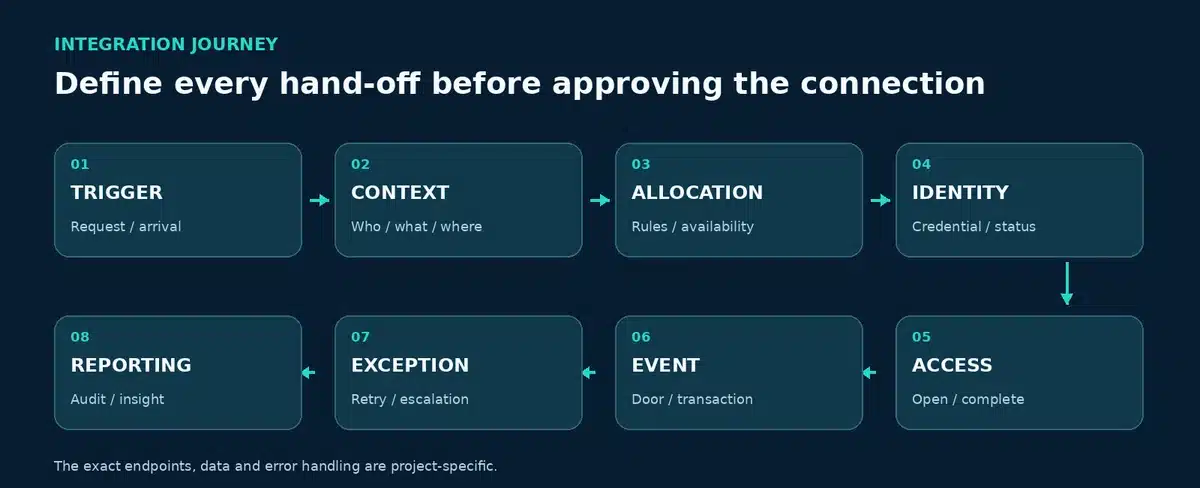
An integration can add endpoints, data exchanges, identities and failure conditions beyond the locker platform itself. Identity providers, access control, workplace platforms, IT service-management systems and parcel platforms may each have separate environments and owners.
Document the source and destination of each exchange, the data required, the event that triggers it, its frequency, the authentication method, the expected response, timeout and retry behaviour, and the owner who investigates a failed transaction. Clarify whether integration traffic is initiated by the locker platform, an external service or both.
“Offline smart locker” can mean several different things: a user may keep using a locally cached credential, a controller may continue operating without its cloud path, an event may be stored locally until service returns, or the entire user journey may depend on connectivity. The answer is configuration-specific. Do not assume that a locker is offline-capable—or that offline access is included—without a documented response for the selected system.
For each failure, agree the expected user experience, operational workaround, record keeping and recovery test. Ask which functions require a live identity check or external transaction, what data is cached, for how long, and how administrators can identify the status. Clarify the boundary between loss of internet, loss of the site LAN or Wi-Fi, loss of an integration, platform unavailability, power loss and a local equipment fault; each can have a different impact.
Can a previously authorised user still access a compartment? Under which credential and time limits?
Can a new parcel, asset issue or locker allocation be created while a dependency is down?
Are events queued locally, and how are timestamps, duplicates and reconciliation handled after recovery?
Which triggers, notifications or identity checks stop, retry or move to manual handling?
What authorised recovery options exist, and how is every override recorded and reviewed?
Who confirms data and occupancy are reconciled, the connection is healthy and users can resume?
Use the list as a readiness record. Mark each item only when the named owner has confirmed it for the selected configuration.
Download checklist CSVTo print from this page, use your browser’s print command. The article layout simplifies automatically on paper.
Use the matrix as a starting point for project discovery—not as a universal allocation of contractual duties. Confirm the final lead, contributors, deliverables and acceptance authority for each deployment.
| Responsibility | Customer IT | Facilities | Vpod | Integration partner |
|---|---|---|---|---|
| Power readiness | Consulted | Lead / confirm site works | Provide equipment schedule | Consulted if affected |
| Network approval | Lead / approve controls | Coordinate access and routes | Provide current technical requirements | Provide integration endpoints |
| Locker configuration | Confirm identity/network constraints | Confirm operating workflow | Lead agreed locker setup | Consulted where integrated |
| API configuration | Approve identity and security | Confirm process owner | Configure agreed locker interface | Lead its own platform configuration |
| Acceptance testing | Test network/security | Test user and site operation | Test locker journeys | Test integrated data flow |
The labels above are indicative. The statement of work, technical design and site-specific responsibility matrix must define the final accountabilities.
Case studies help teams ask practical questions about central management, multi-site operation, identity, parcel handling and system hand-offs.
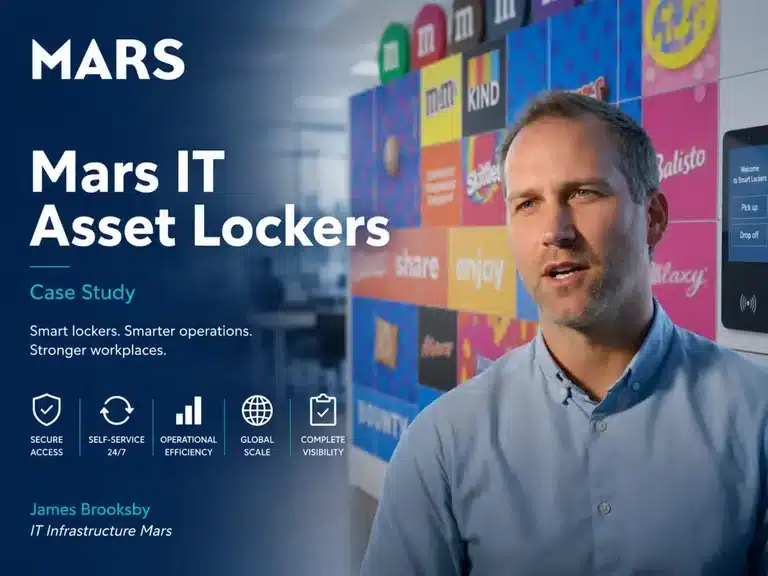
Vpod’s published case study describes 27 locker walls and 874 doors across 15 sites in nine countries. It is useful evidence for central oversight and rollout scale; the network schedule for a new deployment still needs project-level confirmation.
Explore the Mars case study ↗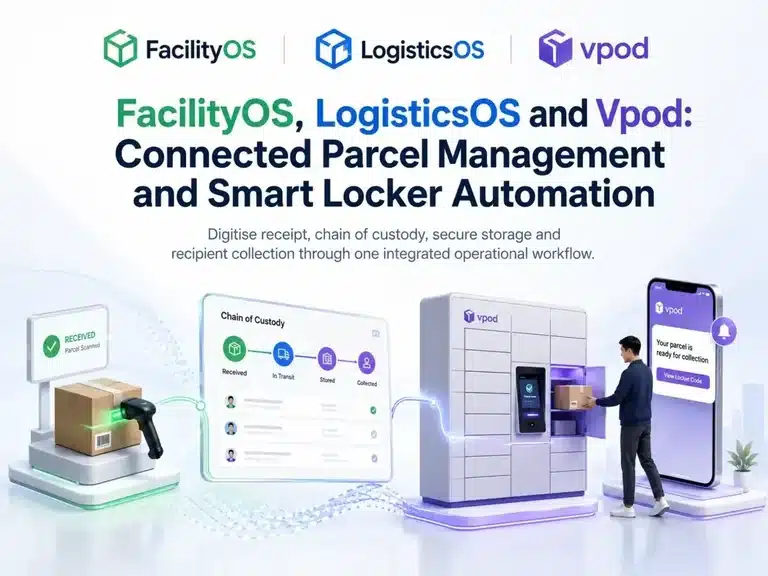
The case study shows a connected flow from parcel receipt and recipient matching through locker allocation, notification and authenticated collection. Use it to map endpoints, data ownership and exception routes.
Explore the parcel integration ↗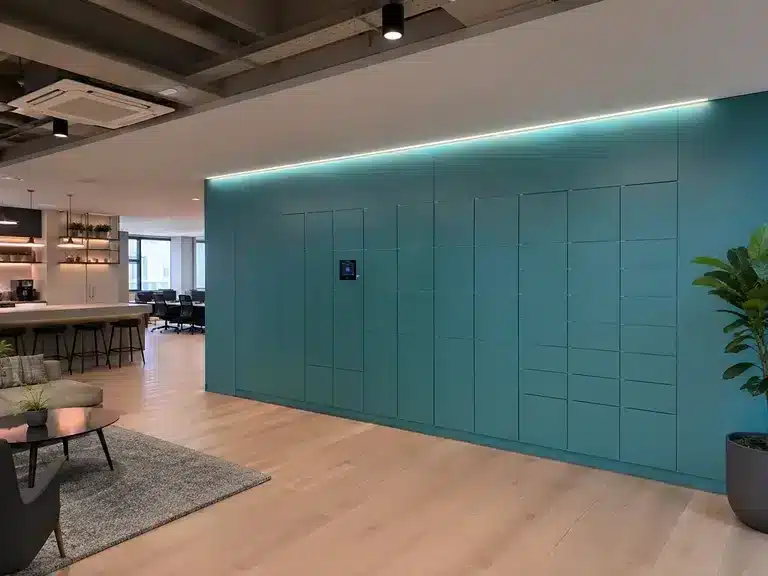
The workplace case study describes a centrally managed locker service across London, Edinburgh and Glasgow. Ask how remote administration, local site connectivity and support ownership will work in your own estate.
Explore the Skyscanner case study ↗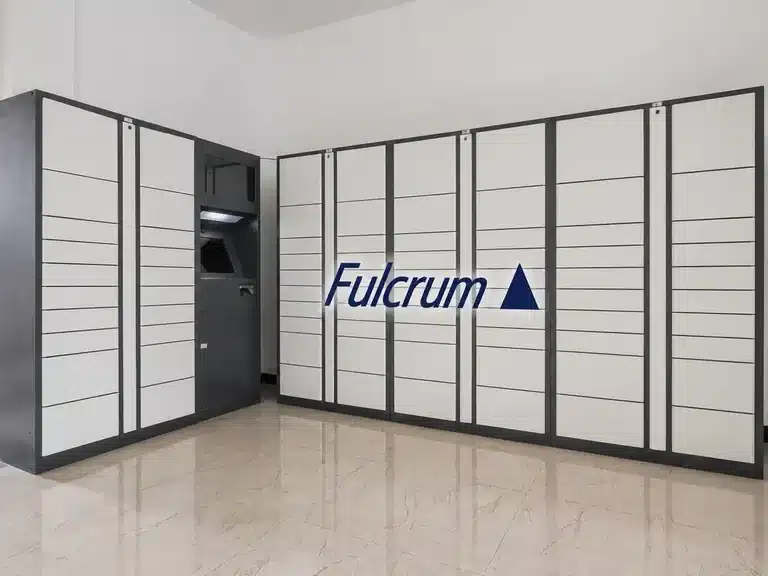
The Canary Wharf case study joins consolidated deliveries, real-time tracking and secure locker collection in a connected estate logistics service. Use this type of workflow to identify the systems and teams on each side of an API.
Find Wilson James and Fulcrum in Vpod case studies ↗See more product demonstrations and customer stories on the official Vpod Smart Solutions YouTube channel ↗.
Share your site locations, user journey, preferred access method, network policies, integrations and continuity objectives. Vpod can help shape the project-specific technical discovery and installation plan.

