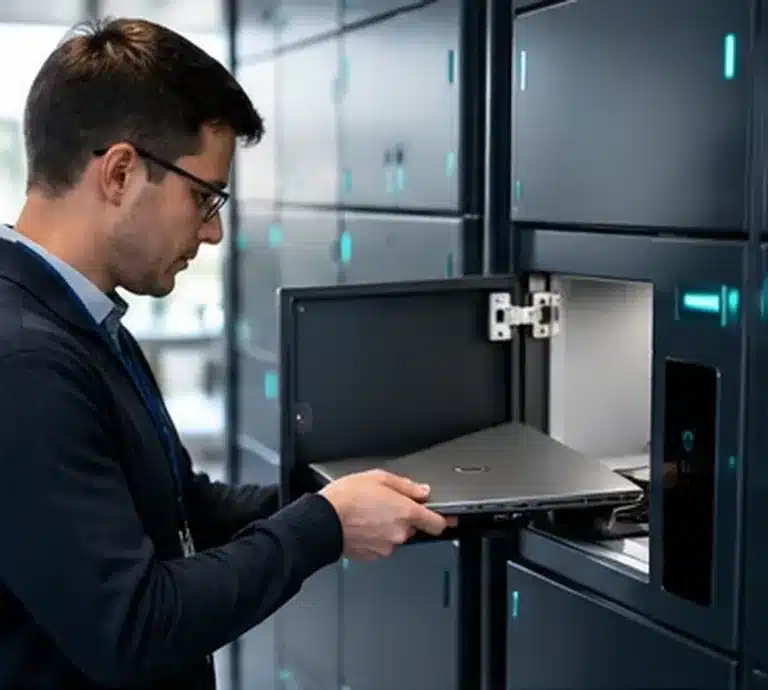
IT DIRECTOR
IT asset lockers for secure device control
Identity, integrations, audit evidence, device issue/return and multi-site governance.
Explore the IT Director view

We design and deliver integrated systems for streamlined check-ins, secure storage, and enhanced visitor management. Our trusted partner network and focus on sustainability, data security, and customer success drives us to provide the most effective and user-friendly solutions.


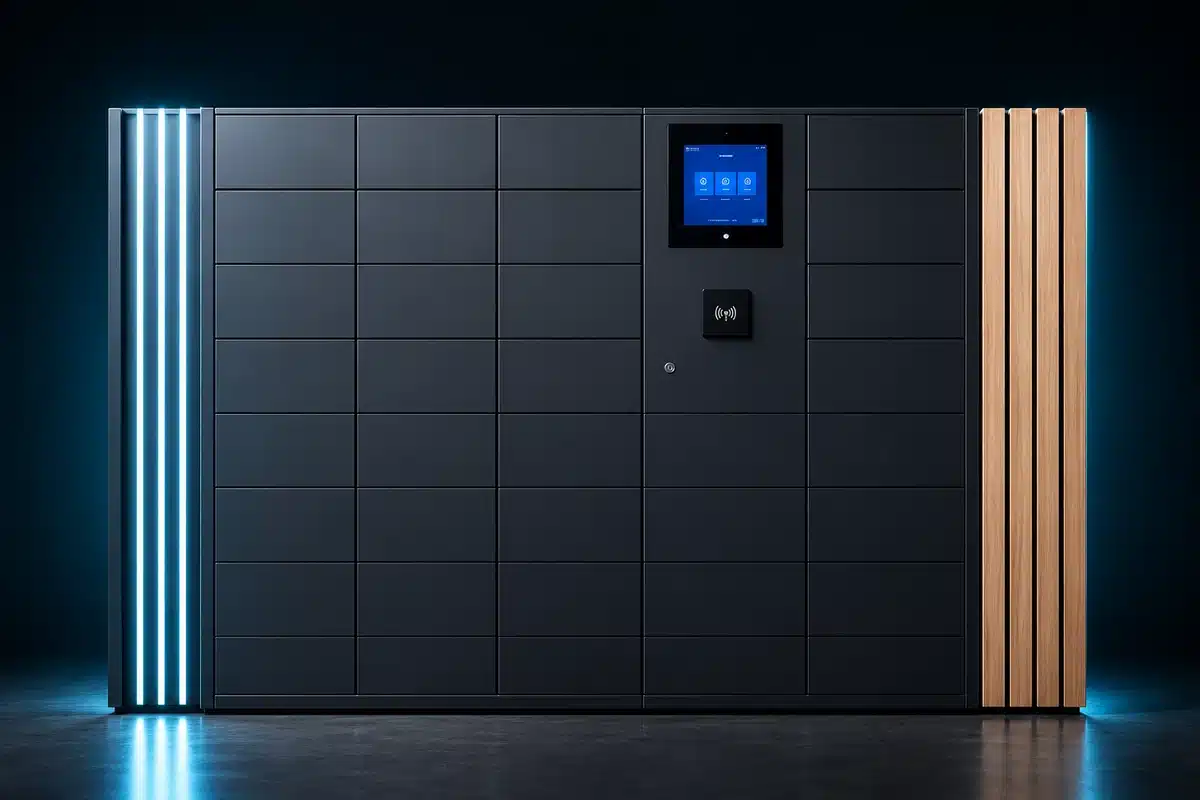
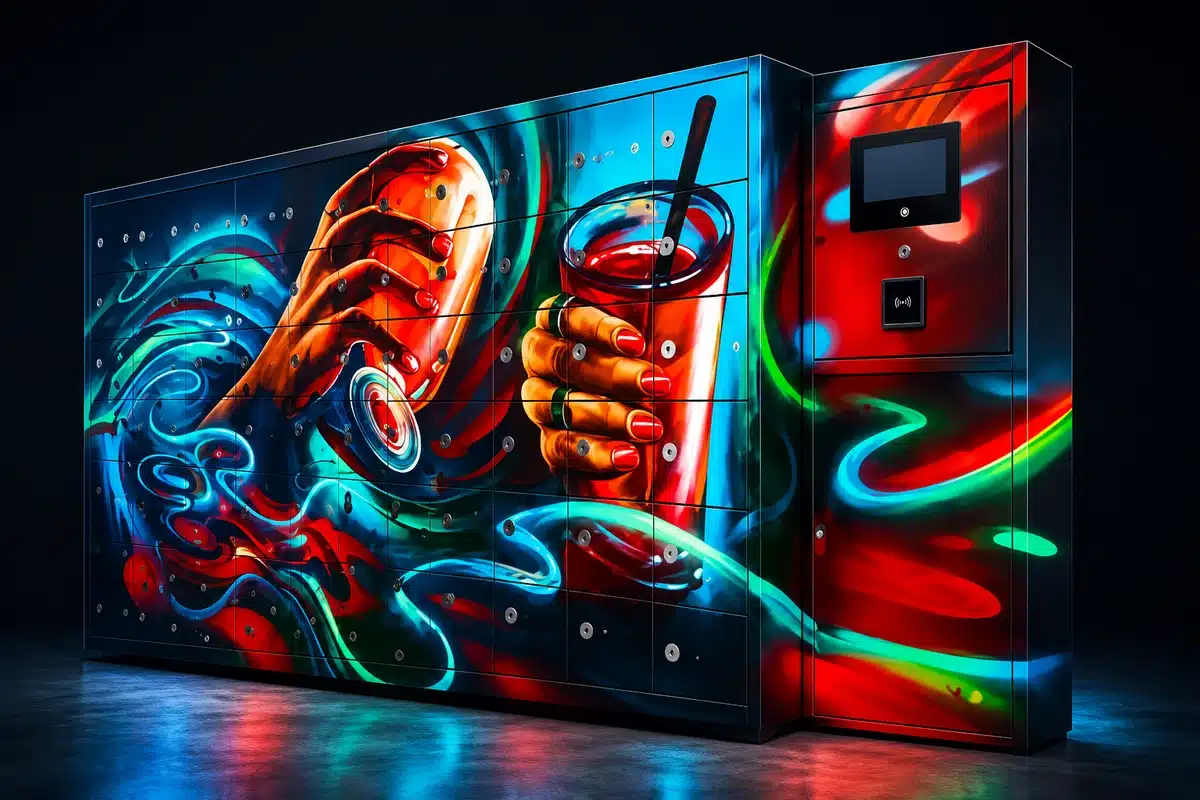

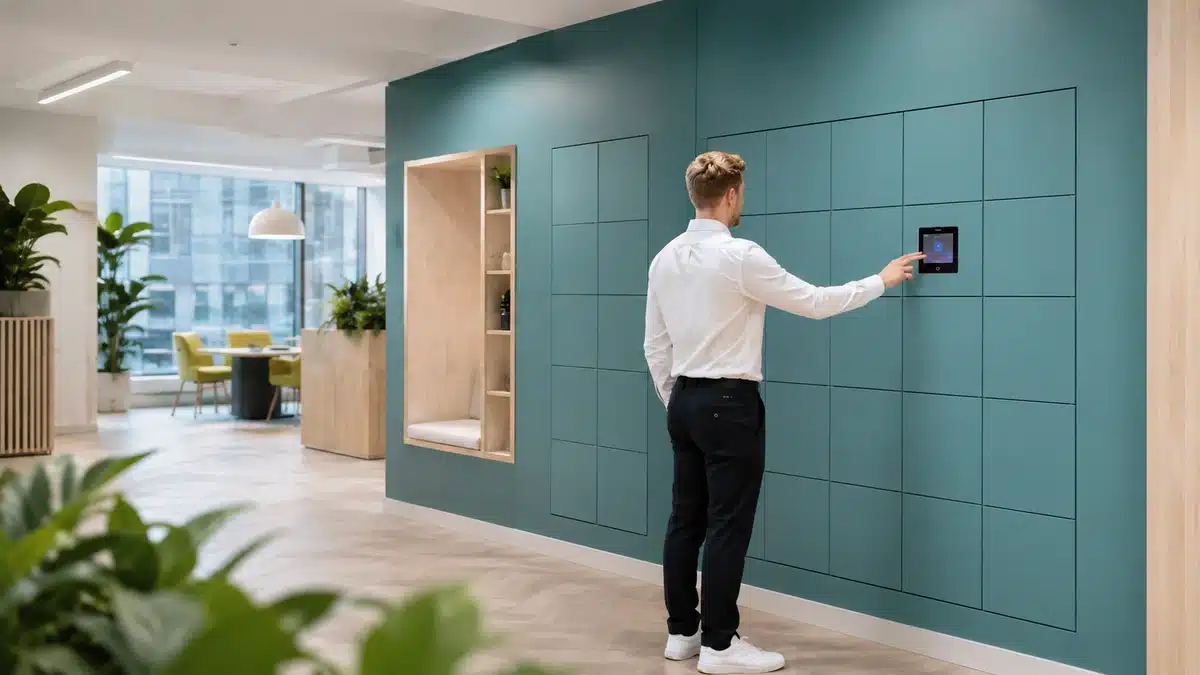

We design and deliver integrated systems for streamlined check-ins, secure storage, and enhanced visitor management. Our trusted partner network and focus on sustainability, data security, and customer success drives us to provide the most effective and user-friendly solutions.
We design and deliver integrated systems for streamlined check-ins, secure storage, and enhanced visitor management. Our trusted partner network and focus on sustainability, data security, and customer success drives us to provide the most effective and user-friendly solutions.
Expert resources for organisations controlling laptops, tools, radios, scanners and shared equipment. Improve chain of custody, availability, secure issue and return, auditability, integrations and multi-site governance.
Shared assets move between people, shifts, sites and support teams. When access depends on cupboards, spreadsheets or staffed desks, availability and accountability weaken as volume increases.
This centre brings together asset-specific decision-maker guidance, pain-point analysis, comparisons, procurement resources, enterprise integrations and documented deployment evidence.
Explore Vpod asset locker solutions ↗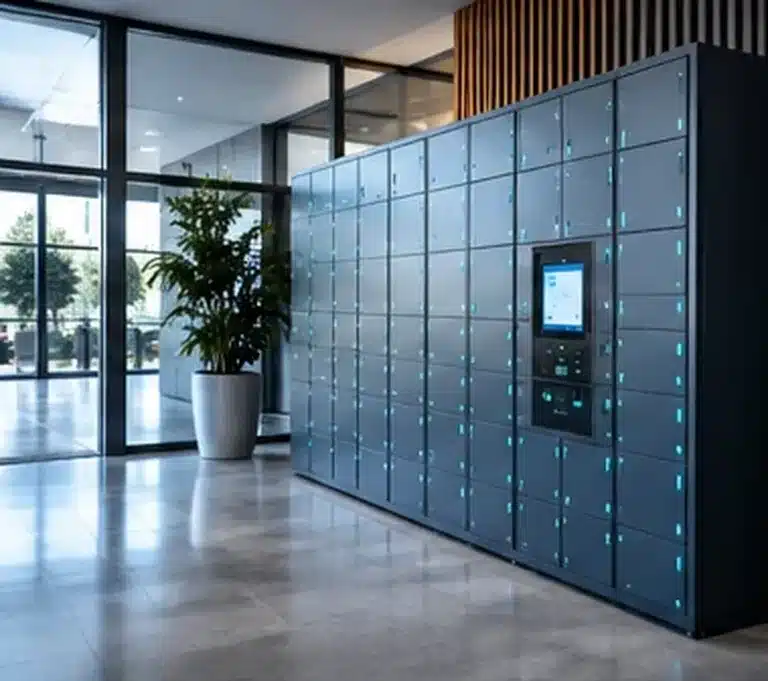
Asset lockers sit across IT, operations and facilities. Each role needs a different route into security, service, availability, governance and deployment.
Identity, integrations, audit evidence, device issue/return and multi-site governance.
Explore the IT Director view
Improve equipment availability, standardise workflows and reduce downtime from missing assets.
Explore operations guidance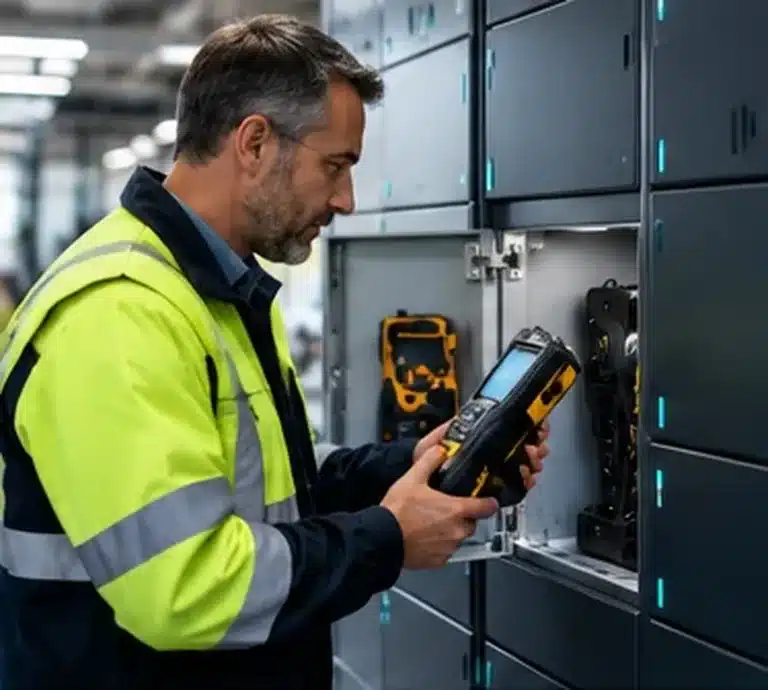
Control tools, radios, maintenance equipment and shared resources across buildings and sites.
Explore facilities guidanceUse these problem pages to diagnose where manual equipment control loses cost, visibility, access discipline or availability.
Loss, duplicate purchasing, manual checking and reconciliation create hidden operating cost.
Read guidanceUnclear ownership and late returns cause teams to search, wait or buy duplicates.
Read guidance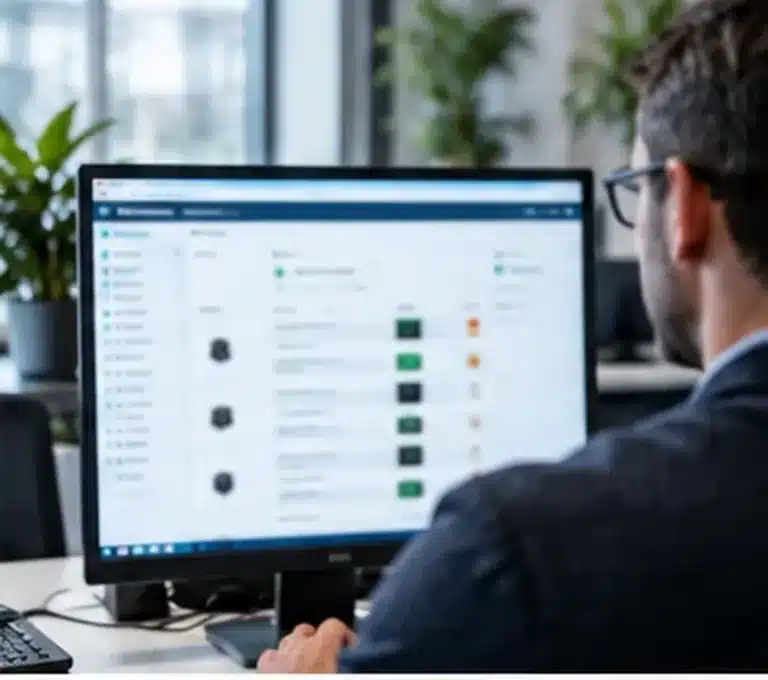
Manual tracking creates gaps in custody, investigations and compliance evidence.
Read guidance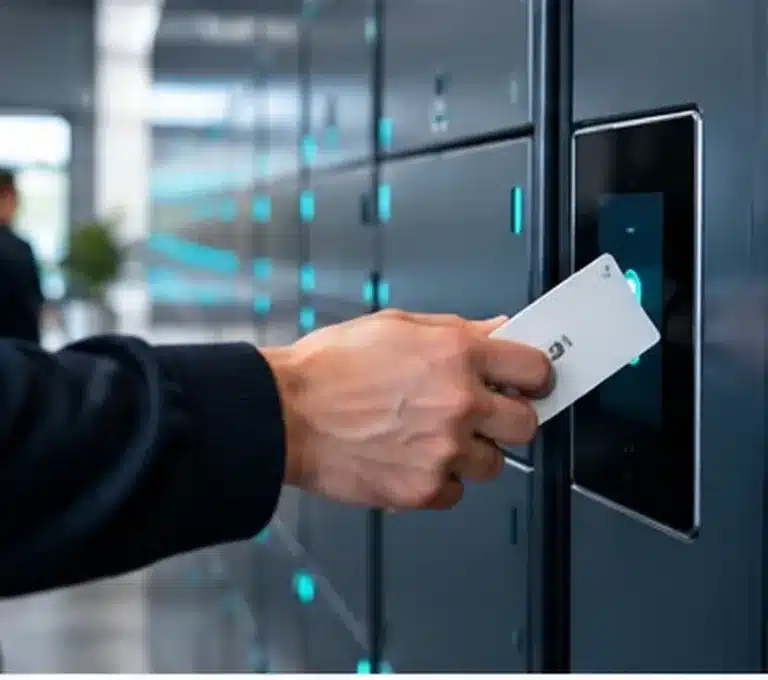
Open cupboards and trust-based processes do not enforce who may take which item.
Read guidance
Paper and spreadsheet records become incomplete and unreliable as transaction volume grows.
Read guidanceFragmented storage and delayed updates make stock location and availability harder to control.
Read guidance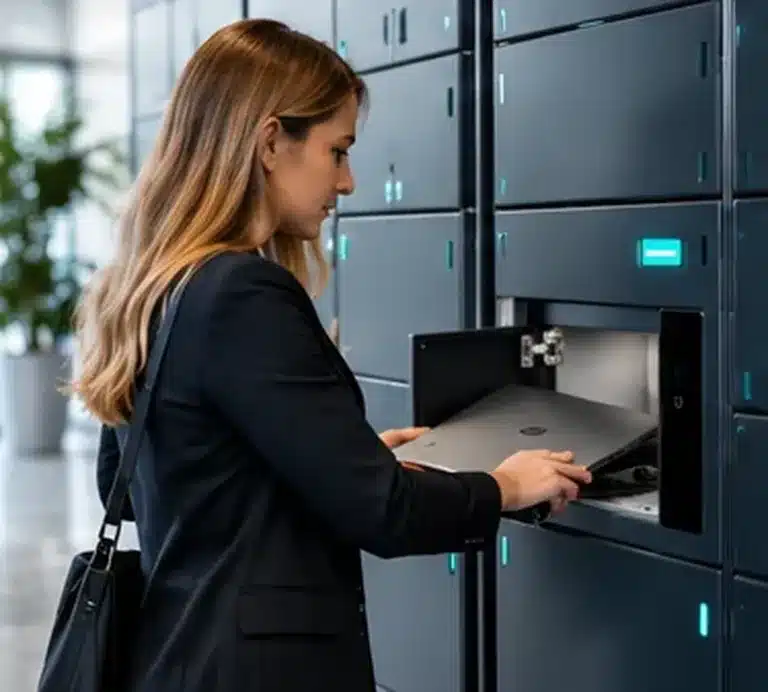
Manual device handovers and unclear readiness slow onboarding and incident recovery.
Read guidanceOpening hours and sequential handovers limit access and increase administration.
Read guidanceUse direct comparisons to decide where automation changes staffing, access, tracking, speed and whole-life cost.
Compare staffed handover, opening hours, auditability and self-service access.
Read guidanceCompare labour-led storage with automated, user-linked issue and return.
Read guidance
Evaluate labour dependency, cost-to-serve and scalable self-service.
Read guidance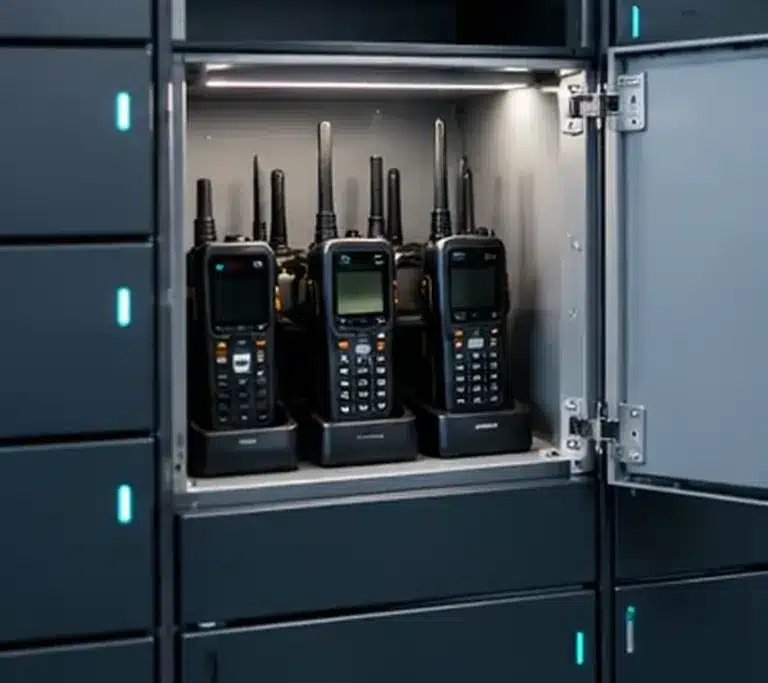
Compare fixed self-service infrastructure with staff-led collection and transport.
Read guidanceMove from operating requirements to technology, identity, service-management and implementation decisions.
The UK Asset Locker Buyer’s Guide structures the procurement decision around the assets, users, issue/return logic, evidence requirements, integrations, installation and support model.
Open the buyer’s guide ↗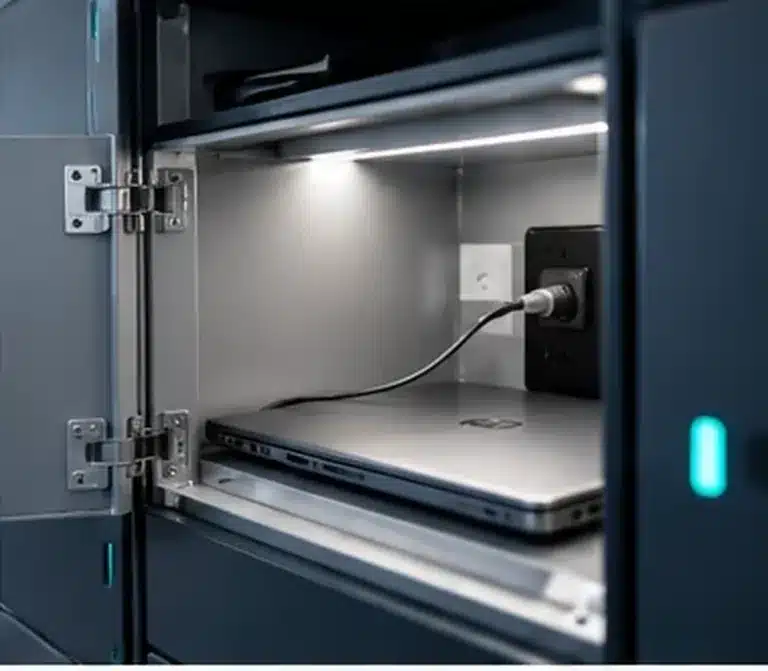
Define assets, custody workflows, charging, access, audit, integrations and support before choosing door count.
Read guidanceUnderstand software, credentials, identity, infrastructure and operating controls.
Read guidanceMap identity, access, workplace and service systems into the physical locker workflow.
Read guidanceConnect authoritative identity decisions to controlled locker access and user lifecycle events.
Read guidanceExtend approved service requests into secure self-service equipment issue and return.
Read guidanceAlign authentication, entitlement and access events with enterprise identity governance.
Read guidanceThe four figures below describe one documented global FMCG deployment. They are deployment facts, not four independent case studies or performance forecasts.
One standardised locker operating model deployed across multiple national environments.
Read the case study ↗Central governance with local workflows for equipment distribution, recovery and workplace services.
Explore the deployment ↗Distributed self-service infrastructure supporting employee storage and IT asset workflows.
See how it works ↗Secure collection, emergency replacement, returns and other controlled workplace handovers.
Inspect the evidence ↗Evidence should remain attributed to this specific deployment. Do not generalise the scale or outcomes to another organisation without modelling its workflow and demand.
Use video to understand the user journey, management layer and the global IT asset use case.
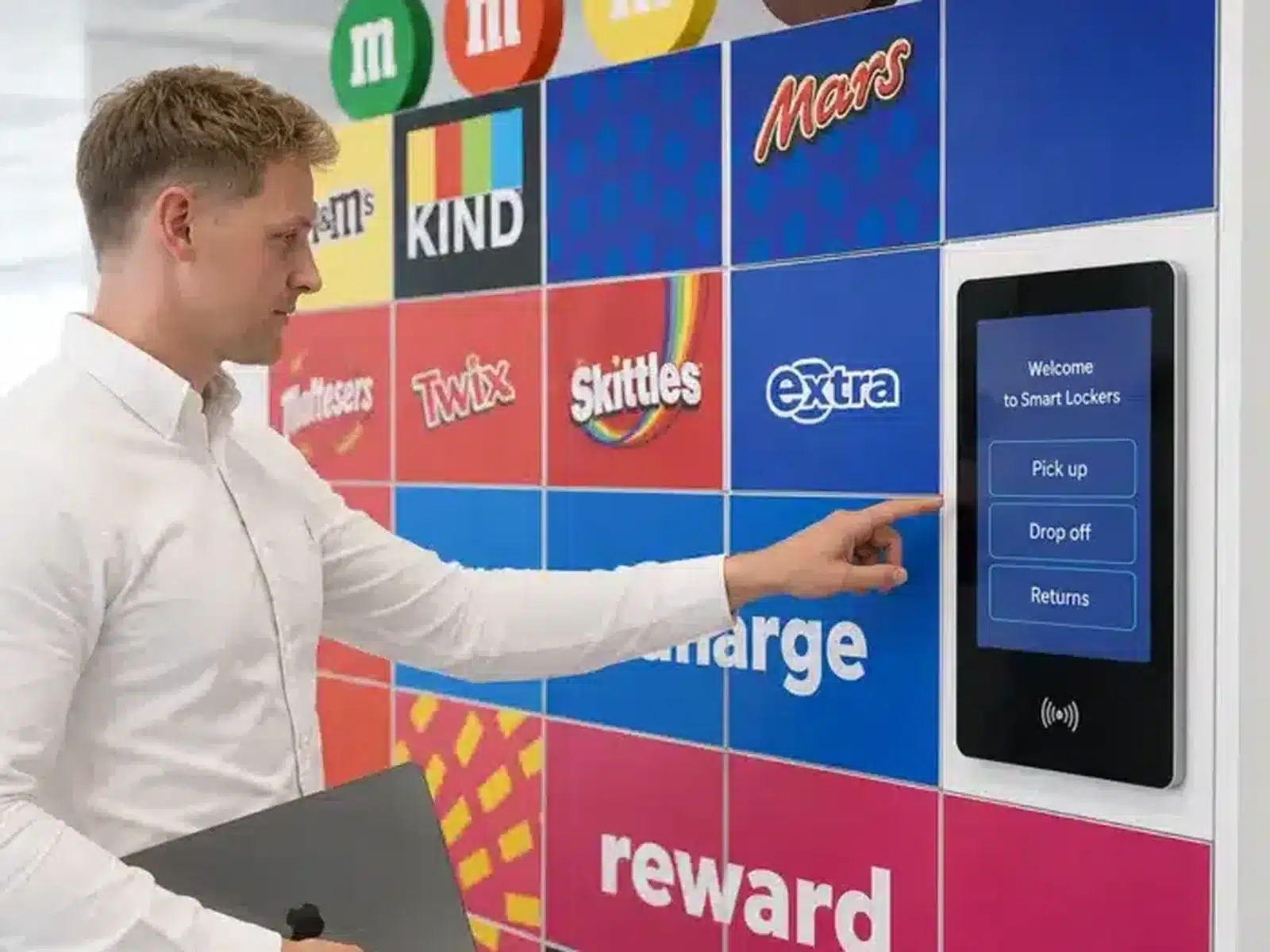
Hear how the programme supports secure self-service, global consistency and IT equipment workflows.
Watch video ↗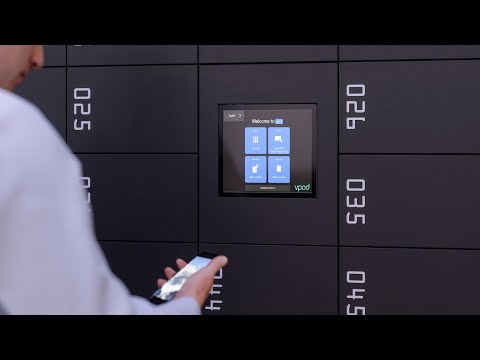
Understand the connected journey from authentication to controlled access.
Watch on YouTube ↗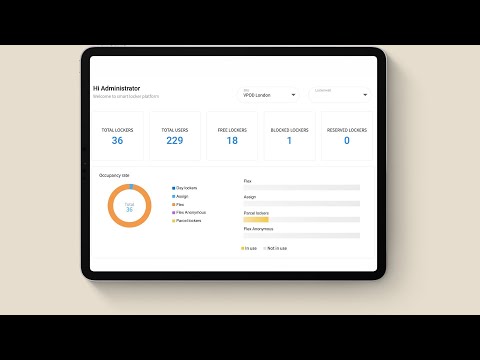
See the management layer behind users, permissions, transactions and reporting.
Watch on YouTube ↗Start with the custody process and evidence requirement, then define the locker hardware.
List dimensions, value, charging, sensitivity, volumes and ownership model.
Define issue, return, swap, recovery, overdue and exception workflows.
Agree identity source, roles, credentials, approvals and revocation logic.
Decide which user, asset, door, time and exception events must be retained.
Scope service, identity and workplace systems, pilot criteria, support and multi-site governance.