


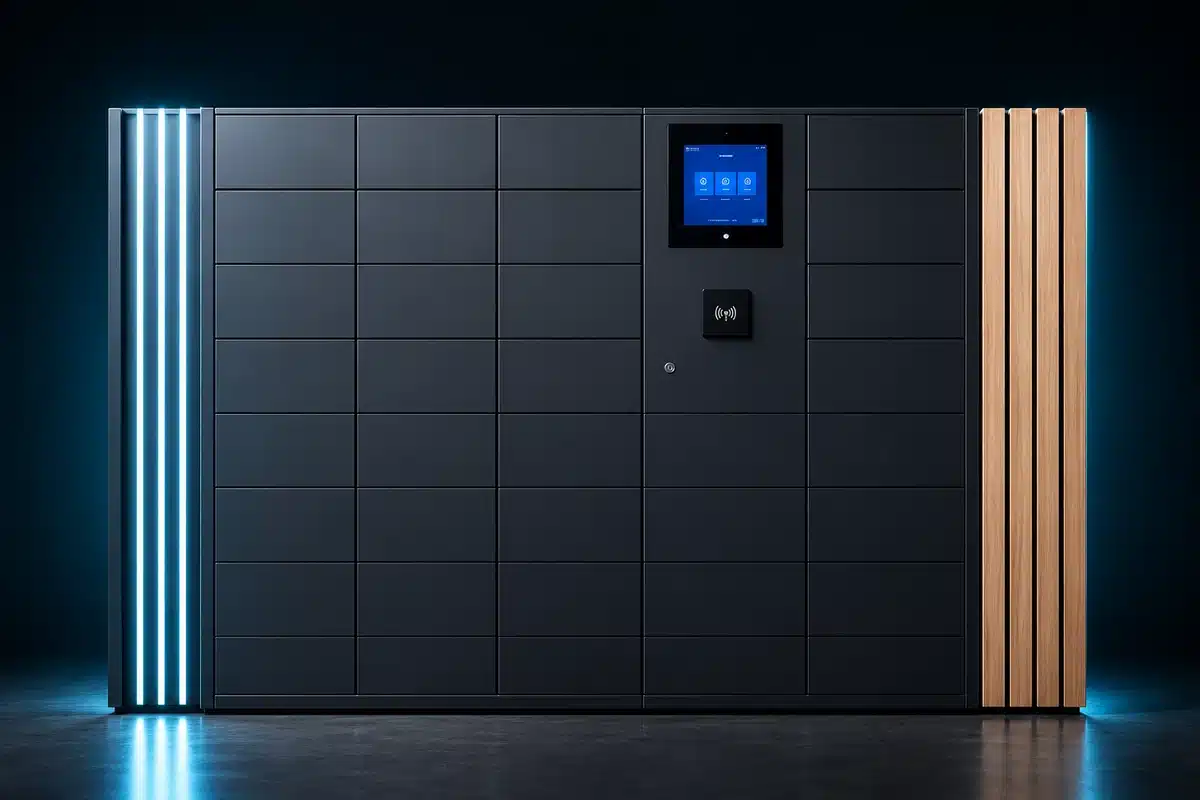
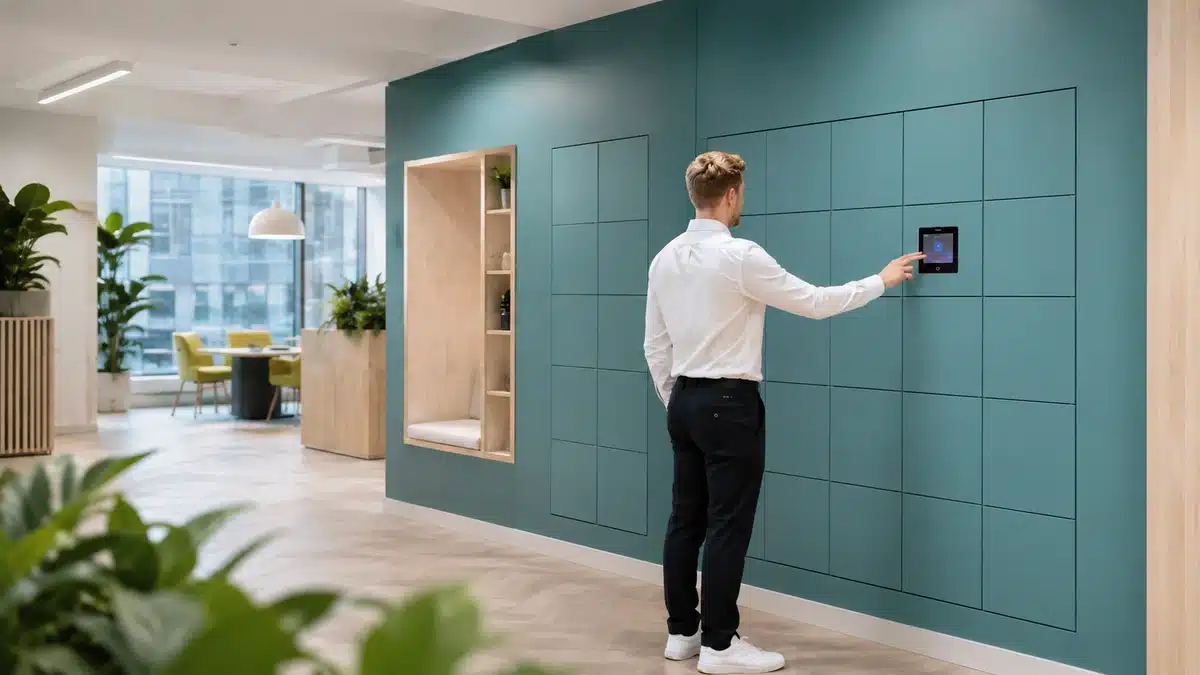

Smart Lockers & Smart Locker Systems
Secure, connected storage for workplaces, enterprises and venues worldwide.
Reduce manual handovers, enable secure self-service and manage storage across workplaces, IT assets, parcels, retail, hotels and venues. Vpod combines configurable Vflex hardware, Keynius software and project-specific integrations for single sites and international estates—backed by real deployment evidence.
UK-based expertise · International deployment experience · One connected smart locker platform
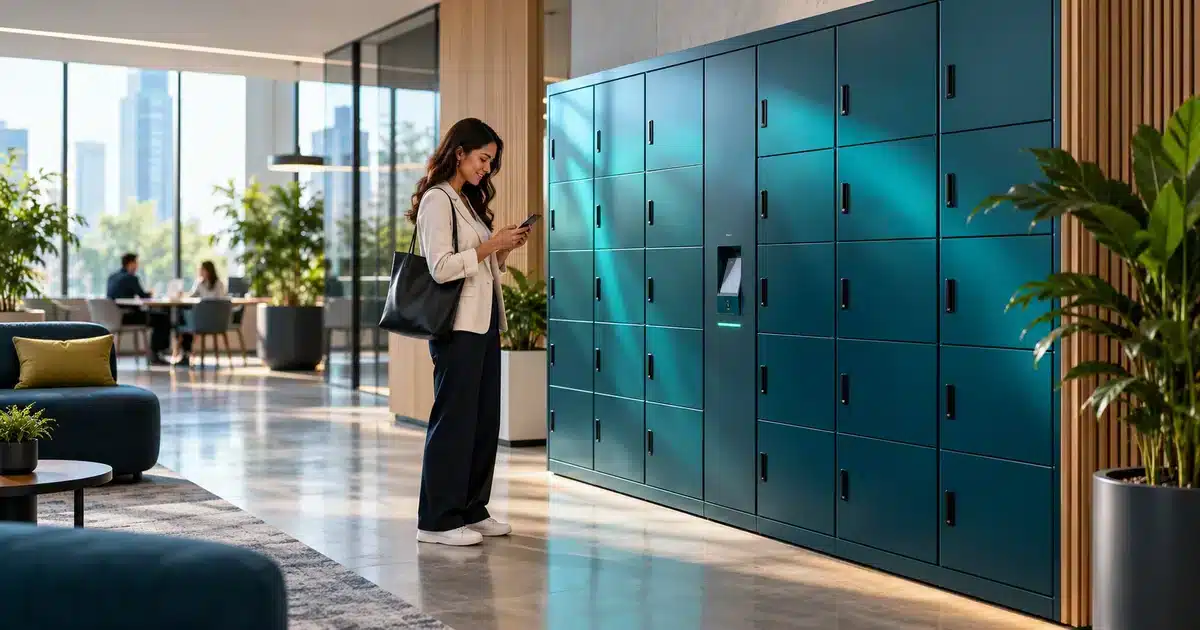
Smart locker systems proven in real operations
Real deployments tell you more than feature lists. Explore what Vpod customers have installed, how systems are used and the measured outcomes—each figure applies to the project and period stated.
 GLOBAL FMCG / WORKPLACE & IT
Mars
A programme across nine countries, 15 sites and 27 locker walls, supporting evolving workplace and IT asset workflows.
27 locker walls, 15 sites in nine countries. Estate size, not a staff-saving percentage.Explore the Mars case study →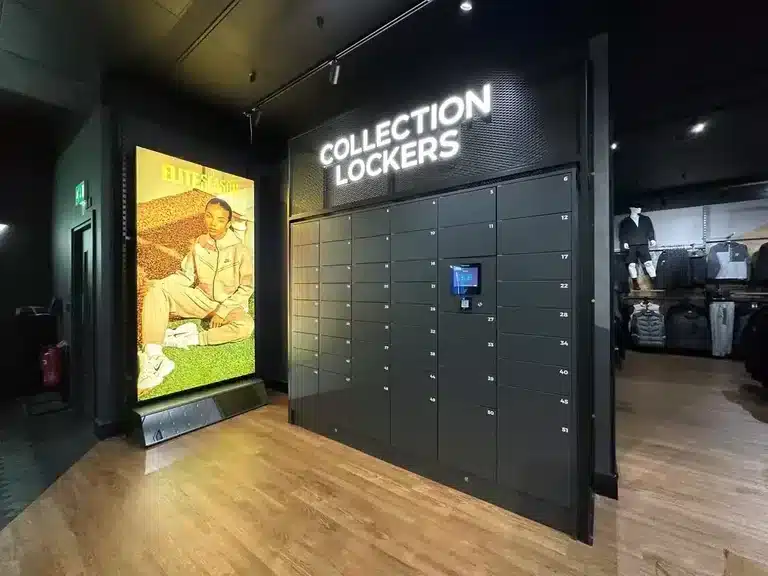 RETAIL / CLICK & COLLECT
National Footwear Retailer
Reduction in staff collection-handling time at a measured 51-door pilot location; the wider deployment covered 438 doors across nine locations.
78% reduction measured over six months at one 51-door location, approximately 5,500 orders/year; 438 doors across nine stores overall.Read the retail case study →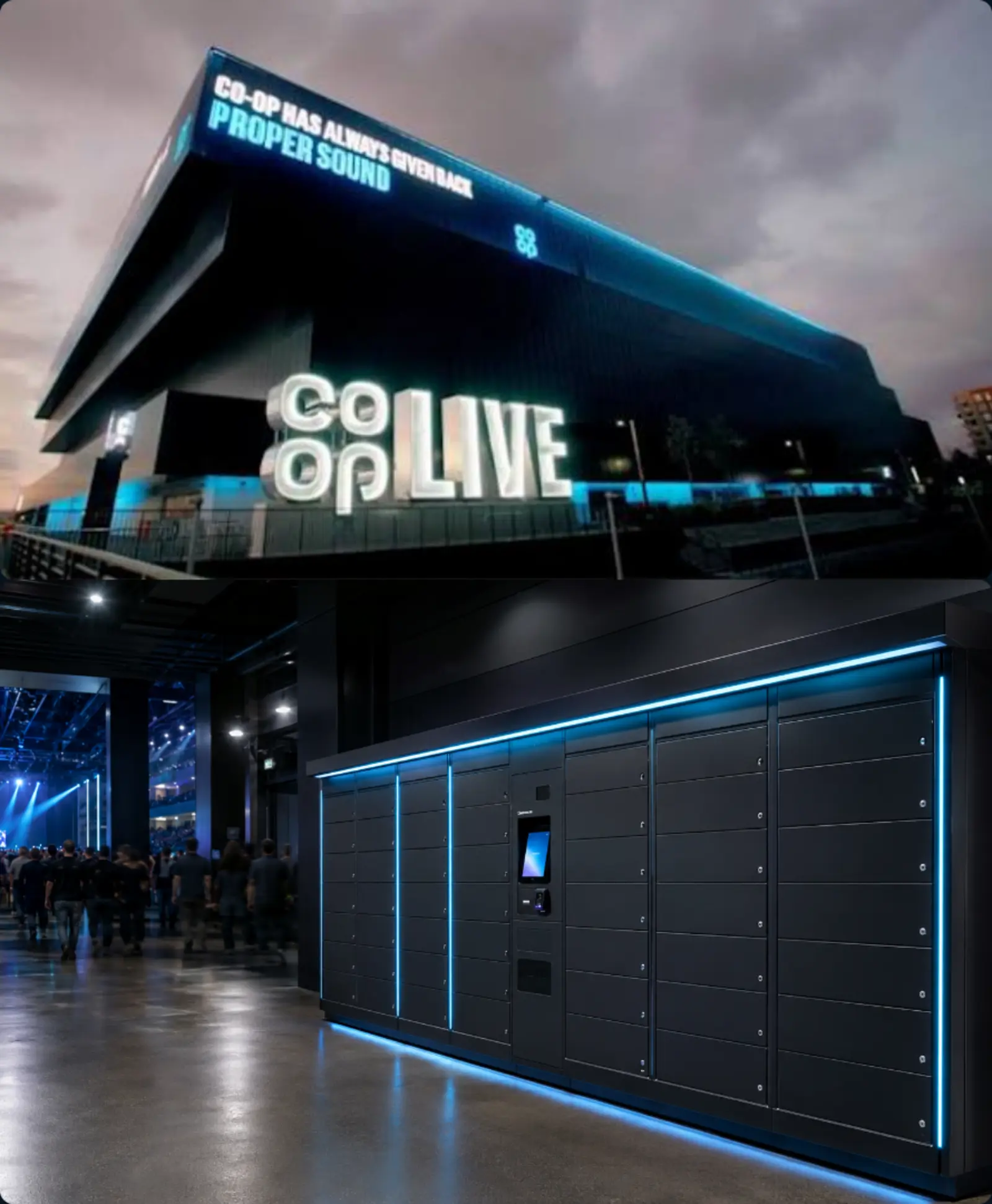 VENUES / HIGH-VOLUME SELF-SERVICE
Co-op Live
Recorded locker transactions across the published five-month reference period, demonstrating real venue usage at scale.
5,252 transactions in the cited five-month reference period; verify the reporting definition before publication.Read the Co-op Live case study →More operating environments. More evidence to inspect.
Three further projects demonstrate different outcomes. Results are specific to the cited sites and reporting periods, not guaranteed performance for other installations.
Skyscanner
Reported 70% better utilisation and less locker administration across London, Edinburgh and Glasgow.
See Skyscanner's measured resultsZiggo Dome
Published result: post-concert exit time reduced from 60 to 15 minutes after 4,608 lockers were deployed.
Review the Ziggo Dome deploymentWilson James + Fulcrum
Vpod's case-study library reports annual operational savings from connected estate logistics and secure parcel collection.
Examine the published case studyWhat are smart lockers and how do they work?
A smart locker is a secure electronically controlled storage compartment connected to management software. Authorised users deposit, collect or return items through credentials such as a PIN, QR code, RFID badge or compatible mobile access.
The system can allocate compartments, apply access permissions, trigger notifications and record configured activity. That makes it useful for more than personal storage: the same principles can support IT equipment, deliveries, retail collections, guest luggage and venue storage.
A complete system brings together locker hardware, digital credentials, administration software and the operating workflow. Confirm network resilience, data and security requirements for the specific deployment.
Smart locker solutions for real business workflows
Start with the process you need to improve. Each locker application has different capacity, user access, software and support requirements.
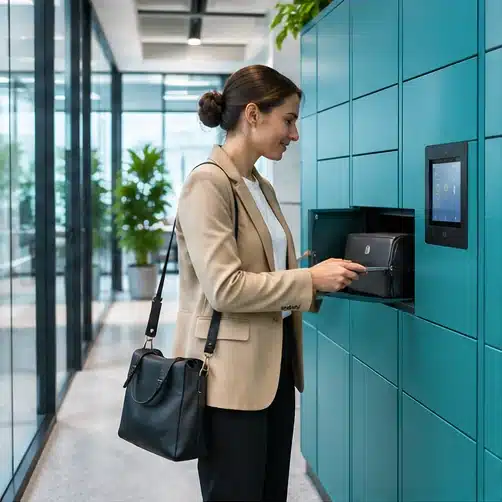
Workplace smart lockers
Shared, dynamic or assigned storage for employees and flexible office environments.
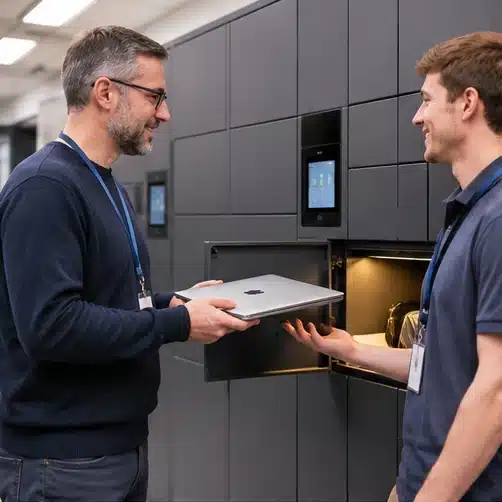
Asset smart lockers
Controlled issue, collection and return of equipment, devices, tools and other managed assets.
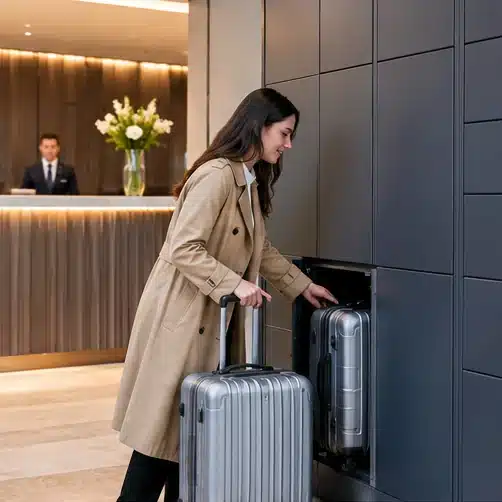
Luggage smart lockers
Self-service guest luggage storage with configured access and operational or payment journeys.
Event smart lockers
Visitor bag and coat storage at arenas, live events, attractions and busy venues.
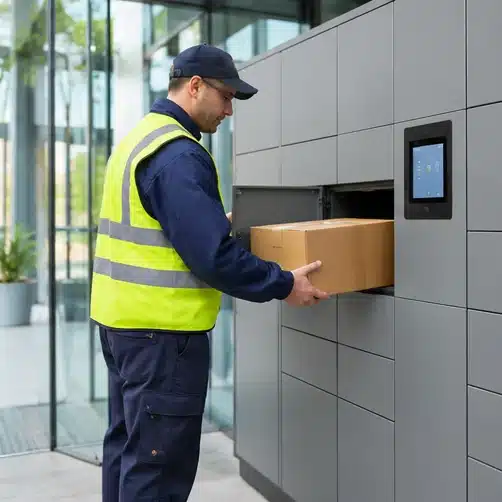
Parcel & delivery lockers
Managed handover for parcels and deliveries, reducing dependence on staffed collection.
Retail collection lockers
Secure customer collection and click-and-collect processes connected with store operations.
Delivery lockers
Secure unattended deliveries, drop-offs and controlled collection.
Venue lockers
Secure storage for visitors, guests and high-footfall sites.
Leisure lockers
Flexible keyless storage for gyms, leisure centres and attractions.
Explore the complete Vpod locker solutions range and sector-specific applications.
Why choose Vpod smart lockers?
A locker supplier should prove more than whether a door opens. Vpod brings Vflex hardware, Keynius management technology, cross-sector deployment experience and project-specific workflow design together in one accountable buying conversation.
Evaluate named installations and clearly defined results: the Mars international estate, a retail collection pilot and Co-op Live’s published venue activity.
View customer proof →Specify different compartment sizes, cabinet materials, credentials and rules for workplaces, equipment, parcels, retail, hospitality and events.
Explore applications →Review identity, workplace, service-management and logistics integration pathways. Confirm specific connectors and responsibilities at scoping.
Explore integrations →Clarify site survey, rollout, administrator training, exception handling, software ownership, service coverage and lifecycle responsibilities before signing.
Plan your deployment →Know who provides the hardware, software, installation and support.
Vpod brings together the Vflex cabinet range, Keynius management technology and project-specific deployment and integration work. Procurement should confirm who contracts for and delivers each component before signing.
Specify & configure
Map the workflow, cabinet construction, compartment mix, access methods, location constraints and agreed operational requirements.
Vflex locker system
Choose the cabinet family, electronic locks, terminals, readers and accessories appropriate to the site and use case.
Keynius management platform
Define software allocation, administration, credentials, reporting and approved configuration. Confirm licensing and platform support scope.
Commission & support
Agree delivery, installation, integration tests, acceptance criteria, training, maintenance escalation and lifecycle responsibilities with named owners.
The signed proposal should identify Vpod, the software provider, integration partners, site contractors and the customer owner for every task, including faults, network outages and exceptions. The precise contractual and operational responsibilities vary by deployment.
Browse source-linked results across seven sectors in the Vpod Evidence Library.
How much do smart lockers cost in the UK?
Your price depends on doors, dimensions, construction, readers, software, integrations, installation and support. Compare whole-life cost with the operational activity you intend to improve.
Estimate manual handling time that smart lockers could release
Enter your current process. This is a scenario model, not a Vpod savings promise or product quotation.
Not a formal ROI forecast: time released is not always a cash saving. Excludes taxes, depreciation, other benefits, change management and financing. Confirm actual costs with Vpod.
Request a configuration-specific quote →Know exactly what a smart locker quotation includes.
Vpod does not present a universal per-door price: a standalone locker wall and a connected multi-site programme have different requirements. Request an itemised quotation against a fixed specification so every supplier prices the same project.
Sites, user groups, door count, compartment sizes, material, indoor/outdoor requirements and accessibility.
Credentials, readers, terminals, Keynius software functions, administration, integrations and security responsibilities.
Cabinets, hardware, site survey, delivery, electrical/network readiness, installation, configuration, testing and training.
Software licensing, connectivity if applicable, hosting, support, maintenance, upgrades and service commitments.
Line-item totals, assumptions, exclusions, VAT status, payment terms, implementation milestones, warranty and ongoing service scope. Ask for the same breakdown over a three- or five-year comparison period.
No fixed price or savings guarantee is implied. Figures are determined after project scoping; the calculator above models potential operational value, not an approved Vpod price.
For UK pricing factors, capital purchase, licensing, whole-life costs and financing approaches, explore the Smart Locker Cost Knowledge Centre.
Compare smart locker suppliers with an evidence-based scorecard
Use the same eight criteria with every bidder. Score only what the supplier can demonstrate or document. Download the result as a CSV to support the procurement discussion.
Scoring: 0 = no evidence · 1 = limited · 3 = acceptable · 5 = independently demonstrable. Change the weight if a factor matters more to your project.

How smart lockers work — from request to recorded handover
A connected storage journey involves the user, software policy, cabinet hardware and the business event that follows. The exact interfaces, network dependency and offline behaviour must be confirmed for the chosen configuration.
 01
Request
A person or connected system initiates a deposit, collection or allocation task.
 02
Authorise
The software checks the credential, allocation and relevant permissions.
 03
Open & hand over
An eligible compartment opens for the item to be deposited or collected.
 04
Record & manage
The system captures configured events, statuses and exceptions for administrators.
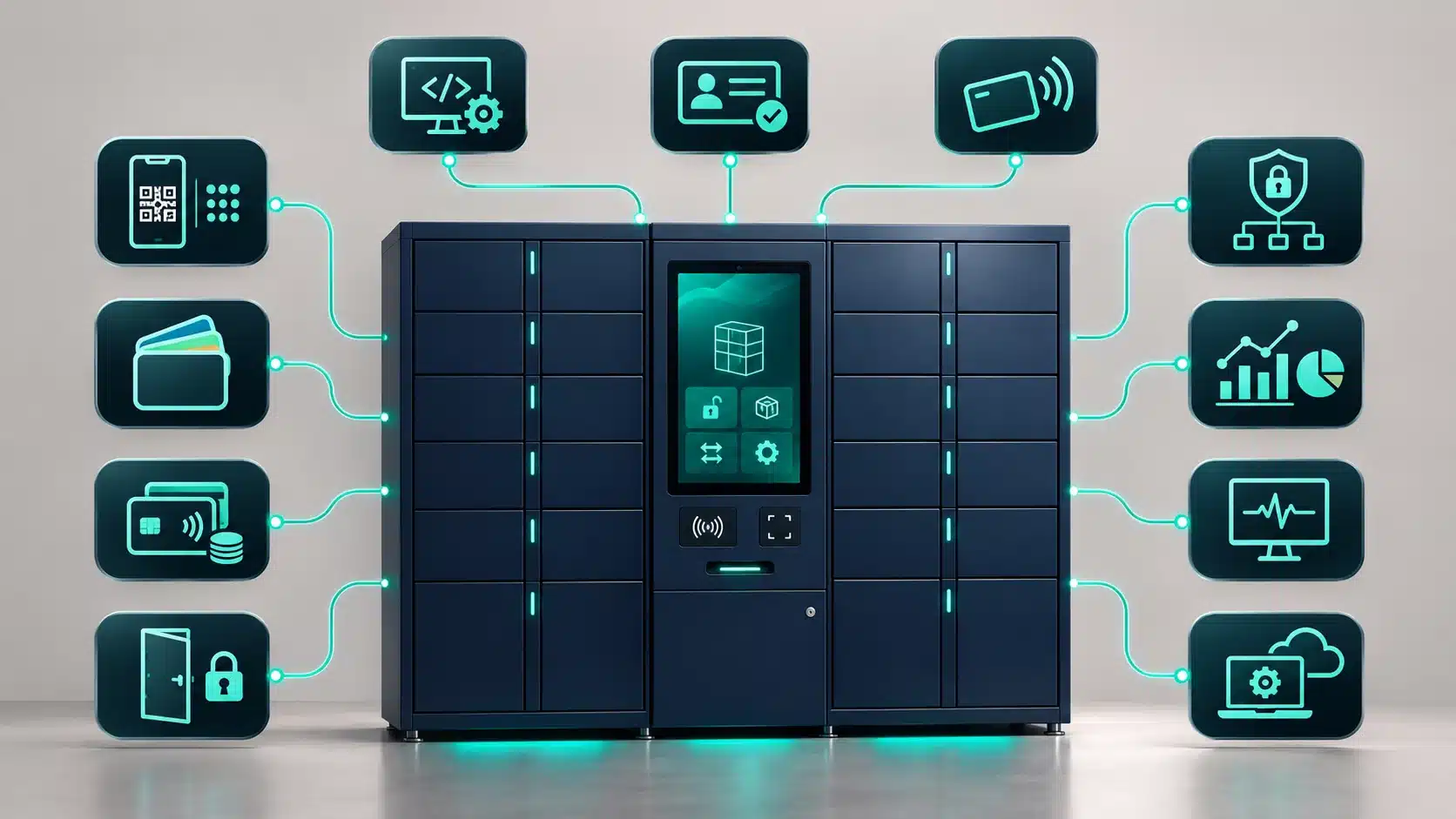
Electronic access & software
PIN, QR, RFID, badge or mobile access may suit different users. Administrative software can manage allocation, occupancy, access rules and transaction records.
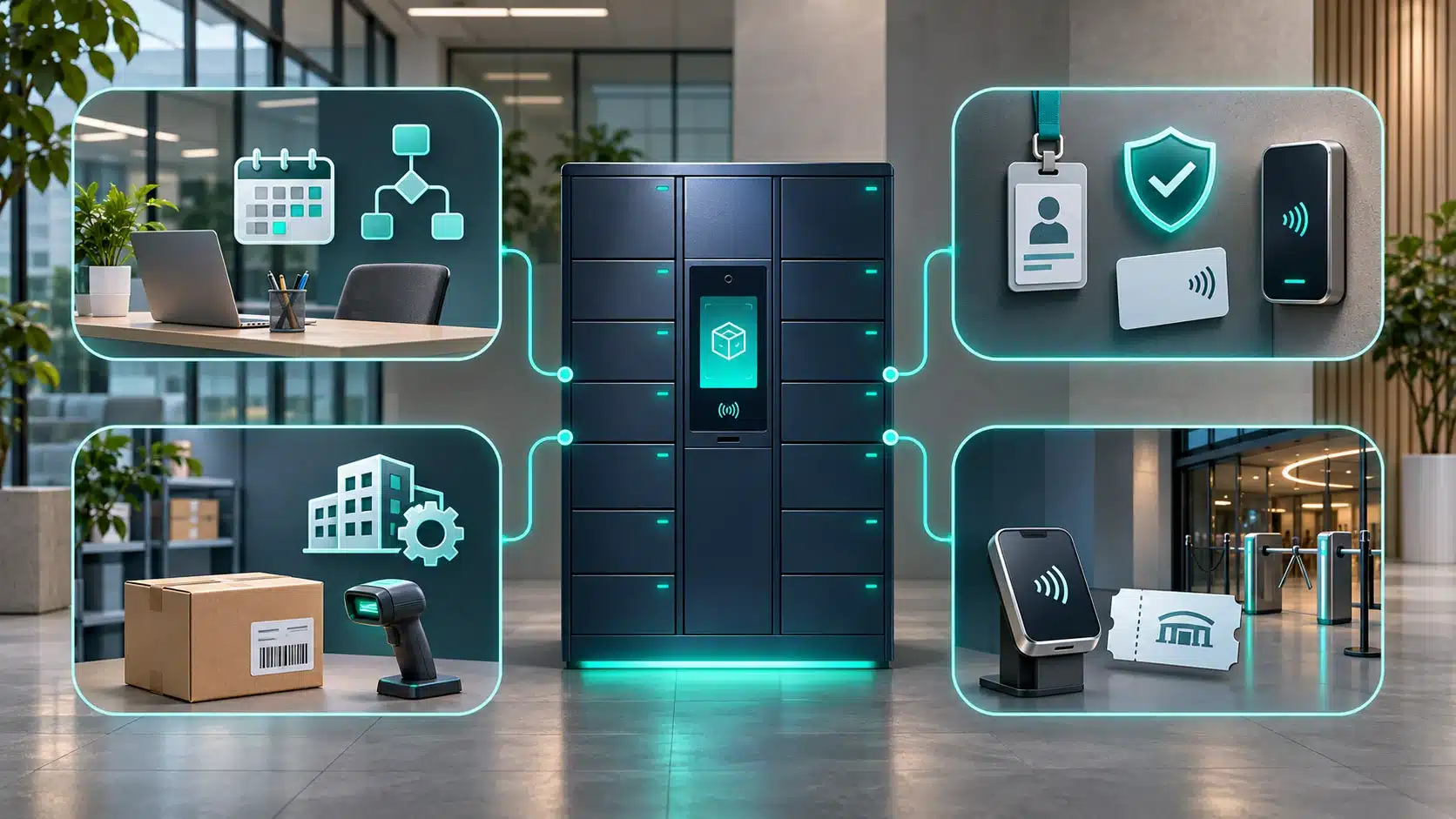
Enterprise integration & resilience
Assess connections to identity, workplace, service and logistics systems. Agree connectivity, power, support and interruption procedures before deployment.
FacilityOS + LogisticsOS + Vpod: from parcel receipt to confirmed collection.
This published Vpod workflow shows how enterprise parcel records can connect to physical locker activity. FacilityOS provides wider operational oversight; LogisticsOS manages receipt, matching and chain-of-custody tasks; Vpod provides locker allocation, secure deposit and self-service collection.
- 01ReceiveCapture parcel label, tracking details and receipt event.
- 02MatchConfirm the intended recipient and handle exceptions.
- 03AllocateRequest a suitable locker using size, availability and site rules.
- 04DepositRecord compartment assignment and secure door activity.
- 05NotifySend collection instructions via a configured channel.
- 06CollectAuthenticate the recipient and record access.
- 07CloseUpdate the operational parcel record and audit trail.
Implementation condition: This summarises a documented workflow, not a guaranteed off-the-shelf connector, named API endpoint or certified configuration. Confirm supported event fields, authentication, availability, data ownership, error handling and service responsibilities during discovery. Explore the integration library →
Connect smart lockers to the systems your organisation already uses.
Vpod's Integrated Partners Hub maps 23 pathways across workplace and service management, identity and access, parcel and logistics, and payments and venue systems.
A listed pathway is not proof of a native connector or a completed customer integration. Interfaces, permissions, events and responsibility are agreed for each project.
ServiceNow · TOPdesk · Eptura 02 Identity & access
Microsoft Entra · Okta · HID 03 Parcel & logistics
Recipient matching · custody 04 Payments & venues
Rental entitlement · reconciliation Explore 23 integration pathways
See smart lockers in operation—not just in diagrams.
Three ways to inspect the actual user journey, the administration layer and a high-volume customer environment. Each opens Vpod's curated video library.
One platform. Six cabinet constructions.
Choose the material and form that suit the location, security needs, interior and operating environment. Construction, specification and availability should be confirmed for the selected model.
Luvio
Wood construction for design-led interior environments.
Solid
Compact laminate for robust, high-use applications.
Elite
Steel cabinet construction for operational environments.
Elite Plus
Enhanced steel door specification in the Elite family.
Rain
Weather-oriented cabinet configuration for suitable outdoor projects.
Vision
A further Vflex cabinet configuration for selected projects.
Concept illustrations identify cabinet materials and use cases; refer to Vpod’s product brochure for verified product photography, dimensions and specifications.
Compare the six Vflex cabinet constructions.
Retained from Vpod’s existing smart locker page. These are published material and door thicknesses, not a substitute for an approved quotation, drawings or site-specific specification.
| Model | Construction | Carcass thickness | Door thickness | Relevant environment |
|---|---|---|---|---|
| Luvio | Wood / MFC | 18 mm | 18 mm | Furniture-style indoor workplace interiors |
| Solid | Compact laminate / HPL | 12 mm | 12 mm | Durable indoor high-use areas |
| Elite | Steel | 1.0 mm | 1.0 mm | General commercial and workplace sites |
| Elite Plus | Steel | 1.0 mm | 1.5 mm | Higher-use indoor spaces |
| Rain | Outdoor-configured steel | 1.0 mm | 1.0 mm | Specified external or semi-external sites |
| Vision | Steel, acrylic-glass door option | 1.0 mm | 1.5 mm | Indoor use where contents visibility is useful |
The existing page also lists compartment panels, front-standing doors, a cabinet plinth and Door Shackle Click across the model family. Confirm exact materials, environmental protection, accessibility, compartment mix and model availability in the technical proposal. Download the Vflex brochure ↗
12 ways to access. One connected platform.
Choose a credential that fits the user and the operating environment. From staff badges and phone access to visitor codes and paid storage, availability depends on the selected configuration.
 01
PIN code
Enter a temporary or assigned PIN on the locker terminal.
02QR code
Present a QR code for a fast scan-and-open journey.
03Barcode
Scan a printed or digital barcode where configured.
 04
RFID card
Use an enabled RFID card at a compatible reader.
 05
NFC credential
Tap an enabled NFC credential at the reader.
 06
Mobile app
Use a supported mobile app to manage access.
07Apple Wallet
Use an approved wallet credential when supported.
08Google Wallet
Use an approved wallet credential when supported.
 09
Workplace badge
Reuse a compatible staff badge for workplace access.
10Email credential
Deliver access information by email where enabled.
11SMS credential
Send collection or access instructions by text.
12Contactless payment
Offer paid access with a configured payment journey.
Enterprise identity, temporary guest credentials and paid public storage can coexist where the selected deployment supports them.
Explore credentials and technologyHardware that adapts to the workflow.
This section keeps the physical product visible: cabinet construction, branded finishes, lock options, readers, terminals and compatible accessories still matter when the user experience happens at the door.
DESIGNED AROUND THE HANDOVERModular locking with electrical and mechanical override.
Branding options, with lighting and USB charging in compatible Tux configurations.
Self-aligning mechanisms and optional LED status or RFID functions.
QR/barcode readers, interactive touchscreens and configured payment terminals.
Choose readers, power, payment and the right release mechanism.
Modular Plug & Play lock, with electrical and mechanical override provisions.
Plug & Secure cover options; Tux adds compatible cabinet lighting and USB-A / USB-C charging.
Self-aligning mechanism; Bright(y) can provide LED status and optional RFID control.
Weather-resistant reader option for compatible Keynius access configurations.
Supports configured PIN and RFID workflows, administrator access and supported offline functionality.
Unattended payment-terminal options for paid locker journeys, with remote updates and configured integration.
Additional options referenced by Vpod include charging, ventilation, heating/cooling, branding and exterior finishes. Feature availability is project-specific. Review the technology library ↗
Every handover has a story. Make it traceable.
From IT assets to guest luggage, a digital event record can turn manual handovers into a controlled process with clearer responsibility and exception handling.
The complete workflow can also cover despatch, item confirmation, transaction recording, exception handling and administrator monitoring.
Complete custody and control from despatch to delivery and collection.
FacilitiesOS, LogisticsOS and Vpod can create one connected parcel and item journey: create the task, assign the locker, notify the recipient and confirm collection within a traceable workflow.
- Reduce manual parcel-room handling and repeated counter enquiries
- Create a clearer chain of custody across receipt, storage, notification and collection
- Give users secure 24/7 self-service access while teams retain visibility and control
See the FacilitiesOS integration case study ↗Explore the integration library ↗
Eight stages of a traceable smart locker handover.
The four-stage photographic overview above is the simple user view. This fuller sequence restores the operating detail for procurement, IT and facilities teams. Events and integrations depend on the configured workflow.
- AllocateCreate the request and select a compartment, user, item or collection task.
- AuthenticateValidate the authorised user, credential and relevant permissions.
- Deposit / issueComplete a controlled physical handover into or out of the assigned locker.
- RecordLog the configured transaction, time, compartment and associated user or item.
- NotifySend the collection or handover instruction through an enabled channel.
- Collect / returnAllow authorised retrieval or return within the configured access rules.
- ConfirmRecord completion and update any connected service or delivery state where supported.
- Monitor & resolveReview status, overdue items, exceptions and administrator actions.
For multi-system parcel workflows, see FacilityOS / LogisticsOS and Vpod ↗ and the integration library ↗. The stages above are a functional description, not a guaranteed transaction-log specification.
More smart locker installations across workplace and hospitality
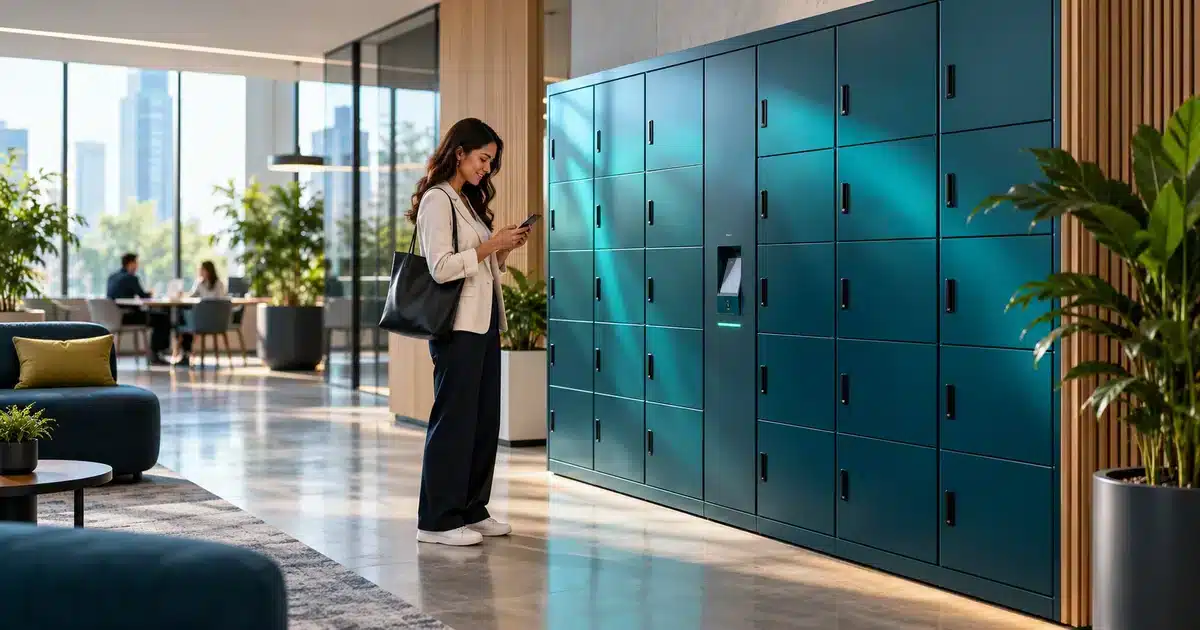
Hybrid working without the manual locker admin.
Explore the workplace deployment and its configuration in the published customer evidence.
Explore Vpod evidence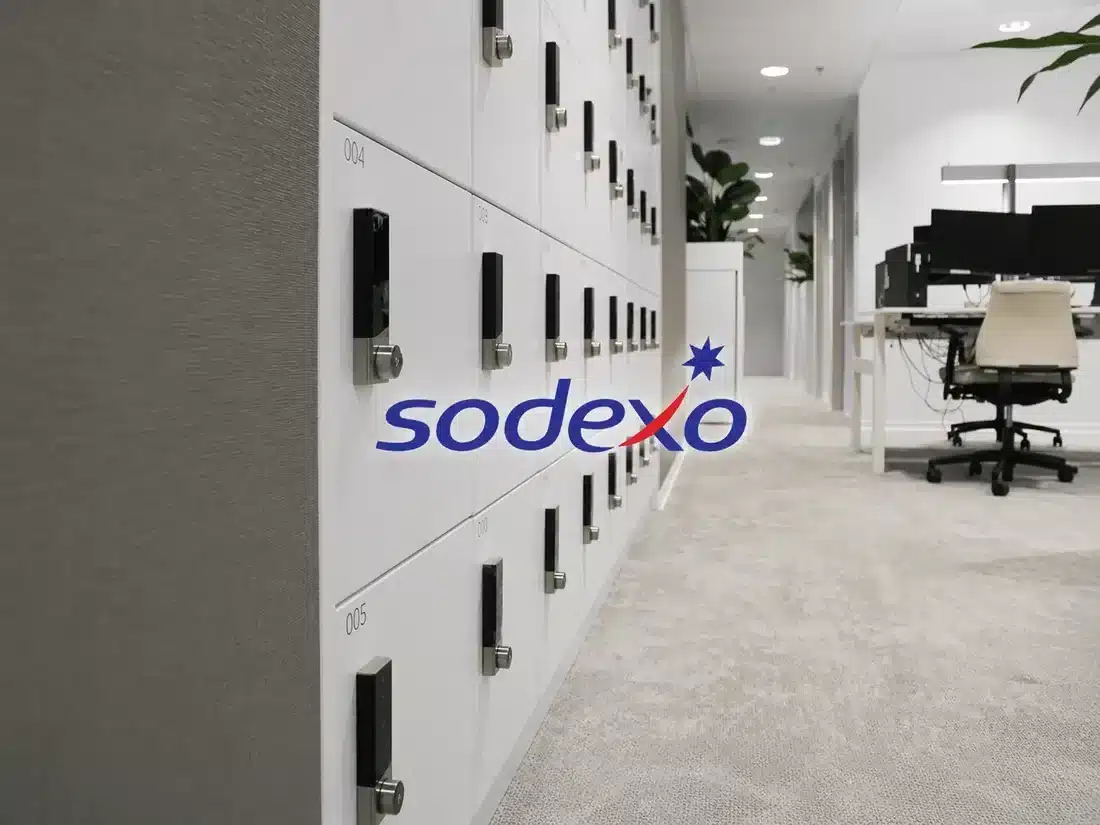
Sodexo
Branded workplace locker deployment. Request measured operational results when evaluating a comparable project.

Ostello Bello
Locker doors; the original page also reports €18,000 revenue in eight weeks.
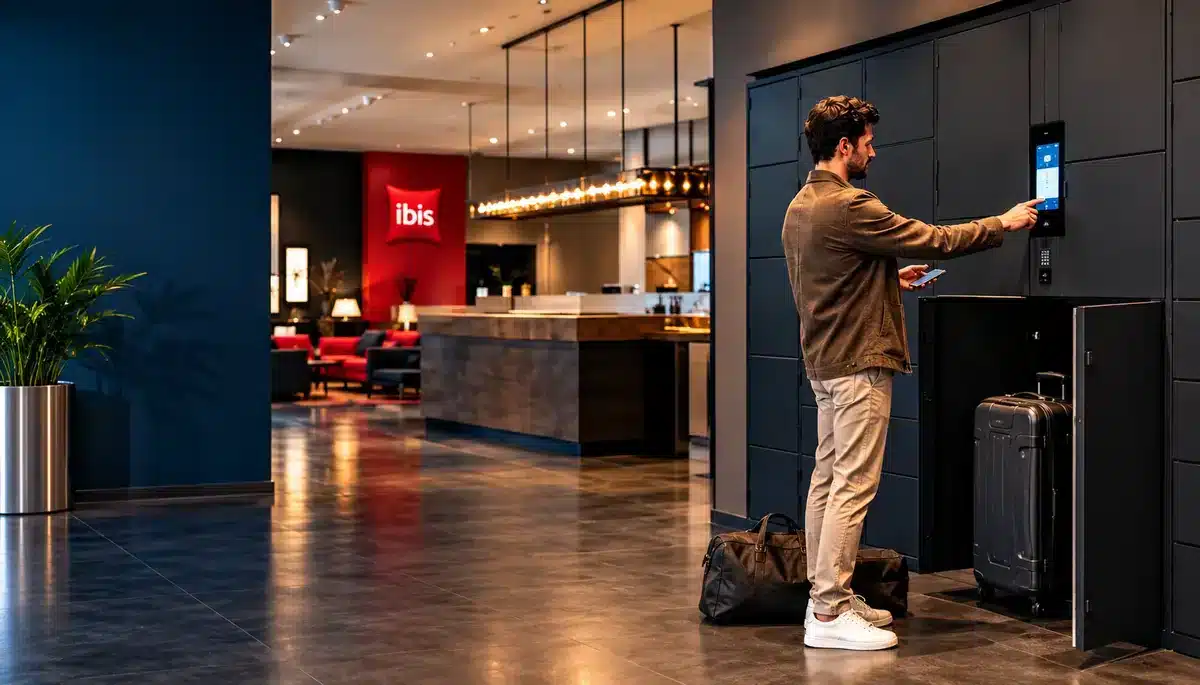
Ibis Geneva
Guest transactions cited on the original page, across 29 locker installations.
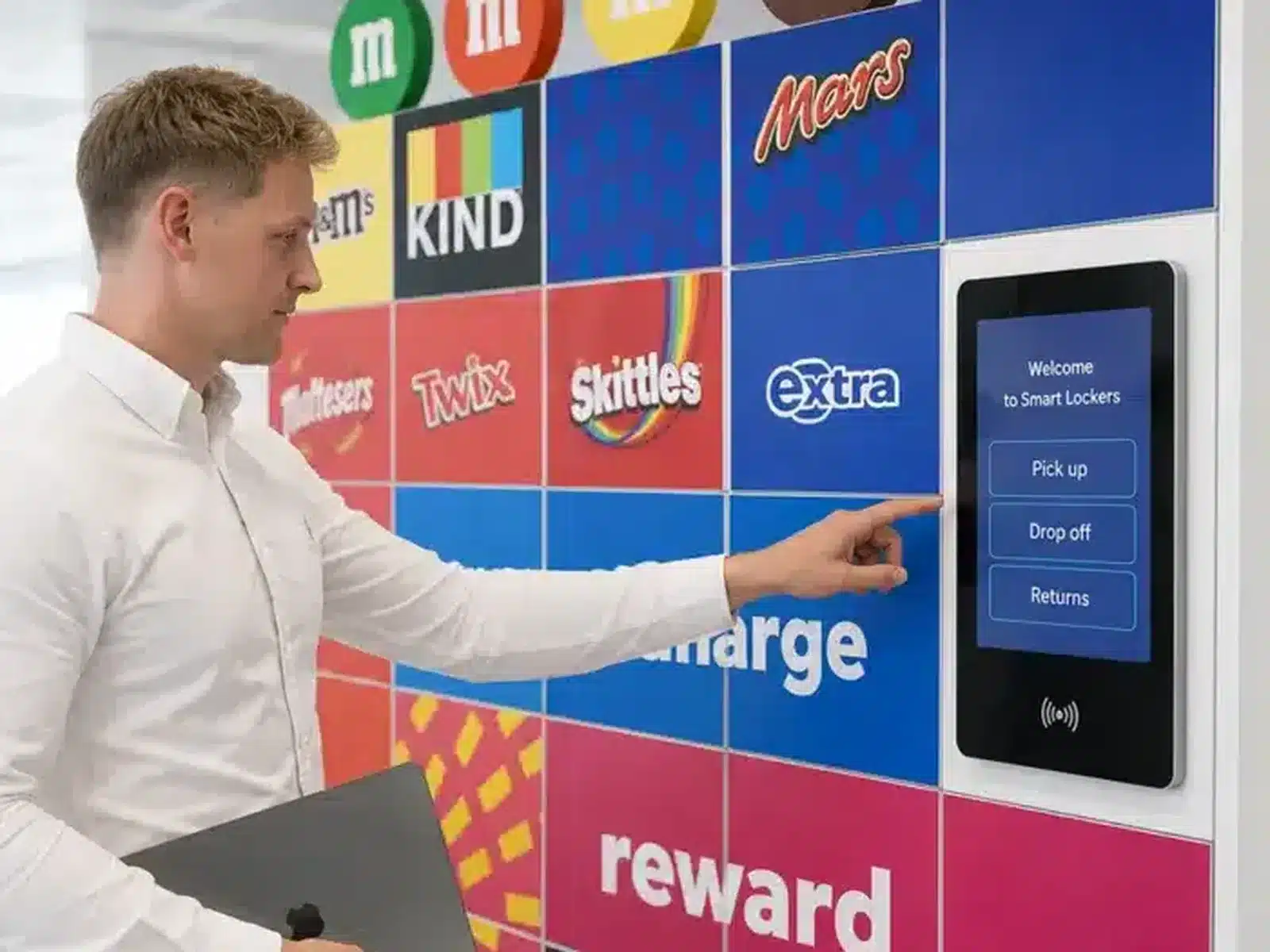
Mars
The earlier page cited a 75% reception-administration reduction. This specific percentage is not confirmed in the global IT-asset deployment case study; verify its source before public use.
Figures reflect claims visible on the live original page when reviewed; confirm the supporting case studies and measurement definitions before publication.
Smart locker guides: choose a decision, not a generic article
Use specialist guides for detailed questions. This page remains the commercial smart locker hub, while each guide explores a distinct buying or technical decision.
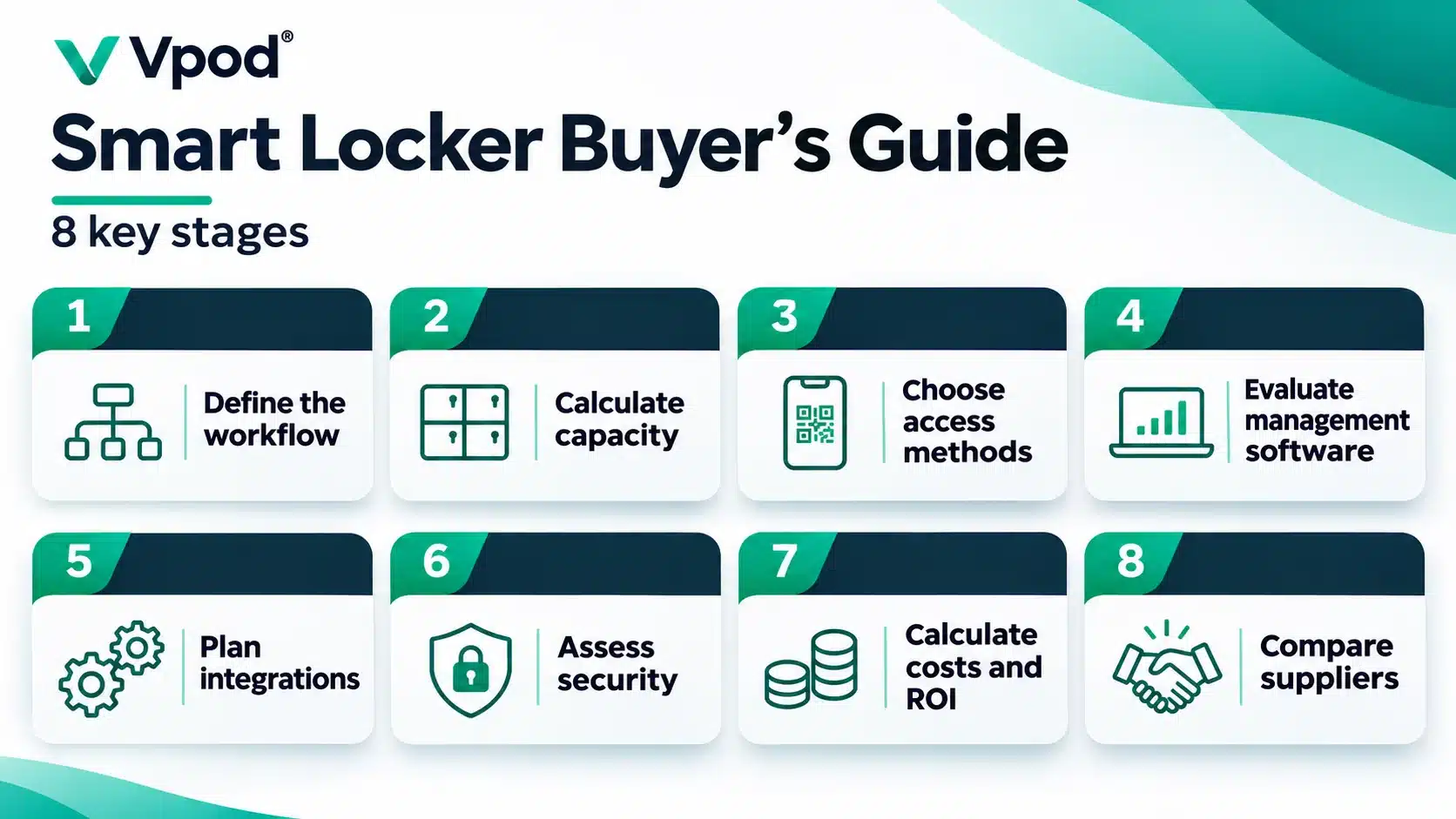
Smart Locker Systems: UK Buyer’s Guide
Compare workflow, sizing, access, software, security, supplier support and procurement criteria.
Smart Locker Software Explained
Understand cloud allocation, digital access, administration and management.
Network Requirements
Plan power, Ethernet, Wi-Fi, approvals, continuity and offline behaviour.
Smart Locker Accessibility
Evaluate approach space, screen interaction, credentials, allocation and practical user testing.
Replacing Traditional Lockers
Audit estates and decide what to retain, refurbish, retrofit or replace.
Smart Locker Pilot Project
Test adoption, utilisation, throughput, exceptions, reliability and support before scaling.
Explore the smart locker research library
Go deeper with the guides, technologies, integrations and evidence that support a confident smart locker decision.
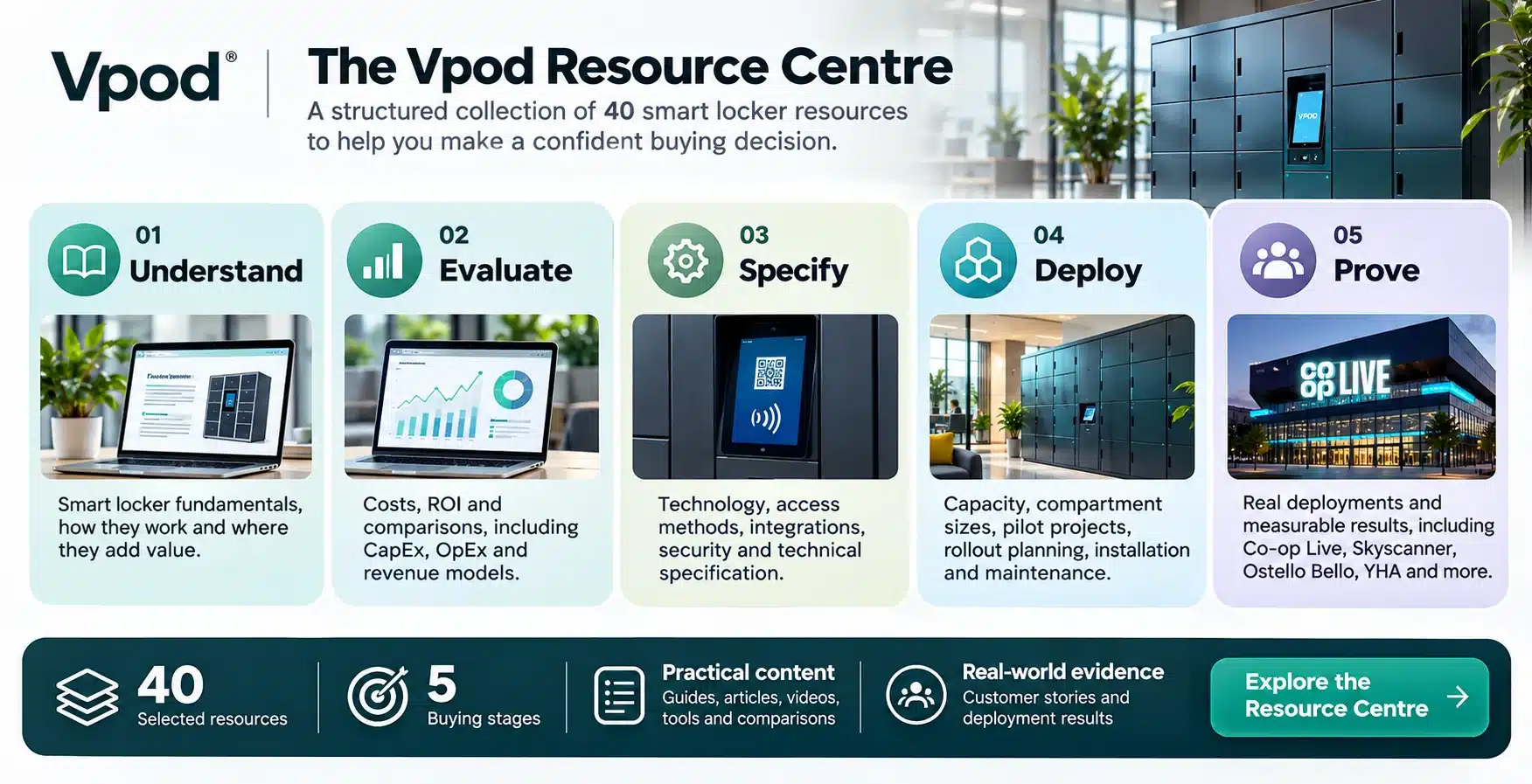
40 Essential Smart Locker Resources
Explore the buying journey from understanding and evaluating to specifying, deploying and proving value.
Explore all 40 resourcesVpod Knowledge Centre
Find smart locker guides, comparisons, customer stories, videos and practical advice by topic or operational challenge.
Discover the Knowledge CentreSmart Locker Technology Library
Explore locker hardware, access credentials, security, management software and connected technologies.
Explore locker technologySmart Locker Integration Library
Connect identity, workplace, service-management, parcel and building systems through defined integrations.
Explore integrationsWhat buyers ask before they commit.
Answers to common smart locker procurement questions, supported by links to detailed Vpod guides, deployment evidence and technical resources.
The buyer’s guide is the better next step if you want sizing, software, access, workflow and supplier questions in one place.
Read the UK buyer's guide ↗What is a smart locker?
A connected, electronically controlled storage compartment managed through software rather than relying only on a physical key. Explore the smart locker technology guide and the UK buyer’s guide for system specifications.
How do smart lockers work?
Users authenticate with a configured credential to open an allocated compartment while the system manages permissions, events and reporting. See how a smart locker system works and the integration options for connected workflows.
How do smart lockers differ from traditional lockers?
They can support digital access, flexible allocation, operational workflows and central visibility. Compare the approaches in Vpod’s smart locker comparisons and review the technology differences.
Who uses smart lockers in the UK?
Offices, healthcare, retail, education, industrial sites, hospitality, venues and public-facing environments. Explore locker applications by industry and solutions by workflow.
What is Vflex?
Vpod’s modular smart locker range, powered by the Keynius management environment. See Vflex cabinet constructions and the technology guide.
Are Vpod smart lockers cloud-managed?
Keynius supports central management, configuration and reporting for connected sites. Explore smart locker software and the integration library to assess your configuration.
Can one locker wall support multiple workflows?
Yes, where configured to do so, a wall can support more than one user group or handover process. Compare relevant locker applications and multi-workflow integration requirements.
Can lockers be used indoors and outdoors?
Vflex includes indoor models and Rain options for appropriate outdoor or semi-outdoor environments. See the cabinet and technical options and industry-specific applications.
Can permissions vary by user or time?
Access rules can be configured by user, location, group and permitted time as supported by the selected software scenario. Review smart locker access technology and identity integration pathways.
Can cabinet finishes and branding be customised?
Material, finish, colour and compatible accessory options can be specified for the project. Compare cabinet material options and completed installations.
How long does installation take?
Timeframes depend on cabinet quantities, integrations, site readiness and delivery requirements. Use the smart locker pilot guide and UK buyer’s guide to plan the scope.
What support is available?
Scope discovery, configuration, installation, training, hardware and software support requirements with Vpod. Review smart locker maintenance and support, and confirm project-specific responsibilities with Vpod.
How is pricing determined?
Price depends on cabinets, door count, software, accessories, integration, installation and ongoing support. See the UK smart locker cost guide and procurement checklist.
Can the system support multiple locations?
Central software can manage permissions and reporting across multiple connected sites, subject to the agreed architecture. Explore the Mars multi-country deployment and multi-site buying considerations.
How to choose the right smart locker system
Request a configuration-specific demonstration and a written scope covering physical hardware and the complete operational workflow.
| Decision | What to confirm | Detailed resource |
|---|---|---|
| Use case & sizing | Who uses it, peak demand, compartment dimensions, distribution and accessibility. | Buyer’s guide |
| Access & security | Credentials, permissions, logs, administrator roles and recovery procedures. | Technology Library |
| Software & integration | Allocation, utilisation, APIs, identity, workflow events and reporting. | Integration Library |
| Site & resilience | Power, connectivity, installation, outage behaviours and service ownership. | IT readiness |
| Commercial case | Hardware, licensing, installation, integration, maintenance and whole-life costs. | Procurement framework |
| Deployment risk | Pilot criteria, acceptance tests, training, support and measured outcomes. | Pilot planning |
What Vpod should demonstrate
- A realistic deposit or collection journey
- Fixed and dynamic access rules where configured
- Administrator visibility and exception handling
- Project-specific integration and network requirements
- Accessible allocation and support provisions
- Implementation, maintenance and lifecycle responsibilities
What to send Vpod for an accurate proposal
Describe your users, expected volumes, site dimensions, access methods, reporting needs, integration dependencies and preferred timescale.
The result: a project scope that includes cabinets, workflow, software, implementation and service responsibilities.
Find the right smart locker system for your operation.
Tell Vpod about your location, users, storage items, existing systems and expected volumes. Review a deployment approach tailored to your workflow.